This is a little plugin (less than 10 lines of code) that automatically adds a paint layer if only a single background layer exists upon opening an image.
Hope it’s helpful for those like me who is really annoyed not realizing you’re drawing on the background until you use the eraser.
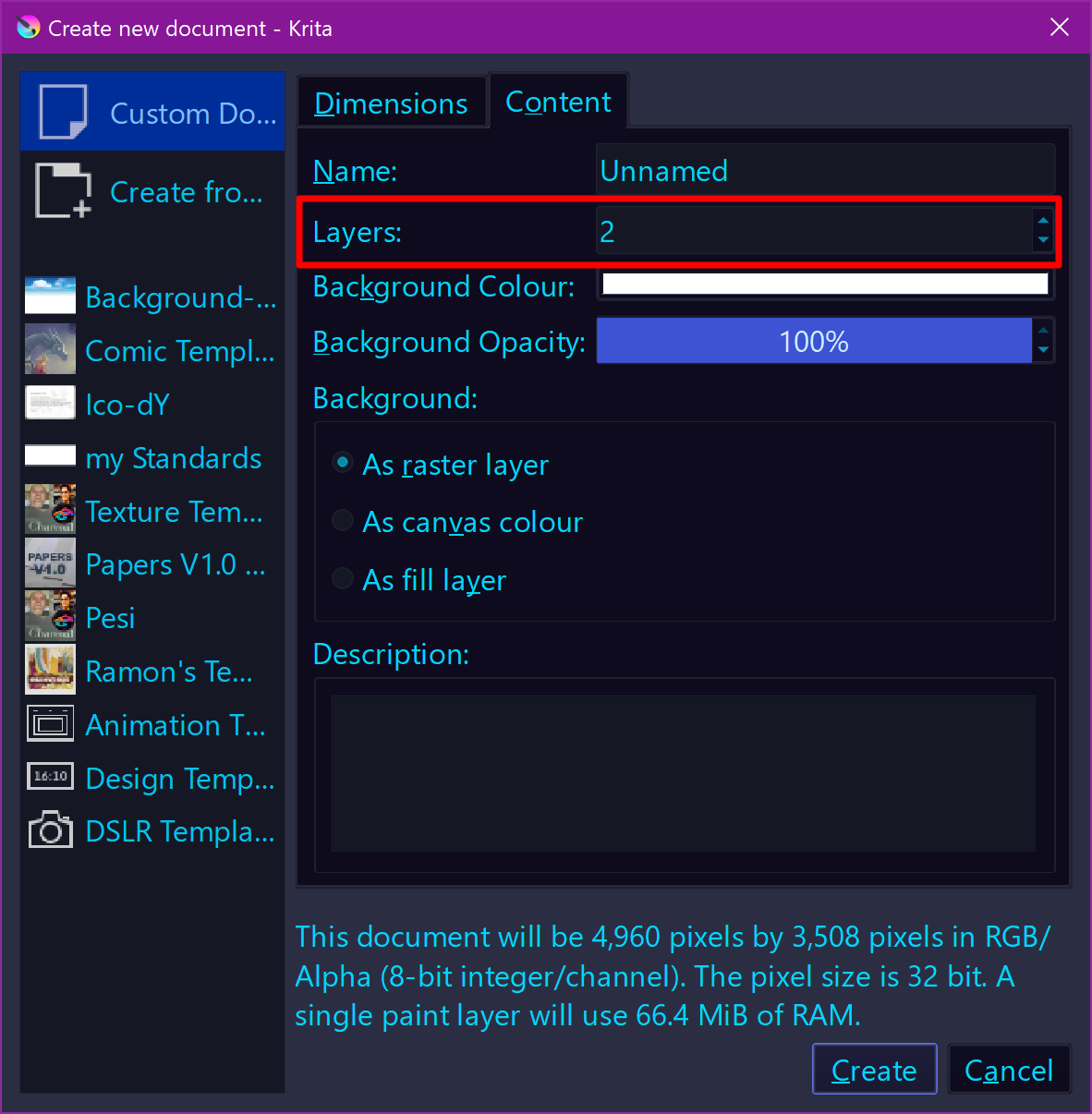
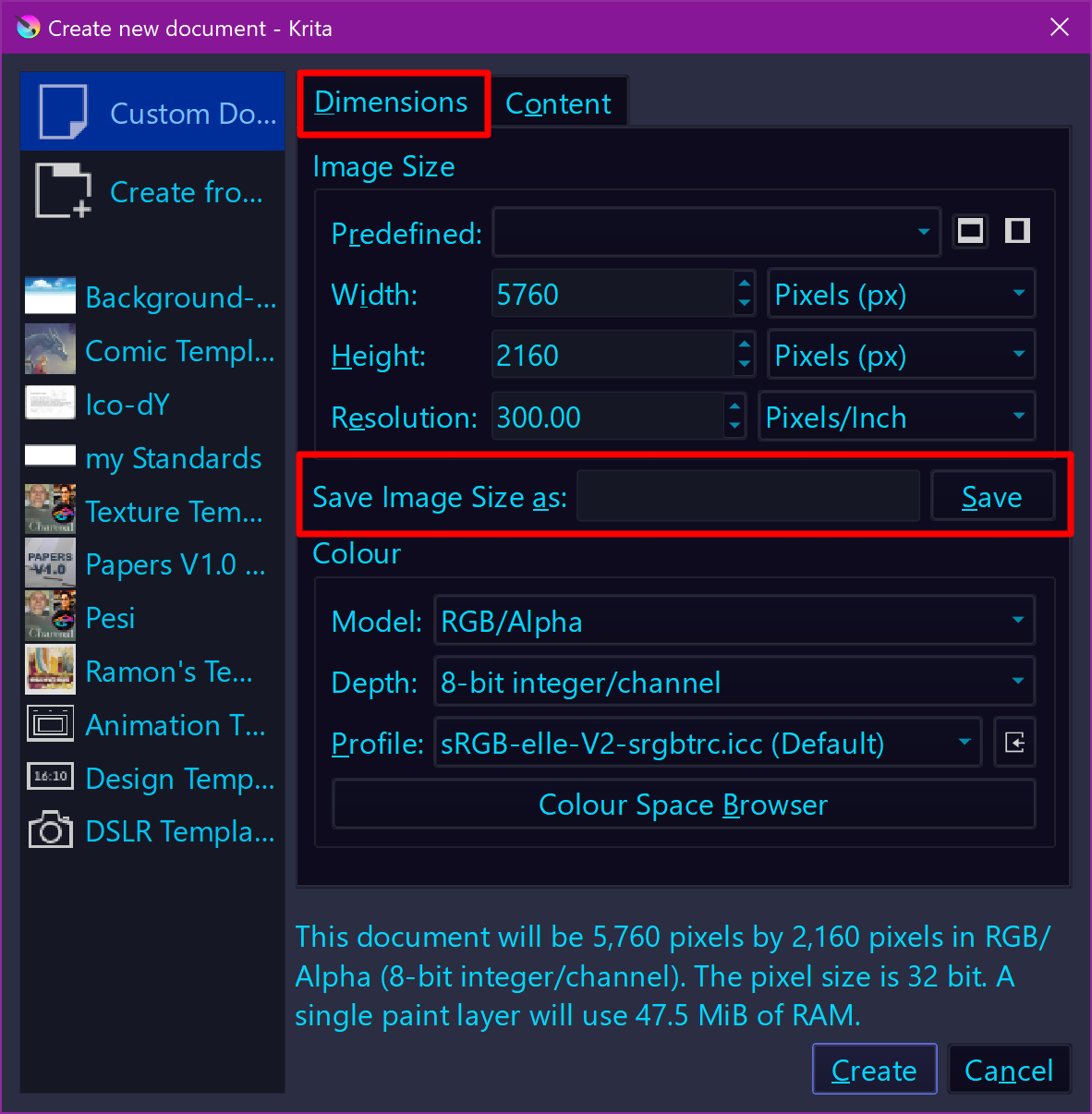
But you are aware that you can preset this behavior in Krita’s File → New ... Ctrl+N dialog?
In the dialog window Create new document under Custom Document in the tab Content
When you create a new document, in that dialogue there is a second tab where you can configure the content of new files. You can add layers there and every new file will have this structure. No plugin needed
We usually associate Background Layer with the layer created by Krita via that file new dialog. And since most of us don’t do image manipulation but paint, we seldom see this happen, but you are right, when importing such formats you named, they will be named Background Layer too, and if you had said it from the outset, we had understood your concern to create this nice little plugin.
So, for your use case, it is a neat solution!