Apparently it’s possible to use the palette colors already, like border-color: palette(button-text); see PaletteRole in Qt Style Sheets Reference.
But of course there’s no way to modify them.
I’ll think about whether I’m interested in supporting such a custom feature as palette color modifiers, but this plugin isn’t a priority for me so I’ll probably forget about it.
But certainly you could share your fork of my script and use that, or just generate .qss files with the modified colors for each theme like normal.
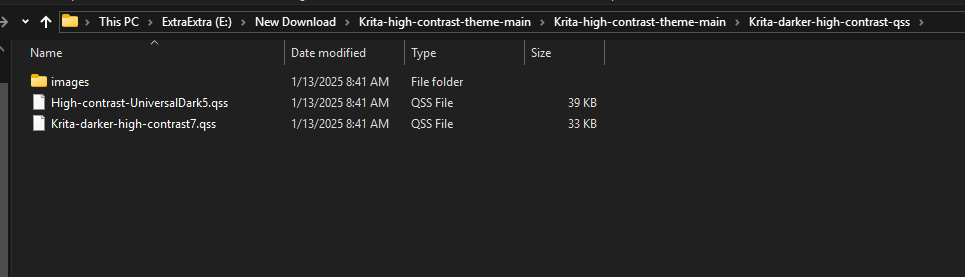
I’m very interested in using the high contrast theme you’ve been posting, but I’ve been encountering an issue where none of the included icons (the ones in the images folder) are appearing when the style is active.
I’m using Krita 5.2.6 on Windows 10, using the “style-sheet-loader-extension-ColorModifier” fork. Unsure if it’s relevant, but I’m on a 1920x1080 display with HiDPI support disabled.
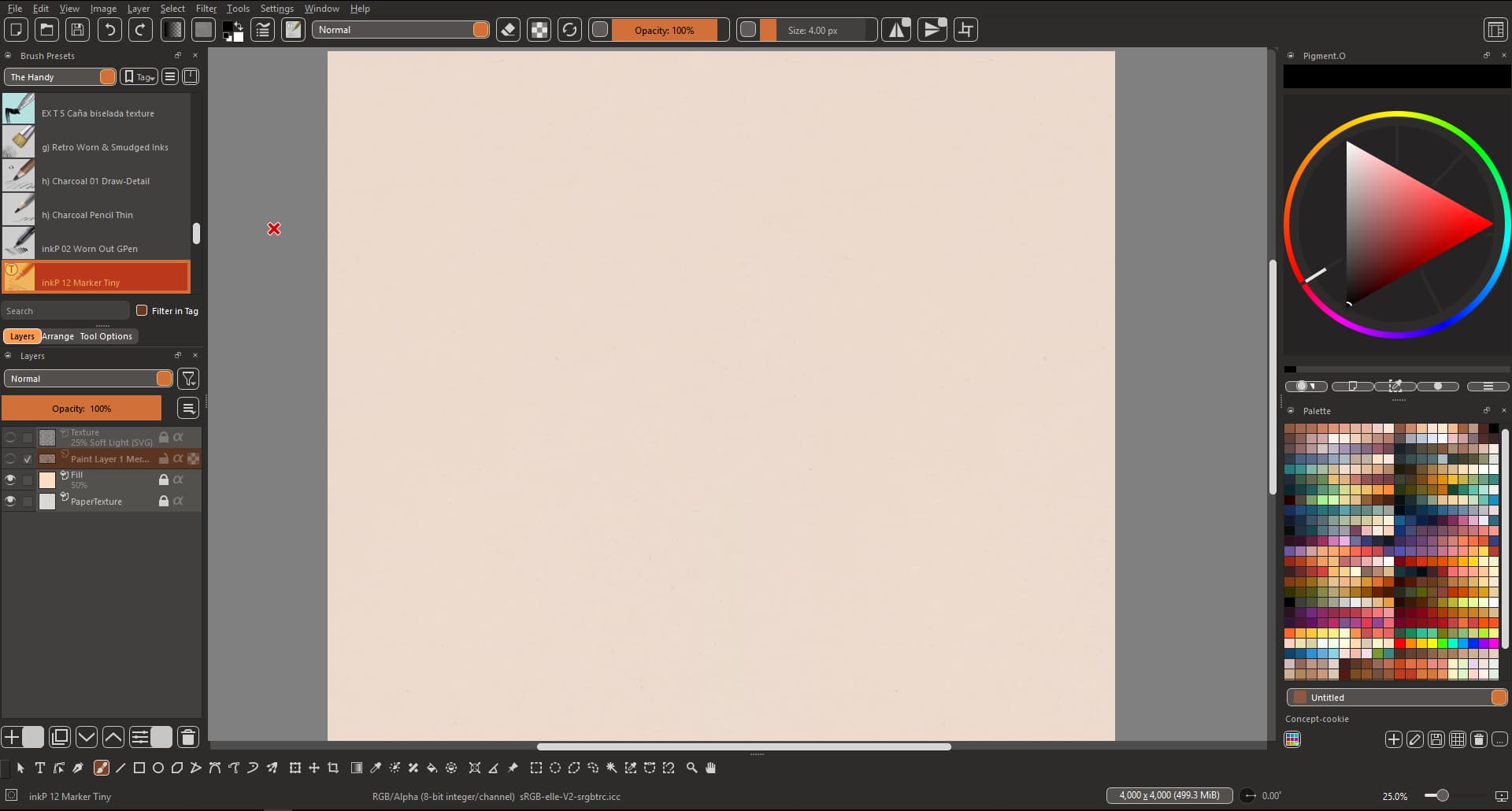
Here’s what my Krita interface looks like with the style applied (using ‘High-contrast-UniversalDark5.qss’) :
Why are the guides so vague? I copied a script for changing the scrollbar colors, and it said to use stylesheet loader. That’s it, nothing specific. I installed stylesheet loader. I used the Scripter to create a scrollbar script. But I don’t know how to have it automatically load when running Krita.
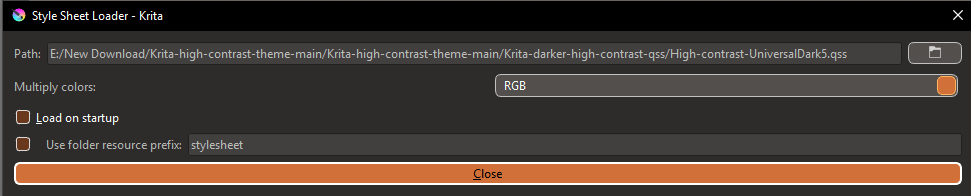
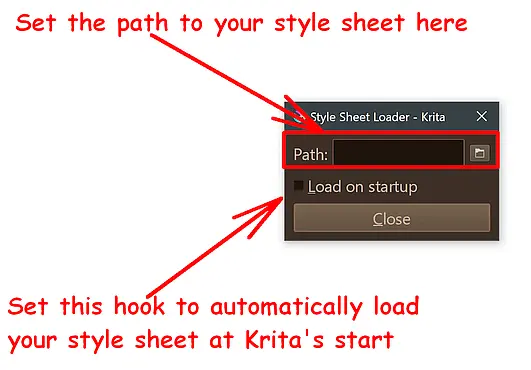
I can understand having issues to understand it, and how it works. You will find the following dialog in Krita under “Tools” → “Scripts” → “Load Style Sheet”, I hope the screenshot will help you understand it:
In case of more questions, I guess that @freyalupen will be able to help you further.
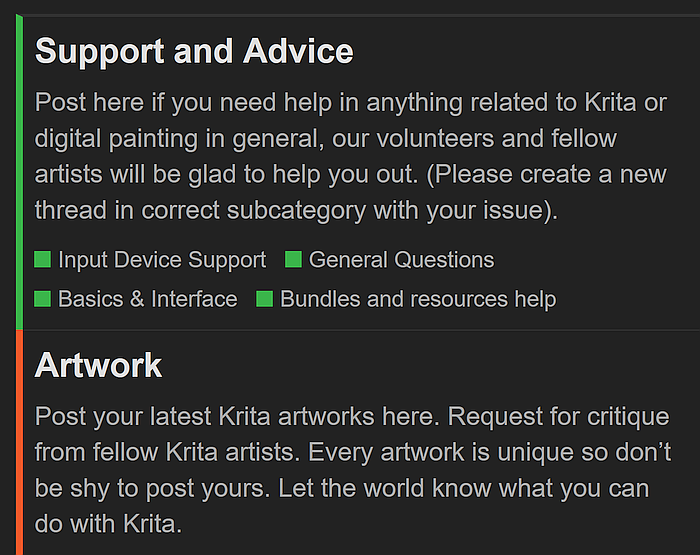
But I can not understand, that you ask your question in the complete wrong category. There were two possibilities where you could have asked, the better option would have been the topic of the plugin or script your question is about, the other suboptimal possibility would have been the General Questions category of our Support and Advice area.
Please try to choose better fitting categories for our requests in the future, this helps to reduce the needed administrative maintenance amount and therefore the work for the moderators, admins and regulars who have to take care of it.
To choose a category, you can read the descriptive headings and opening paragraphs, these describe in short what for a category is meant.
As you can see, every category has a description for what it is meant:
That option doesn’t let me use a .py file. That is what I was told to create for the scrollbar color script. Unless I’m supposed to convert the file into a format that the stylesheet loader can load?
Also, regarding the wrong category, that’s something you’d have to ask the admins. I could not post on Support and Advice. Edit- Oh I see I was supposed to choose a subcategory.
Then ask the person who created the script, because how are we, the ones you asked, supposed to know what script it is if you don’t tell us what it’s called, where you found it or who made it. And you have only just now revealed its format, which is information that we need from the outset in order to be able to provide targeted support and not have to rely on guesswork.
About the right place. Basically, you should ask in the topic where the plugin/script comes from, but sometimes a topic can be closed, for example if the plugin/script has not been published under the Plugins category. This can happen especially with experimental scripts/plugins or scripts/plugins that are still under development. Then it is okay to first ask in our support area, and probably such a question will then be merged with closed topic.
But you can always PM the administrators and moderators and ask for re-opening such a topic. You also could have PM’ed the script or plugin author, but that is not the optimal solution, because support via PM is lost information for the public.
Okay here is the code. This is how to change the color of the scrollbars of the canvas. I found if from here: Changing the color of scroll bars - #2 by freyalupen
They don’t specify a format to save it as. Besides, the Scripter only lets you save the file as a .py python script. I guess I could PM that person how they managed to get Stylesheet loader to load a .py script which seems impossible at the moment.
from krita import *

stylesheet = \
"""
QScrollBar {
    background: #00ff00;
}
QScrollBar::handle {
    background: #0000ff;
}
"""

qApp.setStyleSheet(stylesheet)
Simply change the file name extension from *.PY to *.CSS, as @freyalupen wrote “you can test it in scripter”, but you could have also put it into a text editor and save it as *.CSS after your test was successful.
So, if you changed the extension, you can hand it over to the dialog of my screenshot, then it should be accepted and loaded, I guess.
I tested the script, it definitely works using the Scripter. However, saving it as CSS means the Stylesheet loader cannot load it. It only accepts QSS and TXT files. It does detect the QSS and TXT files but the script doesn’t work.
I did. The script doesn’t work, or doesn’t load. As I said, it only works from the Scripter. Stylesheet loader doesn’t like it. Maybe you could test it from your end?