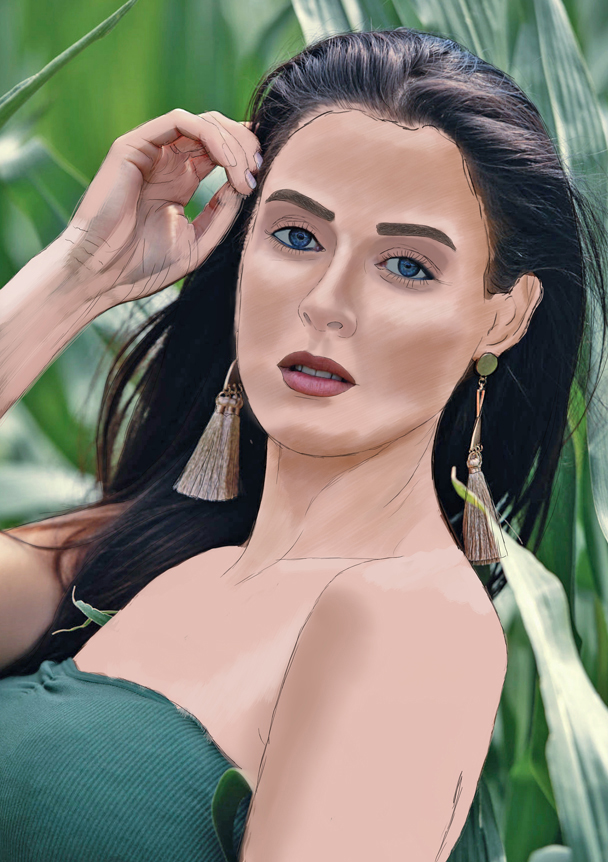
I am working on another Krita portrait painting and am using the actual photo directly below the art as a guide. This work in progress I am uploading does show elements of the photo portrait I am not using. I haven’t mastered the task of selecting, copying and pasting to move elements (like the eyes or nose). Member Manga Tengu has been helping me as I have contacted him about his portrait art done on Krita.
I want to add detail in the skin that shows the pores of the skin and so far, an airbrush with noise has helped me to achieve some detail.
Has anyone created the pores using “Scatter” as in the Krita manual? I plan to try it soon. - George