I do like your inherit alpha Icons @tiar.
I was about to make my own mock-up, but I think I can best illustrate my points using Affinity. In this discussion, I see some changes being proposed that could be detrimental to those who use inherit alpha, but that’s not needed. In fact, there doesn’t even have to be a button for clipping masks at all! Affinity doesn’t have this and Krita doesn’t need it either. The inherit alpha button could stay the inherit alpha button.
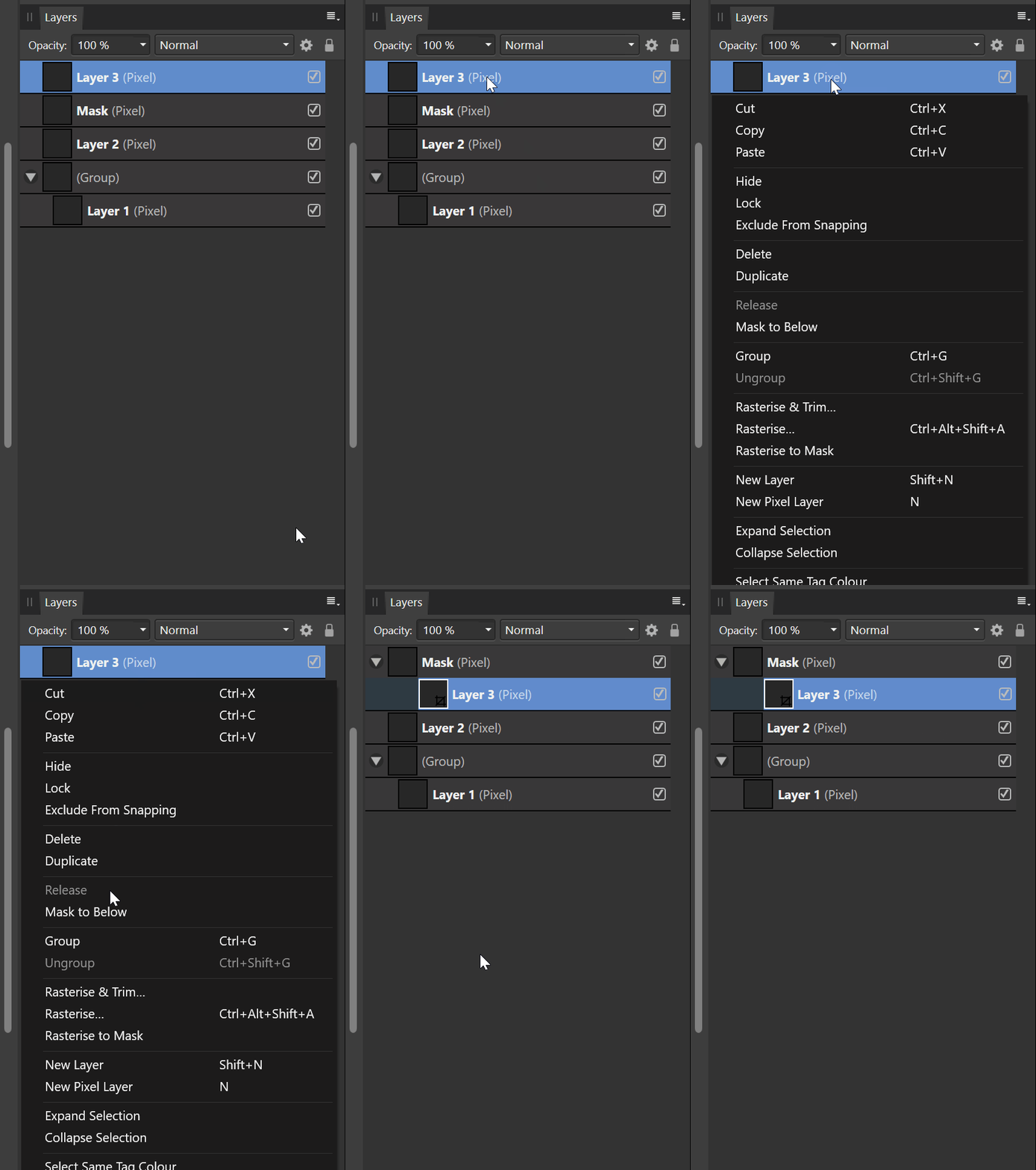
So to illustrate my 5 ‘requirements’ for clipping masks:
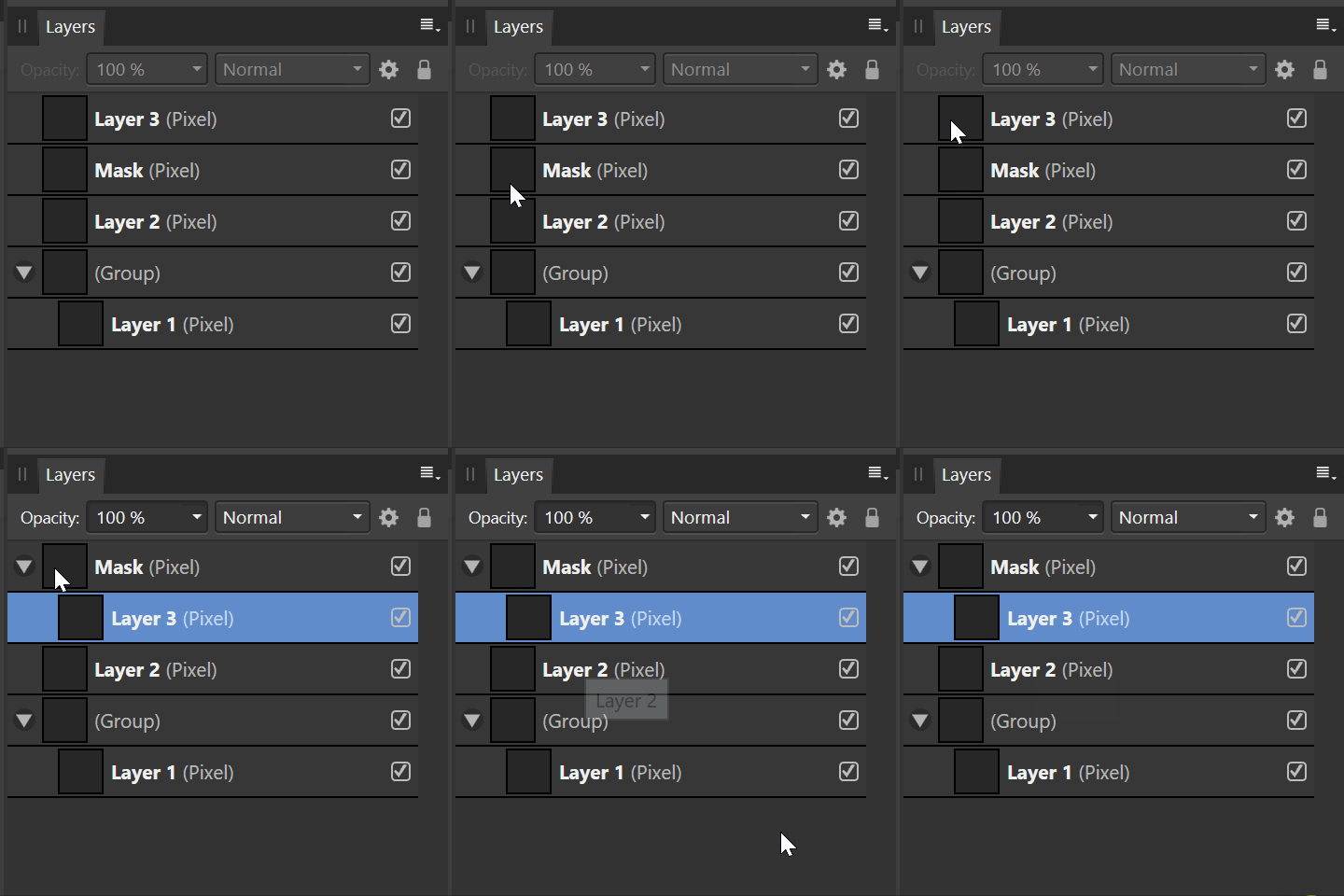

PageUp is used for this in Affinity
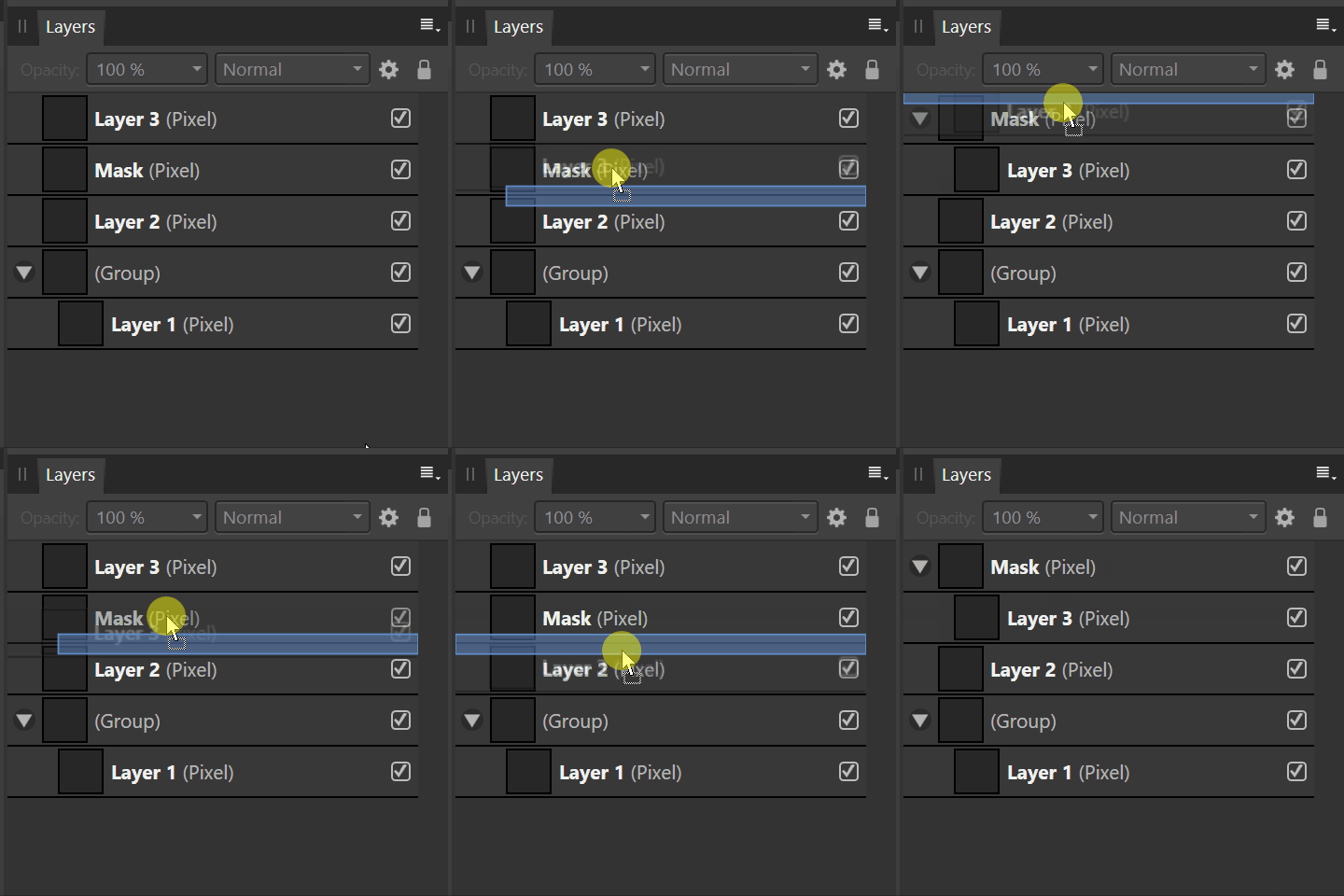
In Affinity, you don’t really need to use any modifier key, it indicates whether a layer is placed with indentation (i.e. it is clipped by the mask above) or that it is placed below a particular layer.
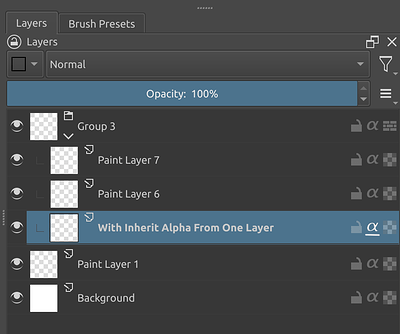
This can only work, I think, for files that use inherit alpha on just one layer, which corresponds to@Tiar’s mock-up for single layer inherit Alpha:
But, what I am missing is the way a clipping mask should work as top-down arrangement. So you start with the clipping mask on top, this layer affects the layers below and should therefore be treated as the ‘parent’. Then any layer below, the ‘children’ should be indented. I know the black and white colours are the other way around for masks, but this video really shows how flexible it is with vector + raster (the mask is a vector rectangle, the layers are pixels).
This way of organising layers and using clipping masks — which I need to do a lot in — is the main reason why I bought the Affinity suite. It’s such a charm working this way. Especially considering the mess Adobe made it to be in Illustrator and Photoshop.
You can also nest clipping masks of course, in which case layer 3 becomes a mask.