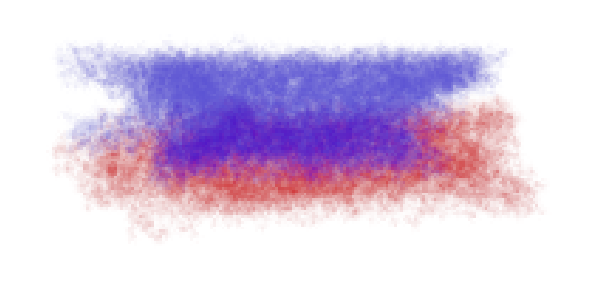
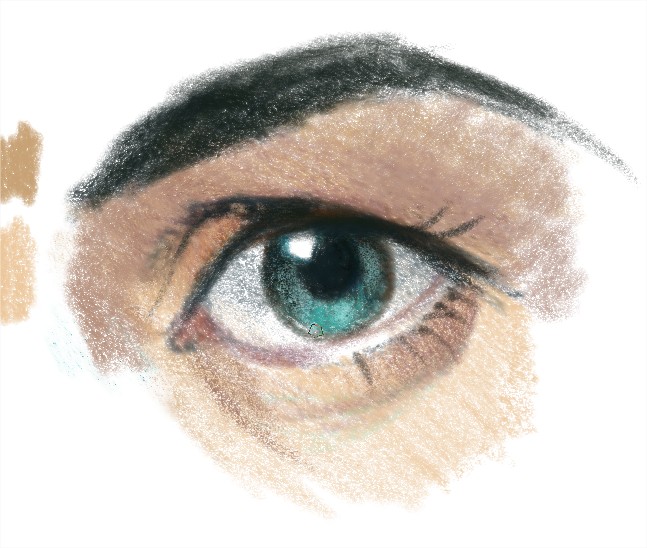
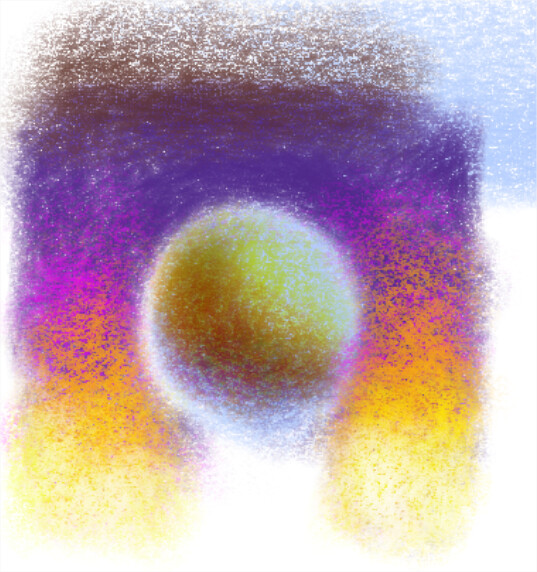
I’m using Krita for a short time, to see if I can work with it using my pen display. I love to use watercolor brushes or colored pencil brushes. I just created a prismacolor 150 count color swatch for krita. If you ever use colored pencil, you probably know as long as you build up your layers, colored pencil will blend on their own. I want to create this blending in my work, but I can’t see to keep the colored pencil texture. Every blender I use is actually blurring the layers together so it seems a smooth blend that just looks…well…eehm…digital.
I tried using different paperlike backgrounds, textured brush tips, but I just can’t seem to get it right. Anyone knows what I mean, and can point me in the right direction, or have a blender that keeps the textures?
Hi. Yes, I kind of understand what you mean. I almost never use any blending brushes because they always make the area blurry and yes, digital. What I try to do is to use brushes that blend well by themselves. They are usually the wet ones. But if you can not chanche the brush engine, what I would do is to reestablish the texture with a layer or mask with the same texture of the brush, in an overlay mode. You can apply that texture to a particular area, and the results are good. That’s kind of a brute force solution, but is the only one I know for the moment. Maybe someone else have a better solution. Cheers.
Doesn’t a coloured pencil work by depositing small ‘flakes’ that are translucent and adhere to the material you’re drawing on, which may be a layer of previously used colored pencil?
If so, maybe some adaptation of a texture spray with Normal blending but the layer opacity reduced to show the colour underneath?
Correction: I meant Brush opacity at a reduced percentage … something like that.
Hi, i was testing the pencil styles time ago, but i didn’t see too much interest and other things were more in a hurry, but this is a test i think i published time ago.
As colored pencils are a “build up” technique, we can use the darken blending mode in brush blending mode. Reall y interesting blending mode if we use it this way. Let me know if that helps
 can have a solution for a blending brush with color pencils texture.