How do I create sharp edges? I already pay attention to videos relating to that concern but none of them are helpful (using ink pens, brush settings, etc.), I also need to make sharp edges on canvases lesser than 2000 width/height (e.g 1280x720)
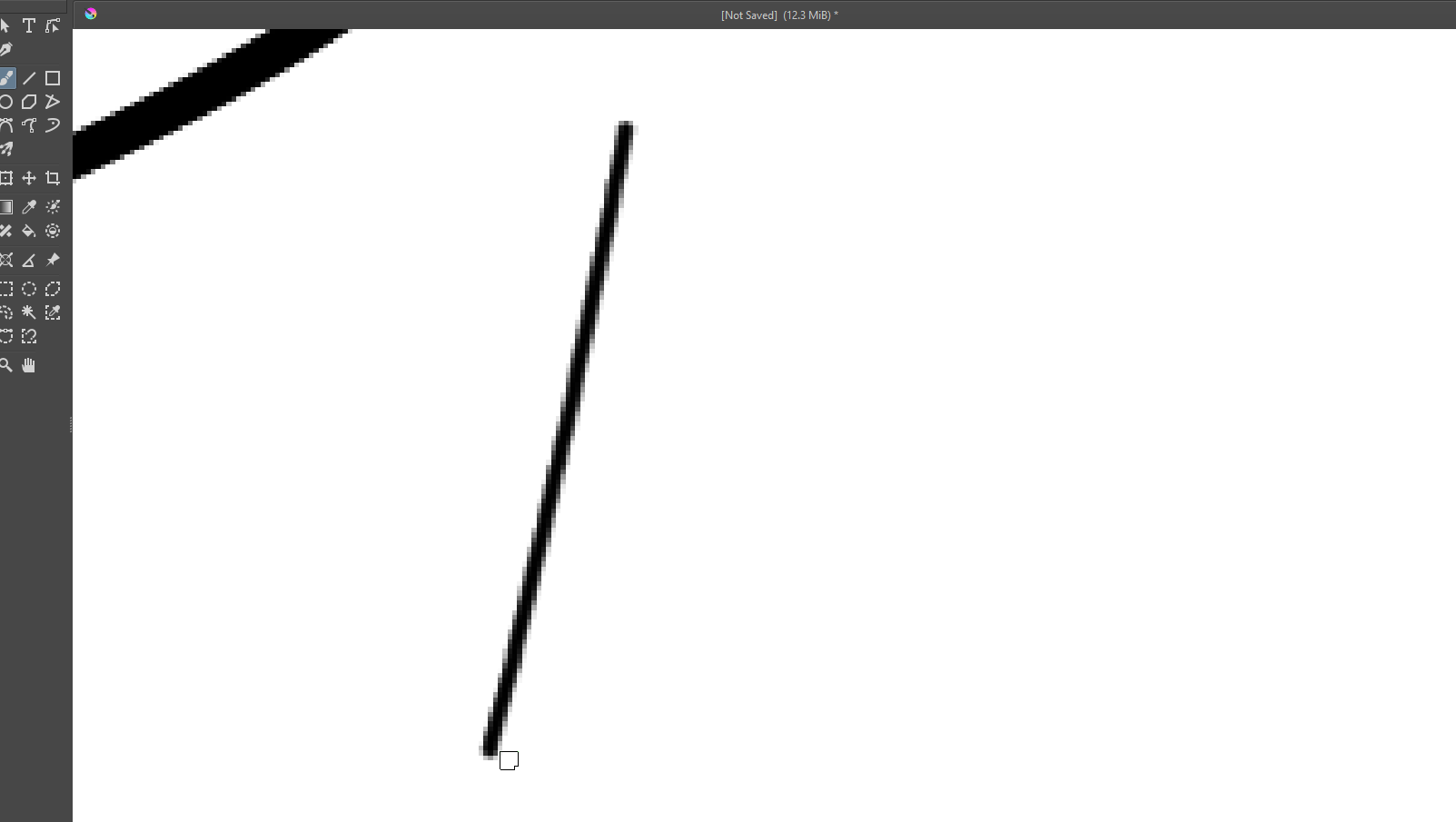
I guess the question here is how deep you zoom in into your canvas, because from a certain grade of magnification it can not be avoided to display a stroke with artifacts. This may not be so strong noticeable with fully vertical or horizontal lines, but anything that goes diagonal, even slightly, will soon show these artifacts, and that is absolutely normal.
Take a magnifying glass or maybe your cell phone with magnifying glass function and take a printed magazine to look at the printed pictures, from a certain point of magnification on these will also look pixelated, that is simple physics since pictures on a monitor or those printed in papers or magazines are based on very tiny dots, the so-called pixels, they aren’t a continuous stream of color, but you can only see it with lots of magnification, or from very short distances.
We already have tons of topics on this non-issue in the forum, our forum search should give you lots of results, it is the magnifying glass symbol in the upper right corner of the forum pages.
To be able to give a correct statement on this, we would need a full screen screenshot from your work with the magnification that supposedly feels to be an issue. Do not cut of anything that belongs to Krita’s window, we need it complete with status bar and title bar and anything else.
By the way, for screenshots, it is usual to have the Tool Options Docker drawn fully open and viewable and the layer your work is on should be selected and visible in the Layers Docker.
Michelist
I am not usually active in this website, that’s why I’m in a rush
I want to recommend you avoid zooming into the canvas much greater than 100%. Unless you are making pixel art or for some reason fixing individual pixels near an eye or some critical detail area, I don’t think it’s beneficial. I’ve been trying to practice this for some months and I think it has been a benefit.
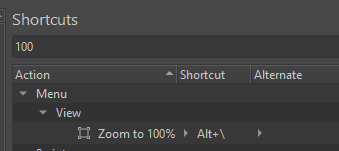
I use this action all the time to see what my picture looks like at 100%
Another option may be to to work at resolution double that of the target, and when the piece is done you scale it down by 1/2. I don’t practice this personally.
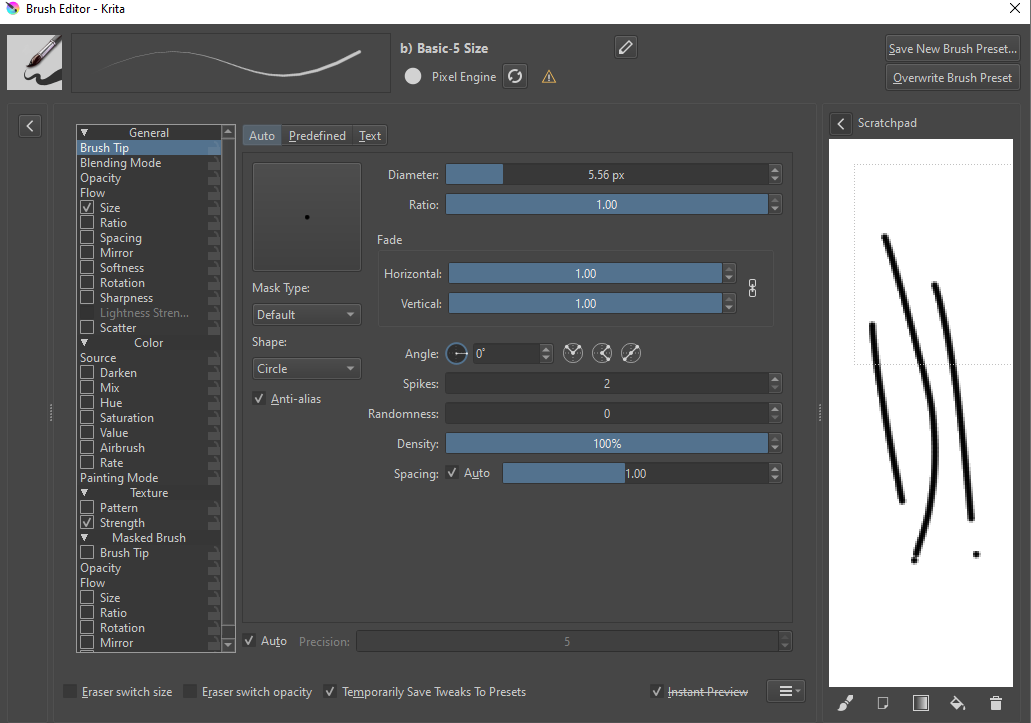
If the brush itself is producing blurred lines, then try and find one that makes cleaner lines, or adjust the settings in the brush editor until it looks better. Look in the general/brushtip section. If it’s predefined brush and the brushtip is too low resolution it can produce blurry strokes. I don’t think that is the issue here based on your screenshot.
Applying a sharpen filter may also be appropriate in certain situations, and ideally enhance an image, but excessive sharpening can introduce artifacts.
1 Like
No problem. It is common practice here to make no difference whom we help.
I have time …
What do you want to tell us with that?
If you want quick help, then you are the one who has to enable us in helping you.
But missing information and not answered questions, that were asked for a very good reason, namely to obtain the missing information, are only good to reach the exact opposite of what you are after, you are slowing down the pace on the way to an educated answer.
If you at least had told how you failed so far, we had something to answer on.
If you had named a few of these non-helpful videos, you had helped us already too. Also, only writing in telegram-style, so as short as possible, only mentioning things halfway, doesn’t provide any information at all because we can’t read minds nor are we sitting on your shoulder and saw what you saw, made, did or tried. So how are we supposed to give you an answer that’s better than the one we’ve already given you, without having any information that could be described as useful and reliable?
For example, where is the screenshot we asked for?
What brushes and/or other tools do you use for your images?
As long as you act like a big shot here, you’re in the wrong place. We don’t help those who shout the loudest or behave the most inappropriately. Only those who play along in this question-and-answer game called forum support can be helped in the first place. We’re not miracle workers, but volunteers who spend our free time trying to solve the problems of people who can’t do it themselves but are willing to cooperate. And I decide who I dedicate my free time to. So, if you need help, please behave accordingly - thank you!
Michelist