Hello, I have installed Krita and I’m experiencing an issue with my brushes. The ones that are supposed to be thin at the beginning or end have a uniform size. Can anyone help me resolve this?
I have already checked the brush settings and made sure they are properly configured. I have tried different brushes as well, but the issue persists. By the way, I’m using the latest version of Krita. I downloaded it to see if it would mak
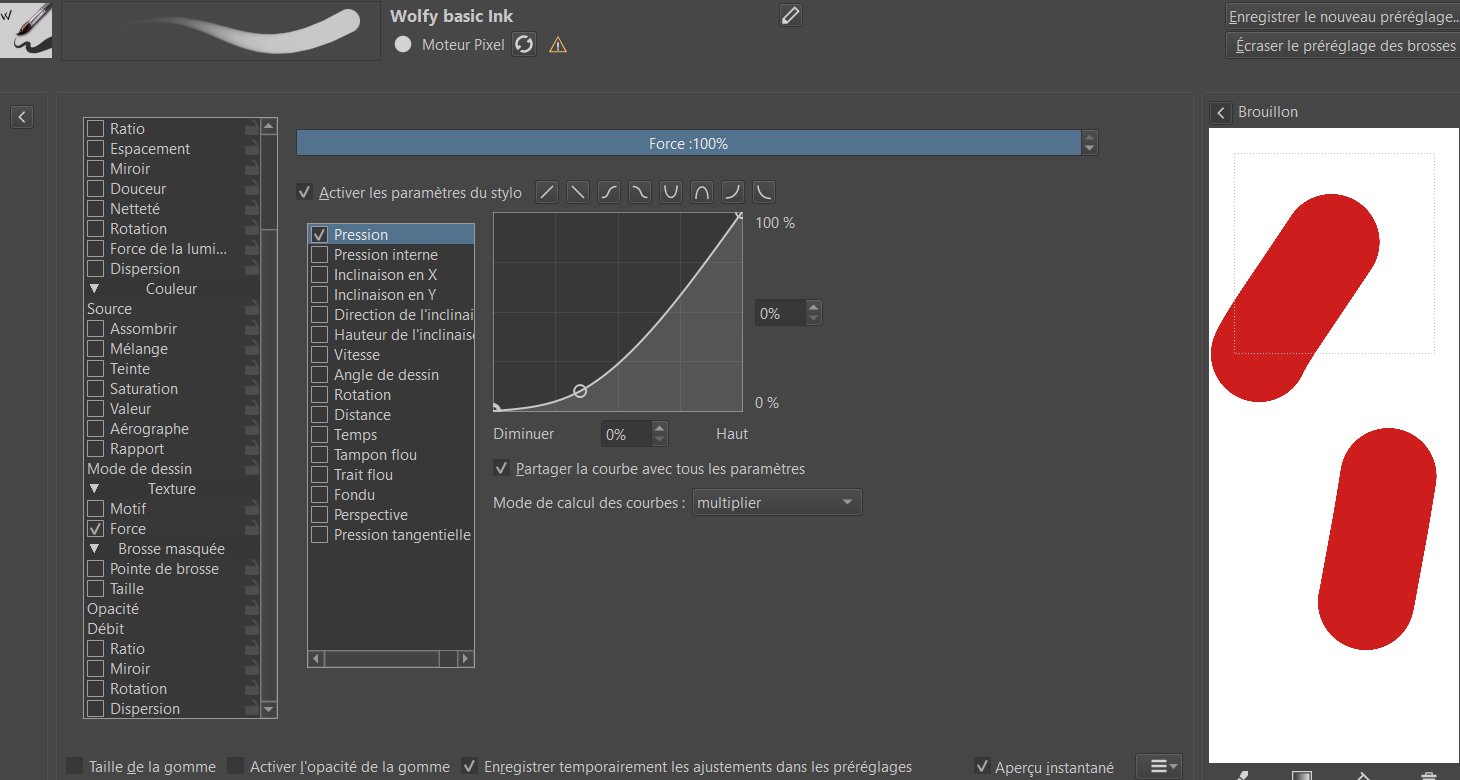
e a difference, but unfortunately, the issue with the brush sizes persists. And I use a stilet and a tablet to draw so its not cause of the click and the pressure accorded to the stilet.
If anyone has encountered a similar problem or has any suggestions on how to fix this, I would greatly appreciate your assistance. Thank you in advance!