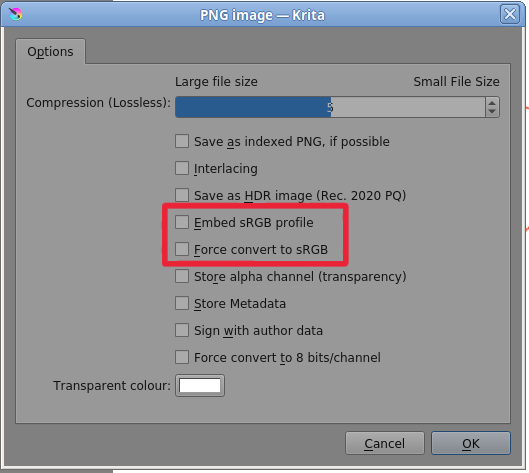
I am not a color expert, but once I published the following text about it on another platform. It is not a scientifically accurate view, but I hope you can still do something with it, I also add two links to very informative categories of Krita’s very informative and well written manual:
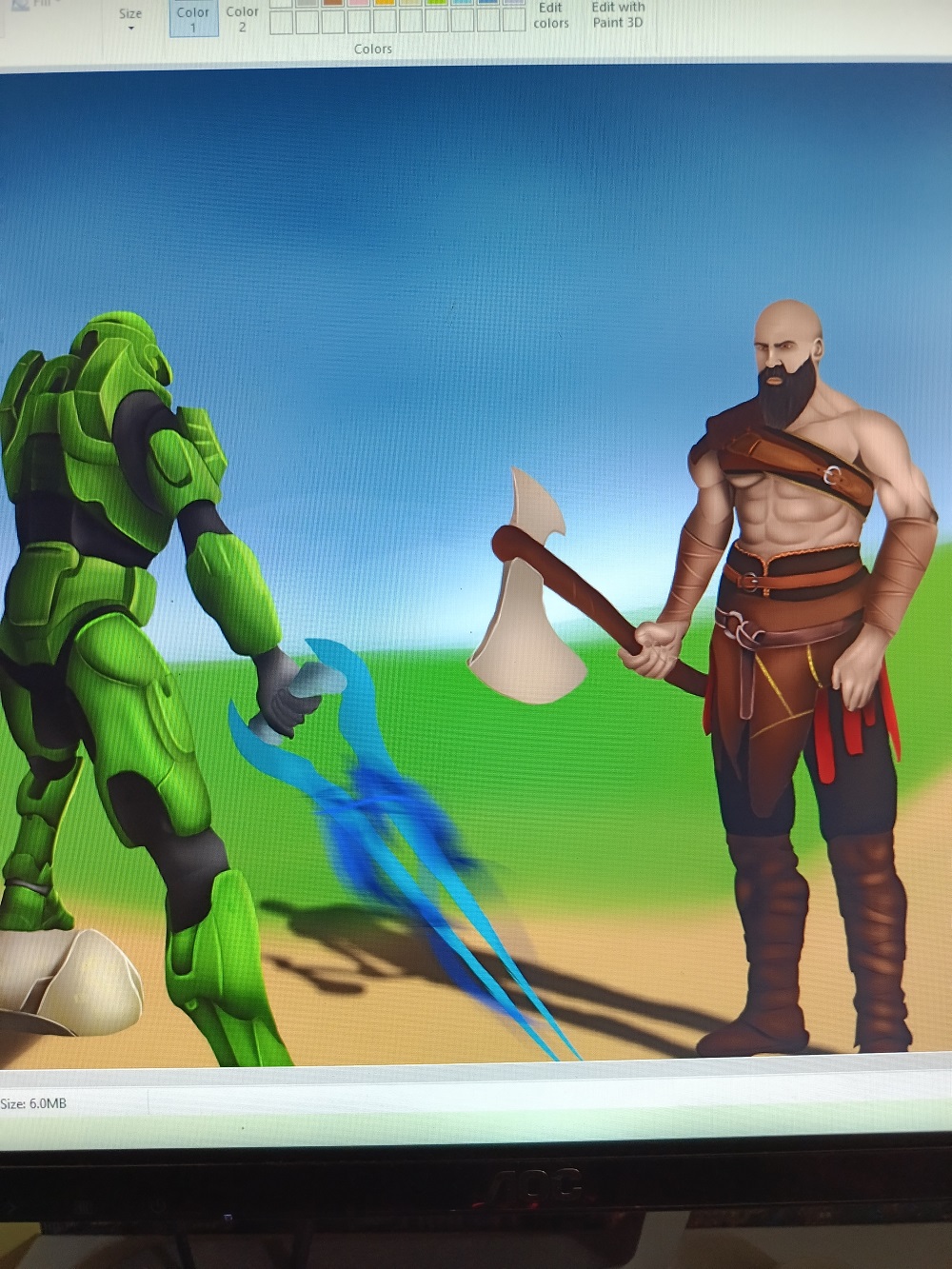
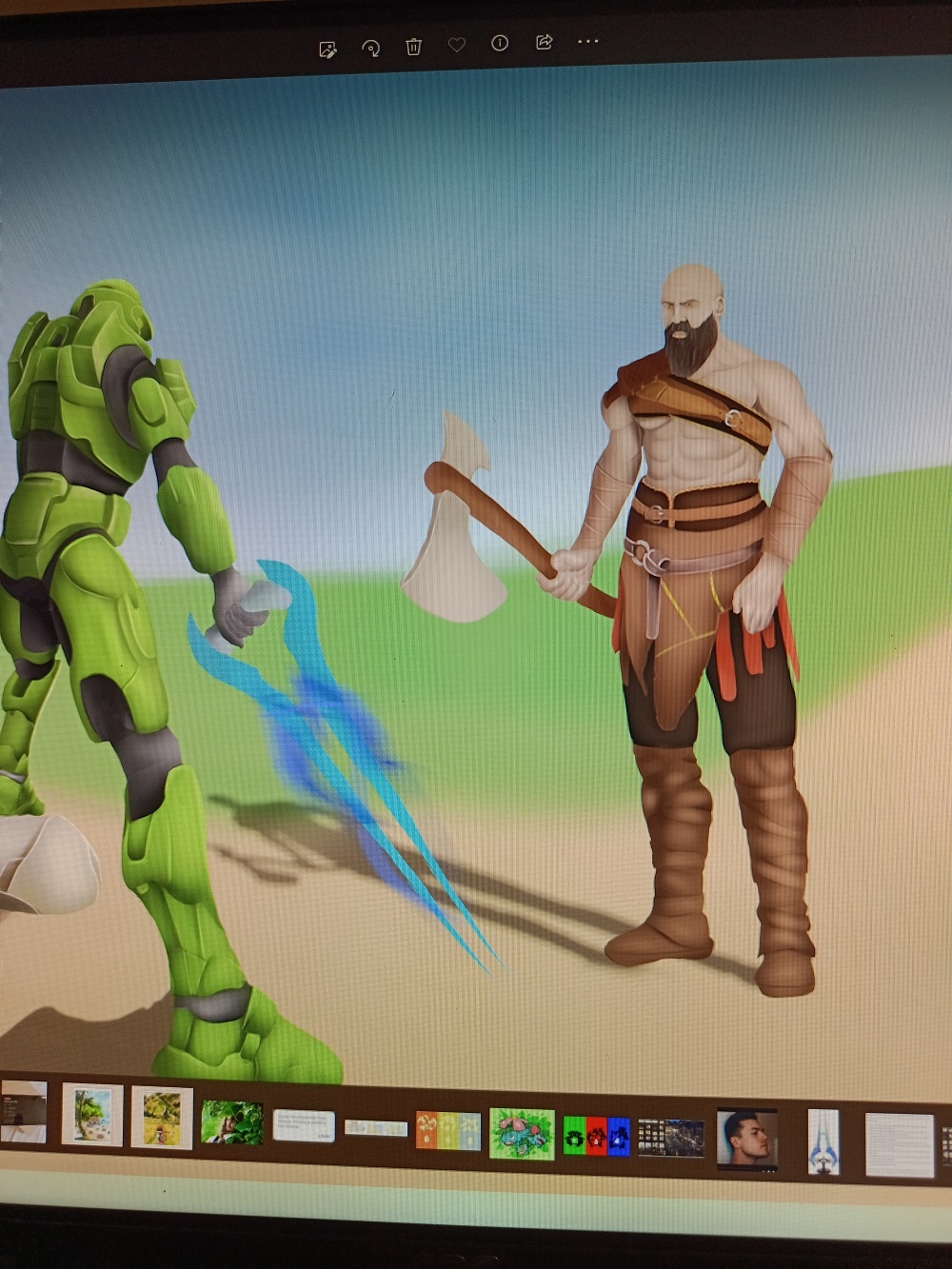
If you are unhappy with the colors of your uploaded images on your chosen platform(s), and it is not uncommon for this to happen, the cause is almost never your images, nor the conversion by Krita.
The problem in 99% of all cases is the post-processing of your images done by the websites and the rendering of the web browsers/programs.
Some sites ignore the color profiles or even convert to other ones, the dimension of your images is often changed again, or to save more disk space your images are sent through compressors to reduce their file size, which is also associated with quality loss. These measures lead to quality losses.
Furthermore, it also depends on the browser you use to view your images on these pages, because each browser manufacturer cooks his own soup and displays the colors as he sees fit.
The stupid thing is you notice these differences, they hurt your heart, because you painted the pictures and know the original colors, the good thing is, the viewers of your pictures do not know your original and have no comparison. Besides, everyone who entrusts his paintings to these platforms has your problem, you will not be disadvantaged.
There are artists who adapt their images to the respective platform through a lengthy process of trial and error (I know none, it is hearsay), optimize the colors, but their number should be small, because it is extremely difficult to adapt something to parameters that are not publicly disclosed by the website operators, it is like escaping from the catchment area of a black hole, almost impossible.
Michelist