Hi,
I like to use both vector and paint layers in the same Krita file. I prefer to draw and edit vectors with my drawing tablet, since it’s more ergonomic than using a mouse.
My problem is that the Edit Shapes Tool utilizes drawing tablet’s pen’s hover functionality even though it makes no sense (at least to me). Pen hovering is the cause of the problem, since
if I use my mouse to move nodes, segments or side handles, Krita moves them just as intended. If I move them with my pen, at least half of the time I can’t lift the pen high enough in direct 90 degrees angle. That activates hover functionality, which means that the node/segment/handle will keep moving along with my pen to a new, unwanted location until I lift the pen even higher. Sometimes Krita pops up a notification box saying “waiting for image operation to complete…” when it calculates the new location, which slows down my work flow even further.
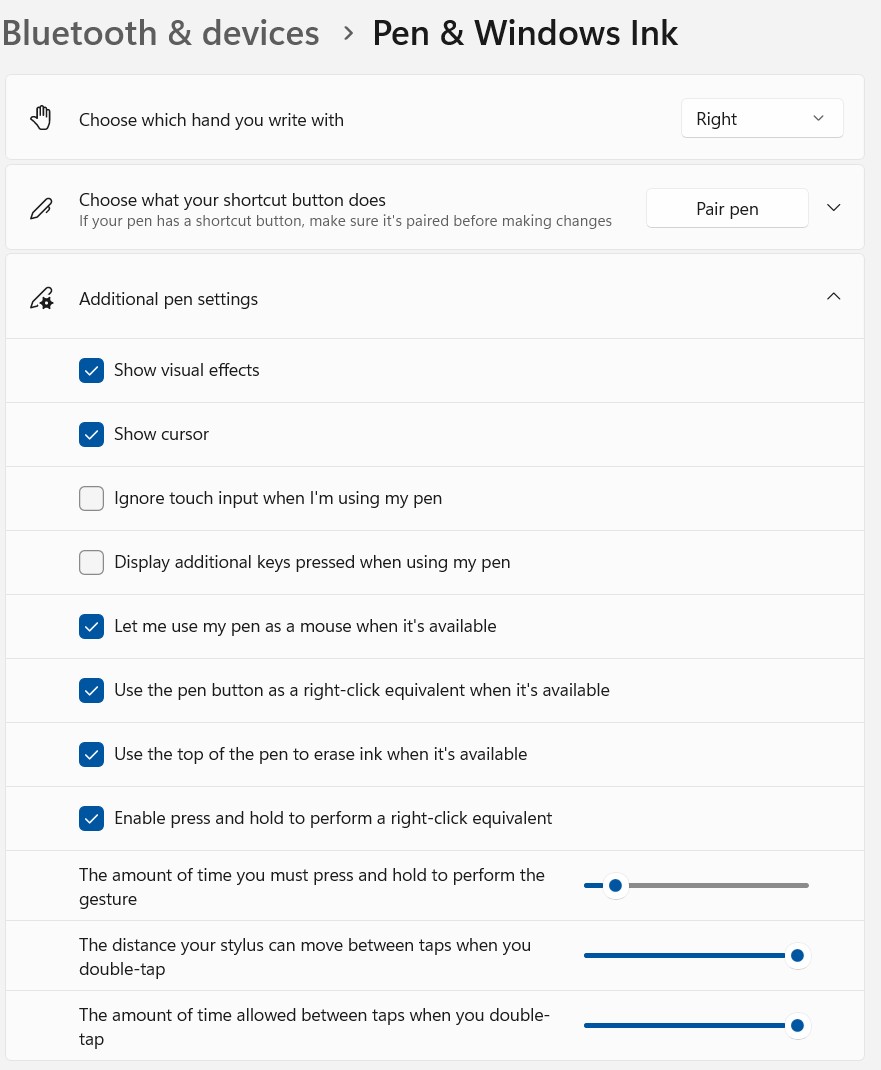
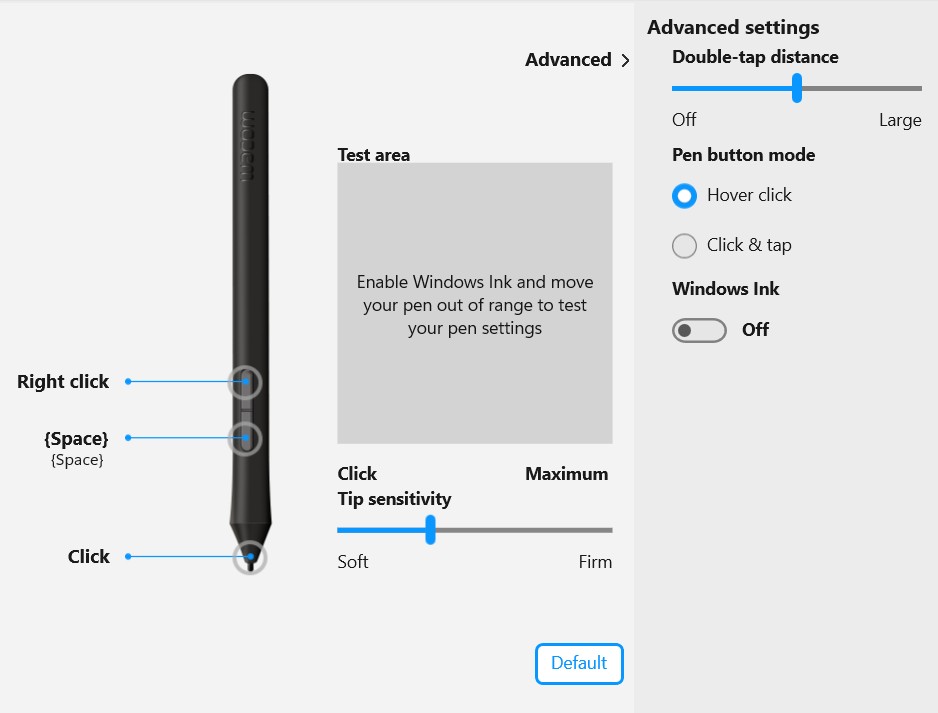
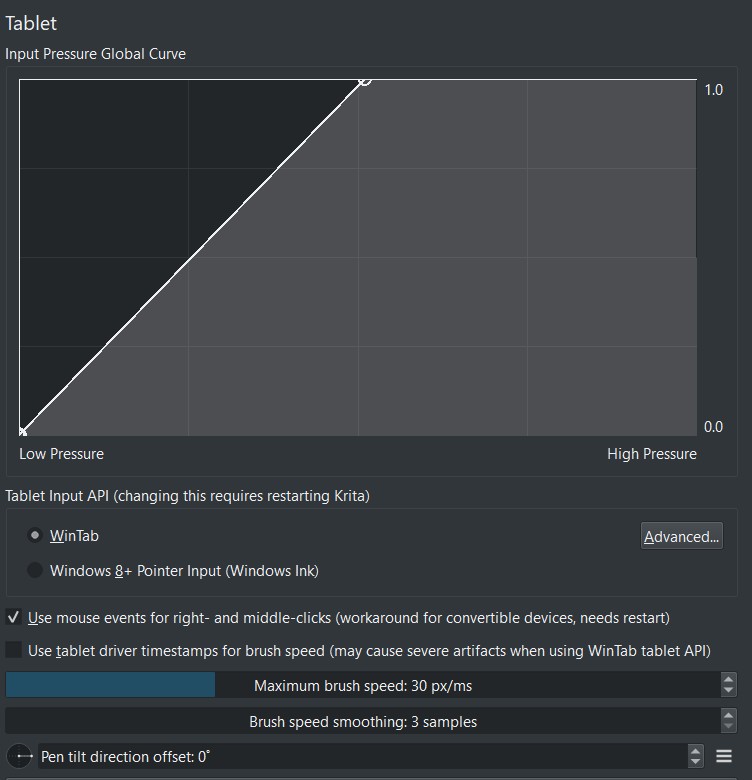
I have tried turning Windows Ink on and off in my Wacom settings, but it doesn’t seem to have any effect for this problem. I can’t turn off the pen’s hover functionality from my Wacom settings. The only thing that works is changing the tablet input API from WinTab to “Windows 8+ Pointer Input (Windows Ink)” in Krita’s Tablet Settings. Then Krita treats my pen as a mouse and there is no problems with hovering.
That solution isn’t ideal, since if I want to draw something on a paint layer and take advantage of, for example pen’s pressure sensitivity, I have to switch the tablet input API back to WinTab and restart Krita. And if I want to edit vectors again, I have to switch settings and restart Krita again.
Does anyone else have this problem? Is this, for some reason, the intended behavior for the Edit Shapes Tool or a bug?
SUMMARY
Problem with the Edit Shapes Tool using drawing tablet’s pen’s hover functionality
STEPS TO REPRODUCE
- Open Krita and create a new document.
- Add vector layer.
- Move the nodes, segments or side handles with a pen. Don’t lift the pen up in a direct 90-degree angle, but rather slowly drag it higher in an approximately 45-degree angle.
OBSERVED RESULT
Node/segment/handle will keep moving along with the pen even though the pen is not touching the tablet anymore. Krita might even pop up a notification box saying “waiting for image operation to complete…”
EXPECTED RESULT
Pen should not use the hover functionality when moving nodes/segments/handles so they should stop moving the instance pen is no longer touching the tablet.
SOFTWARE/OS VERSIONS
Krita: 5.3.0.-beta1 (but this same problem has been in previous versions too)
Windows 11 Pro, 64-bit operating system
One by Wacom (CTL-672)




 ).
).