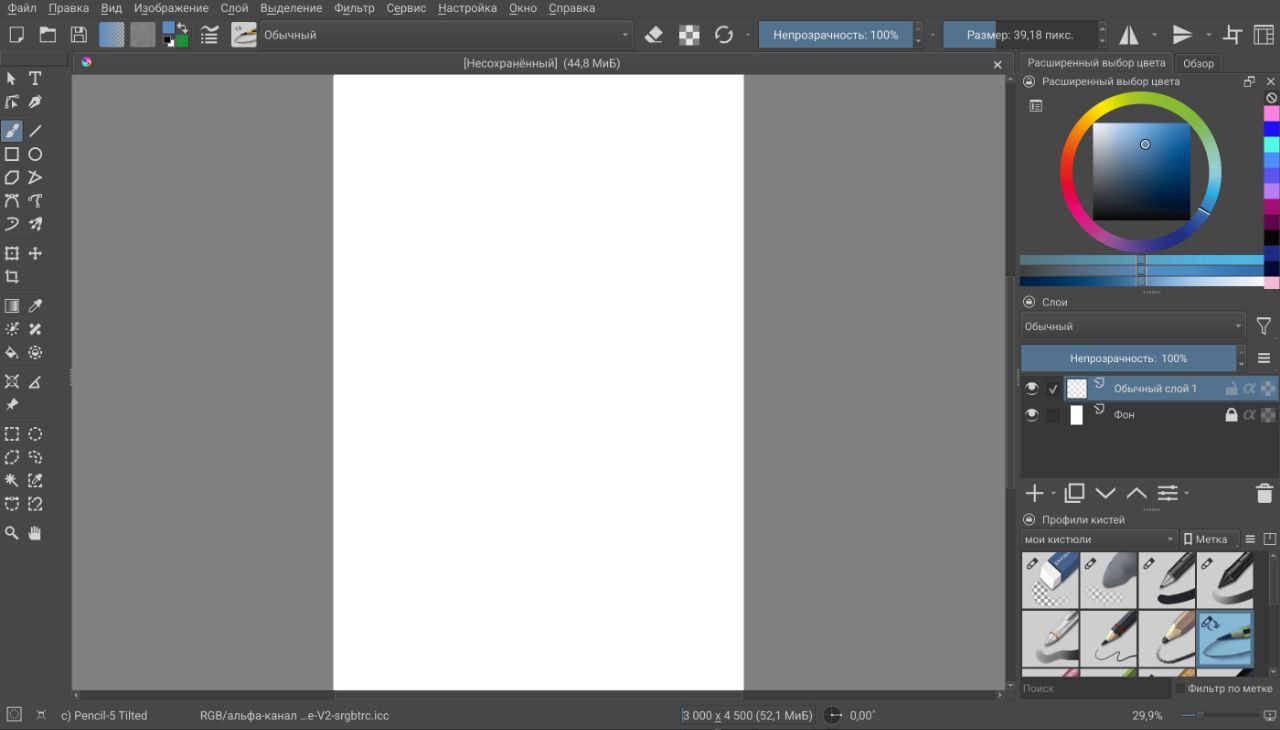
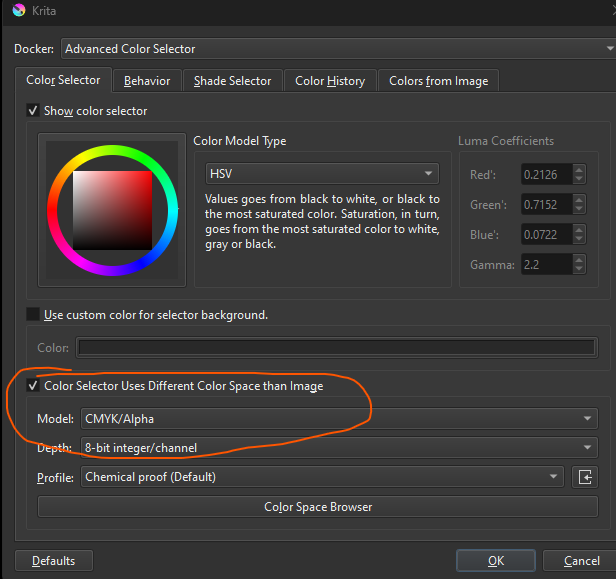
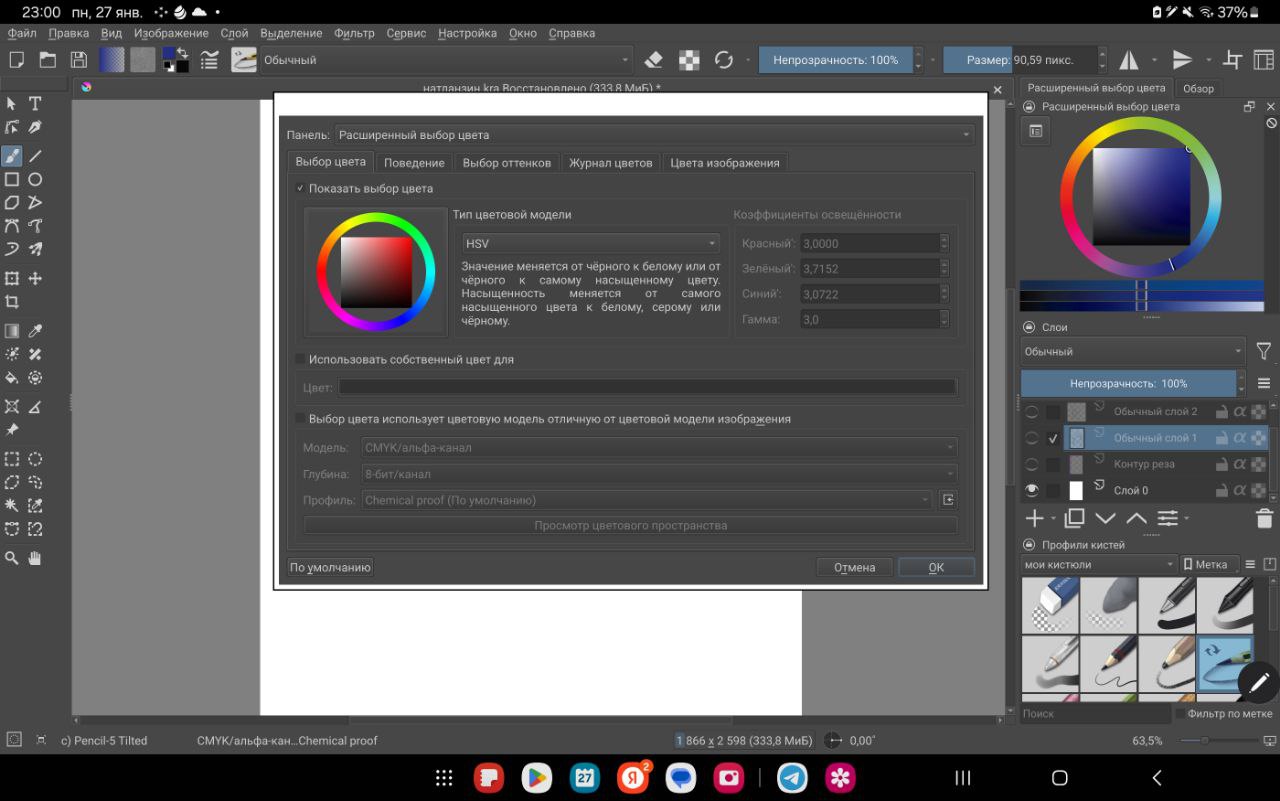
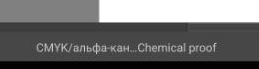
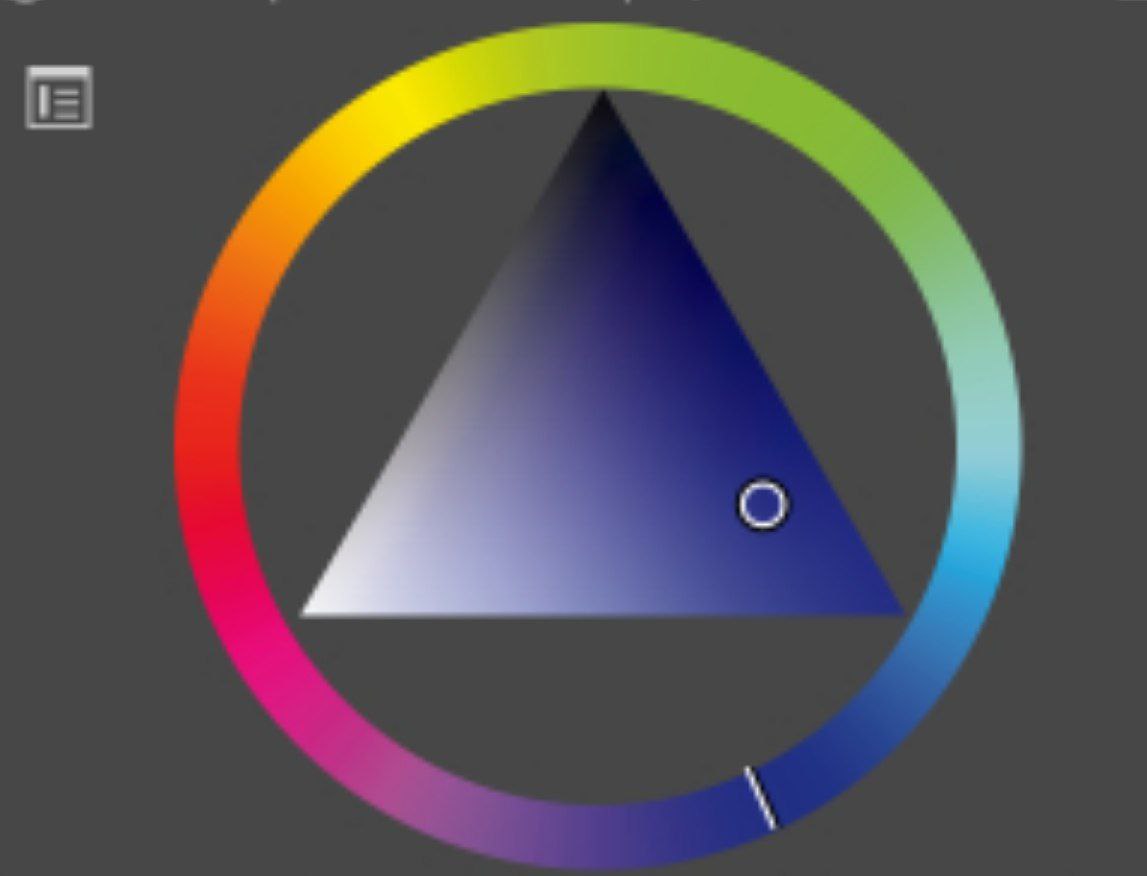
Здравствуйте, появилась проблема с палитрой в приложении Крита на андроид. Копалась в настройках палитры, в настройках приложения, переустанавливала приложение, пыталась зайти с компьютера, проблема все равно сохраняется… Палитра будто потускнела, синий стал каким-то грязным, зелёный с добавлением жёлтого… Очень прошу вашей помощи
Please send us a screenshot of your complete Krita window, including status bar and title bar.
This forum is, by agreement and stipulation in the forum rules, an English language website and every user is explicitly encouraged, if posting in their native language, which is absolutely fine, to add an English translation to their posts.
This is a practice that has worked very well in the forum, as it makes it possible to get a more likely accurate translation of a possibly unclear, inaccurate or unfortunate translation with the help of the original text and other translators.
It is nothing unusual here, but above all you make it easier for all of us to communicate with each other so that nobody can’t translate your native language texts due to a lack of language skills or computer skills and would be excluded.
You, who write here in your mother tongue, were finally able to register here and successfully go through the registration process written in English because you wanted to. Then you will also be able to attach translations to us.
More and more providers are offering good translation tools. Currently, the most accurate translator is DeepL.com, after a free registration you can translate texts up to 5000 characters long at once, without registration still 1500 characters. At the bottom of their website (the lower section) you will find applications for Windows and Apple PCs, for Android, ChromeOS and iOS, as well as browser extensions for the most popular browser families, which also offer this range of services, and everything is free.
There are plenty of programs and websites on the Internet:
If you register for free at DeepL, you can have texts up to 5000 characters long translated; without registration, the limit is still 1500 characters per translation.
Пожалуйста, пришлите нам скриншот всего окна Krita, включая строку состояния и строку заголовка.
Форум, по соглашению и оговорке в правилах форума, является англоязычным сайтом, и каждому пользователю явно рекомендуется, если он пишет на своем родном языке, что абсолютно нормально, добавлять к своим сообщениям перевод на английский.
Такая практика очень хорошо зарекомендовала себя на форуме, поскольку позволяет с помощью оригинального текста и других переводчиков получить более точный перевод возможно неясного, неточного или неудачного перевода.
В этом нет ничего необычного, но прежде всего вы облегчаете всем нам общение друг с другом, чтобы никто не мог переводить тексты на свой родной язык из-за незнания языка или неумения пользоваться компьютером и был бы исключен.
Вы, пишущий здесь на своем родном языке, наконец-то смогли зарегистрироваться здесь и успешно пройти процесс регистрации, написанный на английском языке, потому что вы этого хотели. Тогда вы также сможете прикреплять переводы к нам.
Все больше и больше провайдеров предлагают хорошие инструменты для перевода. На данный момент самым точным переводчиком является DeepL.com, после бесплатной регистрации вы можете переводить тексты длиной до 5000 символов за раз, без регистрации пока 1500 символов. В нижней части их сайта (нижний раздел) вы найдете приложения для Windows и Apple PC, для Android, ChromeOS и iOS, а также расширения для самых популярных семейств браузеров, которые также предлагают данный спектр услуг, причем все бесплатно.
Если вы бесплатно зарегистрируетесь на сайте DeepL, то сможете переводить тексты длиной до 5000 символов; без регистрации ограничение составляет 1500 символов на перевод.
@Vasilisa_Alimova Я понял в чем было дело. Цветовое пространство все равно осталось в CMYK
[I understood what was going on. The color space is still in CMYK.]
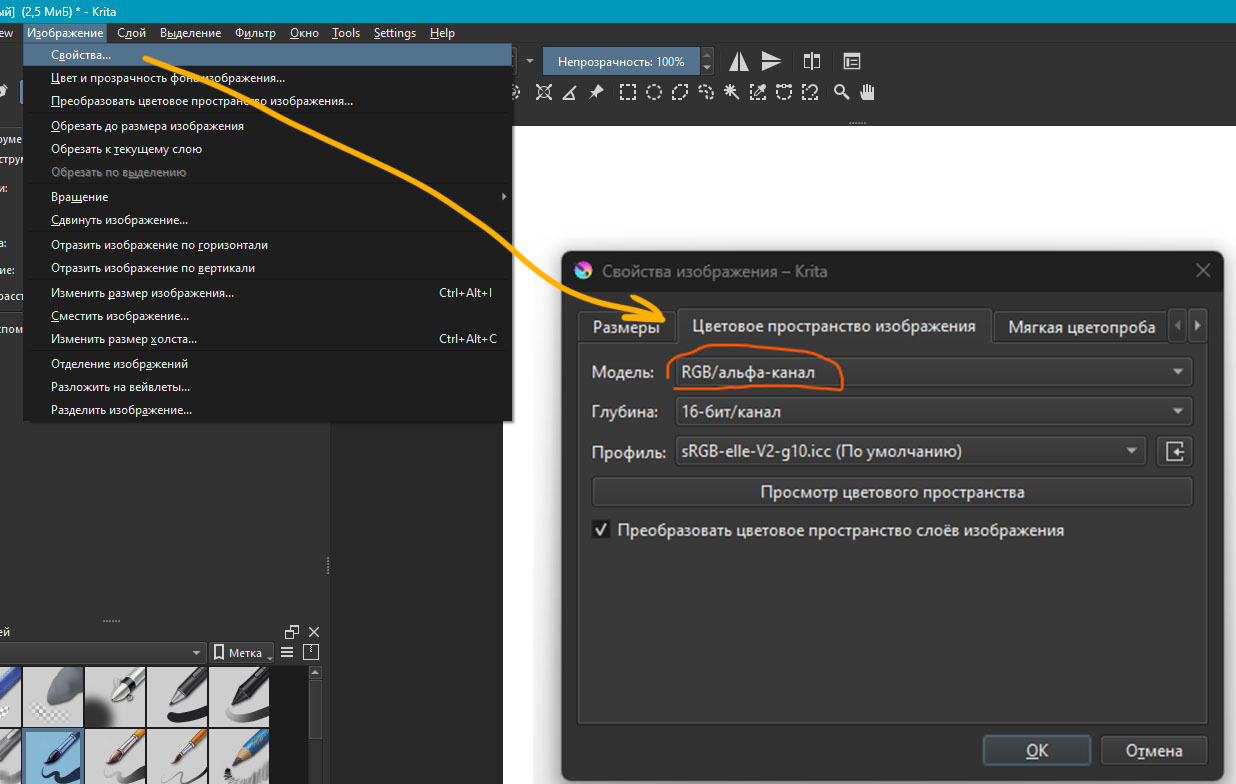
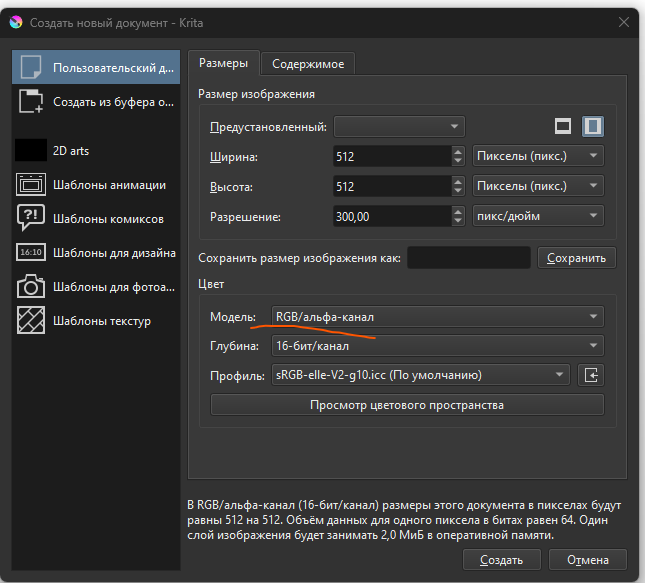
Вот, что можно сделать: в верхнем меню выбрать Изображения / Свойства… и в открывшемся окне во вкладке “Цветовое пространство изображения” выбрать Модель: RGB
[Here’s what you can do: in the top menu, select Image / Properties… and in the window that opens, in the “Image Color Space” tab, select the Model: RGB]
да, все помогло спасибо огромное. Когда изменила вид изображения на RGB именно во вкладке “изображение” только тогда палитра вернулась в прежнее состояние!!!
[yes, everything helped, thank you very much. When I changed the image type to RGB in the “image” tab, only then did the palette return to its previous state!!!]
 Hello
Hello