Thats good news, that would be great, besides thanks to you, for this post, i was able to get the the Infinite Painter full software , the features its more closely between Krita and Procreate, in terms of Brush content have a great variety.
I will wait for the 6 Pencil brush then 
2 Likes
Here is the brush, I hope it is what you were looking for. It doesn’t really change much compared to the Proko Pencil, only the texture used changes. I have applied the same one, you just need to adjust the pressure, opacity and inclination to your liking.
I’m adding the brush to the main post as well, so as not to create a new topic.
7 Likes
Hello, after a whole months, i tried a little bit this brush of the 6B pencil the size its still a little big but seems a little issue with the size and the pattern i am not sure if this the correct behavior. But your initial brush of the Proko Pencil its awesome both of them the 2B and the proko one.
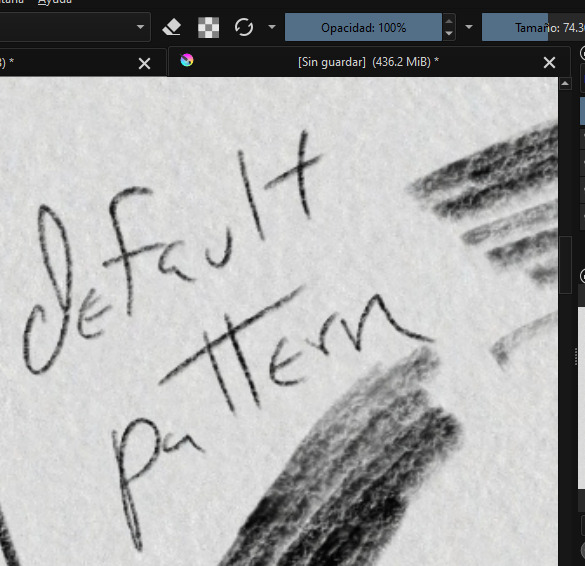
But in this case the 6B needs a little of adjustments.
I tried with the pattern and flow but seems are not being effective.
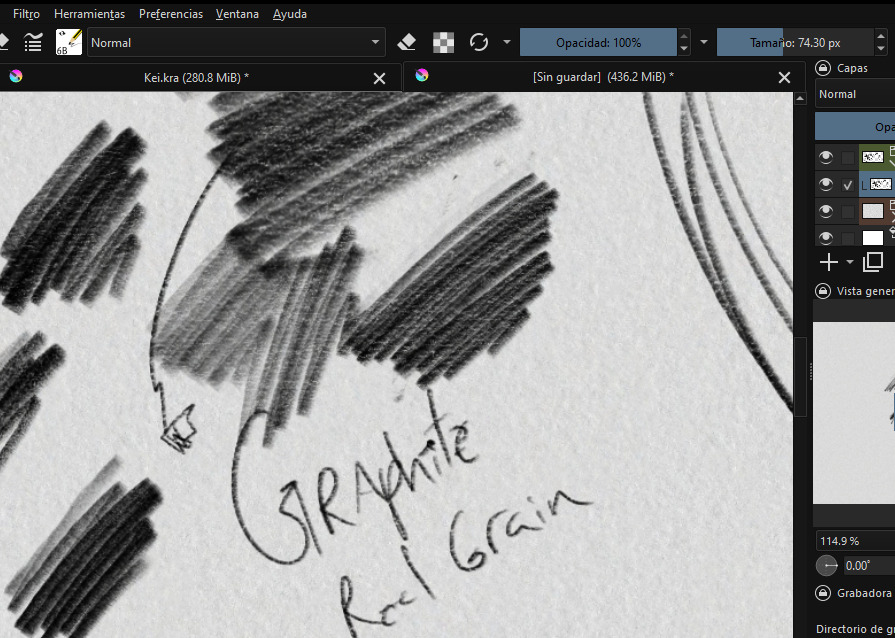
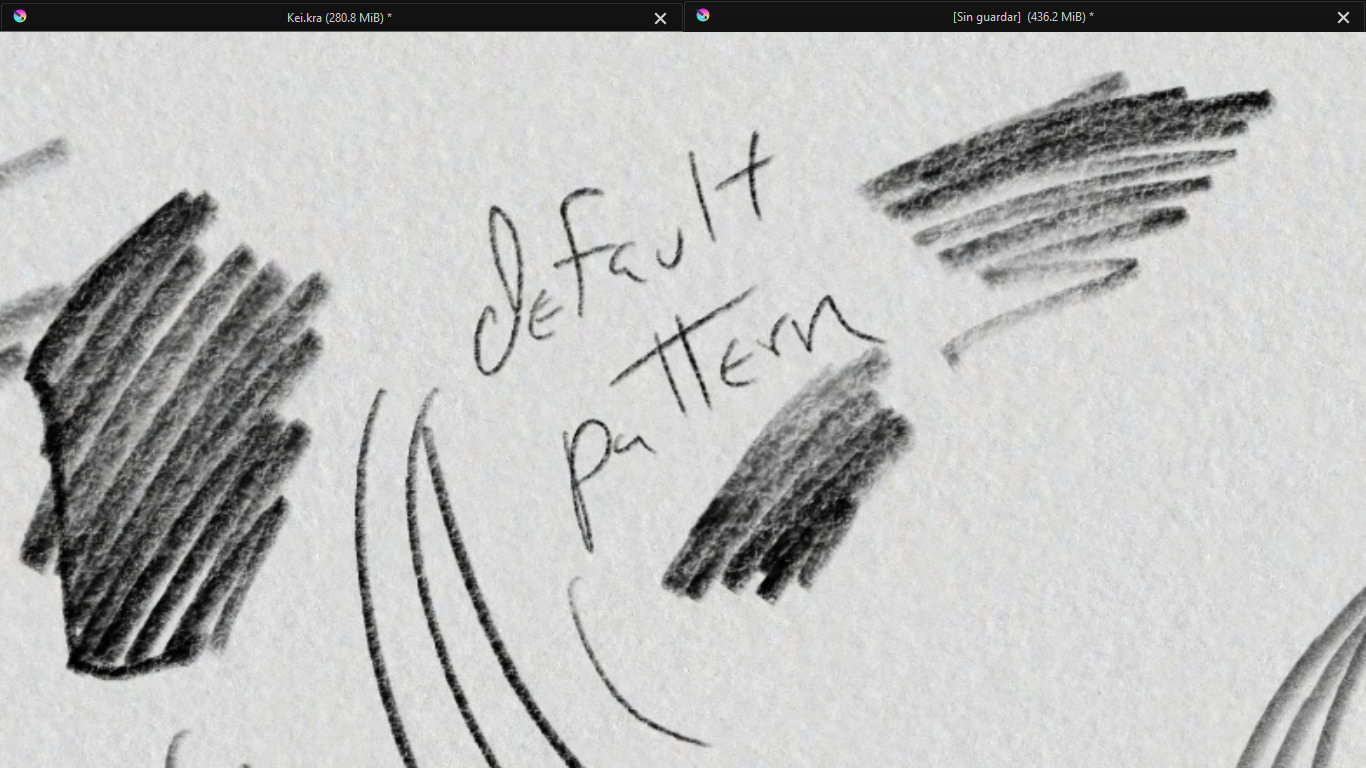
Unless which levels of pressure should i reduce.
Hi! Do you mean that the brush texture is the same?
When I checked how the brush was created in Infinite Painter, I saw that it was exactly the same brush. The only change was the texture. That’s why I only made that change to the Krita brush.
2 Likes
I loaded the brushes but they don’t seem to leave a mark when I draw
That is, because you are working with a mouse, a trackball or any other HID that works like a mouse, so without pressure sensitivity, which means only 0% or 100% pressure, and no tilt on which especially these two pencils heavily rely, they are the pure joy when you have a stylus with tilt.
Michelist
1 Like
Thanks Michelist.
If this is the case, try increasing the program’s overall sensitivity pressure to 1%
1 Like