Hello, this is my first post and contribution to this community.
I love Krita, I’ve been using it for many years and it’s my main drawing program.
I’ve always liked to do my drawings on paper by first sketching in pencil and then inking, but I never found a brush in Krita that could mimic the feel of a real pencil the way I like it. So I’ve always gone straight to inking.
A while back I discovered Infinite Painter and its “Proko Pencil”. I’ve downloaded several brushes from this community that try to mimic it (and also the one from CSP and Adobe Fresco) but none of them had the same feel as the one in the Infinite Painter app. So I decided to create my own.
Here is the link to download the brush (in .bundle format):
Link
Link for the 6B version:
Link
I also leave you the brush tip from Infinite Painter, in case you want to create your own version:
Link
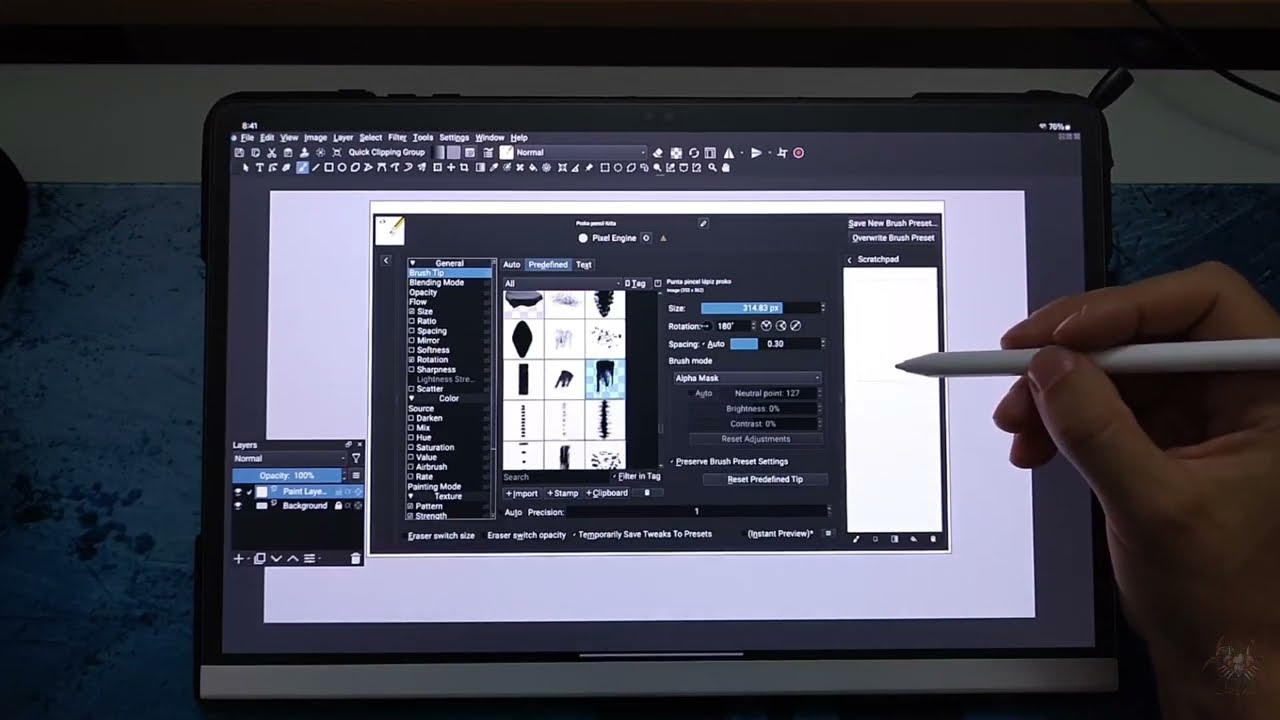
If you need more information on how I have it configured, I can send you screenshots of my current configuration of this brush.
The texture I’m using is the one that comes in Krita by default with the “c) Pencil-5 Tilted”. It’s called “04_paper-C-grain.png (512 x 512)”. I think it works pretty similar to the one this brush has in Infinite Painter, so I didn’t change it.
Hope you like it!
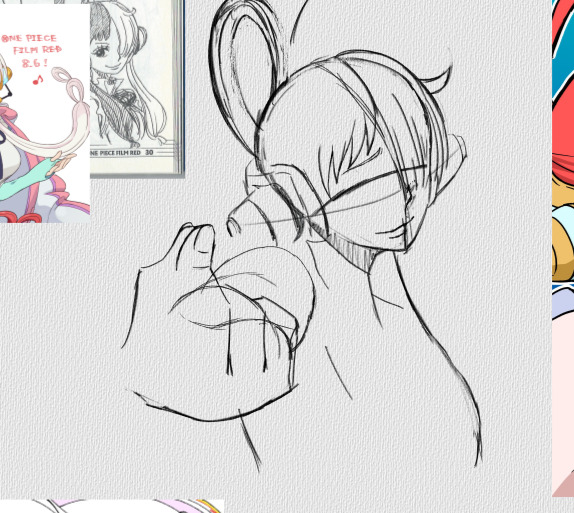
It has tilt, opacity, rotation and pressure (you can see in the image below)


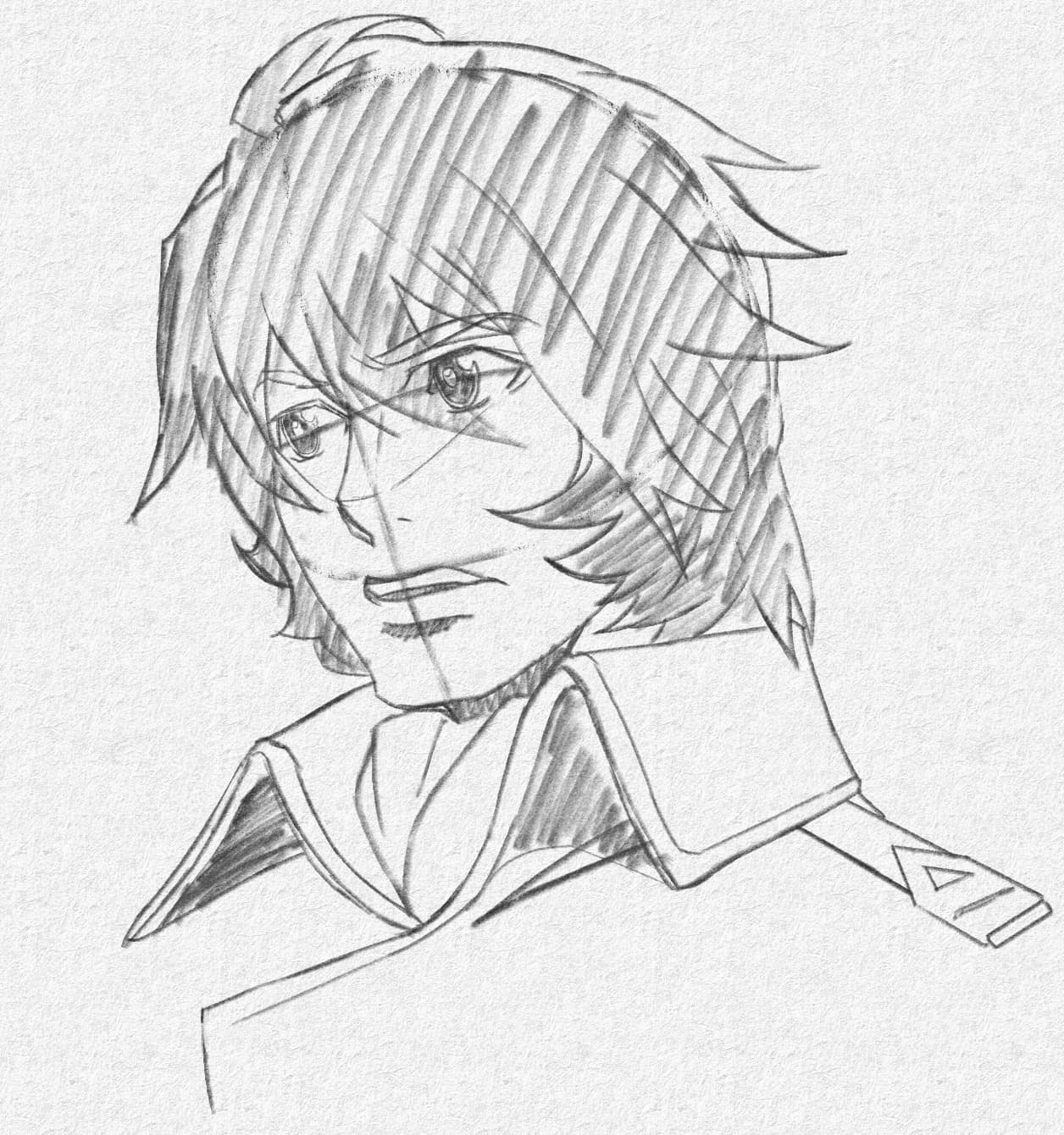

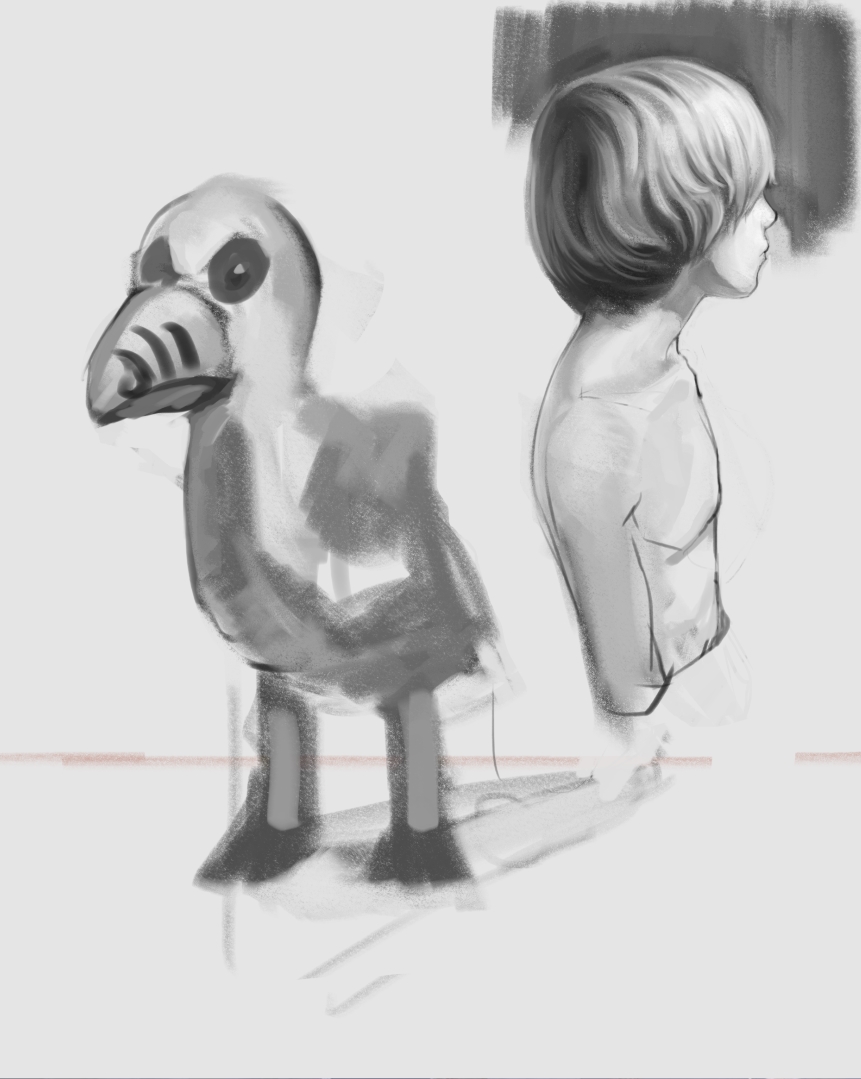
 .
.