Type of device* : tablet
Brand and version of the device: huawei matepad 11
System** : Android
* graphics tablet/display tablet/2-in-1 laptop/Android tablet
* I recently installed the Krista app on my new tablet. As far I am aware this wonderful app allows to work with PSD files, so I tried to open several ones, already saved in photoshop in this format. However, while the files inself open, they don’t display any image. It seems like there is a glitch or smth. Has anyone encountered this problem before? I would really appreciate any sort of help or advice in this issue, as I really need to finish some photoshop files while I am on the go and Krista is the best app for my work🥺
I’ve had that happen with old 3D renders in .TIF format, the problem was due to the canvas dimensions being 0"x0", they probably weren’t set by the render engine, I ended up opening them in another program and re-saving them.
You could check the file properties and see if there’s something obvious. The photoshop file version might be an issue also. Check the docs for that.
EDIT - To be clear, in my case Krita was displaying the image dimensions and file size, but because the canvas had no dimensions I couldn’t see the image, like you, or change the canvas dimensions.
Also, this is probably the wrong category to post this, @AhabGreybeard or @sooz or @Michelist can give you better help on this and get the topic moved
I’ve changed the category and edited the title to give more information.
I know close to nothing about .psd file problems.
Thank you for trying to help
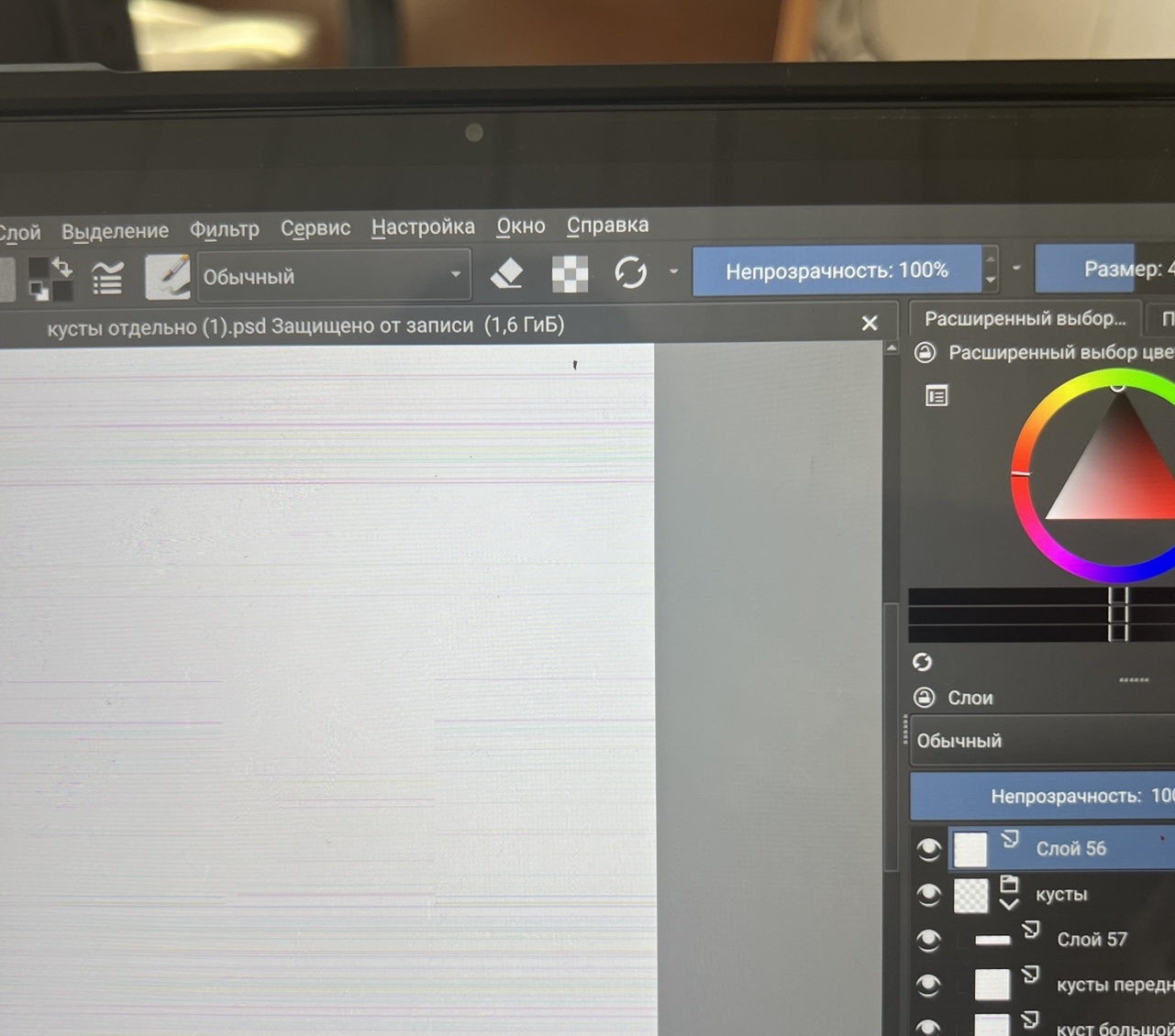
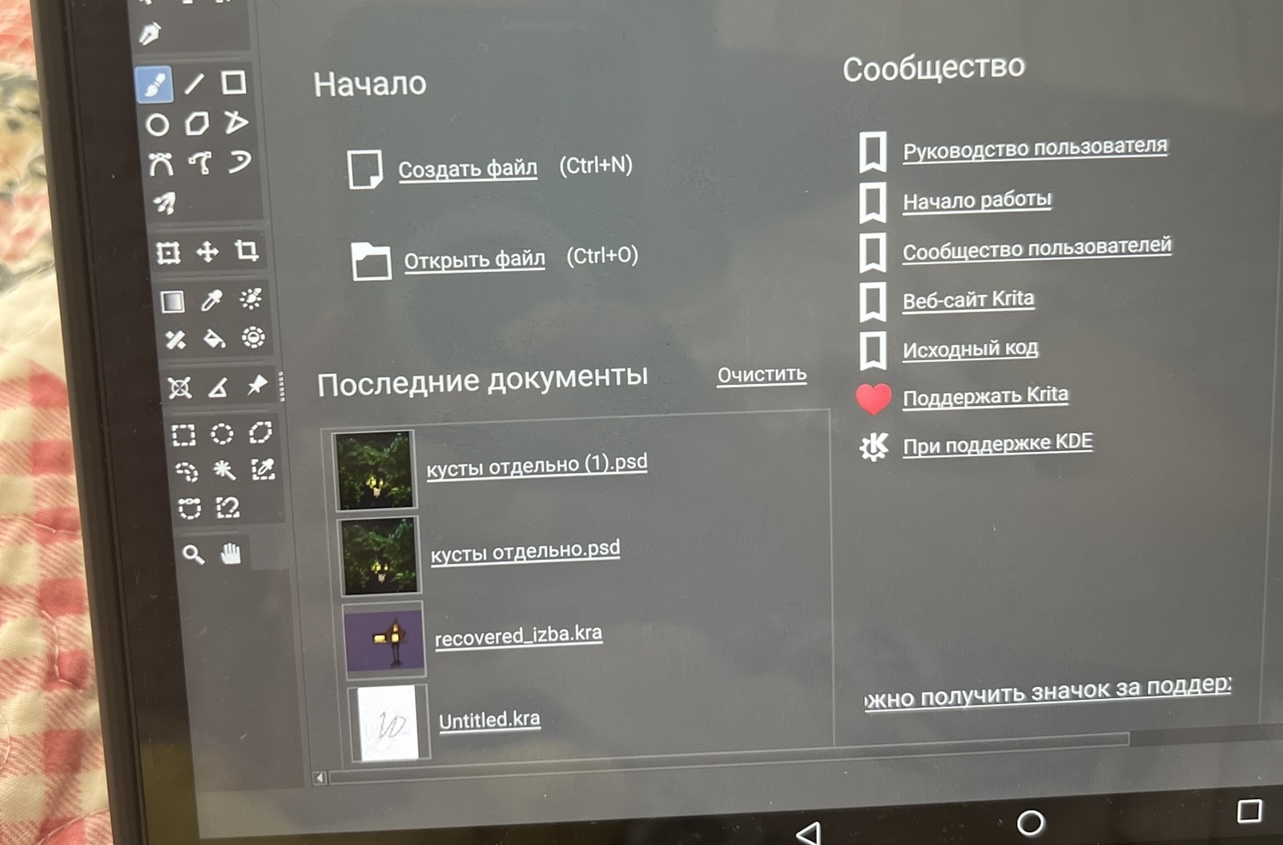
, the dimensions are correct, I’ve tried to resave the file in other app, succeeded. However, it still isn’t displayed. What is funny, I see my image in mini version while opening it, but when it comes to real size and editing I see coloured lines on white canvas and nothing more. More than that! I downloaded Krita on my computer, everything works! It opened. But nothing on the tablet. What can it be? May
@sooz @Michelist know anything about that issue?
Type of device* : tablet
Brand and version of the device: HUAWEI matepad 11
System** : android
* graphics tablet/display tablet/2-in-1 laptop/Android tablet
** Windows/Linux/Mac/Android, + version (you’ll find it in Help -> Show system information for bug reports)
I recently installed the Krita app on my new tablet. As far I am aware this wonderful app allows to work with PSD files, so I tried to open several ones, already saved in photoshop in this format. However, while the files inself open, they don’t display any image. It seems like there is a glitch or smth. Has anyone encountered this problem before? I would really appreciate any sort of help or advice in this issue, as I really need to finish some photoshop files while I am on the go and Krita is the best app for my work🥺
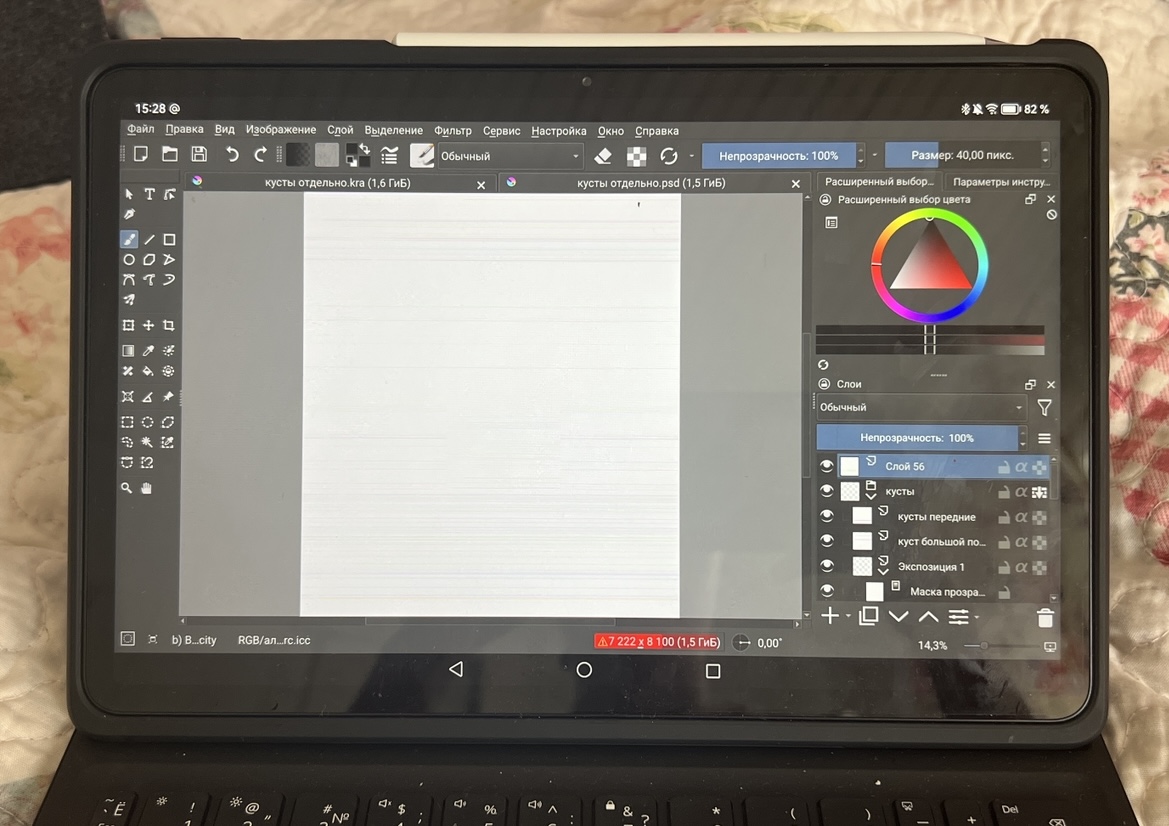
The dimensions are correct, I’ve tried to resave the file in other app, succeeded. However, it still isn’t displayed. What is funny, I see my image in mini version while opening it, but when it comes to real size and editing I see coloured lines on white canvas and nothing more. More than that! I downloaded Krita on my computer, everything works! It opened. But nothing on the tablet. What can it be?
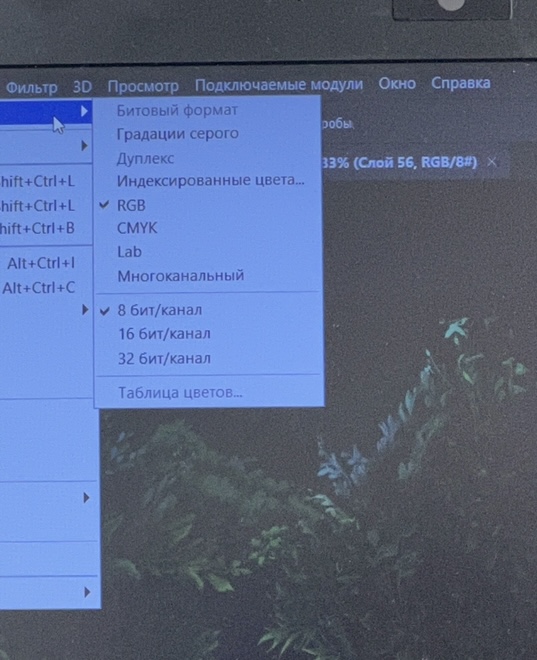
Can you show the full screenshot of the window. Is the colour profile of the psd 16 bit?
I merged your topics. Please do not create duplicate topics.
I can:) Here it is. I believe, it must be 8 bit, as far as this mode is set in photoshop program.
there was something like this reported earlier and I believe this was fixed. Can you try the latest beta version just to check? be aware this is a beta version so use with caution and not for production work.
Where could I download it? Also, does it mean that beta version is just a temporary solution? Can it be fixed in the main app one day then ? If it can, would you kindly suggest me where to seek for this solution? Anyway beta replacement doesn’t seem to be the best option in case the main app with other files doesn’t work)
If it works in the beta it means it will be fixed in the next version.
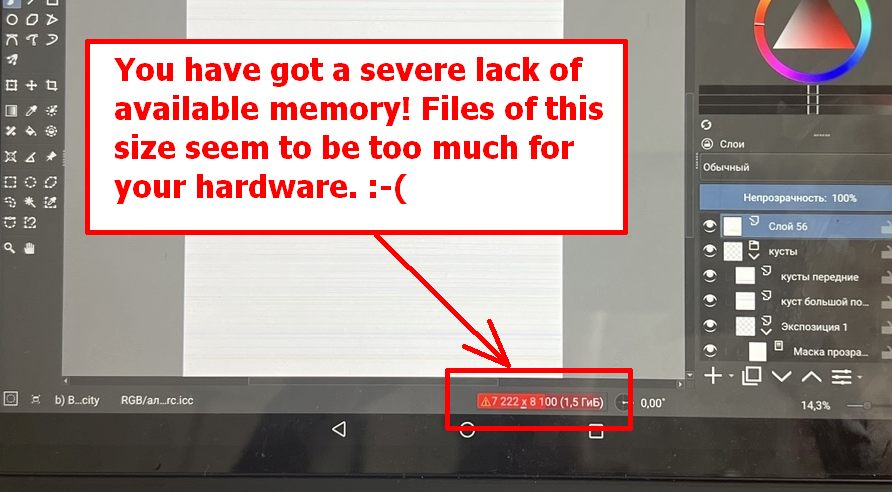
Your file seems to be way too big a bite for your device’s memory stomach. Or, in other words, the red bar indicates that Krita is running out of memory, and if your android can provide something like swap space, it will be constantly moving data between Krita and swap space - and your problems could be the direct result of that. Because you should be careful when this bar turns yellow, this dark red color is a very loud cry for help from Krita. And 7000x8000 pixels are probably too much for this file with x layers and unknown number of effects.
Michelist