can someone please tell me how this effect is done? As I can see it, the person in this video is painting on a normal paint layer, but it gets somehow turned into a transparency mask, that is live updated and it also gets outlined with a shadow effect and a fade effect. How is this done?
I can’t tell how he’s doing it, but if you go to his Patreon, you can get the KRA and a BUNDLE he seems to offer for this.
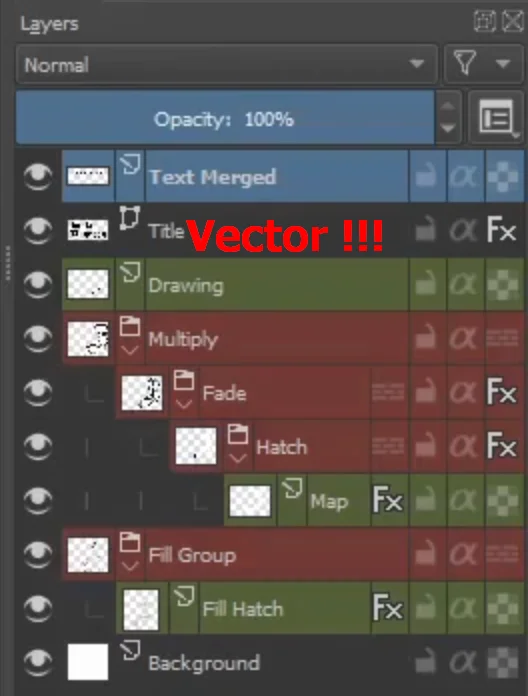
In case you have issues recognizing the layer stack, here I made a screenshot of it:
In the video the author says, I could get the .kra file from his patreon for free, but as far as I can see it, it is not for free.
And since I wish to replicate it myself and learn the skill (and not just edit the file) I hoped someone could tell me the “secret” without me paying for this file.
It’s been acting up a bit the past couple of days. Normally, if you refresh the page, it’ll come up (at least it does for me).
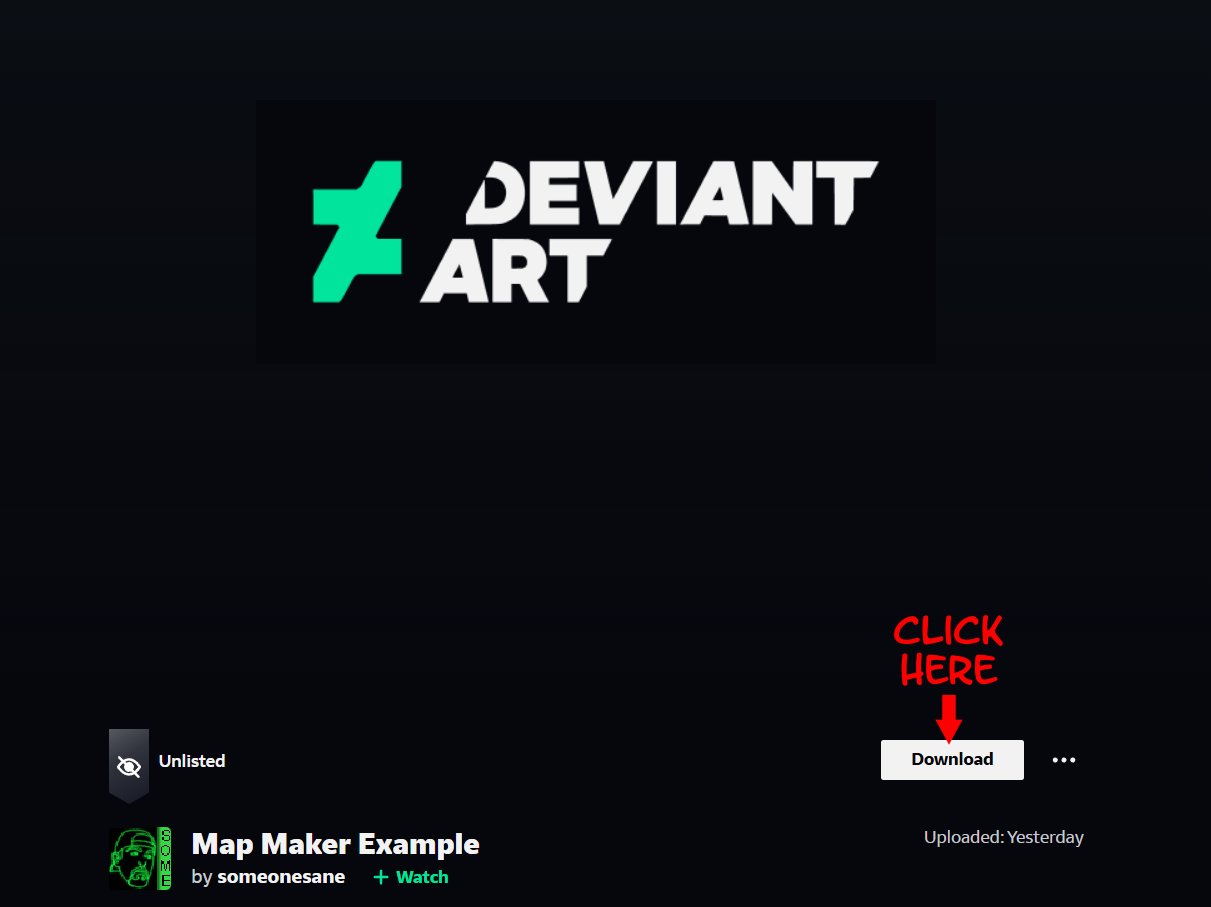
(EDIT) - I just double checked to be sure, and it does seem active. So, as I said, if you see that error, just refresh a few times. You should see what shown below, where you click a download button.
I really tried to download it, but I can’t.
I logged into my deviant art account.
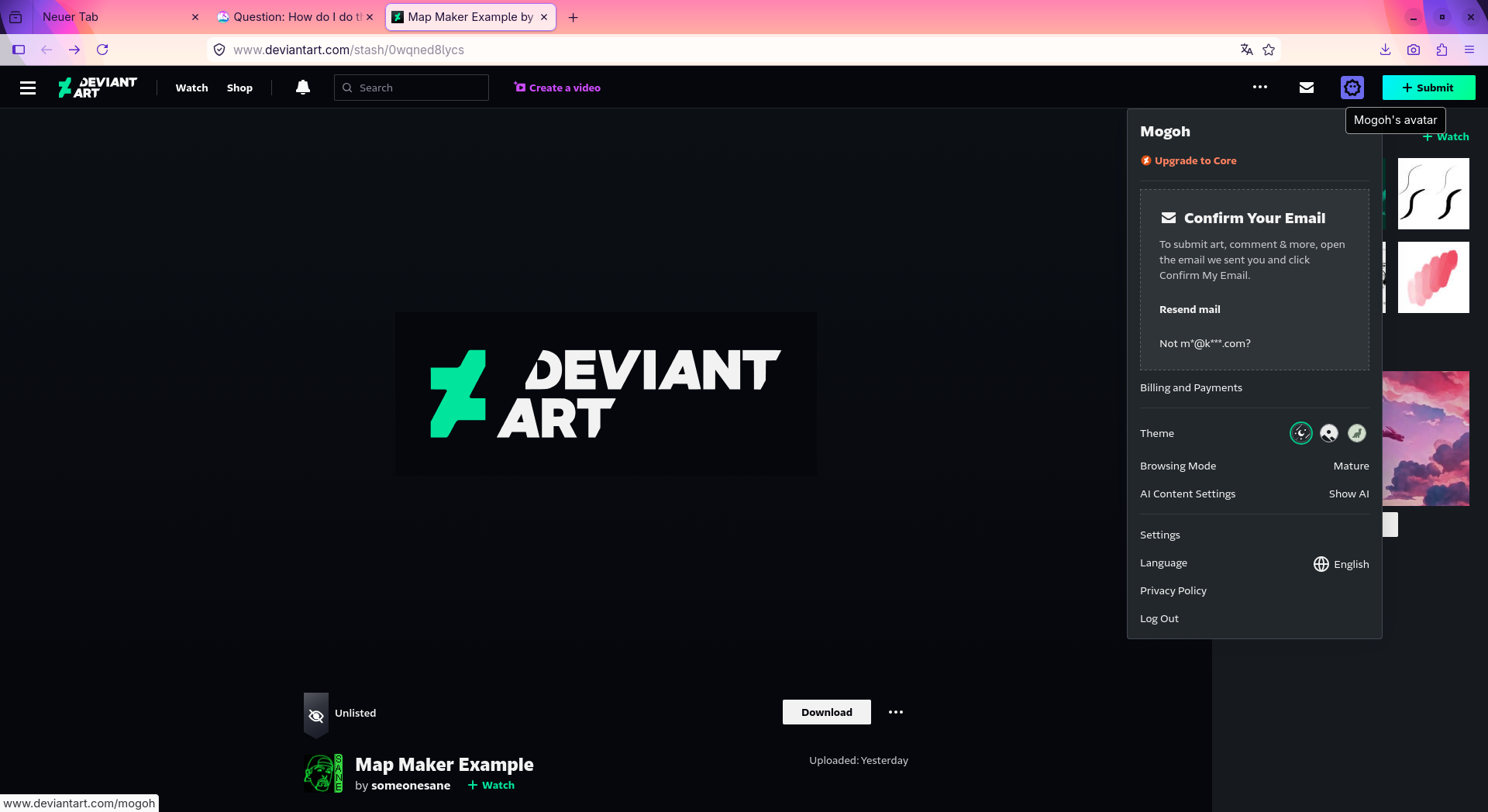
I pressed the download button …
… 404
I deactivated all Firefox extensions to be sure, that they do not interfere.
I reloaded the page several time with [CTRL]+R to be sure I have not cache issue.
But of course I believe you, when you say it works for you.
But could you upload it somewhere else for me?
For example here you could just upload it for 3 days without account: https://litterbox.catbox.moe/
@mogoh, that person is using stacked Groups with Layer Styles, with a different Stroke effect applied to each subsequent Group (see the “Fx” icon). Some of those Stroke effects use a Pattern defined in a very thick stroke (a stroke can be solid, gradient or pattern). Those are the “building blocks” of the method he uses.
You should be able to fairly easily recreate that in your Krita, no need to suffer broken downloads
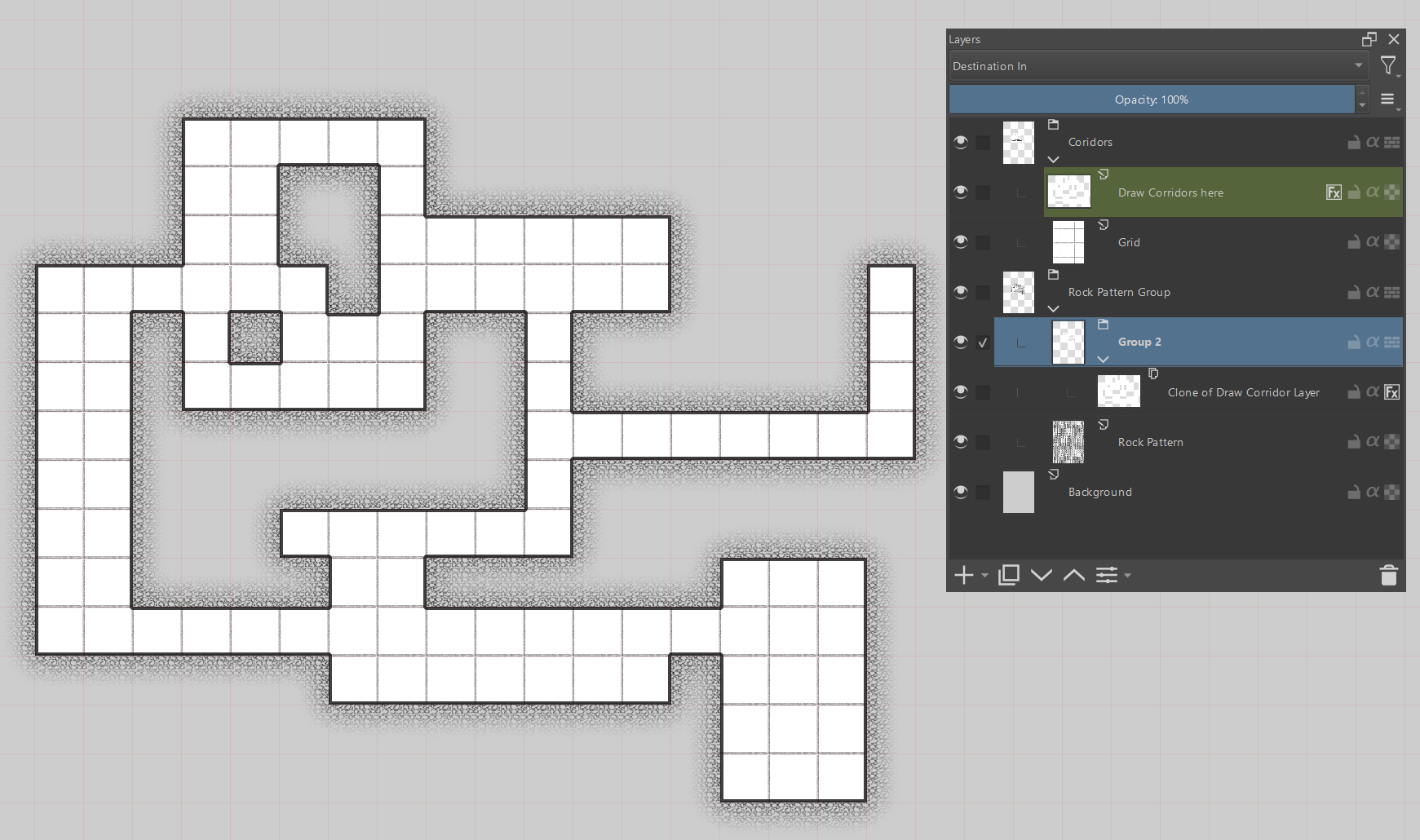
Oh, and BTW, I replied to someone who had an unrelated problem, but it’s a similar idea of a workflow to achieve automated outlines for shapes. Once you start experimenting, you will understand the principle of Layer Styles and you’ll be able to make those effects to work for your specific needs.

 Hello
Hello