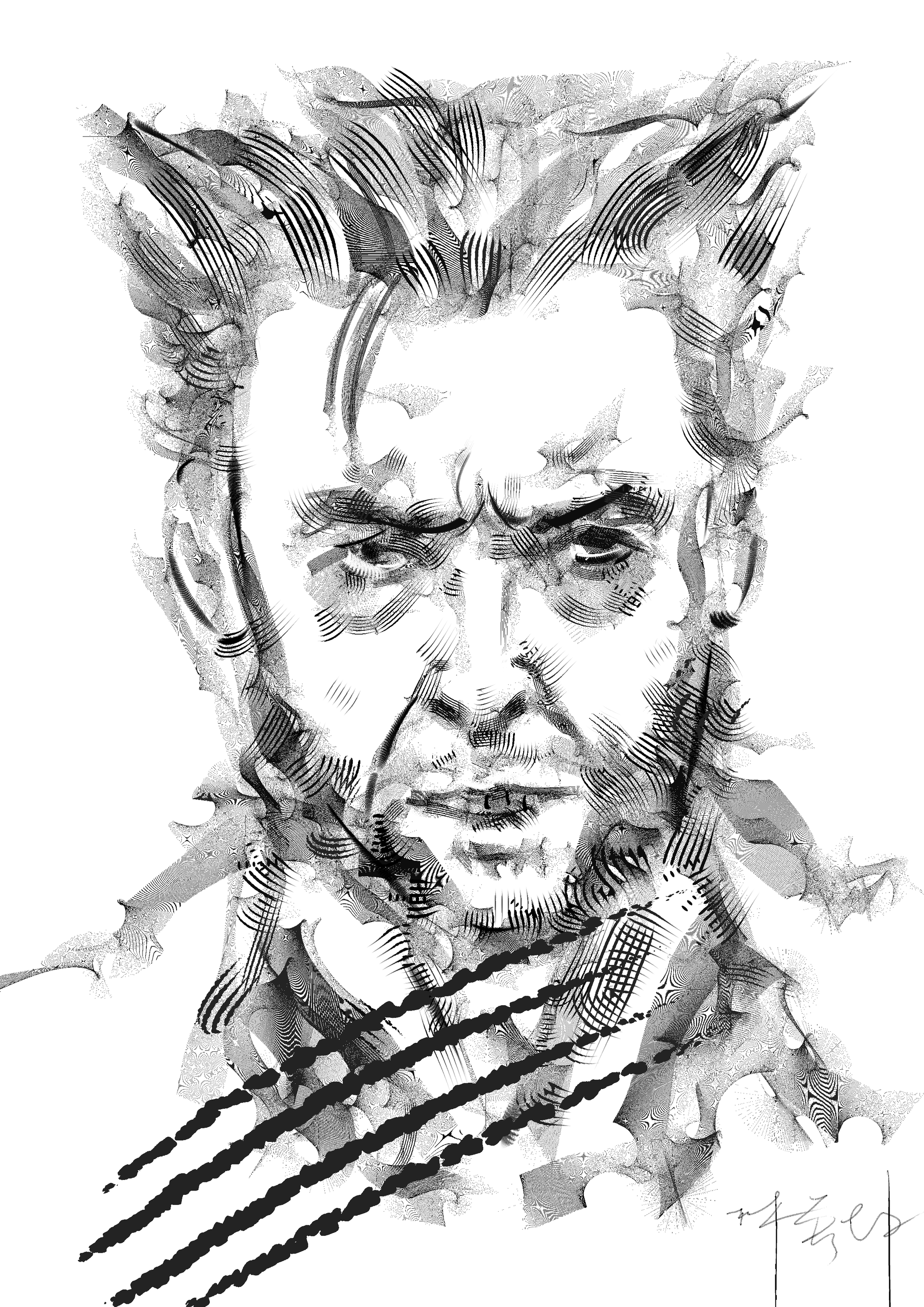
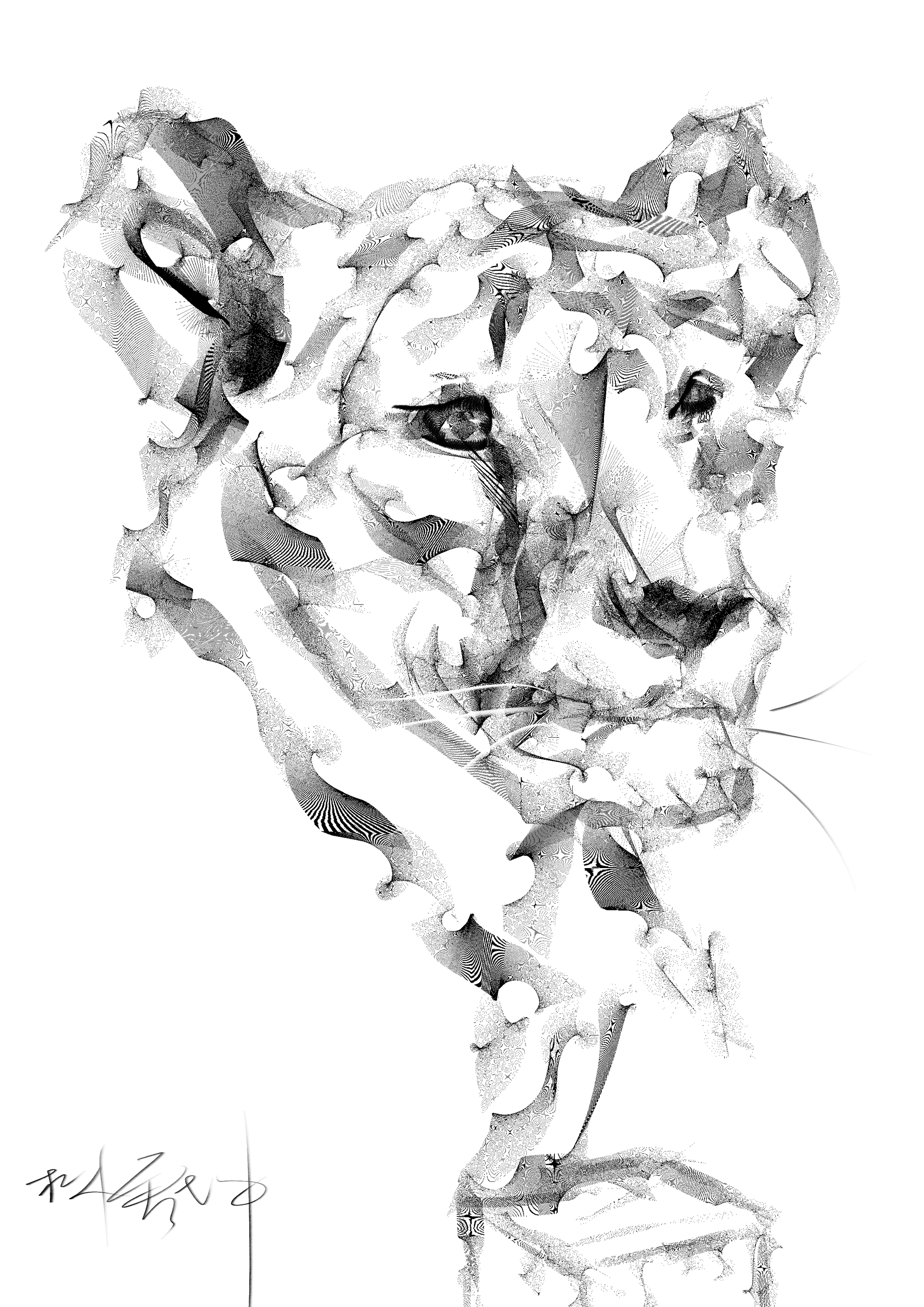
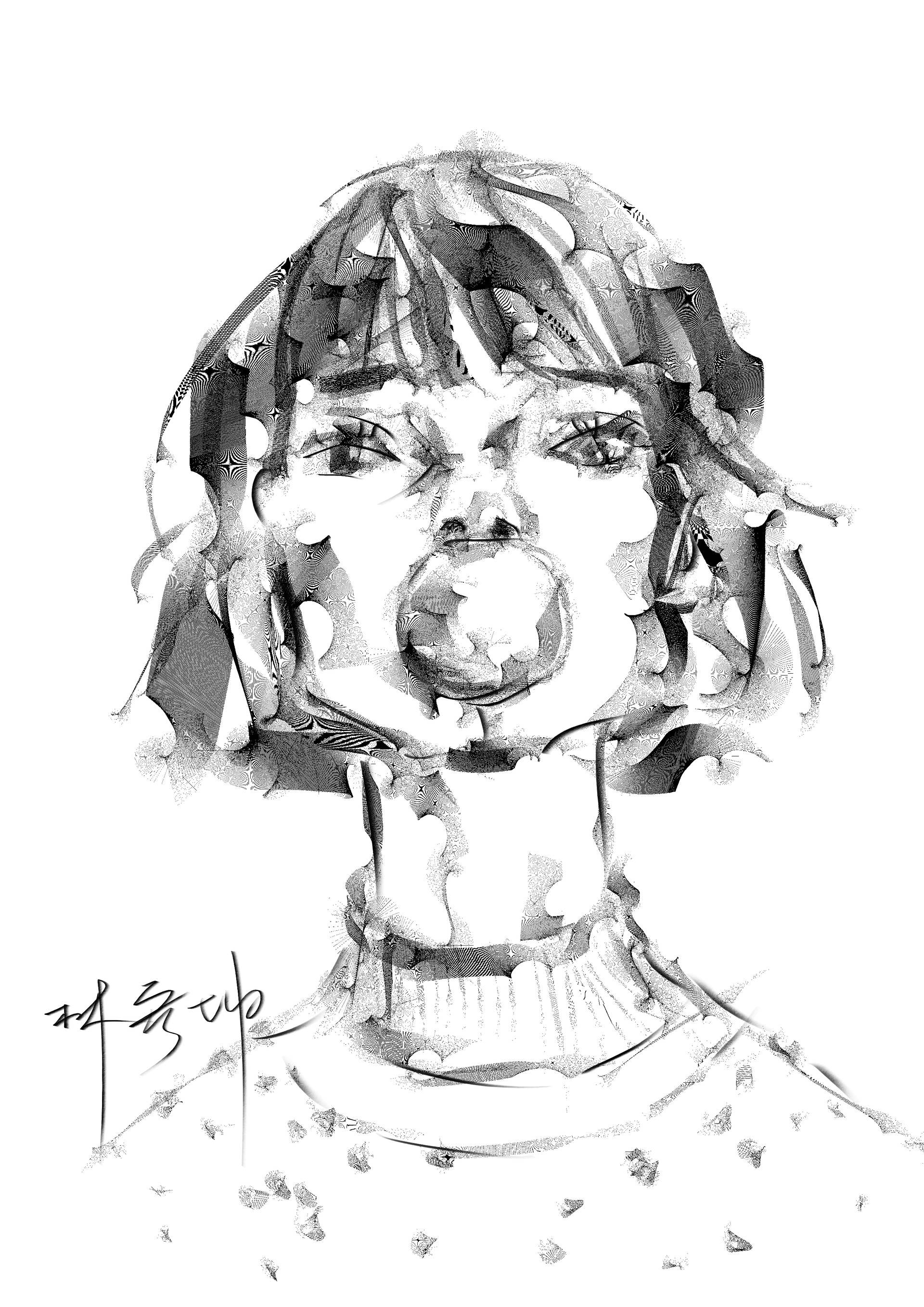
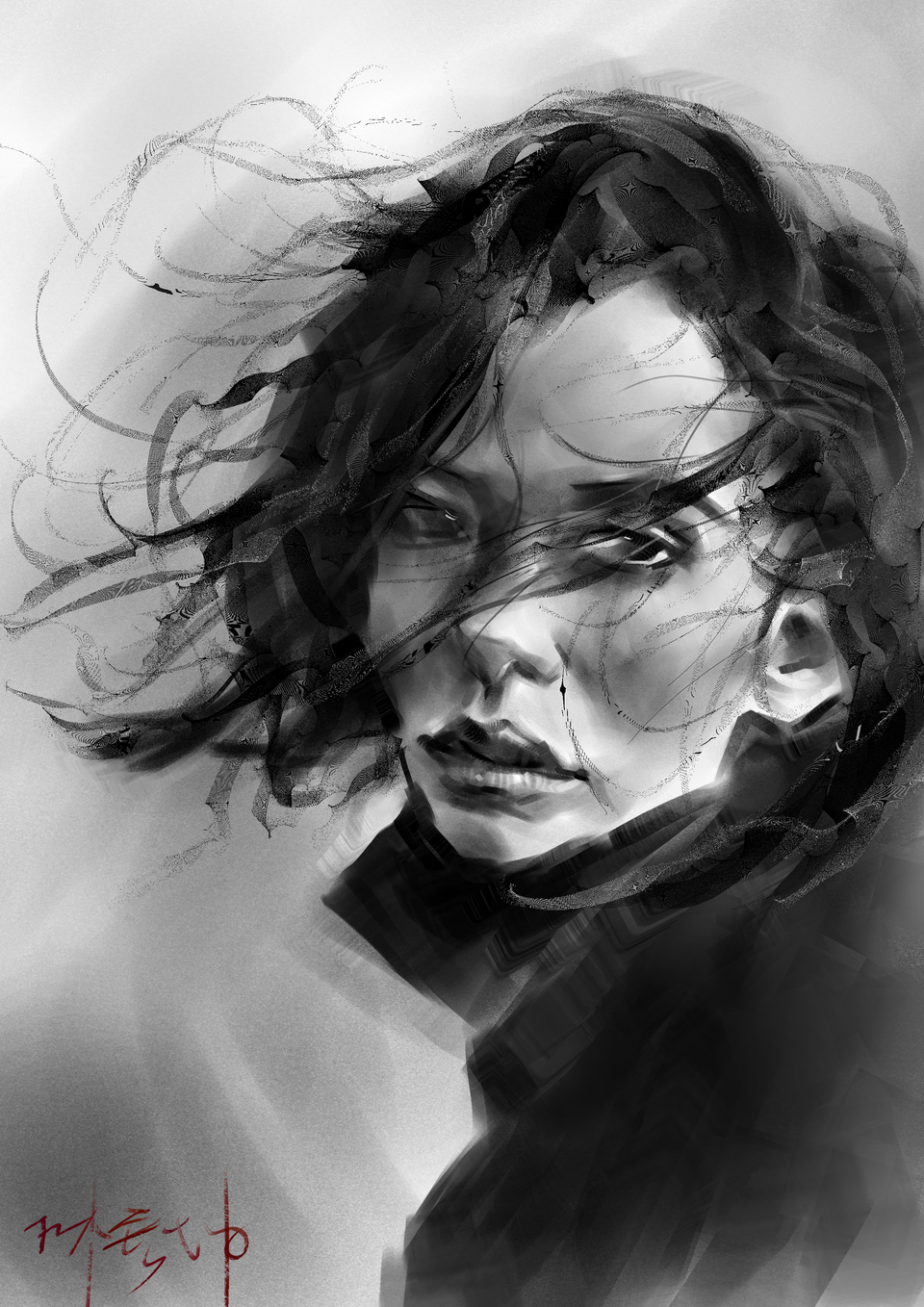
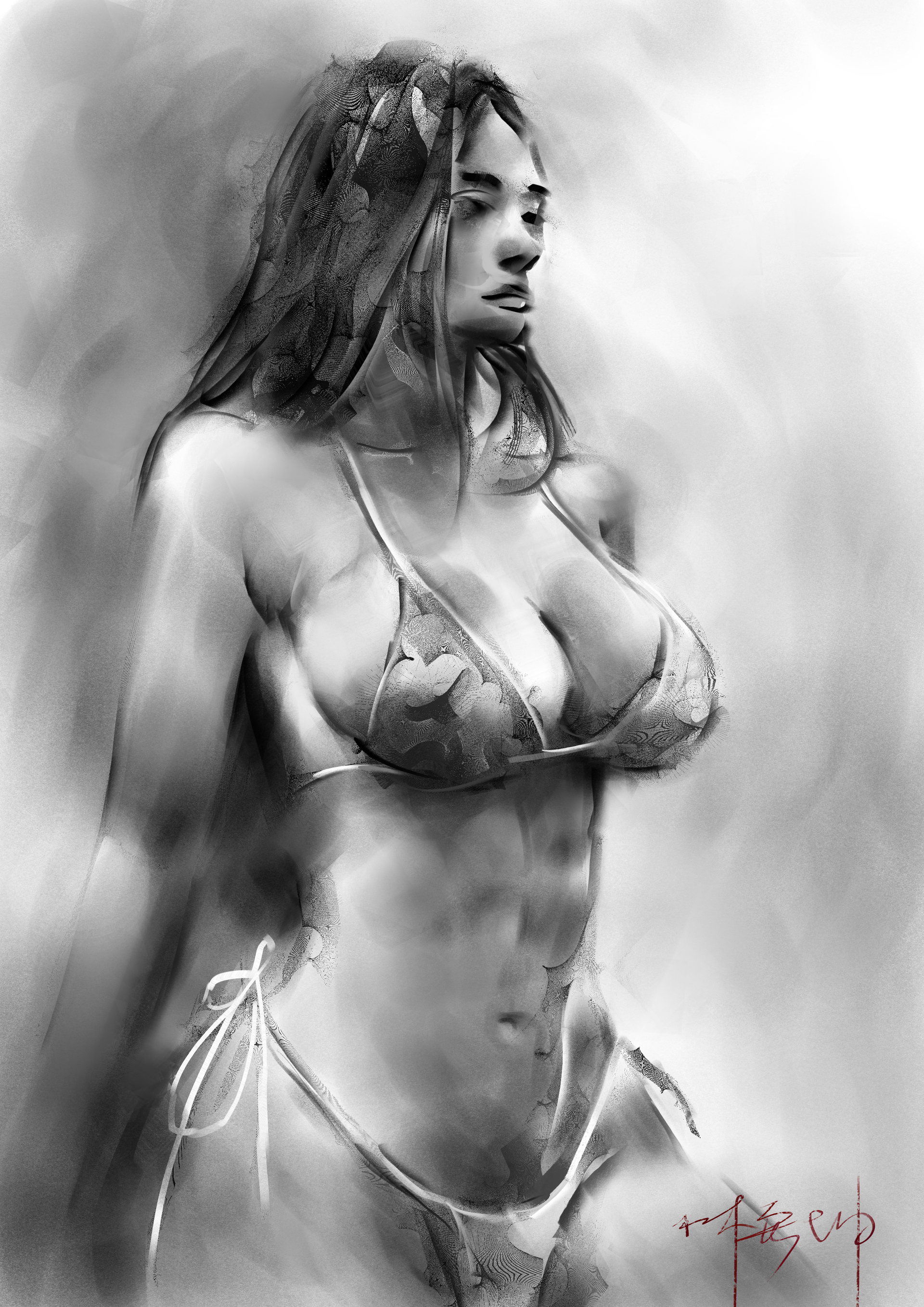
This bundle is made up of various miscellaneous brushes, some of which I made for people who requested recreations of brushes from other programs, or for myself trying to replicate random brushes I see, and others that I just made on a whim. I can’t guarantee a lot of these are actually useful as some are quite unconventional and sorta just made for fun, but there are also quite a few that are more generally useful and that I’m quite proud of.
Short trailer I made for them: https://youtu.be/m8ckXMxCdC0
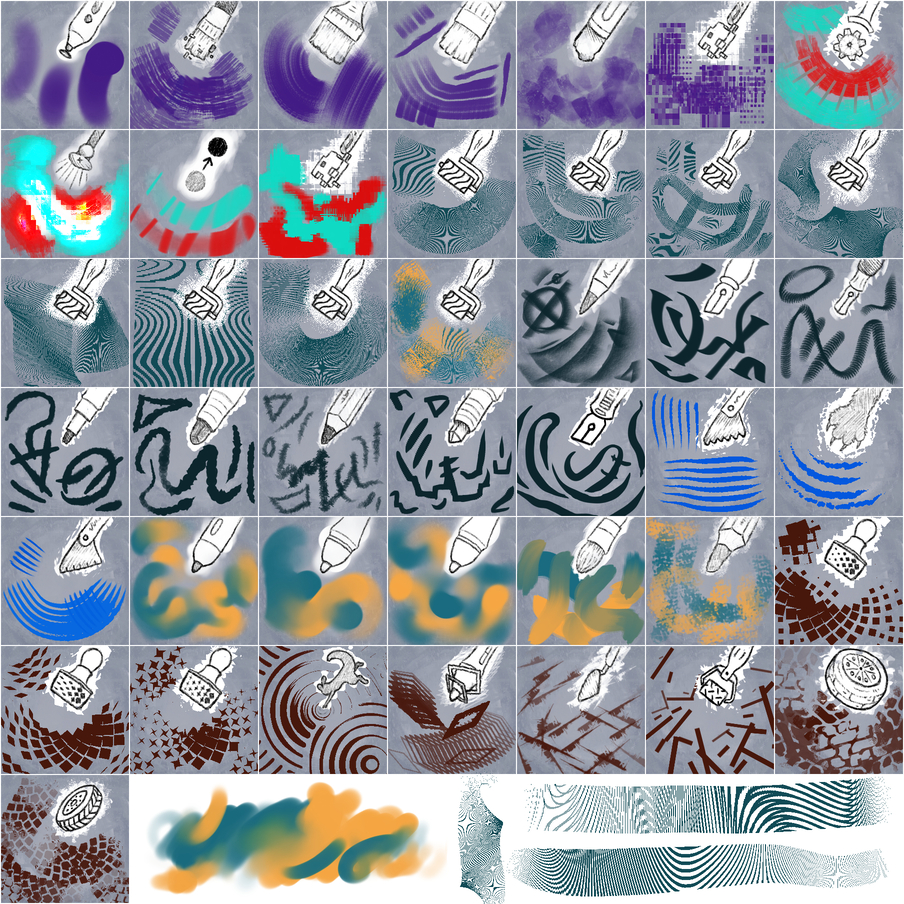
A few standout brushes that I want to give some more info on:
Moire Pattern Brushes
The idea came from someone who asked if it was possible to recreate an Ibis paint brush in Krita. They use a super thin tip which slips between the pixels and makes some interesting stripy patterns. I spent a lot of time trying different settings for these brushes so there are several variations that take different approaches.
- The ones labeled small, medium and large use settings tuned to their sizes. They make some of the best patterns but they stop working as well if you change the size too much.
- Moire Scalable is my best attempt to make one that works well at most sizes, it is more consistent but the pattern is a bit different.
- The Wiggly and Ribbon ones use alternative methods for rotation (rotation over time and pressure sensitivity respectively) as opposed to drawing angle.
- Moire Split uses a stamp with two lines instead of one which results in two slightly offset patterns layered together.
The Moire brushes generally produce better results with the dynamic brush tool or heavy stabilization.
Hybrid Blend Brushes
These are my attempt at making smudge engine brushes that blend smoothly without streakiness or reliance on texture to create color transitions. They use animated brush tips that become softer or harder based on pressure, so it’s possible to create both hard edges and perfectly soft fades easily with the same brush.
“Scaling” Pattern Brushes
Created after someone asked if it was possible to make a brush where elements in the stamp scale individually of each other. The technique I came up with uses the sharpness parameter and tips made up of gradients to achieve the effect. You could do the same thing with an animated brush tip but there’s trade offs either way.