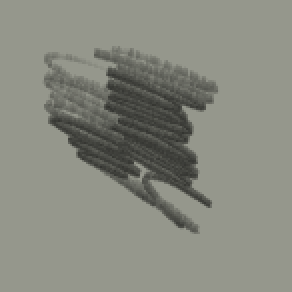
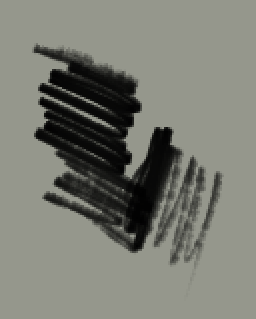
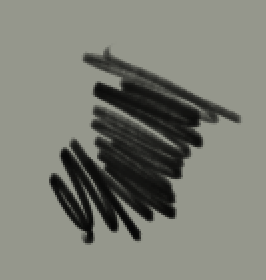
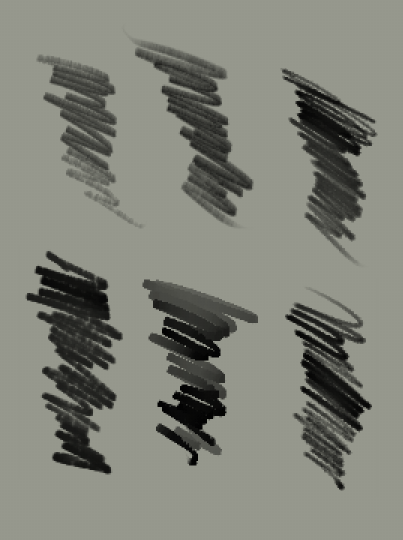
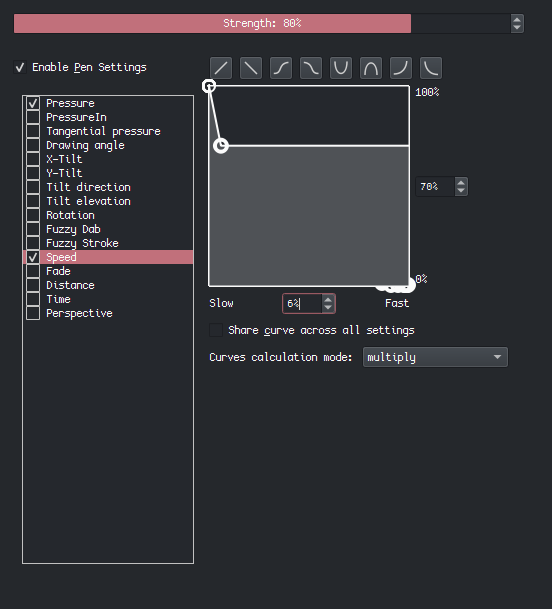
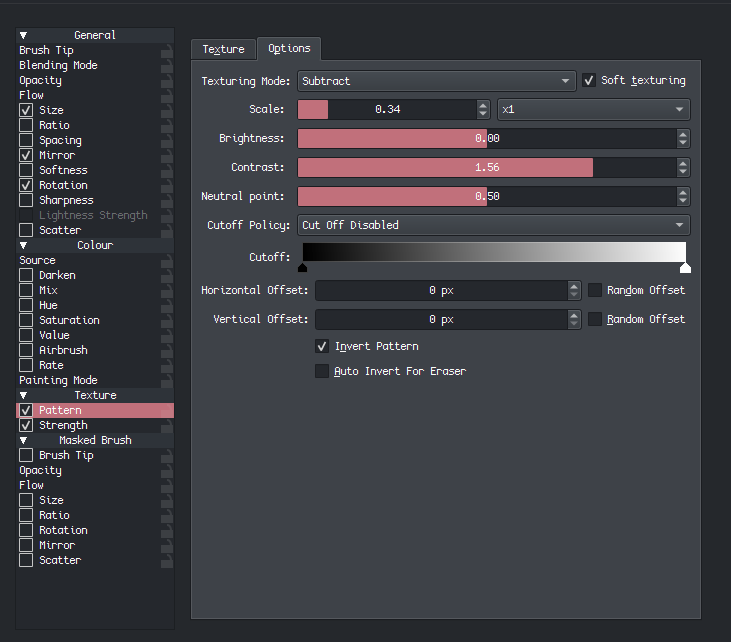
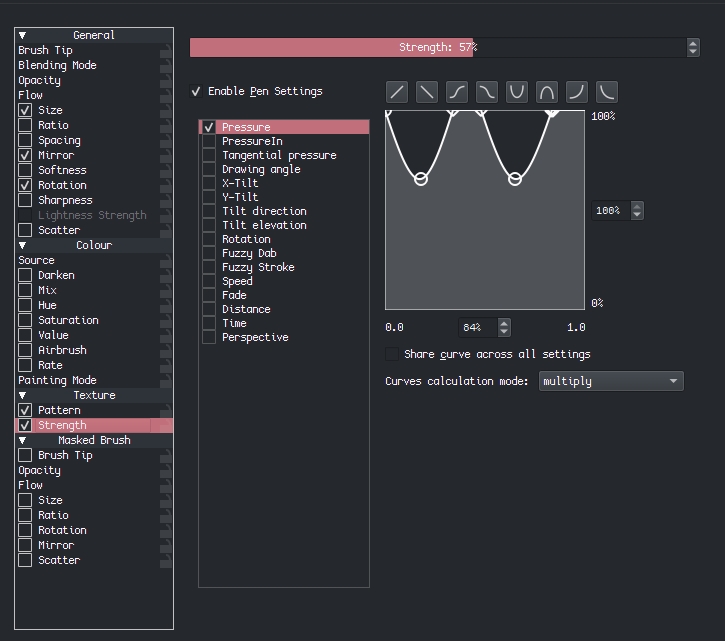
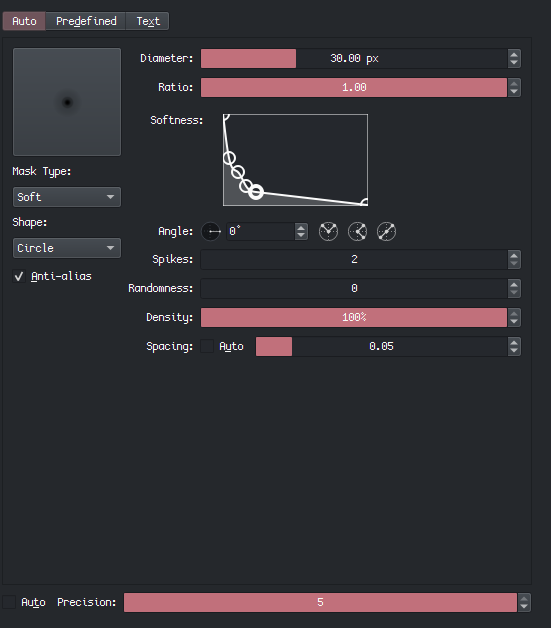
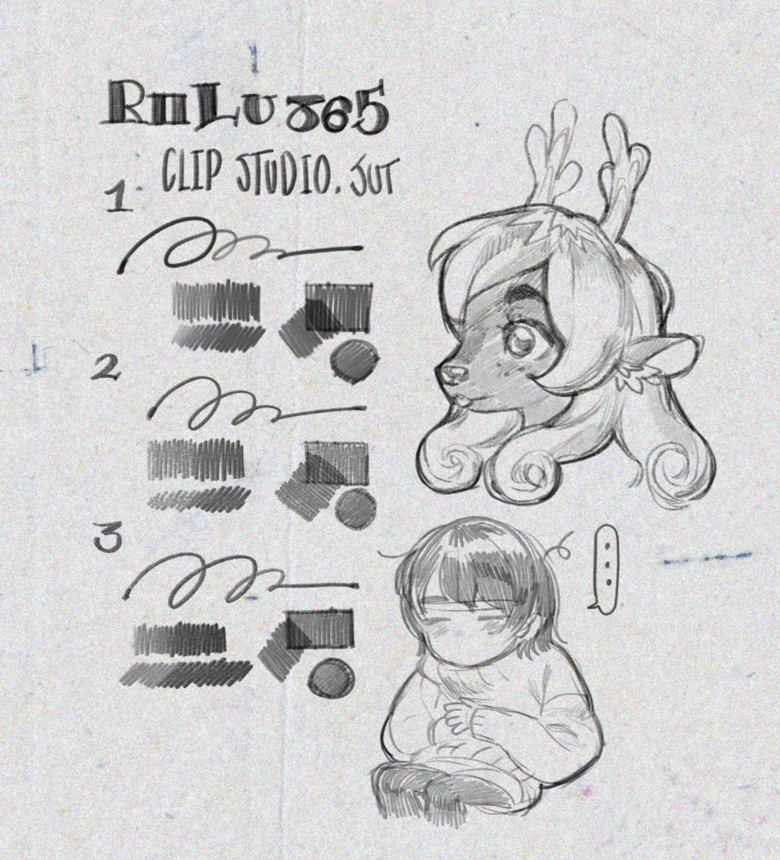
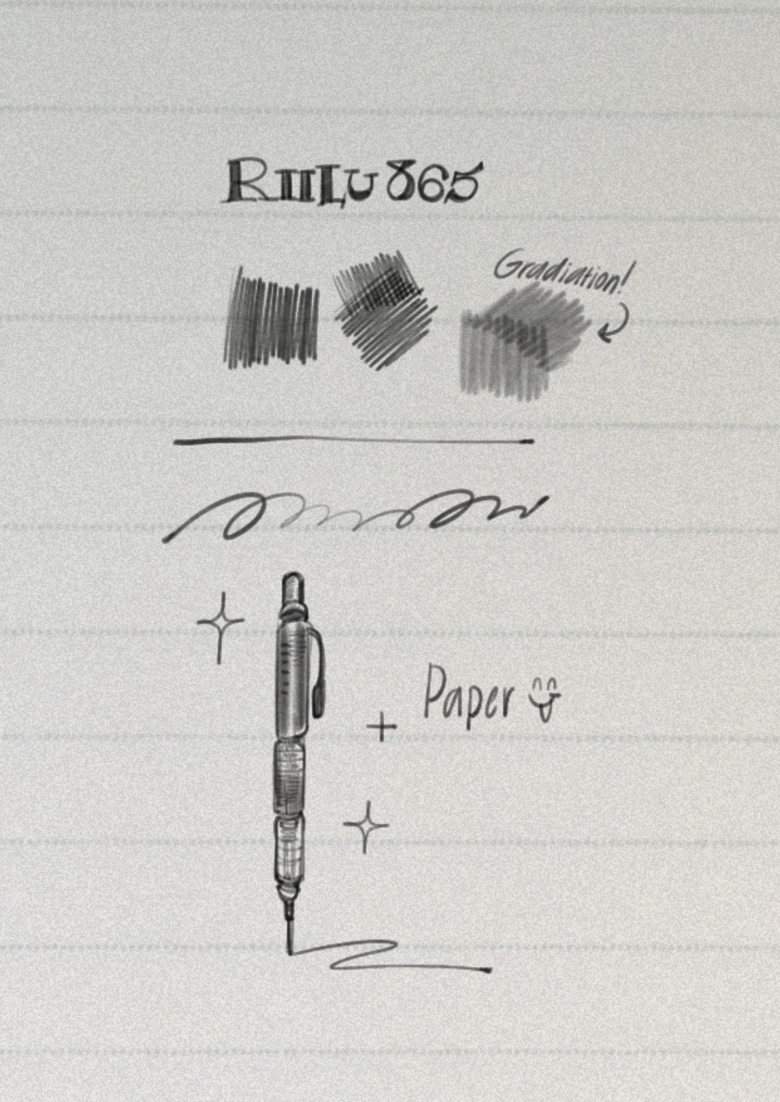
I think it’s my first time posting so apologize if I edit the text a lot lol. And let me know if I miss anything important that can help recreate this brush or identify anything similar. (I can download the instagram videos and post them in comments to make 'em easier to analyze if needed).
Any community/default brushes that are similar to this smooth, overlapping pen brush?
I think mainly I’m looking for similar opacity and colouring brushes to it, that can also be a liner at small (3-10 px?) size.
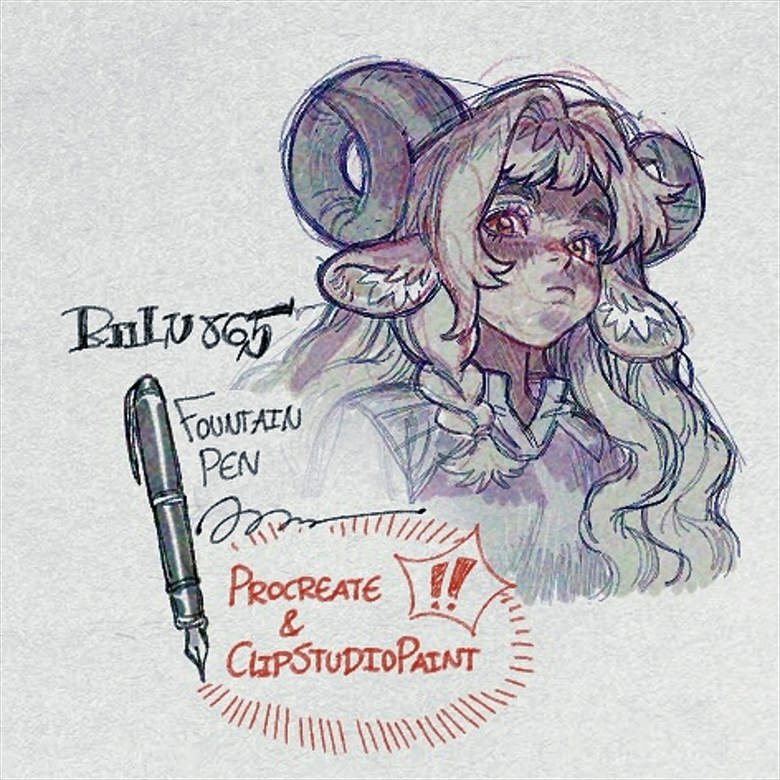
Basic-2 opacity and other defaults I think are close to this…? Though Riilu’s looks more like a mechanical pencil than fountain pen… I could just be overthinking, and one of the default brushes do in fact match it and I just haven’t tested enough.
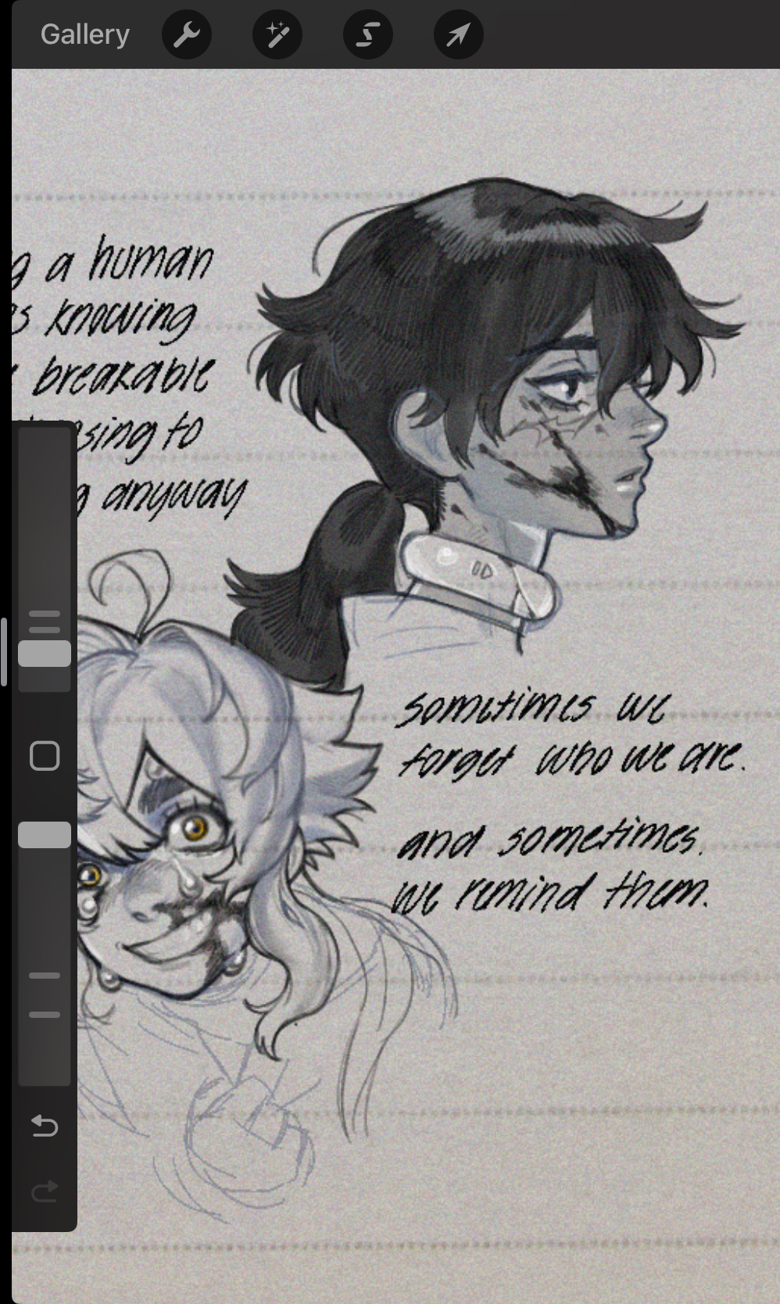
Here’s some video examples of the brushes:
Content Warning for their instagram page (if you scroll down past the video): violence / blood / injury. Though nothing severe like gore as far as I’m aware.
The videos I’ve sent are fine, but beware scrolling down to their page.
I have the brush actually, so I’ll try cooking something up. I’ve been a bit busy recently though, so no promises.
Also, not sure about Procreate, but the CSP version can not in any way be recreated in Krita. You might come up with something kiiinda similar, but not as close as you’d probably want; this is because it uses:
Color image tips (I know they exist in Krita but…)
“Blend with darken”.
The combo of the above settings means that even the texture itself will behave drastically differently than Krita’s per-dab texturing. I can’t explain this easily without screenshots atm, but I’ll pin this thread so it doesn’t get lost.
Many thanks if you get to it! But no rush or worries if you don’t .
Unfortunate that clip studio’s brushes are off the table, but even if I don’t fully understand the details, re-engineering a closed-source brush engine sounds like a tough task. So that’s understandable.
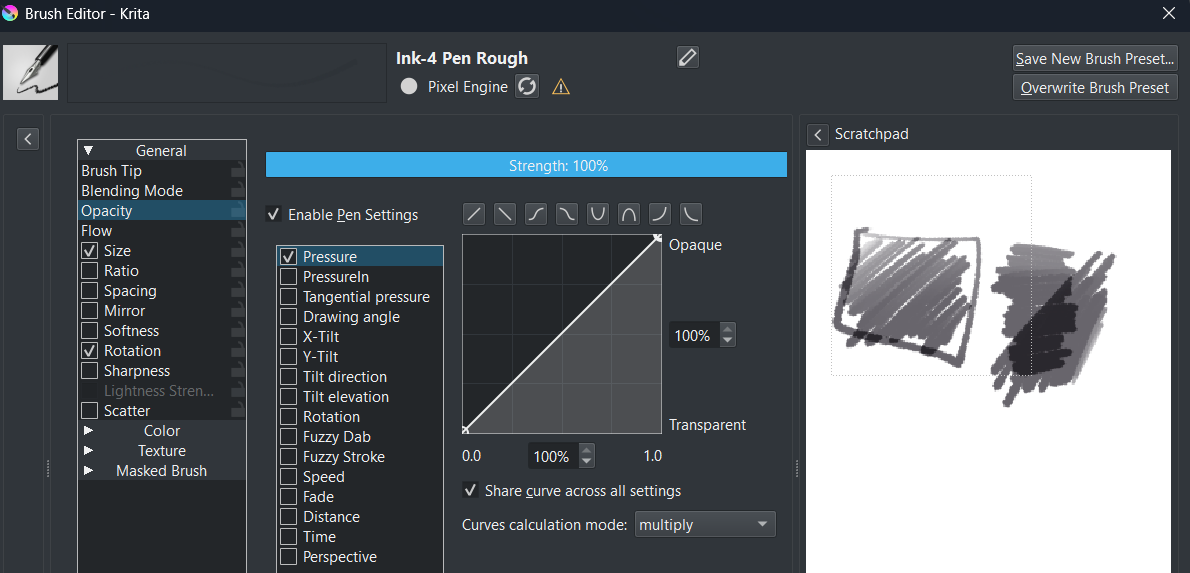
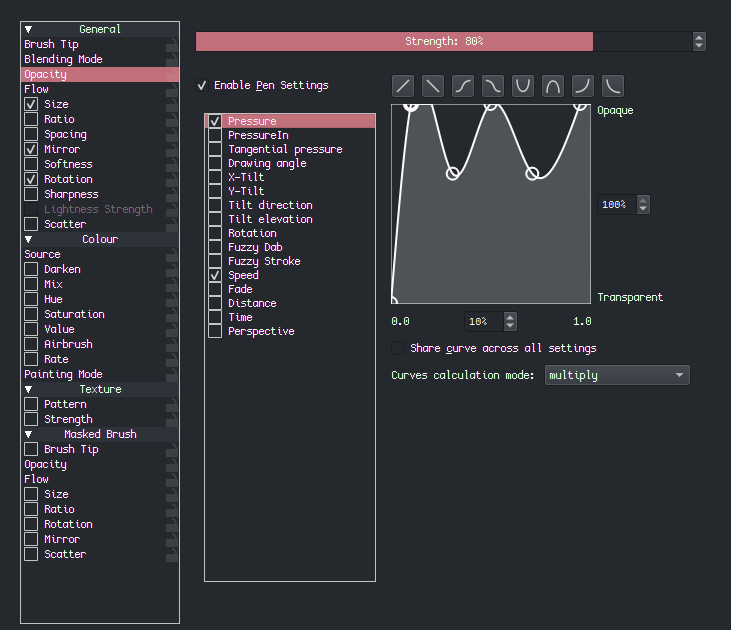
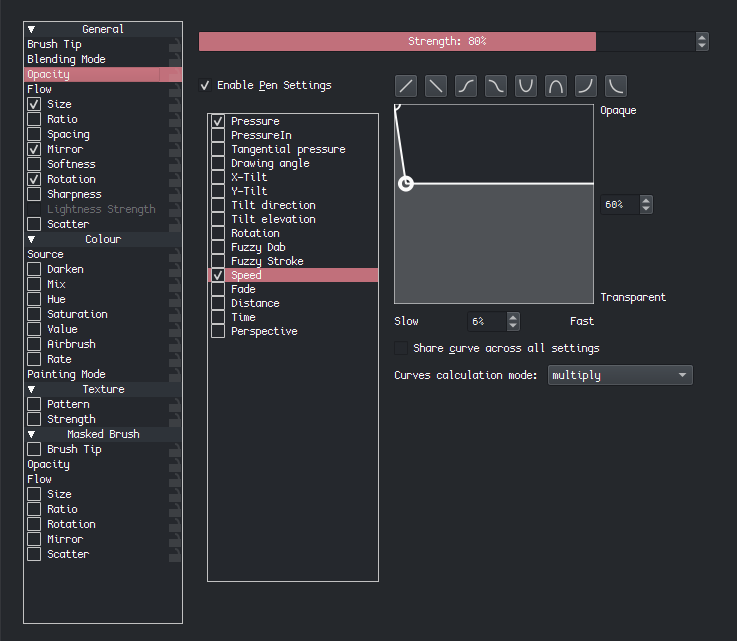
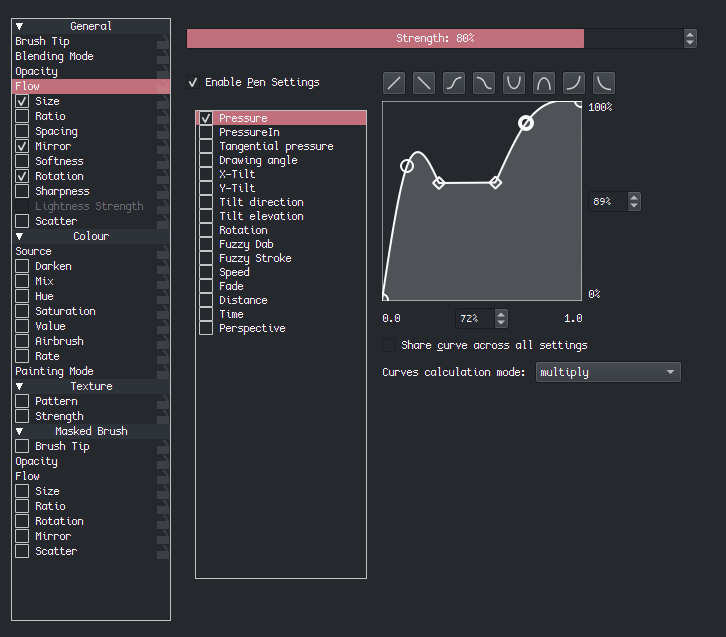
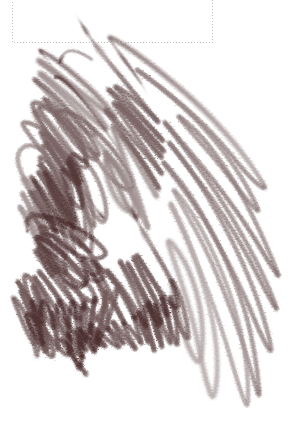
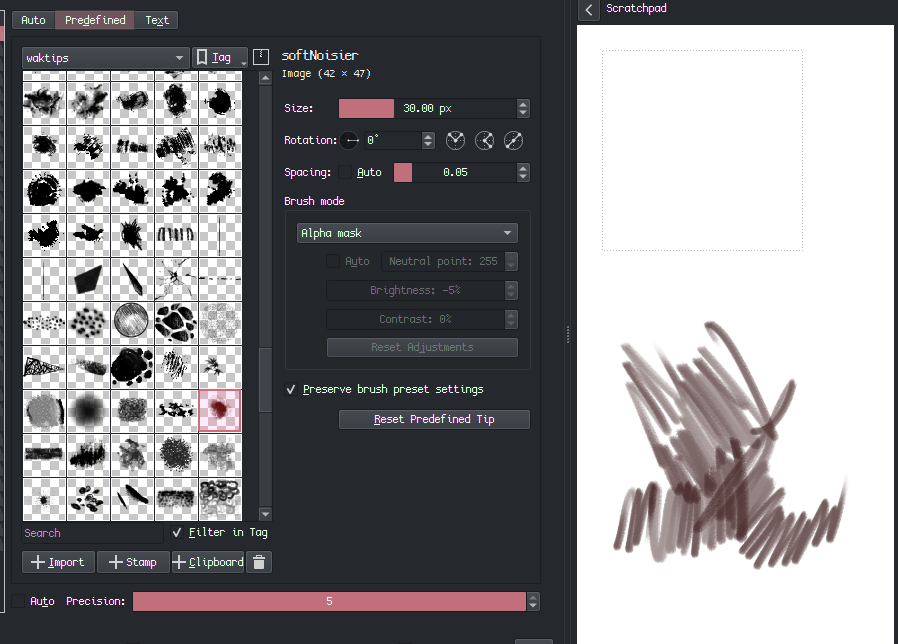
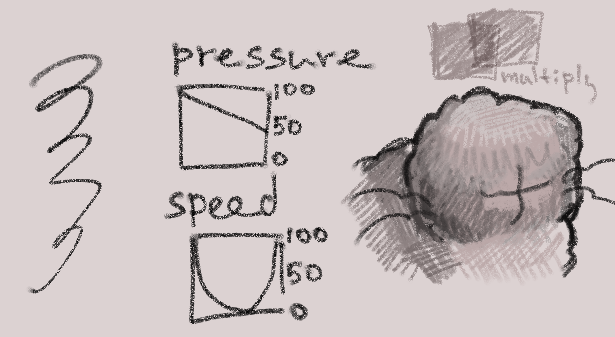
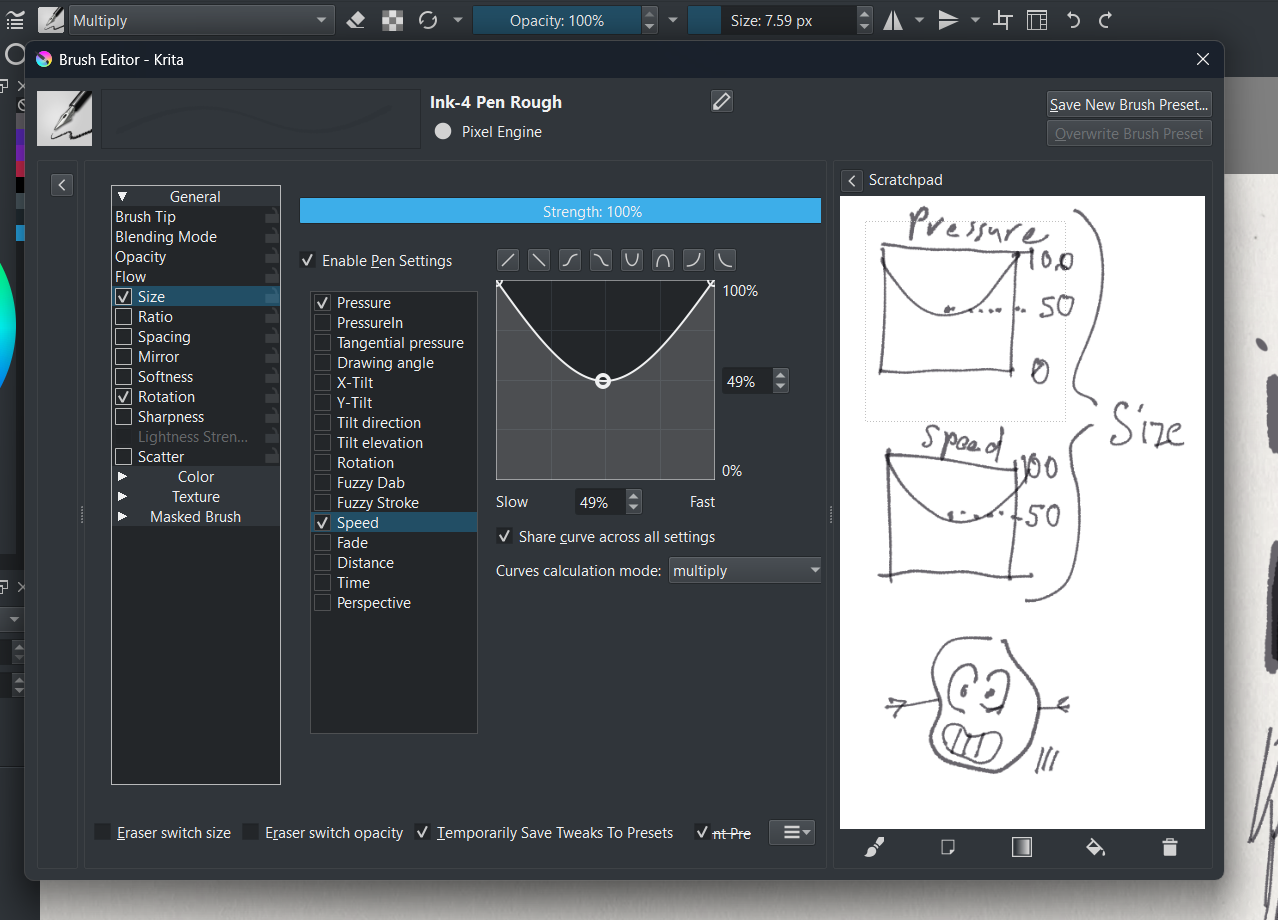
this is the result i got for 5 minutes playing around with the settings.
i don’t have this artist’s brushes nor i know how they work, so i was kinda improvising from ref image.
you can see that the brush is thicker at the start and end of the stroke - that could depend on pressure or on speed. i wasn’t sure, so i did kinda both.
also when strokes overlay on each other they darken, and that can be replicated by setting the brush blending mode to Multiply.
pencil texture? ehh maybe, but i think that’s more from the paper texture used as the background rather than from the brush texture itself. someone with the actual pack can do it better, i’m just pointing out settings to try
Appreciate the input and the settings suggestion! :D. I think you’re right that the paper background is doing the heavy lifting on the texture instead of brush being pencil-like.
And multiply mode matches the opacity effect well too!
Changing the speed setting I think got the brush pretty close when I used it on Ink-4 rough.
You’d be close, but not quite. The brush is specifically using normal mode – what you see as “darkening” of the stroke, is due to the texture being in outline mode together with darken dab blend.
Basically, without blending the tips with darken, it’s literally not possible to achieve the same effect. With the current brush engine parameters, you can only basically make a somewhat-lookalike.
This actually affects the stroke more specifically due to blending dabs with darken!
Not true. Again, the darken blend does 100% of the heavy lifting here. Only 1/3 of the sketch brushes are possible to recreate, as it doesn’t use that mode.
Top row is blend with darken on (except the one brush that doesn’t use it), and bottom is what would happen if you put these brushes 1:1 into Krita (no changes to brushtip/texture, except texture set to height instead of CSP’s “outline”):
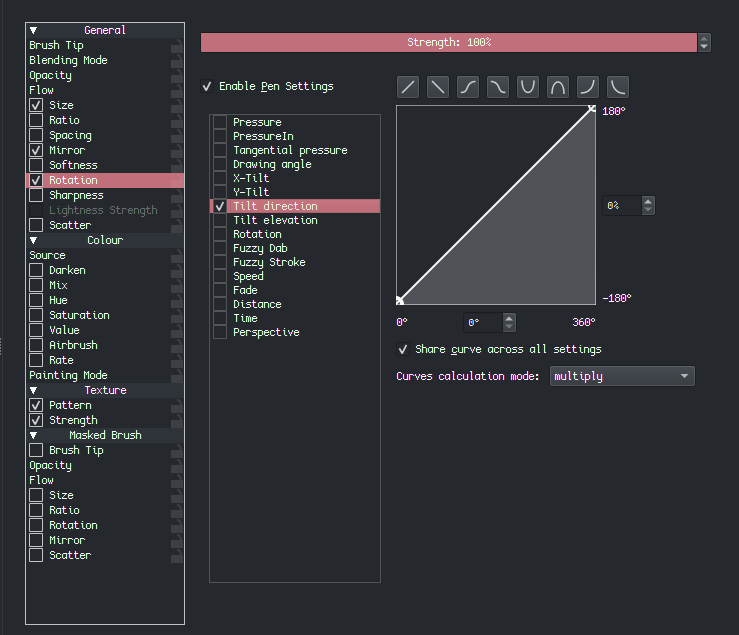
The pen is much more sensible to recreate. It’s, at it’s core, a very soft rhomb with rounded corners. Recommended settings without being 1:1 as to respect the artist’s work:
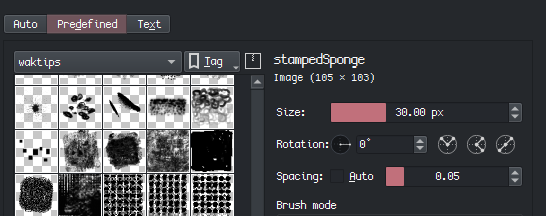
For the brush tip, you should just make a soft rhomb like I said. Basically, make a rhomb shape, make the corners very rounded, add heavy gaussian blur. Lower the opacity of the rhomb, and draw a few small circles inside, 3-6, at the top. This will add some “grain” to the nib.
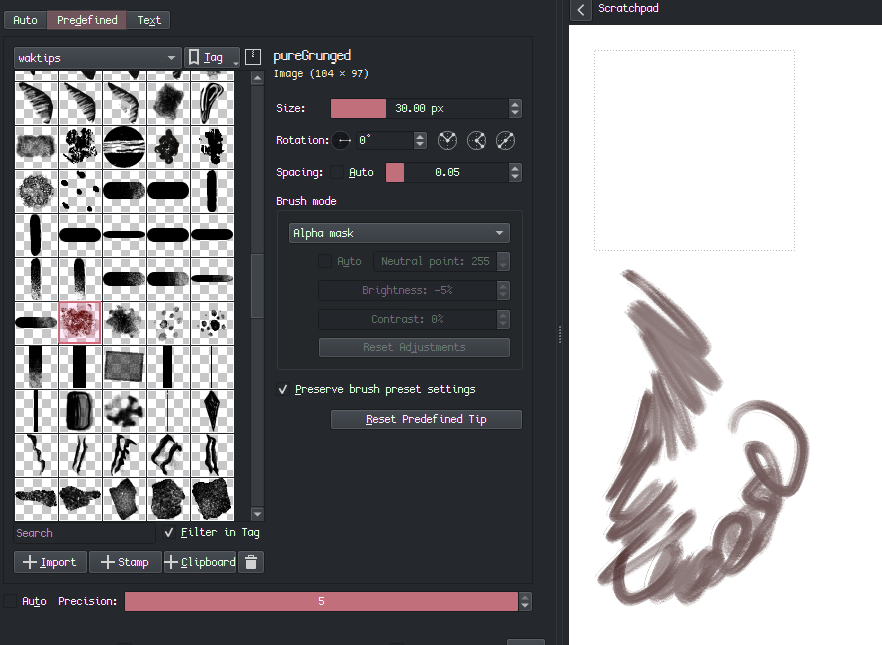
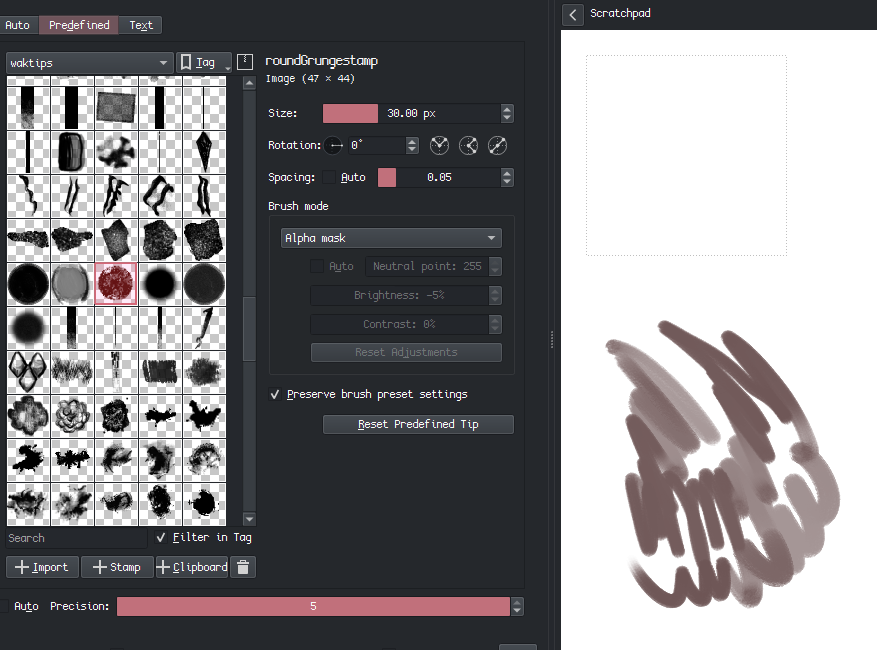
This way, the nib will follow the tilt of your pen’s direction properly. you might have to rotate the image a bit within Krita’s brush editor (the setting right here):
Also, be sure to avoid this if you make your black-on-transparent brushtip. You can avoid this issue by making the tip black on white background, but maybe you’ll like the customization, dunno!
Just wanted to ask if you can provide a download link of the ink brush you made.
As of now, I say that concludes the thread. Pains me to say a definitive solution is impossible due to brush engine limitations, and also with respect to the o.g. artist, so we don’t intrude on their earnings, I didn’t consider that, thank you for pointing that out .
But getting the settings very close is the next best thing!
So i’ll mark it as a solution…! …once I myself can recreate the settings provided xd. Or get a download in this thread for future’s sake

 .
.

 neat!)