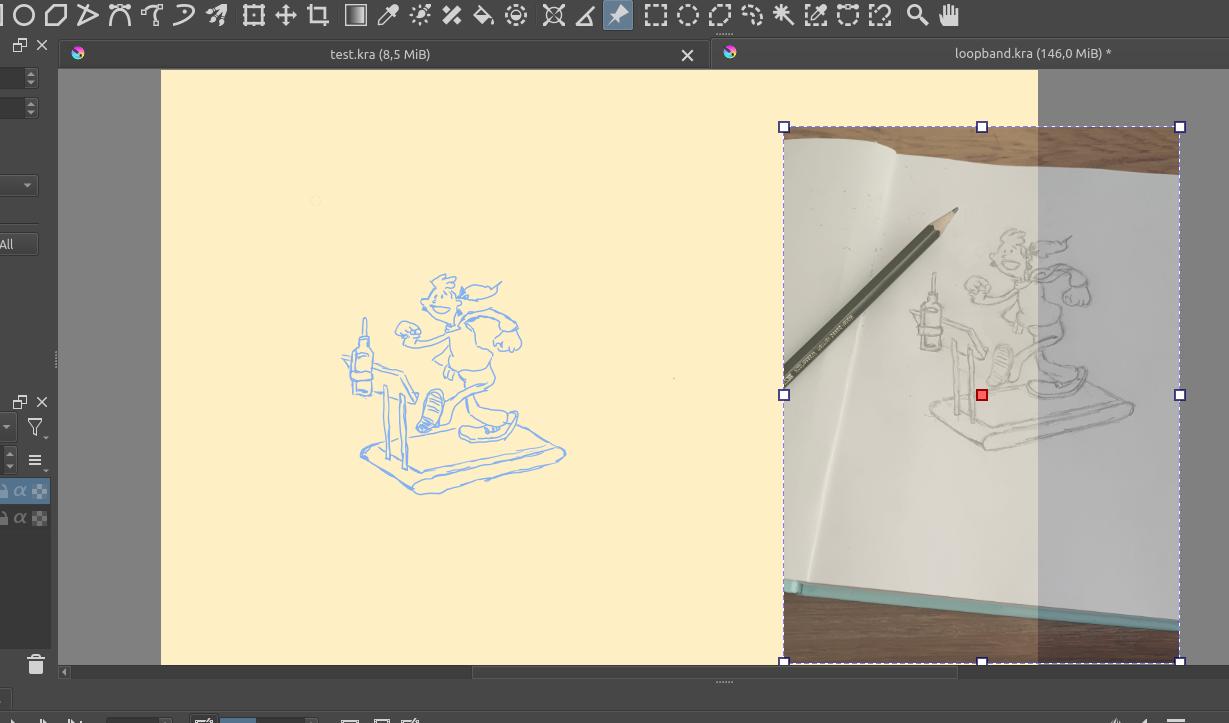
I have draw this image but I wanted tom disable the reference image
But somehow the reference image is saved with my digital drawing.
How can I prevent that.
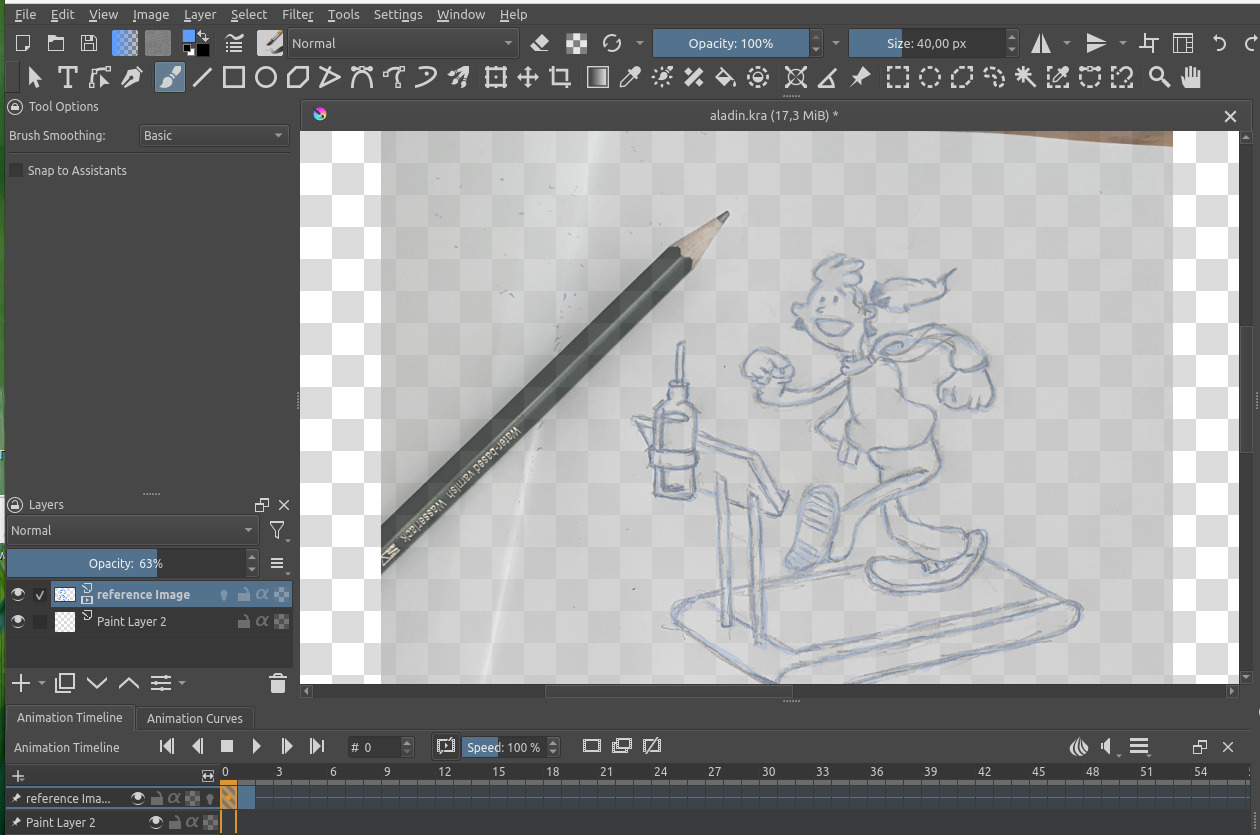
By the way I could not add the Krita file only images
I have draw this image but I wanted tom disable the reference image
But somehow the reference image is saved with my digital drawing.
How can I prevent that.
By the way I could not add the Krita file only images
You can delete a reference after you clicked on the push-pin icon (that is Krita’s Reference Tool), then its window will open, and you can delete it from your picture.
That the forum does not accept KRA-Files is because of the forum software, this software is unable to handle Krita’s file format, as well as every forum software out there. So you have to export your pictures from Krita via ‘‘File’’ → ‘‘Export’’ where you can select a proper format, the forum accepts JPG, PNG, GIF, and maybe WEBP if I remember that correctly.
Michelist
You inserted the image as a layer instead of a reference image. Simply make it invisible or use the reference image tool instead.
LOL, you are right! I should better use my glasses! 
Michelist
I did use the reference Image tool but it was saved as a background
It should be a different layer.
Now I cannot remove the background layer because then my digital drawing disappears
You traced over the artwork on the original layer. You basically drawn on “the reference”. You should have created an empty layer first, and drawn on that. The only way to “fix” it is to start over with the correct layer setup.
Sorry hit the wrong icon
Ok I fixed it it seems that you cannot disable the reference image I have just moved it to the side
Now its working
This topic was automatically closed 4 days after the last reply. New replies are no longer allowed.