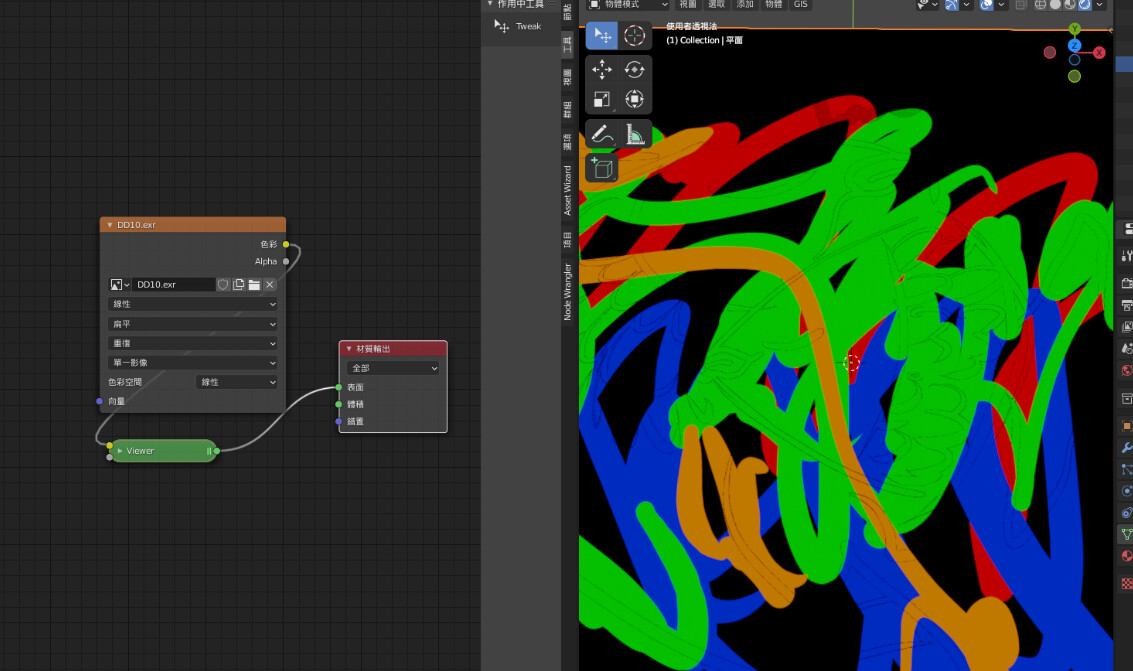
I need color+alpha channel output to blender
I followed the instruction below, but the result is incorrect
How to save a PNG texture…
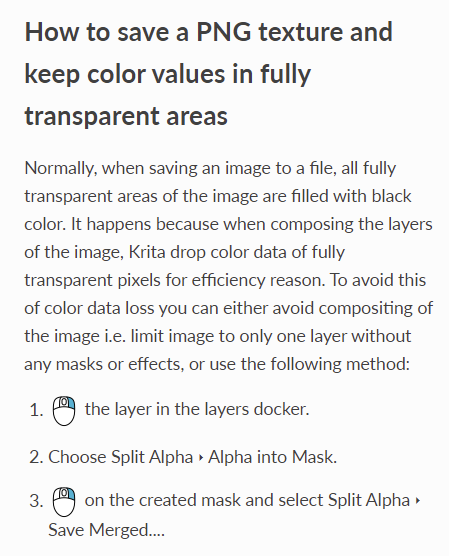
Because I am a new user, there are restrictions on the picture, I split the article into the reply.
I need color+alpha channel output to blender
I followed the instruction below, but the result is incorrect
How to save a PNG texture…
Because I am a new user, there are restrictions on the picture, I split the article into the reply.
krita > EXR > blender ( In accordance with the manual )
Turn off alpha!! As a result, the colored part will be different from the original image
Error comparison:
I think there is an option to output to the file channel. The channel display of krita is completely correct. Just write to the exr channel.
Or is there any other way I can do it that I don’t know??
This topic was automatically closed 15 days after the last reply. New replies are no longer allowed.