So I’m relatively new to Krita, downloaded it about a month ago. I use Windows 11, and have the version Krita 5.2.16.
I’m working on a rough animatic that I want to save as a video so I can show my friends, but every time I try rendering the animation, one of 2 things happen to the video (both examples are MP4, the only difference in the rendering process is I muted the audio for the first one):
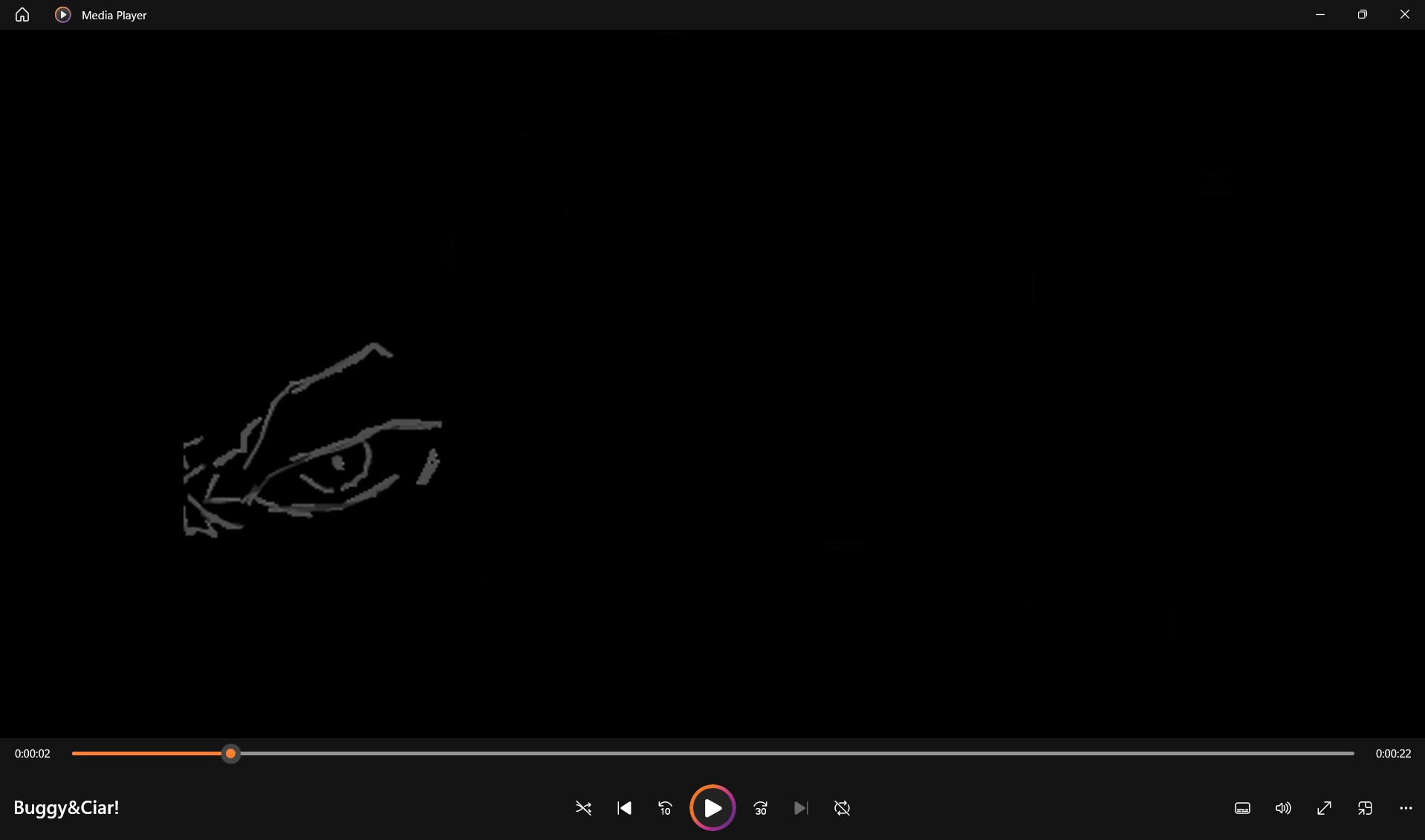
- The video appears corrupted almost? All the lineart is low quality and most of the drawings and frames are missing? Idk how to describe it, so here is a screenshot.
- This frame is missing like 80% of its art besides the eye!
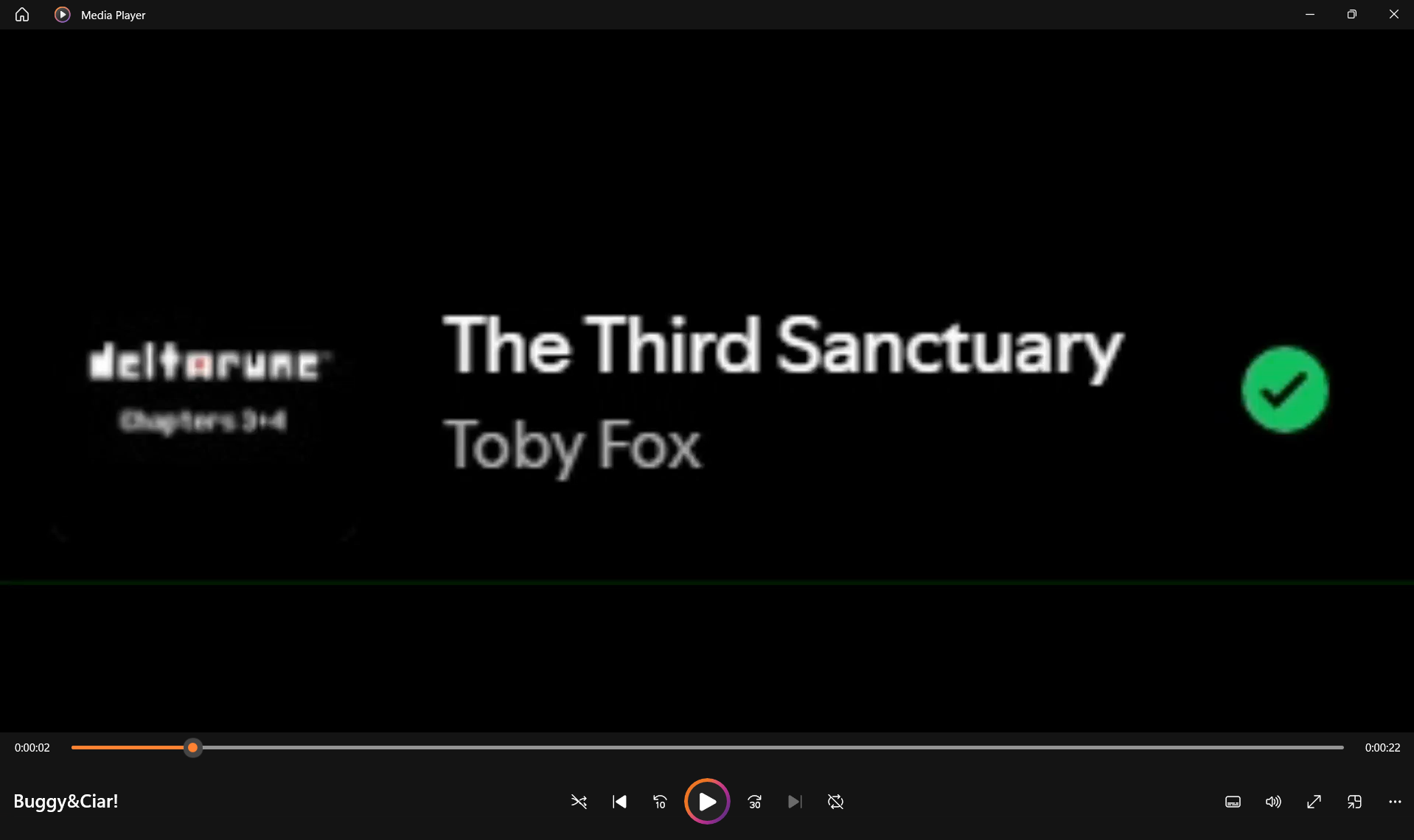
- I used a screen recording for the audio, and when I try saving the animation with the audio unmuted, it doesn’t have any of the actual animation and the video is just the image of the screen recording? Heres a screenshot of what I mean.
- The whole video is like this, I assumed that since the screen recording video was just going to be used as audio it wouldn’t mess with anything visual
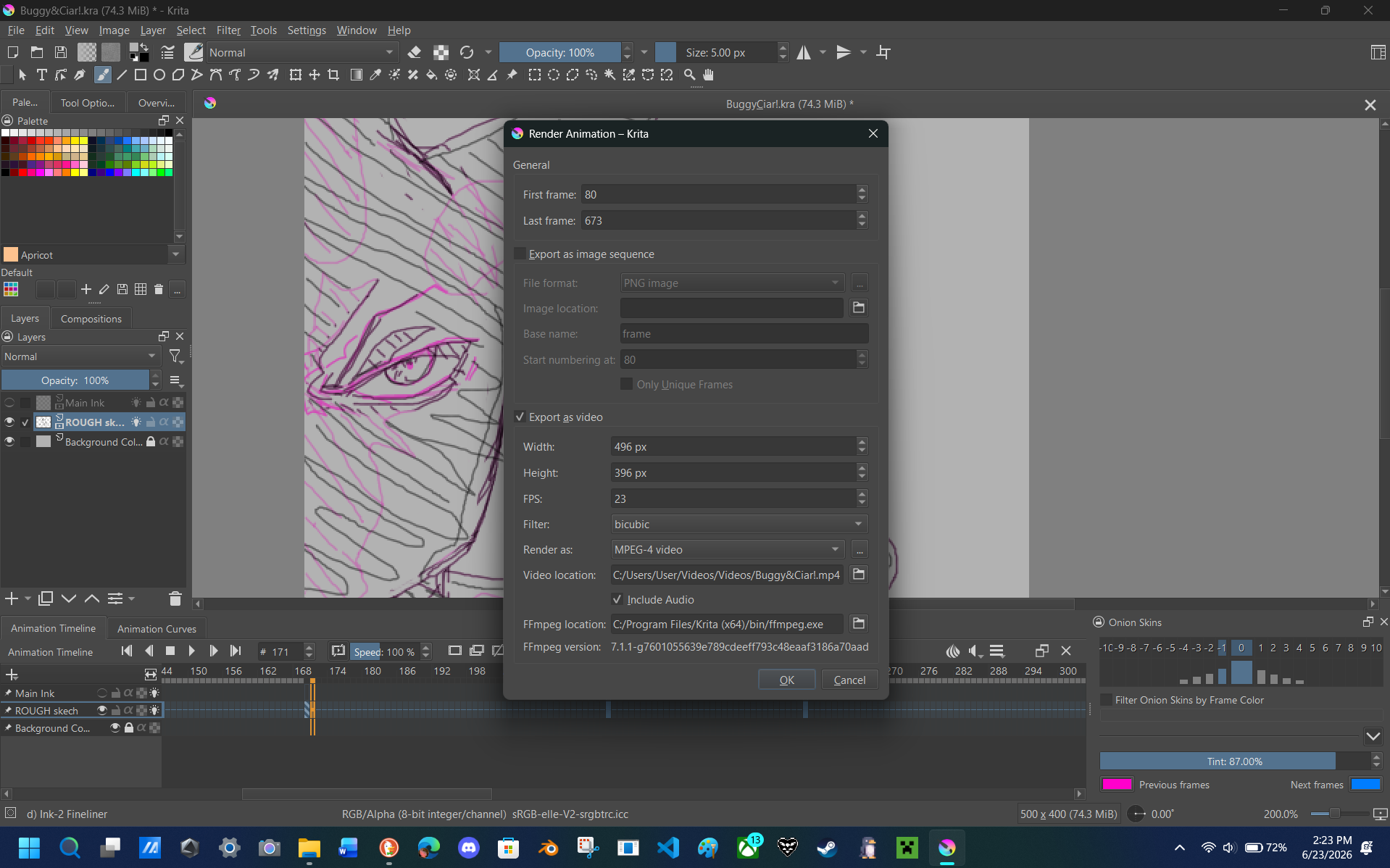
Here’s what the Render Animation tab looks like for me
So I’m not sure what I did wrong or what to do. I tried rendering in the other file types and they either don’t open or just get the same results. I could try downloading the song instead of using a video, but I don’t know what would fix the issue with missing drawings and frames.
Please help!
 Hello
Hello