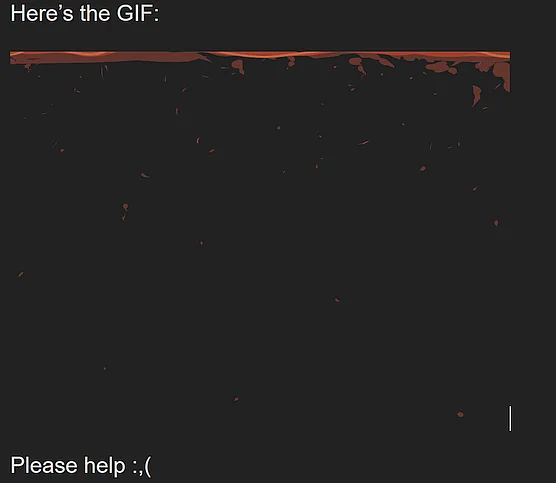
Hello! I’ve had this issue a few times now when I try to export an animation as a gif (its been my only successfuly way of having a transparent background) The background is supposed to be totally solid in the middle frames but is oddly transparent in the finished GIF. When I export them as an image sequence this doesn’t happen, but i’d like an actual video. I’ve tried many things but I can’t seem to fix it.
When I had to guess, you will have parts with partial transparency in your animation, but GIF doesn’t support that.
Here you would need WebM or MP4, but I can’t tell you which settings you need for both formats to display it correctly because both formats are container formats that allow different codecs, so you’ll probably need to ask a search engine for the needed parameters. Also, APNG is probably an option, because if I remember it right then it supports partial transparency too.
I’ll try looking more into those other formats, but I’ve had absolutely no luck using any other format while keeping it transparent and in good quality.
As far as partial transparency–I have absolutely none in my entire file. The parts where the issue is with the layers are 100% opaque solid color. I’ve even created many other layers with more solid color just in case it was a specific layer being weird but still no luck.
I guess that you then have to wait for our animation “specialists”, because I’m no animator and probably will never be one, but since this forum is an international forum and our world a ball-shaped bowl tumbling around our sun, it may take some time for them to arrive in the active hours of their timezone.
I wish you good luck in studying the options of the other codecs and formats, maybe you’ll find out a solution before you can get more input from the other helpers than I can provide.
The .gif format is an indexed colour image that can display up to 256 different colours and one of those ‘colours’ can be transparent. There can be no partial transparency in a .gif image.
Krita does not do indexed colour images and if you Export transparency from krita in a .gif file then it becomes black.
GIMP can do indexed colour images and you can have transparency in an Exported .gif.
If you open such a GIMP exported image with krita, the result is strange.
However, ffmpeg can do transparency but only in animated .gif and animated .png outputs.
(There may be other animation/video formats which I’m not aware of that can also have transparency.)
The animated .gif that you posted does have transparency but you need to open it in a viewer or application that supports/displays .gif transparency.
Krita uses ffmpeg to import videos and can import an animated .gif that has transparency and will show transparent content as transparent because ffmpeg supports it.
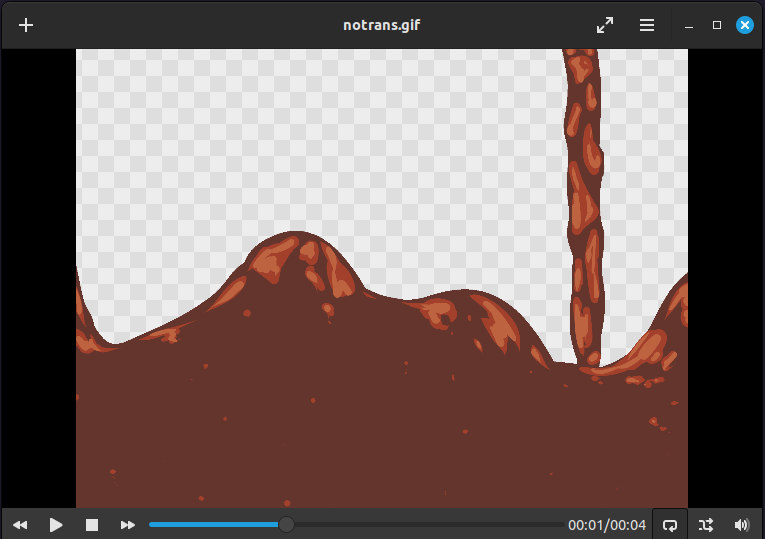
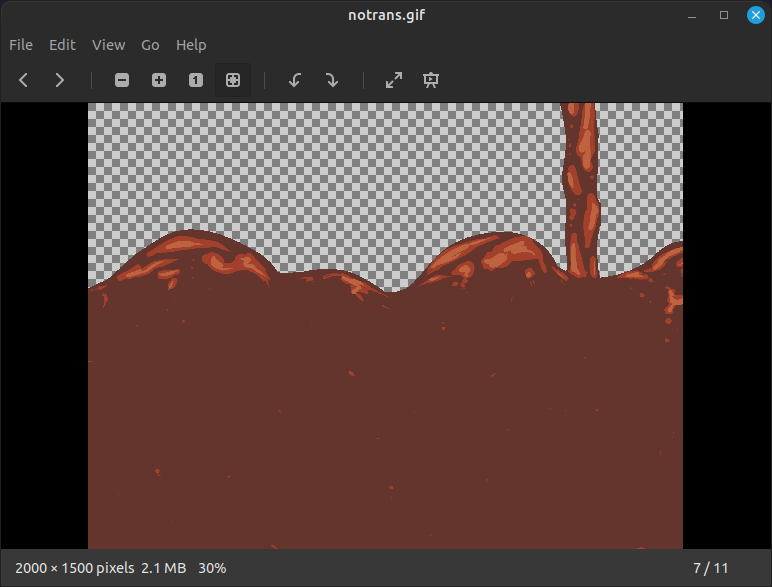
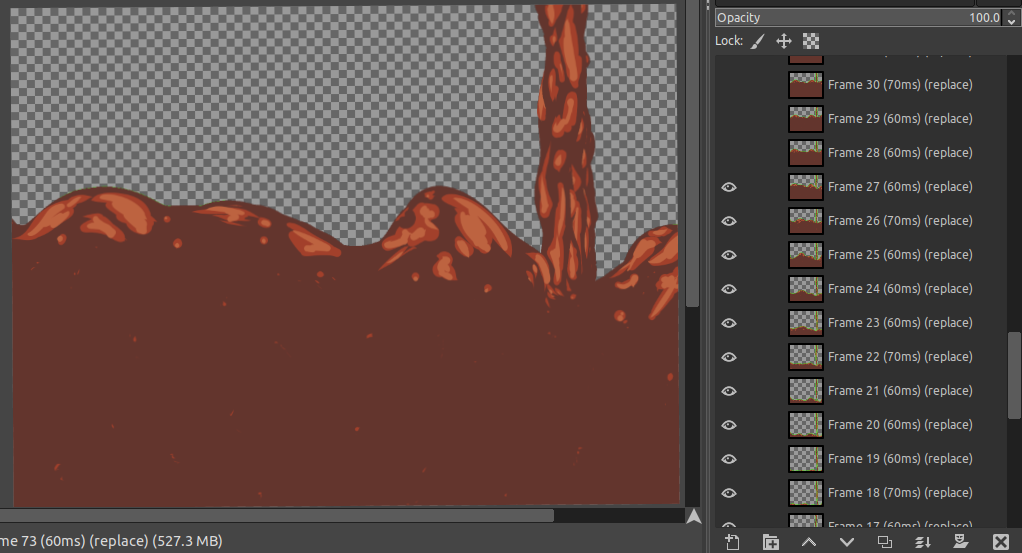
I downloaded your animated ,gif, renamed it as ‘notrans.gif’ and opened it in various applications. Hover over the image to see the explanatory title:
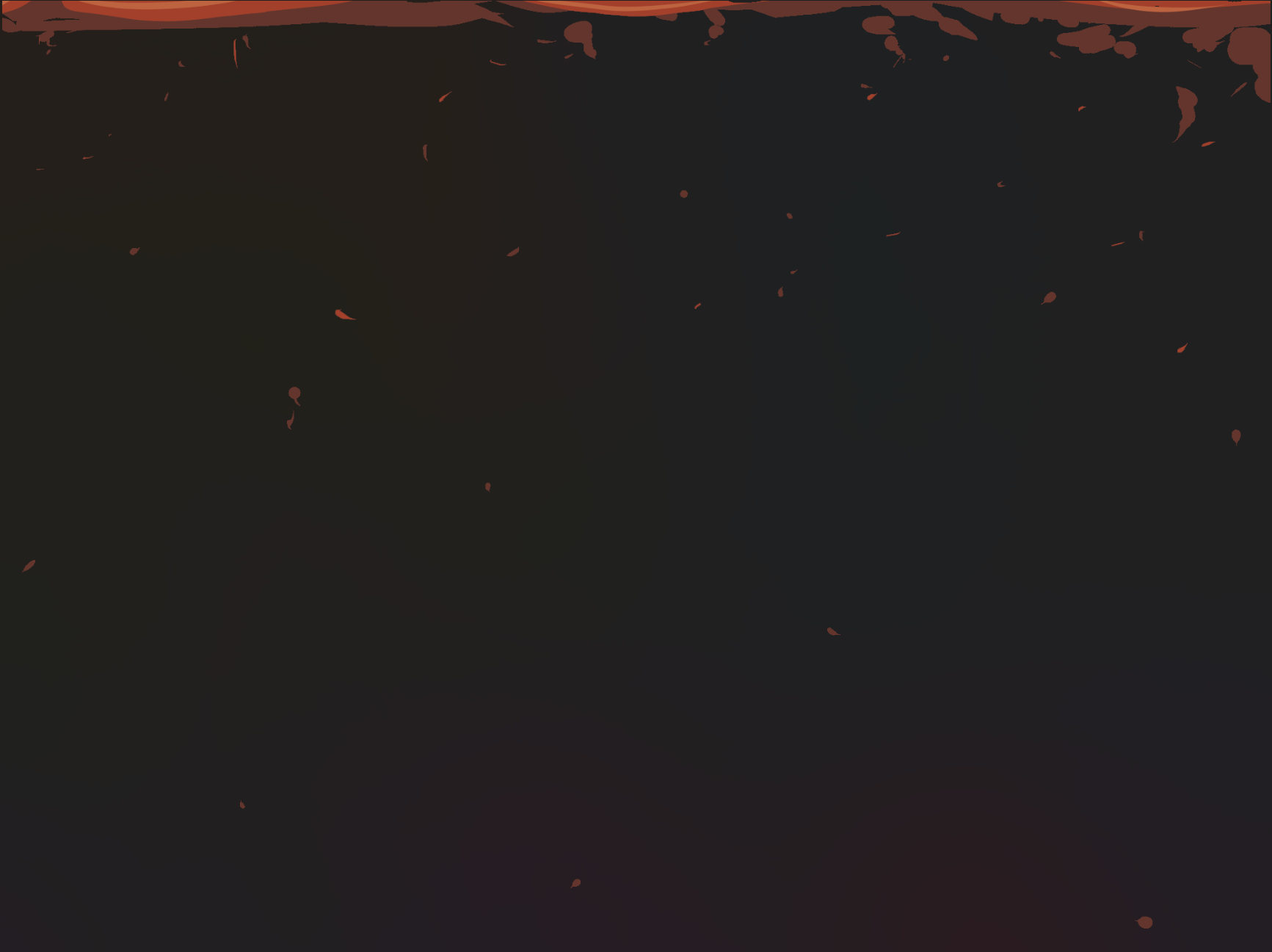
Yes, it is the error in the screenshot @Michelist shared! I believe during frames 43-54? it should be a solid color block of red with some other layer details on top, but when exported into a gif, the solid background suddenly disappears. For an example, here is what those frames should look like based of the image sequence I produced in the rendering process:
I thought the problem was lack of transparency or lack of partial transparency.
I also thought that frames 43-54 were meant to look like that.
To examine the situation, someone here would need to examine the .kra file and do rendering.
Please make the .kra file available using a link to a file download service. The link should not require any kind of login or site registration.
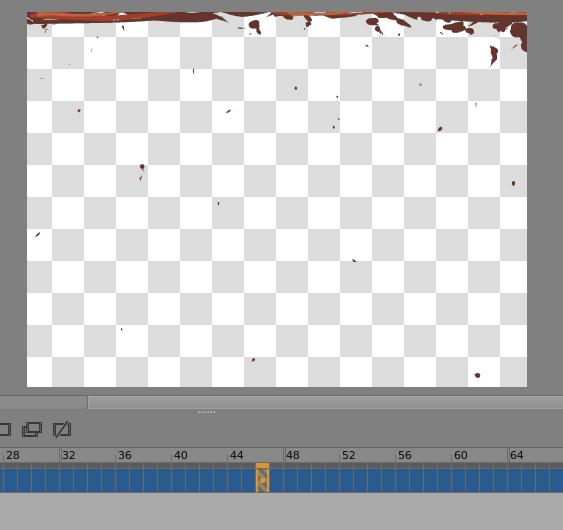
As you will have noticed, the forum does not indicate transparency on uploaded .gif or .png images. It’s a good idea to use a screenshot of an application that does indicate transparency when showing images associated with discussions of transparency problems.
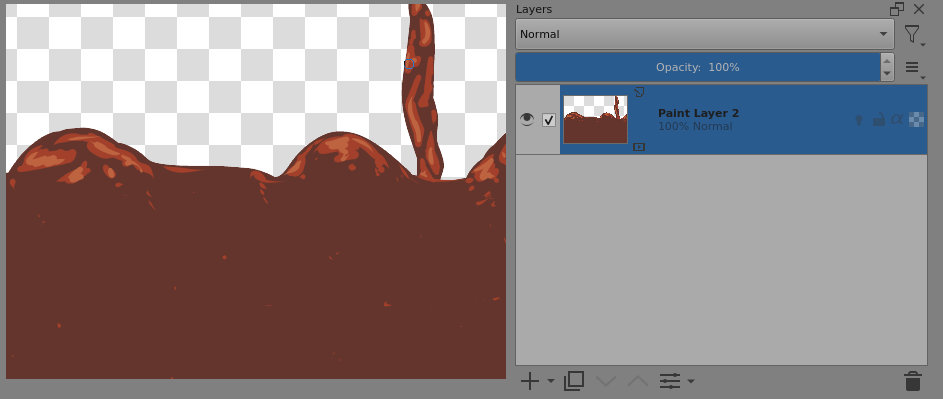
e.g. Here is frame-46 of the animated .gif that you uploaded (viewed using krita):

 Hello
Hello