So back in May I worked on a 40 page comic for my school, here’s some tips I gathered from my experience
-
Make sure to have some other people read your script before starting anything. This will help you have feedback on your story. Also have people review pages when you are still sketching to see if the reading flow is okay.
-
Not all your panels will be perfect. This is normal. Dont waste time trying to make the perfect panel. Comics require a lot of drawing and sometimes you cant make all of them at the best quality. Just try to make them look good enough.
-
Save and Backup! Always useful, you dont want to lose work. Personnaly when working on my comic each time I finsihed something (like the skecth, lineart, colors, shading, etc) I would immediatly save a .png copy to Google Drive.
-
Comics require a lot of skill, and when you are making them you will quickly notice where you lack skill. Don’t let it discourage you. Do some small studies before starting, and remember your primarly goal should be finishing your comic, not making the best pages, not telling a story,etc. Even if those are also important, you should prioritize actually completing your project. Having this in mind helps with motivation.
-
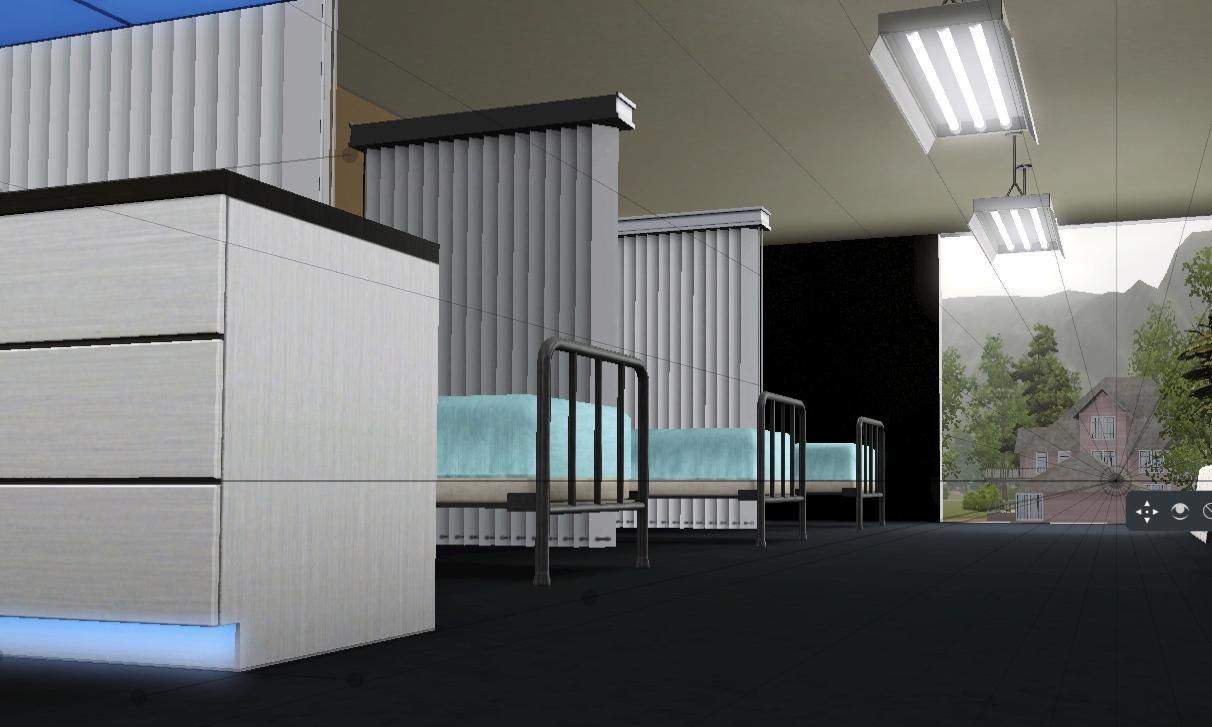
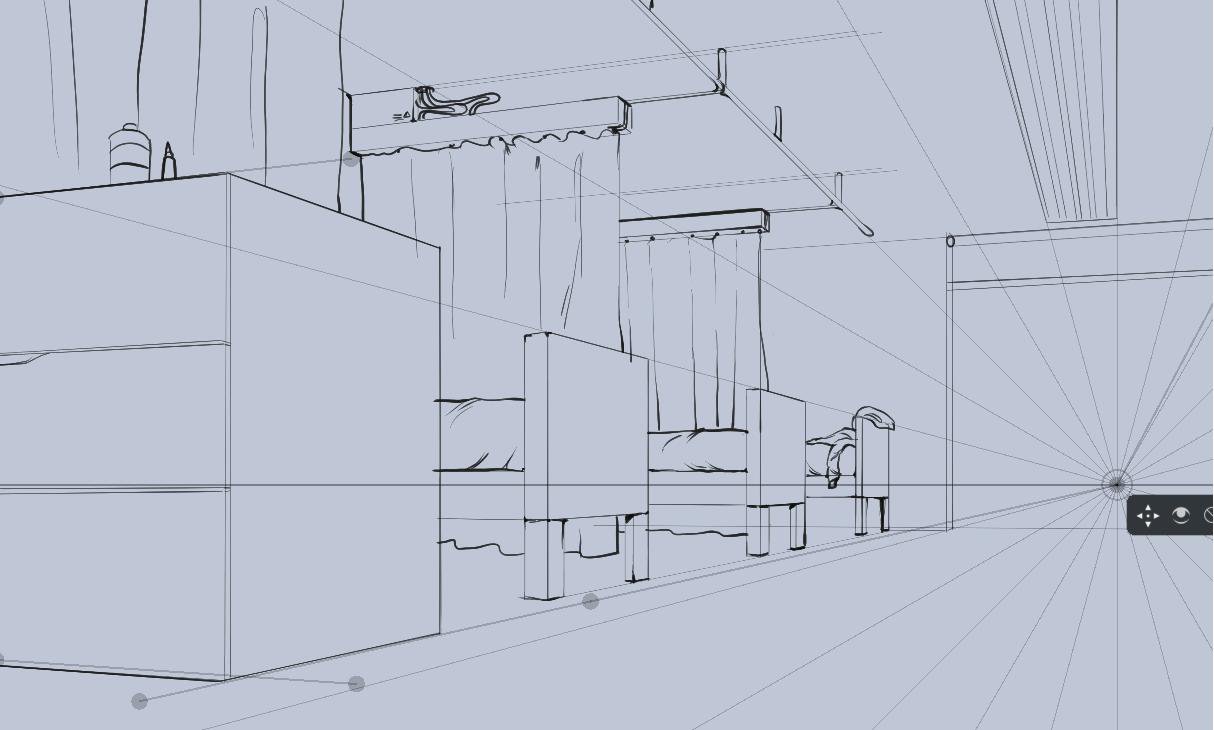
Quick tip on Perspective, Krita has guides with vanishing points that are very useful, but you could also use a screenshot from a 3D environment. You can make a quick mockup on Blender, or if you have the Sims (wether it’s the Sims 2, 3 or 4) you can try to replicate a room with the various objects available, and once you are done, you go into free camera mode (tab key) and take a screenshot. Here’s an exemple using the Sims 3:
Now for the questions you asked:
- The bigger the resolution the better. It will scale better overall and you’ll have more detail.
-There’s no recommended color space. I personnaly use 16 bit sRGB for better editing and less artifacting in general.
-Fonts are up to personel preference. Try to test different fonts and see wich one looks the best. If none fit your taste, just handwrite everything. I advice you to take Truetype fonts, they are better in general and allow you more options when editing your text. You should also write all the text on specialized software like Scribus or Indesign, they’re specially made for dealing with text.