I wanted to recreate the “manga” screentone look/feel in Krita for a long time, and I’ve been playing around with screentone patterns as a result.
I used pattern fill for this, and it produced blurs on the screentones which is unfortunaate… but it is what it is
18 Likes
Did you use the screentone generator in the fill layer?
I didn’t, but I wanna try that now
patterns are images, so they need to be resampled if you transform them. The screentone fill layer generates the shapes procedurally so it should look better with ant transformation.
I have a more or less similar pattern to your character’s outfit, if you want to try it out. It’s like a pat file. Download it here. With Krita closed, place it in the program’s patterns folder. On Windows the path is: C:\Users\username\AppData\Roaming\krita\patterns.
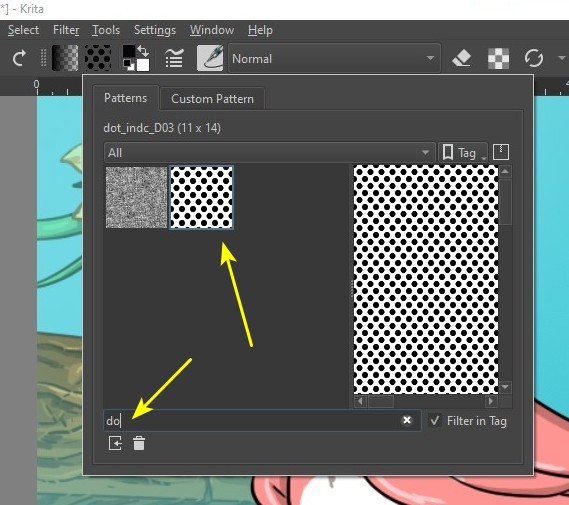
After that, the pattern will be ready to use. Ideally, you can apply the pattern to an art with twice the final size and with good resolution, too. To find the pattern type its code: dot_indc_D03:
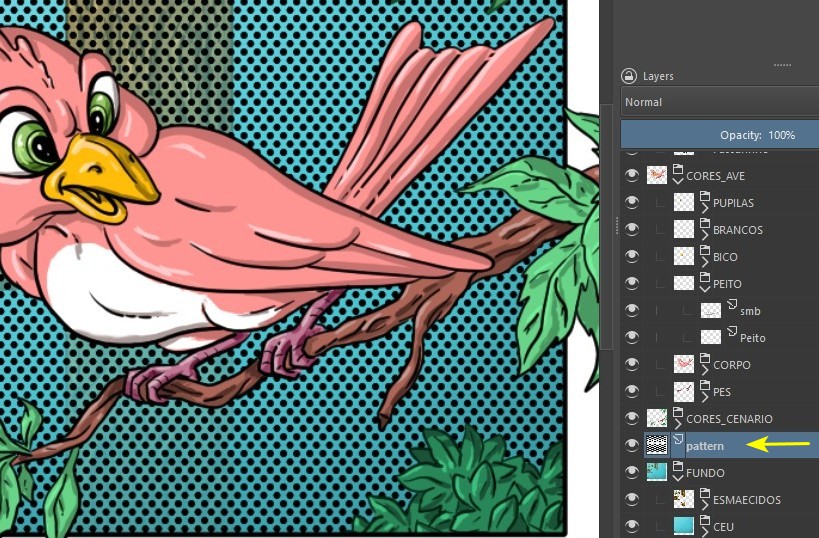
You apply it by going to Edit > Fill with Pattern. In this case I applied it in the background. My art is too small for this pattern, I’m just using it here as an example:
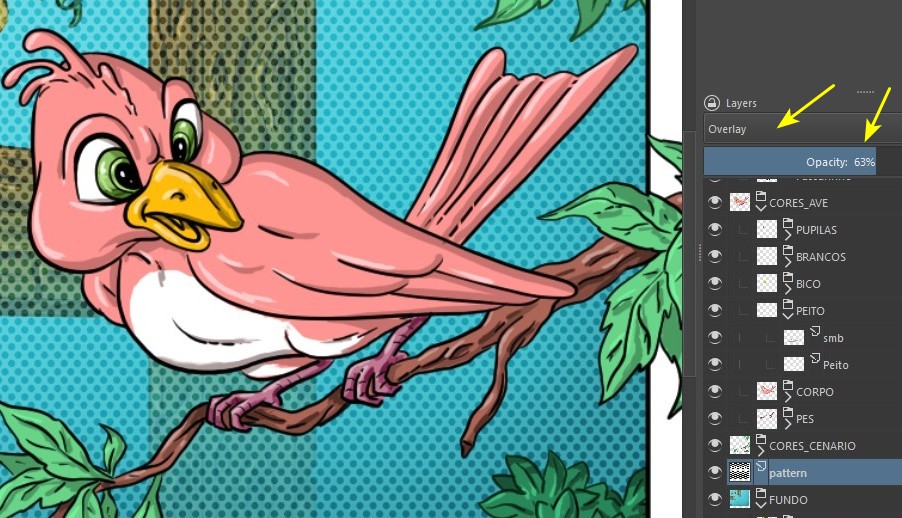
I usually change the layer mode and opacity, but then it depends on the user’s taste…
2 Likes
Clothing screentones look better now. I have some screentones made in Inkscape. The problem is that they are completely disorganized! 
There is this tutorial teaching how to produce screentones in Photoshop, I’ve already tried to do it, with success, in Gimp. Maybe it’s possible in Krita, maybe with the help of the G’Mic installed on it…