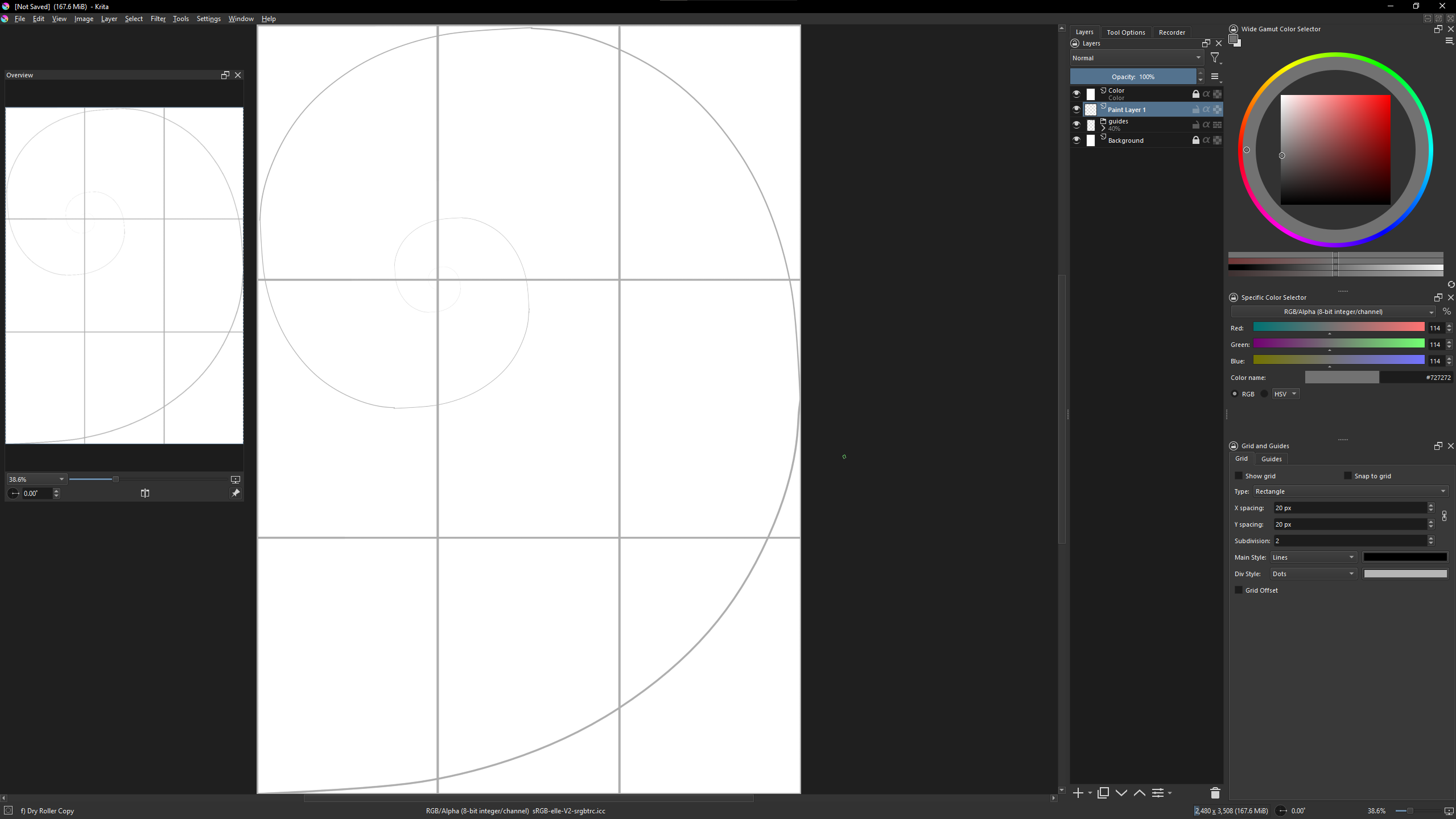
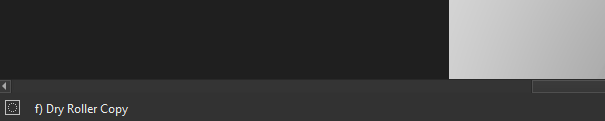
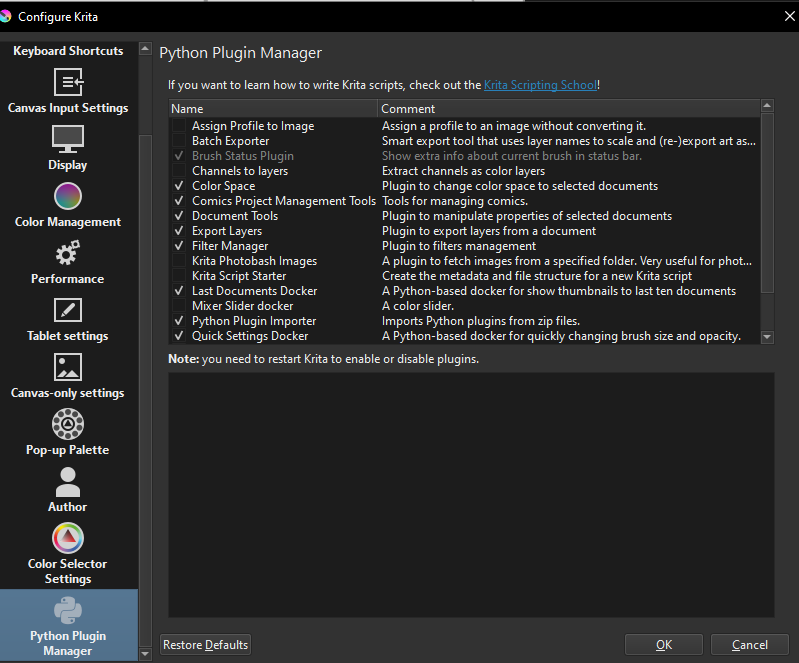
Tiny plugin for showing current brush blending, opacity and size in status bar.
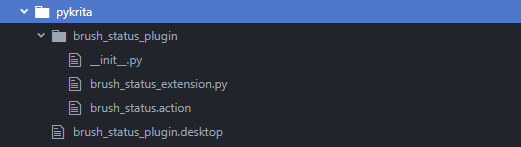
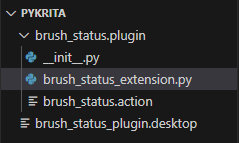
File Tree Structure
brush_status_plugin/__init__.py
from krita import Krita


PLUGIN_NAME = __name__


def register_plugin():
    from .brush_status_extension import BrushStatusExtension
    app = Krita.instance()
    app.addExtension(BrushStatusExtension(app))


register_plugin()
brush_status_plugin/brush_status_extension.py
from krita import Krita, Extension
from PyQt5.QtCore import QTimer
from PyQt5.QtGui import QFont
from PyQt5.QtWidgets import QLabel
from brush_status_plugin import PLUGIN_NAME


def str_to_bool(value):
    clean_value = value.strip().lower()
    if clean_value in {'y', 'yes', 't', 'true', 'on', '1'}:
        return True
    elif clean_value in {'n', 'no', 'f', 'false', 'off', '0'}:
        return False
    else:
        raise ValueError(f'invalid truth value (did get: value = {value!r})')


class BrushStatusExtension(Extension):
    LABEL_NAME = f'{PLUGIN_NAME}:brush_status_label'
    VISIBILITY_ACTION_NAME = f'{PLUGIN_NAME}:brush_status_wisibility_action'
    VISIBILITY_SETTING_NAME = 'brush_status_label_visibility'
    UPDATE_INTERVAL = 100  # ms

    def __init__(self, parent):
        super().__init__(parent)
        self.setObjectName(f'{PLUGIN_NAME}:{type(self).__qualname__}')

    def setup(self):
        self._qwindow_and_label_list = list()
        self._update_timer = QTimer(interval=self.UPDATE_INTERVAL, parent=self)
        self._update_timer.timeout.connect(self._on_update_brush_status_labels)
        self._update_timer.start()

    def createActions(self, window):
        # add action under this windows tools menu, for toggling visibility of brush status label in all windows
        app = Krita.instance()
        brush_status_wisibility_action = window.createAction(
                self.VISIBILITY_ACTION_NAME,
                'Brush status visibility',
                'tools')
        visibility = str_to_bool(app.readSetting(PLUGIN_NAME, self.VISIBILITY_SETTING_NAME, 'True'))
        brush_status_wisibility_action.setChecked(visibility)
        brush_status_wisibility_action.toggled.connect(self._on_brush_status_visibility_toggled)
        # insert new label to this windows status bar
        qwindow = window.qwindow()
        label = QLabel(objectName=self.LABEL_NAME, font=QFont('DejaVu Sans'))
        label.destroyed.connect(self._on_label_destroyed)
        self._qwindow_and_label_list.append((qwindow, label))
        qwindow.statusBar().insertWidget(2, label)  #, stretch=30
        # upodate visibility of all labels and start / restart update timer
        self._on_update_brush_status_labels()

    def _on_label_destroyed(self, obj):
        self._qwindow_and_label_list[:] = ((w, l) for w, l in self._qwindow_and_label_list if l is not obj)

    def _on_brush_status_visibility_toggled(self, checked=None):
        Krita.instance().writeSetting(PLUGIN_NAME, self.VISIBILITY_SETTING_NAME, str(checked))
        self._on_update_brush_status_labels()

    def _on_update_brush_status_labels(self):
        app = Krita.instance()
        visibility = str_to_bool(app.readSetting(PLUGIN_NAME, self.VISIBILITY_SETTING_NAME, 'True'))
        for qwindow, label in self._qwindow_and_label_list:
            window = next((w for w in app.windows() if w.qwindow() == qwindow), None)
            if not window:
                continue  # skip
            view = window.activeView()
            new_text = ' <font color="#55000000">|</font> '.join([
                    f'current blending mode: <font color="#77FFFF">{view.currentBlendingMode()}</font>',
                    f'painting opacity: <font color="#FF77FF">{view.paintingOpacity():.2f}</font>',
                    f'brush size: <font color="#FFFF77">{view.brushSize():.2f}</font>',
                    # f'foreground_color: {view.foregroundColor()}',
                    # f'background_color: {view.backgroundColor()}',
                    # f'brush_rotation: {view.brushRotation()}',
                    # f'painting_flow: {view.paintingFlow()}',
                    # f'pattern_size: {view.patternSize()}',
                    # f'current_brush_preset: {view.currentBrushPreset()}',
                    # f'current_gradient: {view.currentGradient()}',
                    # f'current_pattern: {view.currentPattern()}',
                    # f'global_alpha_lock: {view.globalAlphaLock()}',
                    # f'disable_pressure: {view.disablePressure()}',
                    # f'eraser_mode: {view.eraserMode()}',
                    # f'hdr_exposure: {view.HDRExposure()}',
                    # f'hdr_gamma: {view.HDRGamma()}',
                    ])
            label.setVisible(visibility)
            label.setText(new_text)
brush_status_plugin/brush_status.action
<?xml version="1.0" encoding="UTF-8"?>
<ActionCollection version="2" name="Scripts">
    <Actions category="Scripts">
        <text>Brush Status Plugin</text>
        <Action name="brush_status_plugin:brush_status_wisibility_action">
            <icon></icon>
            <text>Brush status visibility</text>
            <whatsThis>Brush status visibility</whatsThis>
            <toolTip>Toggle visibility of brush status at status bar</toolTip>
            <iconText></iconText>
            <activationFlags>0</activationFlags>
            <activationConditions>0</activationConditions>
            <shortcut></shortcut>
            <isCheckable>true</isCheckable>
            <statusTip></statusTip>
        </Action>
    </Actions>
</ActionCollection>
brush_status_plugin.desktop
[Desktop Entry]
Type=Service
ServiceTypes=Krita/PythonPlugin
X-KDE-Library=brush_status_plugin
X-Python-2-Compatible=false
X-Krita-Manual=readme.md
Name=Brush Status Plugin
Comment=Show extra info about current brush in status bar.
how it looks in Krita

Ps: looks like copy & paste from Krita to Forum scales the image?
Edit: forced brush size and opacity to 2 decimal places.
/AkiR