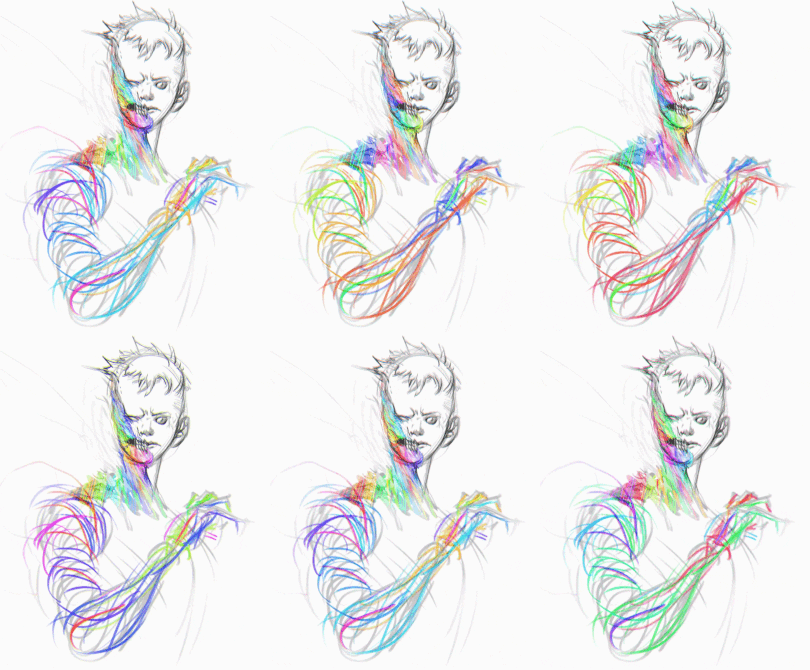
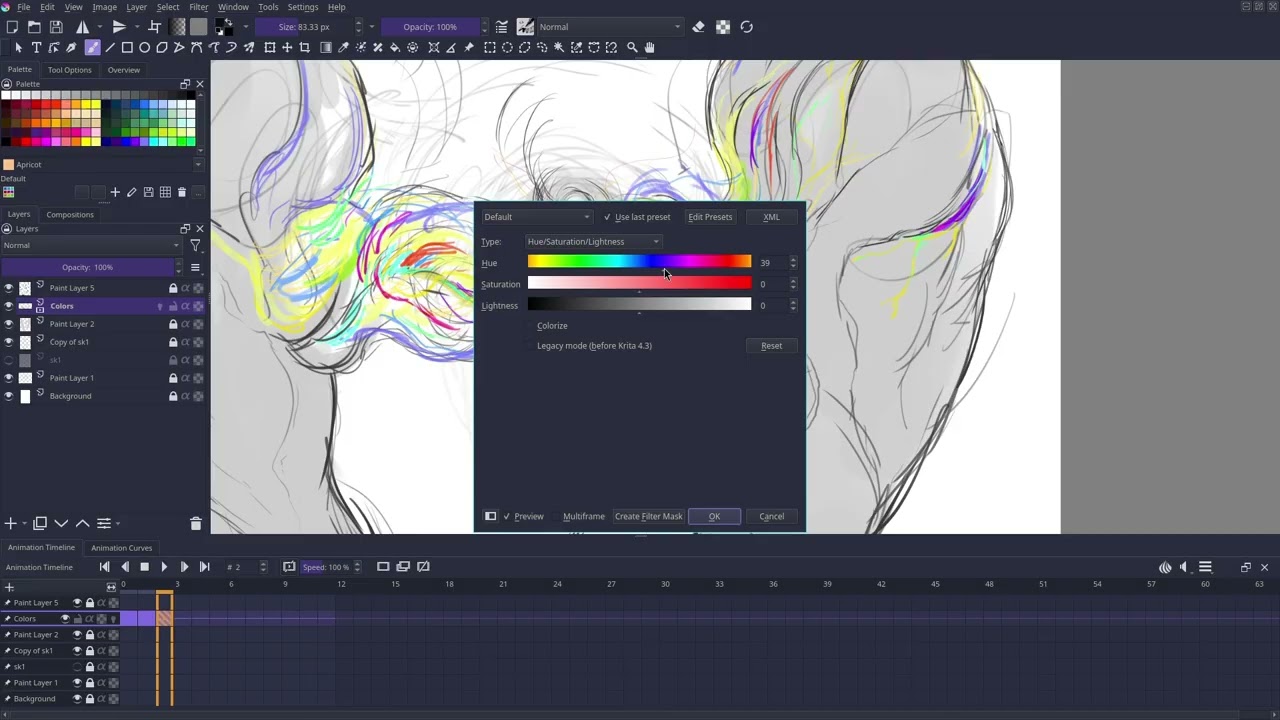
I made a rough draft tutorial recently for someone asking how I made this kind of hue shifting animation:
The user who asked seemed to mainly use procreate so that’s why I mentioned it in my video:
The idea is just drawing something with various colors and using ‘duplicate frame’ and nudging the hue shift slider until it loops to the original colors.
I want any input on if there’s a way to automate this process, maybe if you give it a frame range it automatically chooses the hue shift amount to loop within the given animation length/number of frames?
Also just to see if people like this or find it interesting. In a finalized video tutorial I want it to be more specific geared to Krita only and maybe provide a python script if that’s the way to go about it.
I’ve noticed if you do this process a painting with a G’MIC - Chromatic Aberrations filter applied, it does this trippy kinda breathing sketch effect.
I started doing this because I wanted a way to just add some life to a quick sketch. That’s the goal. Also sharing to see if anyone’s messed with stuff like this before, maybe a different way to go about it.
Hope this fits here, wasn’t sure which tag to use.
That looks interesting and the manual technique gives a lot of control. It would take lots of time and effort though.

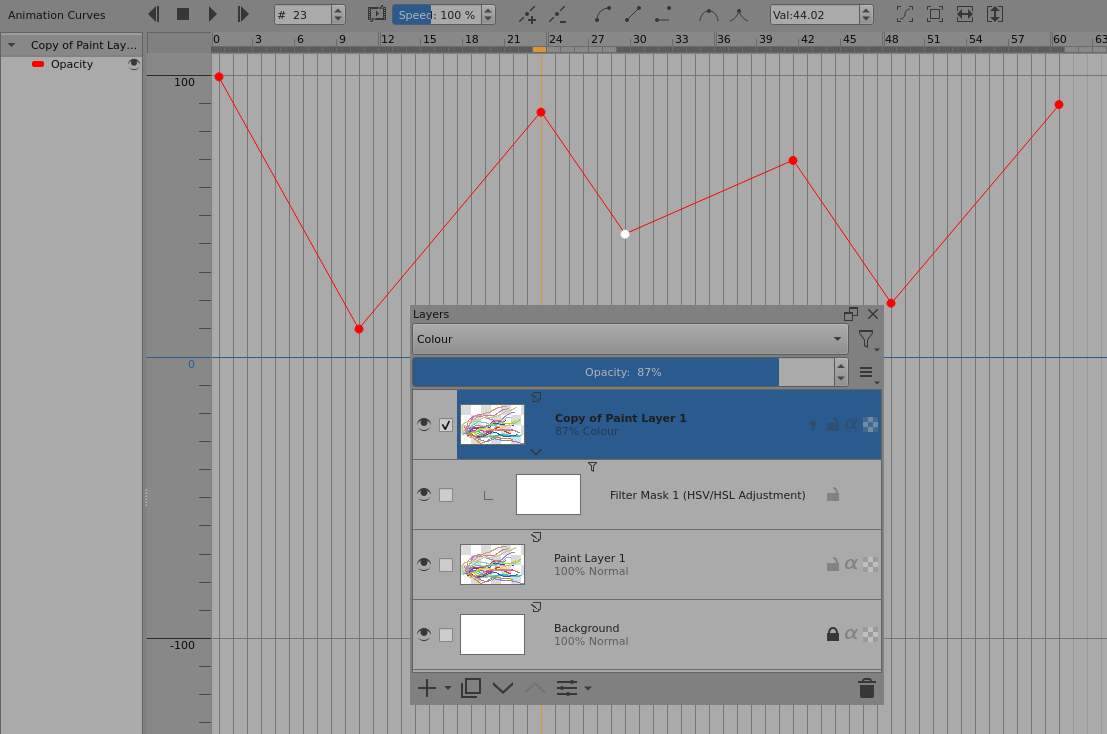
You may be interested in a technique I’ve used before that uses animated opacity transitions with a Hue shift filter mask:
(right-click → Open image in new tab, to see full size)
A Hue shifted copy is placed over the original with animated opacity transitions. This is blended using Colour blending mode. Normal blending mode gives muddy colours but Luminosity blending looks ok. You could try other blending modes:
Instead of an HSV shift filter, you could try experiments with a cross channel adjustment curves filter.
The advantage of this method is that you can quickly and easily adjust the transition effects animation using the opacity curves and try different types of changes by using different filter masks.
There’s not much scope for detailed local manual control though and I’ve only ‘played’ with this technique.
That’s the definitely the way to go about it, didn’t even know about a lot of that… need to learn more
I was thinking python because of experience i had with photoshop’s actions ages ago and was thinking maybe scripting actions like duplicate frame and apply filter repeatedly but this is much cleaner. I gotta look at what you outlined more closely mess with curves in Krita and rethink my process/this idea. Thanks again for replying I appreciate it!