Firstly let me please apologise fir a serie of questions.
I can ensure you, that before posting, i have spent lots of time on trying to figure out myself. When I cannot- I post a question here, hoping of finding a solution
I have created a customised shortcuts. In krita and I am using wacom tablet.
It has been a long journey, now it seem that all works but what I cannot get it work is a following feature, that I use very often
In layer window lets say I have a layer with background and then layer with cube
What i used to do was to hold CTRL and click on layer with cube and what it did was that cube got selected- it was outlined. So i could easily draw only on cube without hitting with my strokes background.
Instead of CTRL I would like to set it to shift.
But anyhow i cannot do it
Please can someone help me?
Thank you.
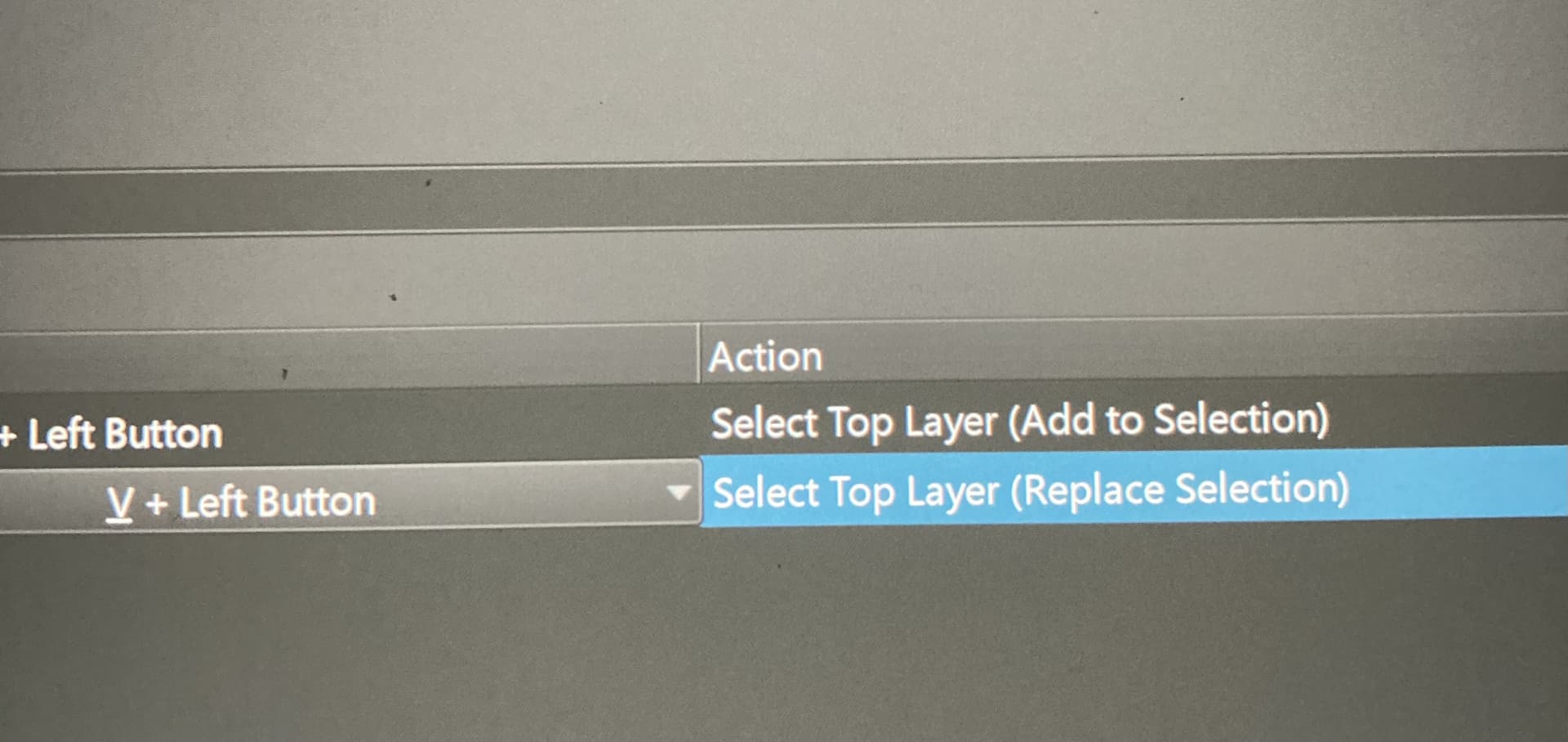
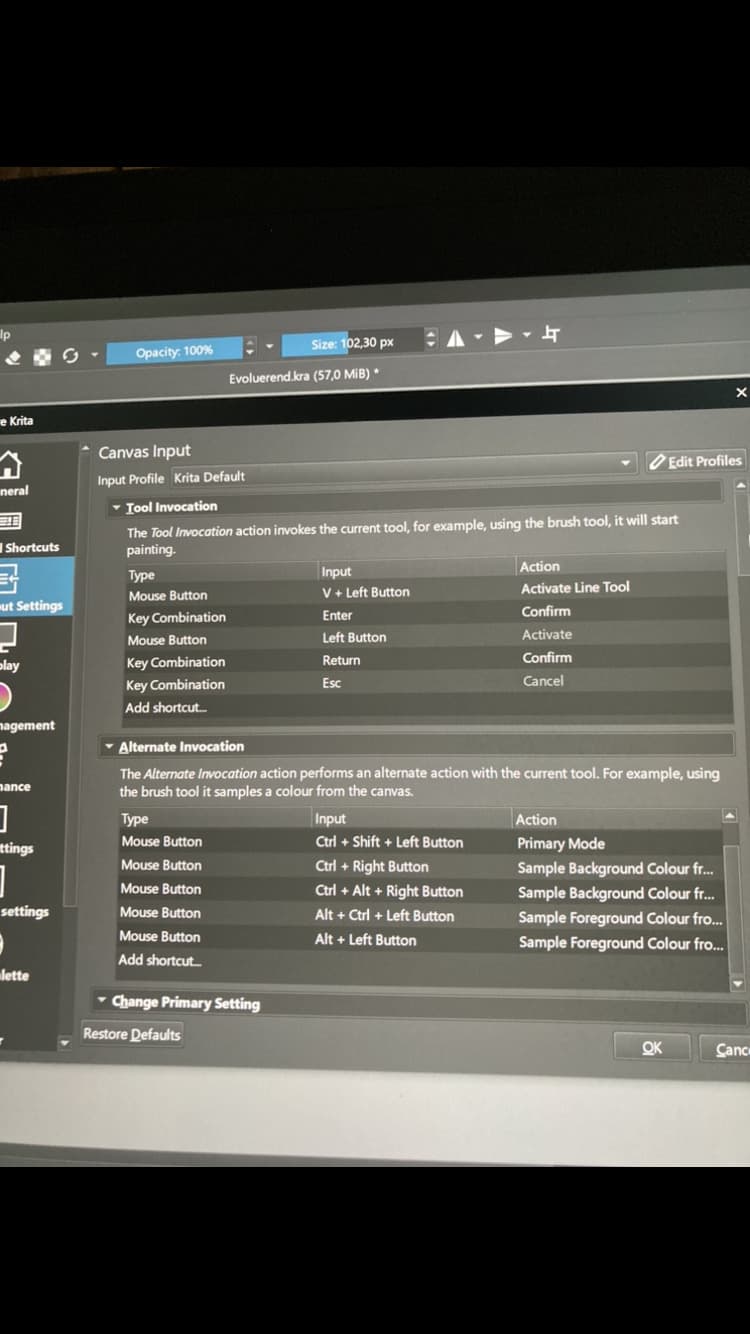
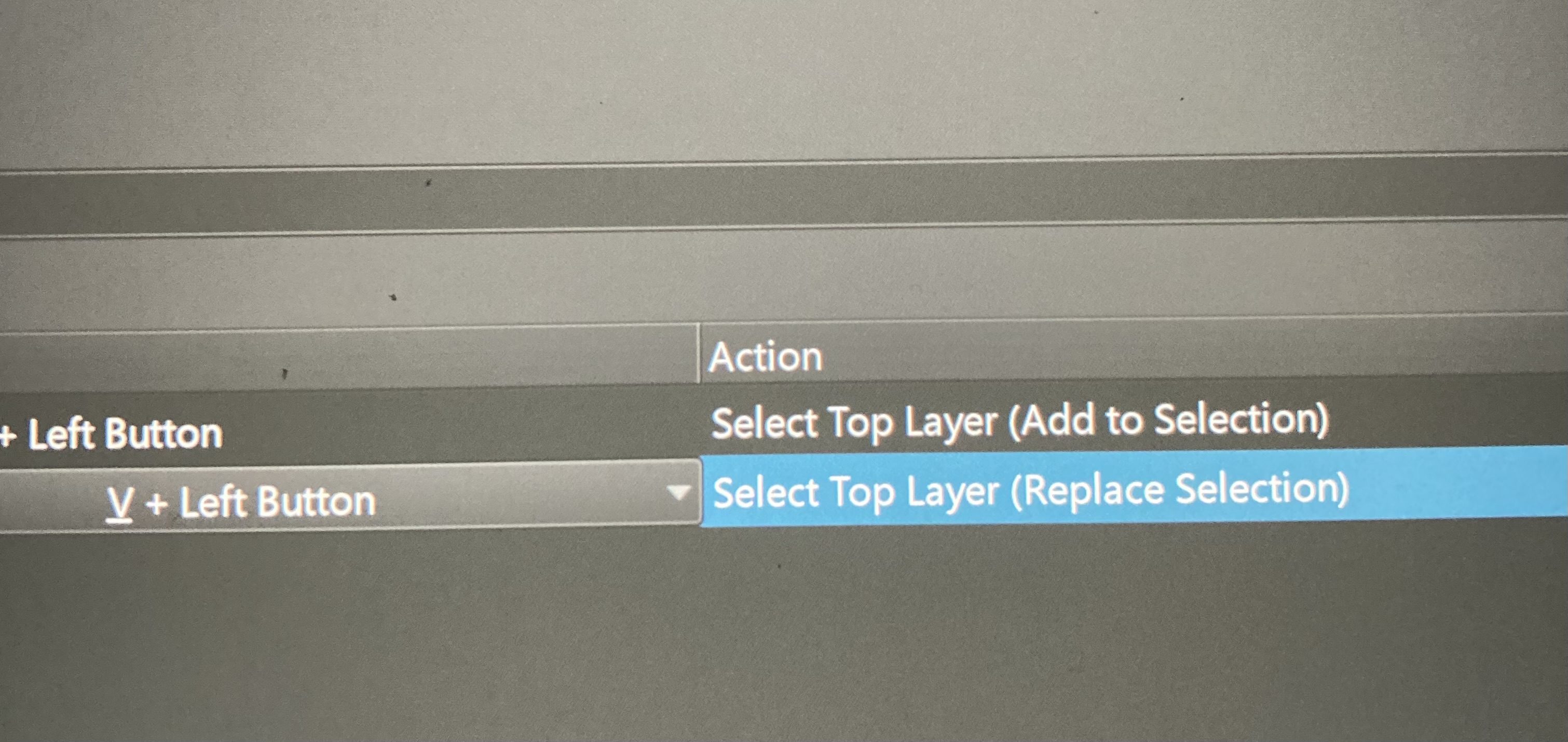
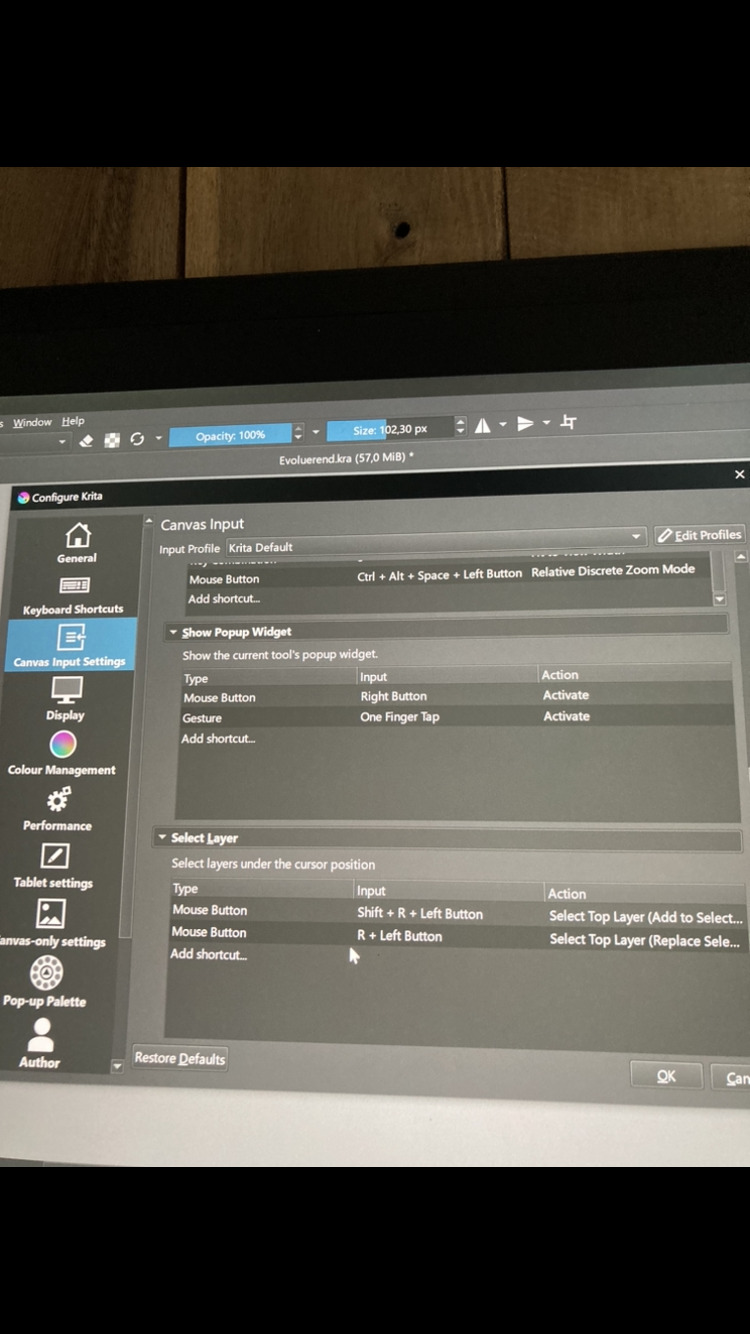
I was going to reply with the same answer from MangaTengu here. It maybe because of the conflict assigned hotkey. Try remove V+Left Click from Canvas Input . Also Shift+Left click is already assigned in Change Primary Setting aswell.
Good remark. I am aware of possible warning signs in krita shortcuts settings and I do understand that in that case there will be conflicts, and shortcuts won’ t work properly. So no. I have no warning signs. Unfortunately…
There are some cases I don’t get warned in, but I can’t pull it out of my memory.
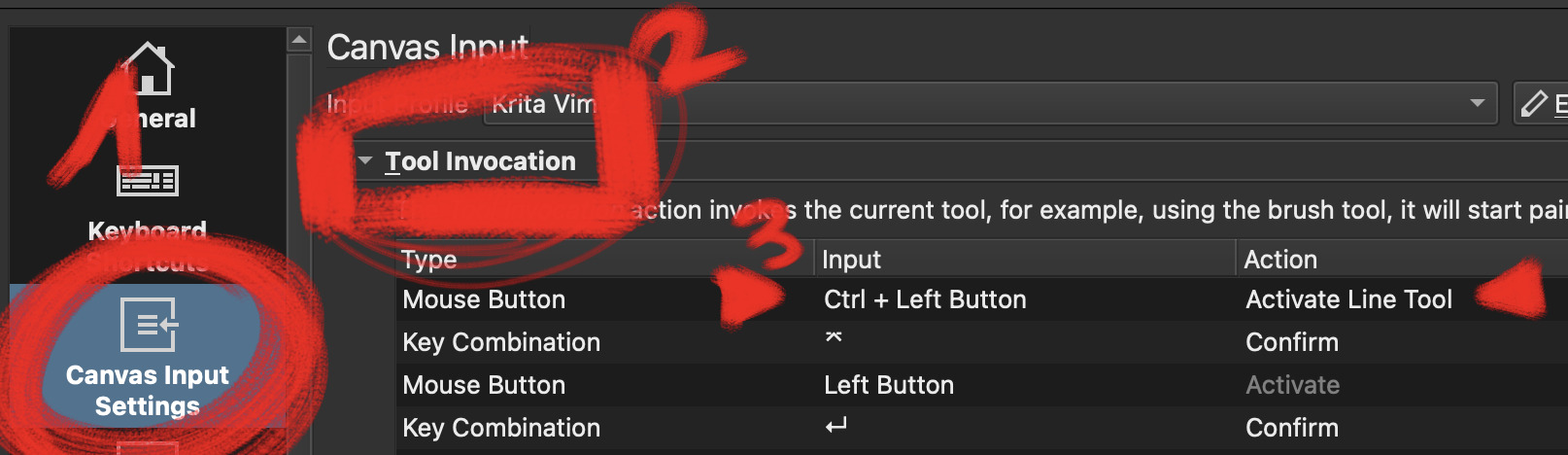
What is certain, is that what you ask for is doable. I live by this (kb customization). And when it doesn’t work properly, there is always a conflict lurking somewhere.
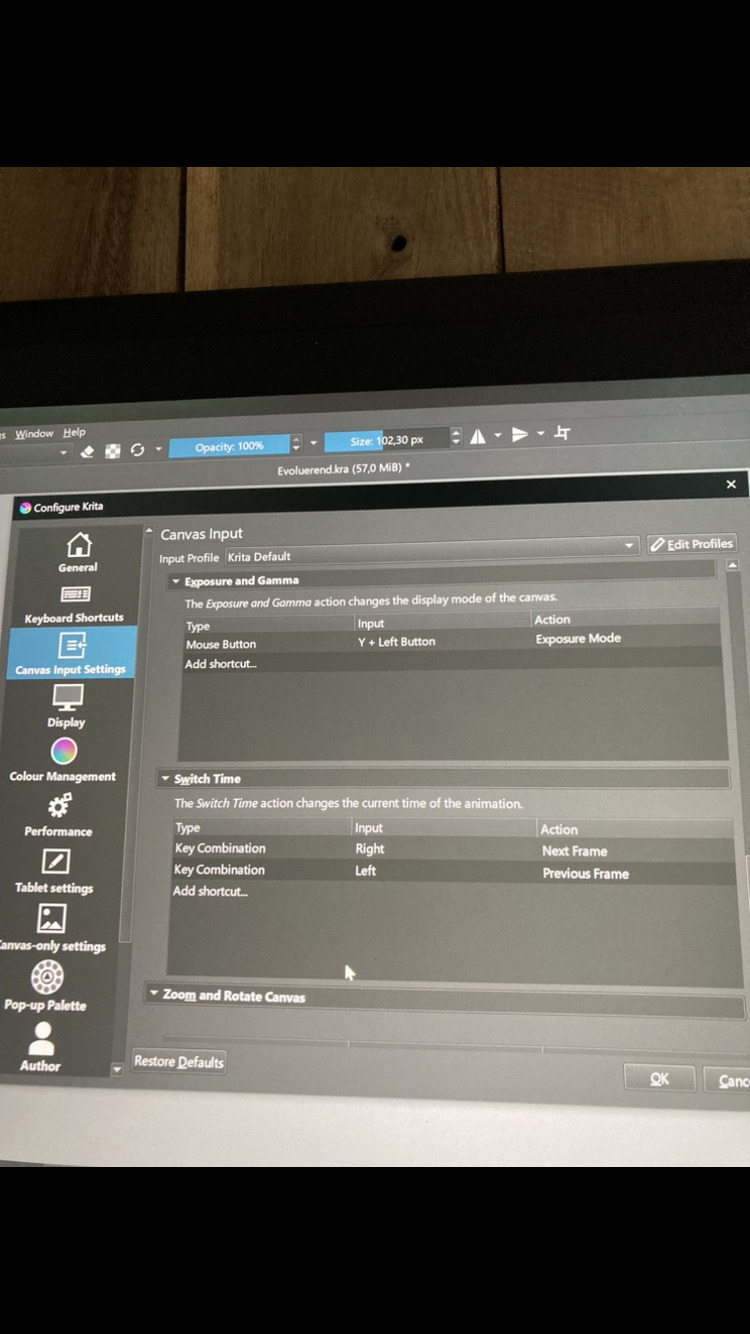
I have checked the setting and there is anywhere CTRL+ Mouse left click assigned- cannot see it. Yet if i do hit ctrl and use mouse- left button and click on a layer it get selected. but I need to change it to the shift
Don’t you have a keyboard connected to your tablet? If so, it would be far easier for us if you would use real screenshots instead of photos. To make a screenshot, you just need to hit the key right beside F12, usually it says something like Print, Prt or Prt/Scrn, so a word connected with printing. After you have pushed that button, you can hand it over to Krita or any other graphics software with CTRL + V and save it to disk.
Thank you very much for your help and especially time. I do not intent to keep you busy. I find it amazing- that such community is formed around an amazing krita, people are willing to help, although it may seem as if I am making an elephant out of nothing and I am sorry if so, but I cannot get it working. If I hit ctrl and left click layer get selected.
So It must be somewhere set to Ctrl + left click - I would think
and if I can change Ctrl to any key it should work. That is my logic and it will make my life easier. But if that is impossible I have to get use to Ctrl…
I don’t think you’re making a fuss at all and I’d be glad if you can get out of that.
Having shortcuts work the way you intend is critical to me. That’s the first thing that stood out in Krita for me.
I don’t want to force my suggestions either but It would be so much easier if you exported both your shortcuts and profile so every shortcut is listed, not cut by a scrollbar, not spread around screenshots etc…
(well that’s for future issues, as here it’s not about conflicts in the end but functionality misunderstanding)
Also forgive the guesswork. My memory is not great.
Now you have 2 issues:
the ctrl click on the thumbnail
the v + click story is a misunderstanding
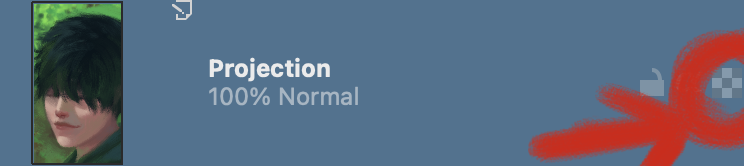
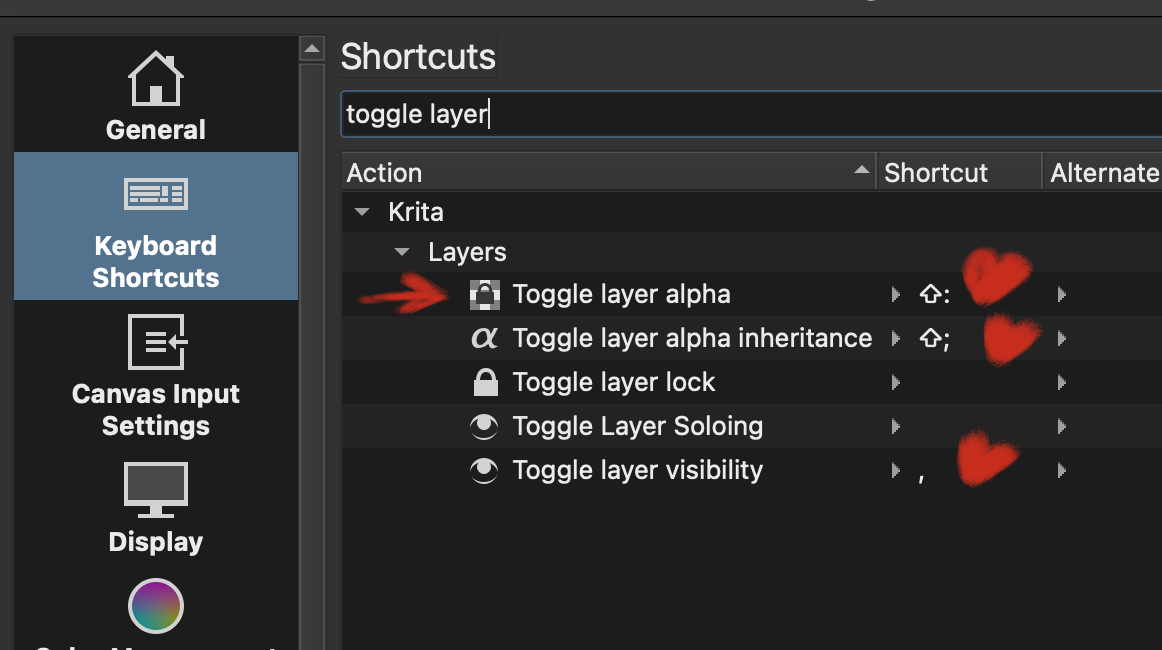
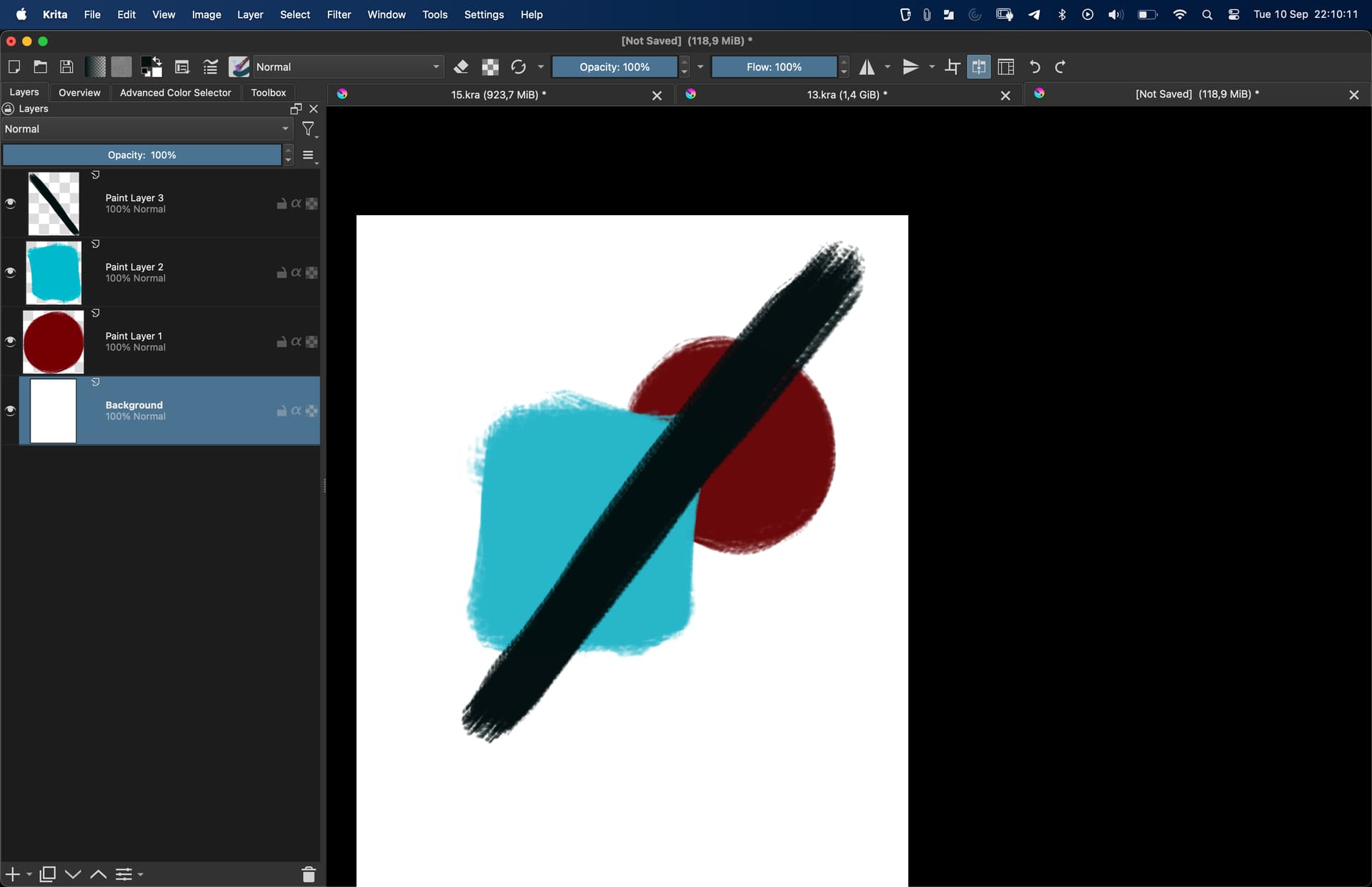
In the first issue, this is not how you do it: there is an alpha lock button for that and you can assign a shortcut to it:
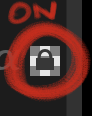
when you click it (or use your shortcut) it activates:
Then your paint will not change the alpha layer. (you won’t get out of the cube, if the cube is transparent, your paint will not be more opaque)
The shortcut is mappabled:
Thank you very much for your patience, I really appreciate it. Due to layer select. Although it remains a mystery why it does not work, after your post I think it won’ t matter anymore- you are right. Through locking a layer is way better and as you say-that’ s how you do it. So this issue is for me solved.
For me shortcuts are also very important.
Thank you very much
the layer selection ? It is not selection as you believe, it’s selection in the layer stack:
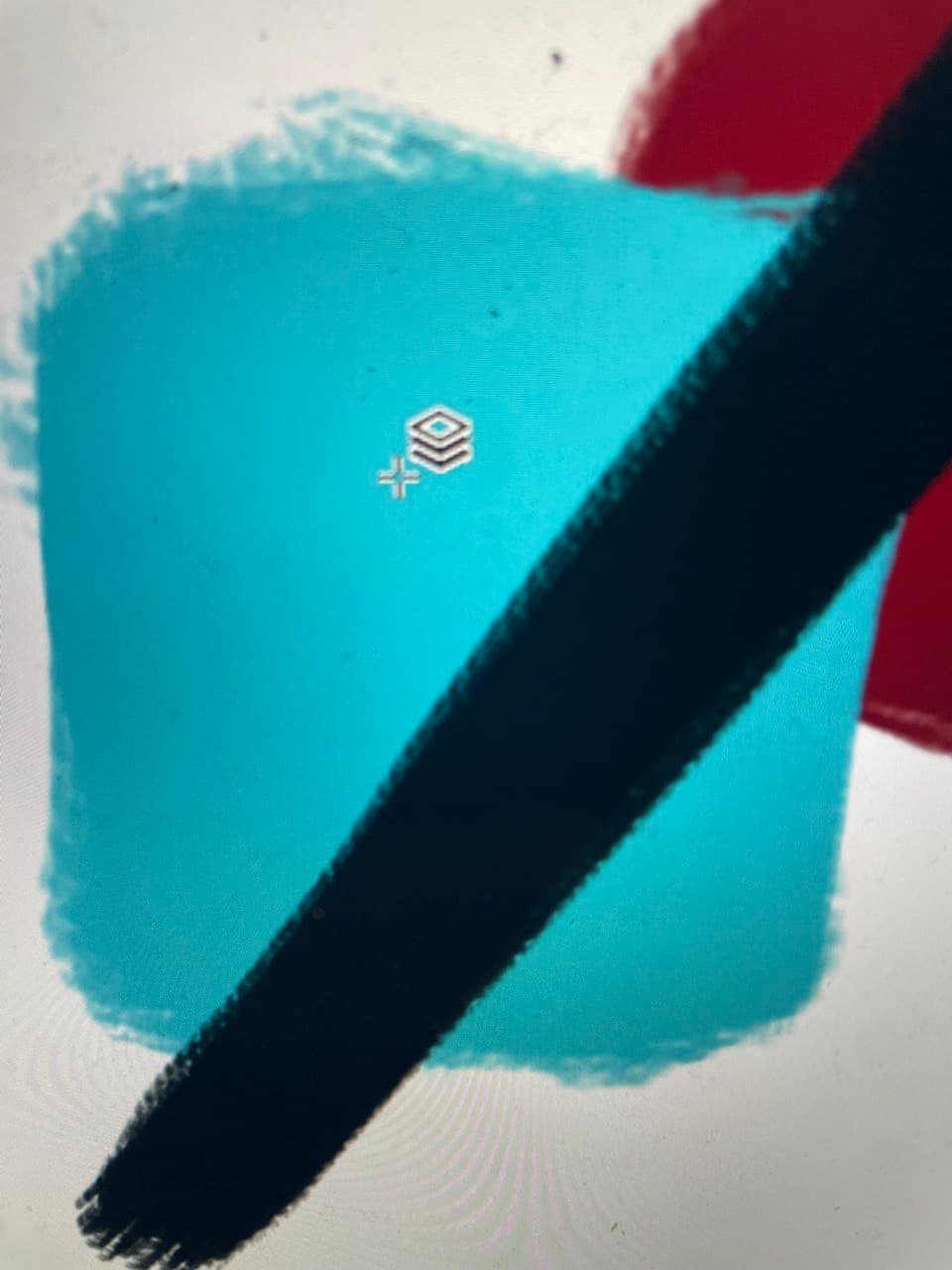
if you press the shortcut to “select the top layer…” you should get an icon with 3 layers piled upon each other. If you press on the canvas, it will put you on the layer that contains. what you clicked on.
It is not meant to make a selection around the pixels in your active layer.
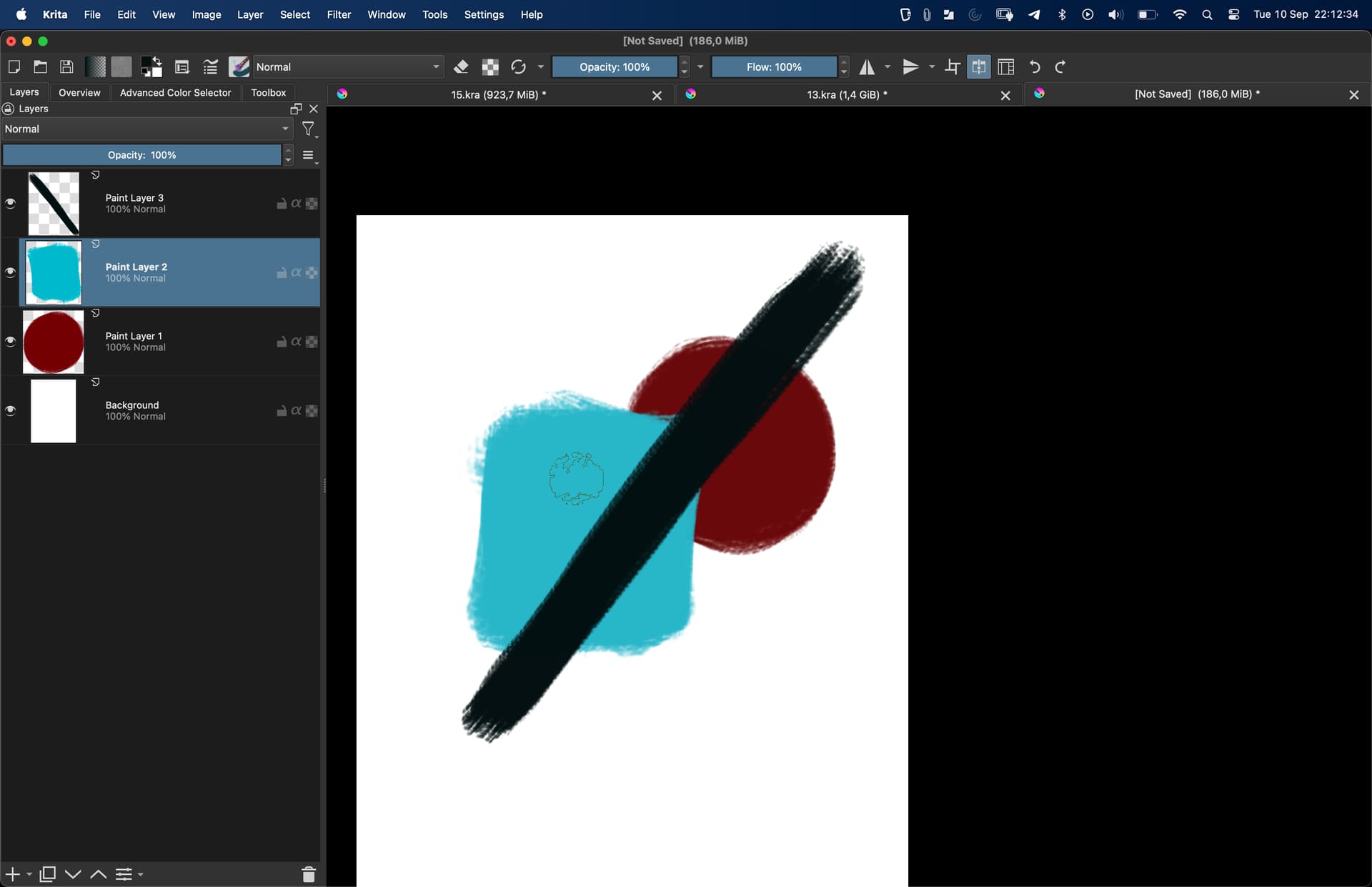
Here when you click in the canvas on the blue blob, the layer in the stack on the left changes. Now “Paint Layer 2” is selected.
Thanks. I know what you mean. I was using that- click on thumbnail- get it selected and paint or draw or cut and paste. I will do try your technic with alphalocking hopefully it will solve it for me
Yet it stays mystery to me why cannot I change select layer shortcut from control to somethibgelse
You mean the thing I did in my last post by that shortcut ? This is mappable definitely, (I put it to N + click)
The file you linked is zero bytes (empty)
The profile should be exported too.

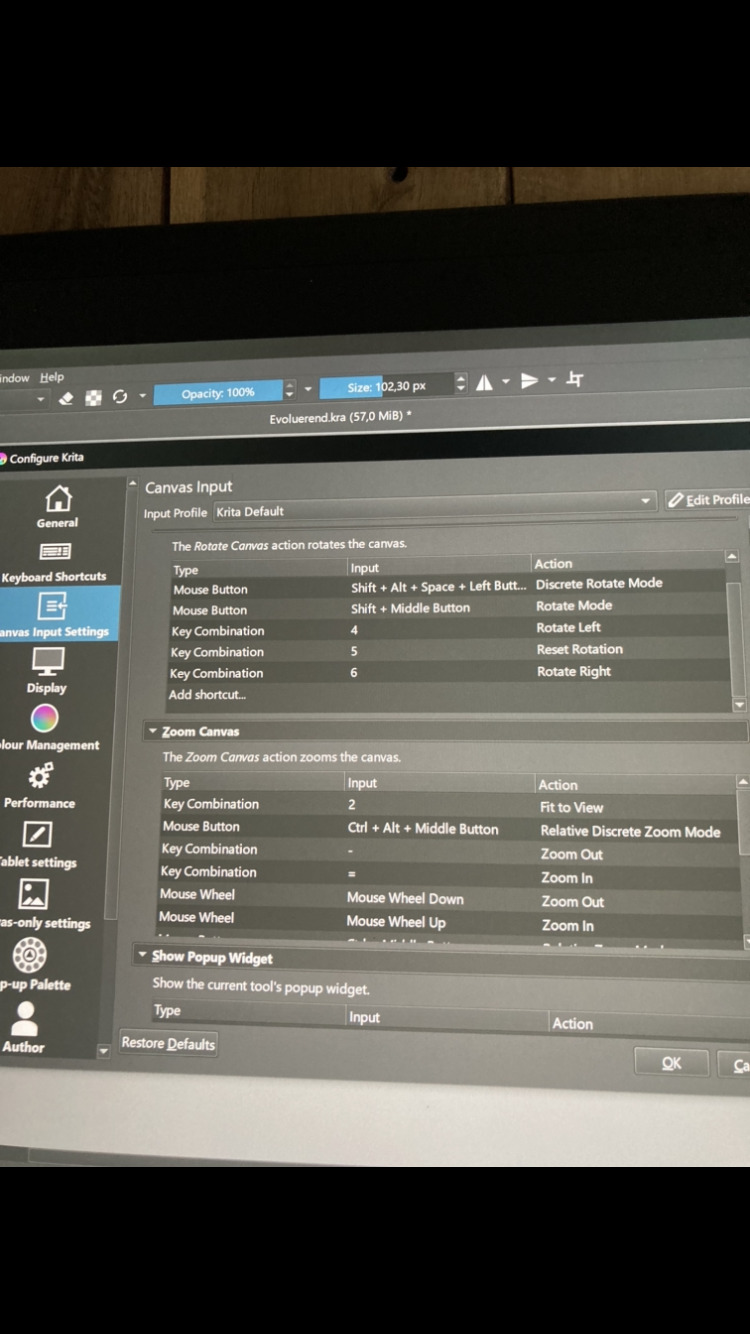
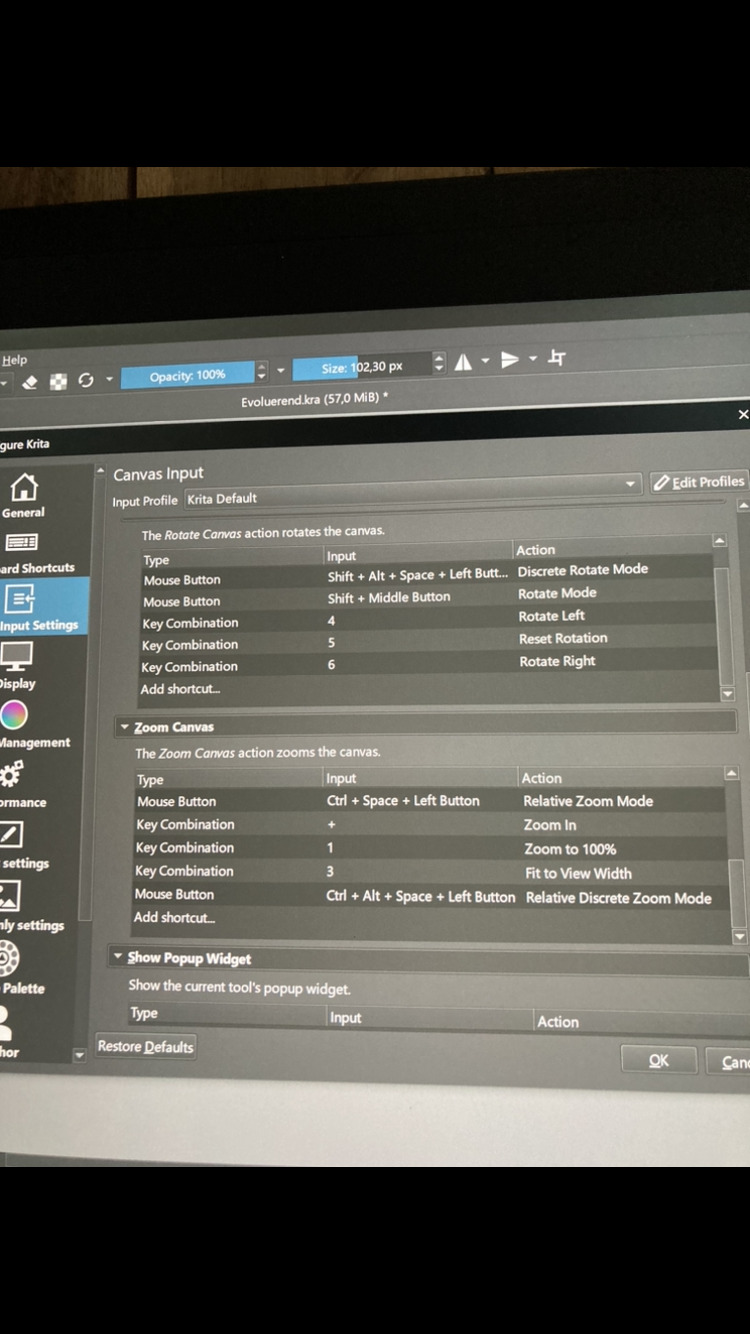

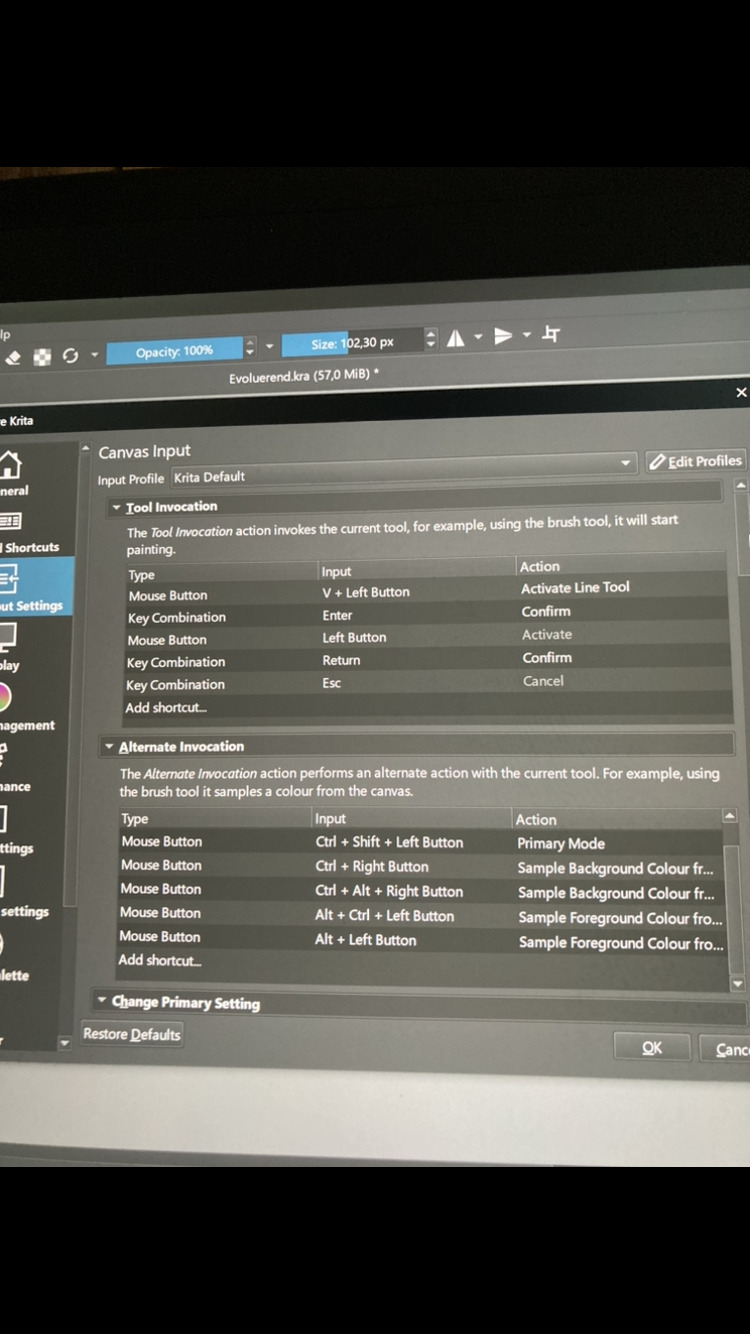
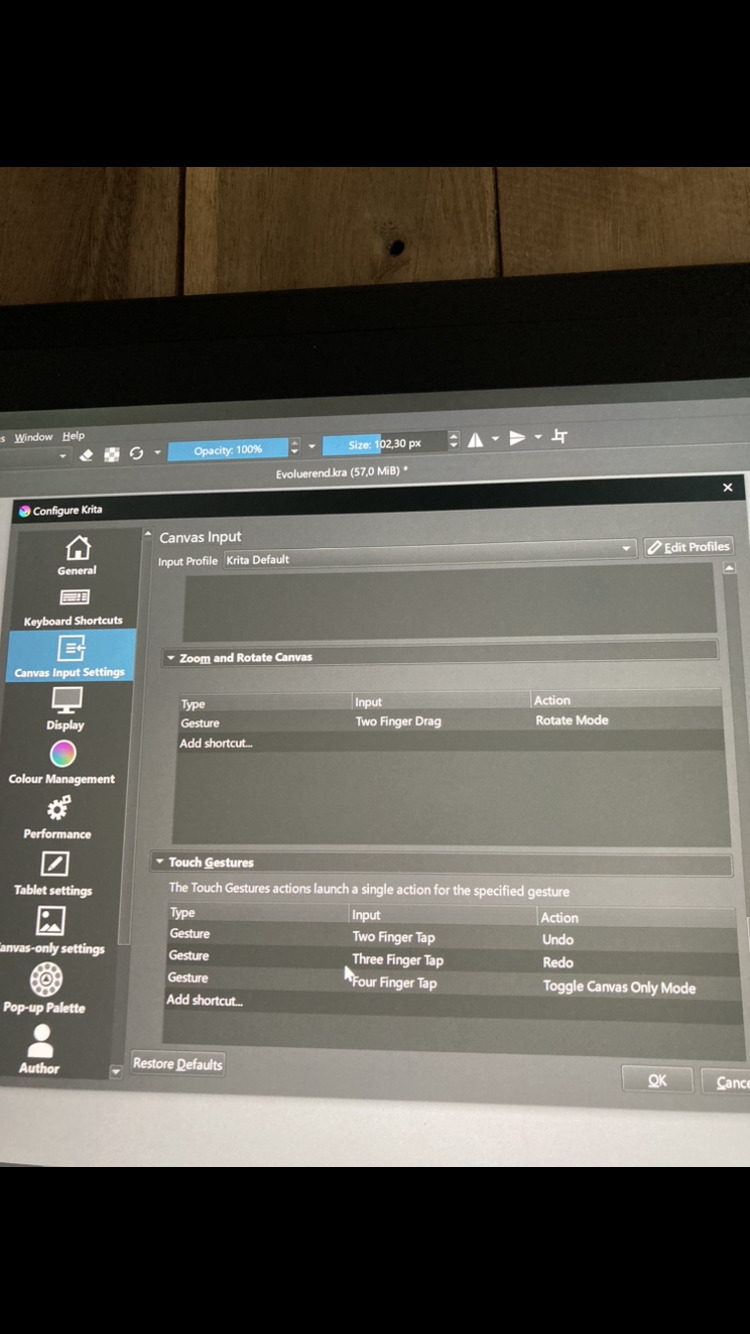
 but I need to change it to the shift