I started to use the selection tool much more in painting these days so having it automatically turn into transform tool would be wack; however, I understand that for some projects, not having to switch back and forth between selection and moving would save a lot of time and confusion
→ I really like Clip studio’s popup dialog after selecting - it has the option to move, transform, fill, deselect, invert, copy-paste etc. (there are options to add/remove)
While it’s not automatic, the buttons are close enough to use comfortably
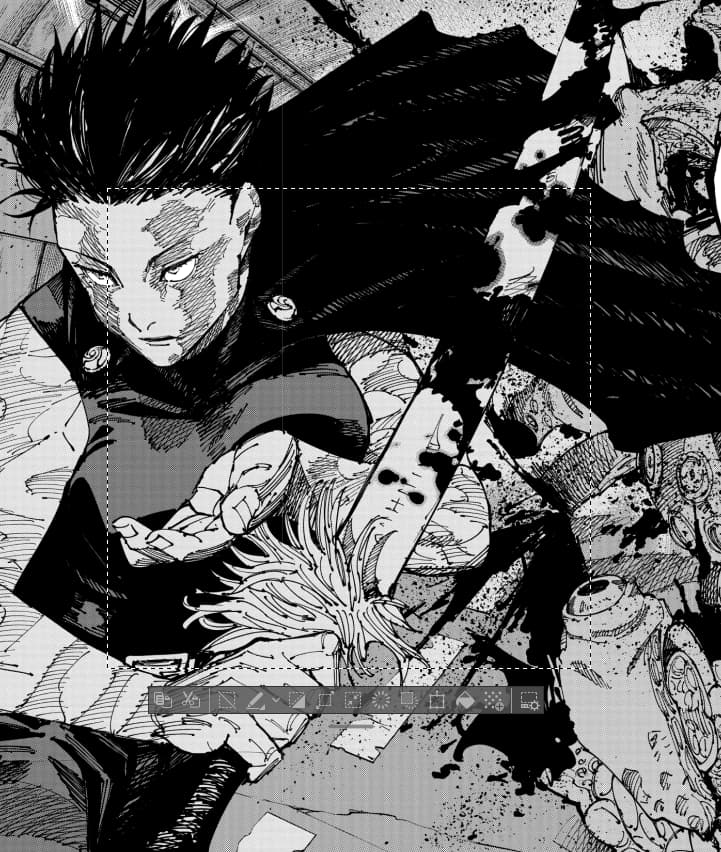
Right now I deal with the workflow change in Krita by adding those buttons on the toolbar, use shortcut, or use a on-screen-keyboard to dial in the shortcuts; you can also use Actuator plugin (10 bucks) to have those buttons and more on a floating docker to have the move button right close to the selected area
