Hello.
I would like to use a new cartoon template, is there any way to change the initial number of pixels?
Thank you in advance.

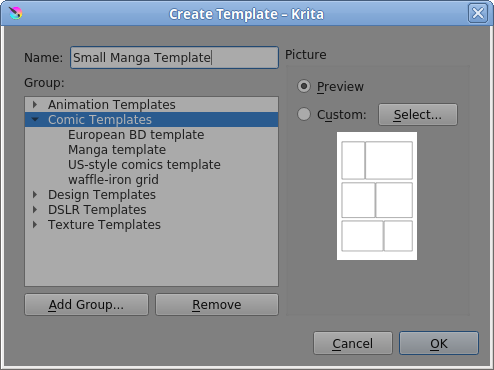
You can save any image as a template with File → Create Template From Image.
If you create a new image from the Manga template, as you have, you can then do Image → Scale Image to New Size (and make other changes if you wish). Then Save it as Small-Manga-Template.kra (or whatever you wish).
At this stage, it’s important to close the image and re-open it before doing the File → Create Template From Image step. (There is some kind of bug with the vector layer.)
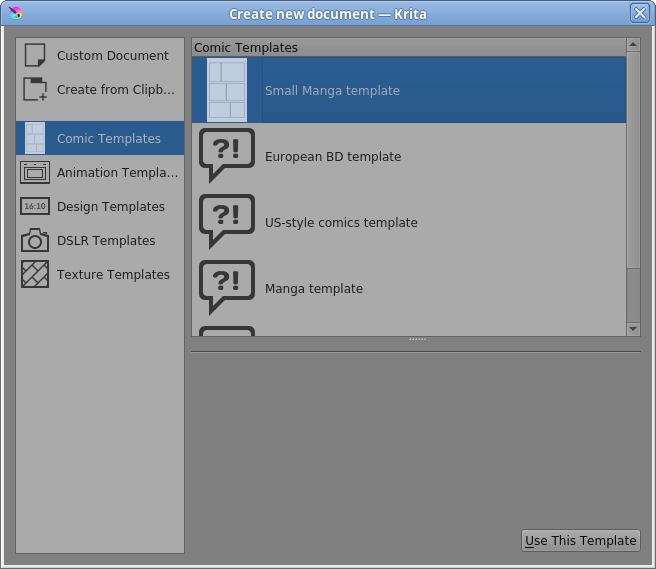
Then you can put it in one of the template groups and give it a name.
Thank you very much for your clear explanations!