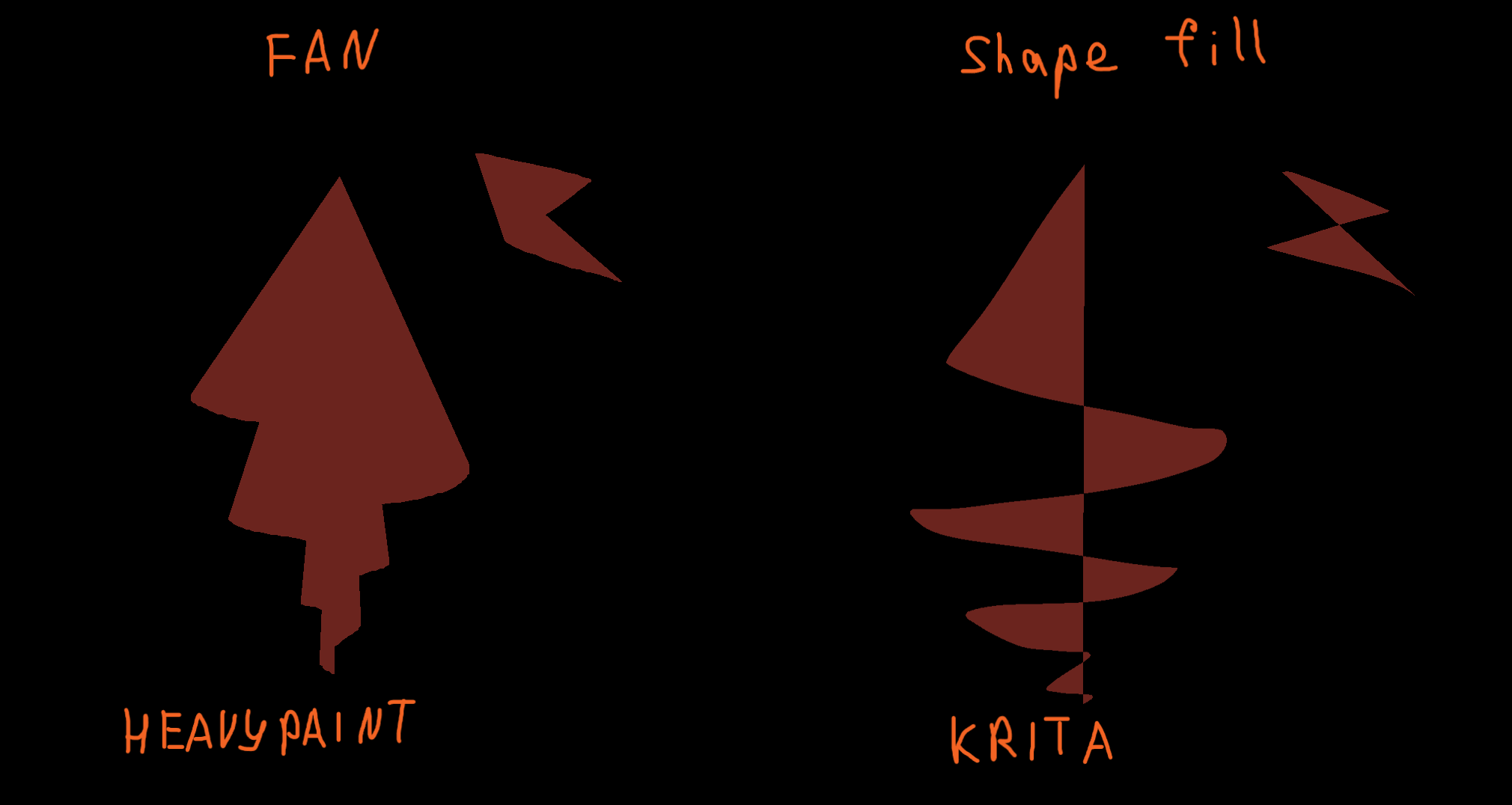
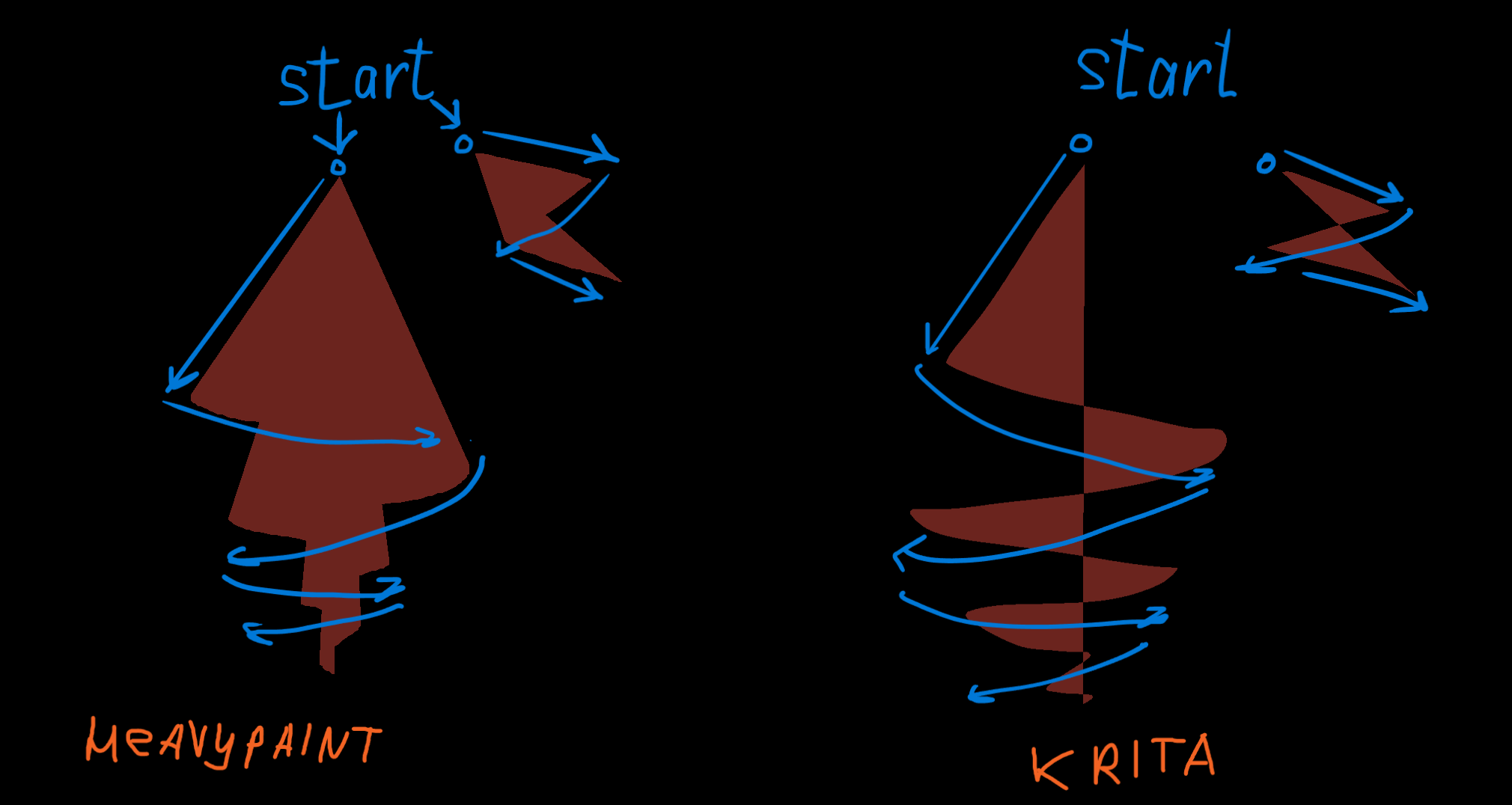
And I’m really like how similar “Fan” brush work in HeavyPaint. It permanently fill all area it touch. So it would be very cool feature to toggle similar behavior in “Shapes Fill” brush.
I don’t use the Shapes Fill as much as I could, because of the reason you are requesting. If the Shapes Fill had your suggested option, I would definitely use it more
I made an account to vote for this feature. The Fan brush is one of the most useful Heavypaint tools and Krita would benefit greatly from building something similar.
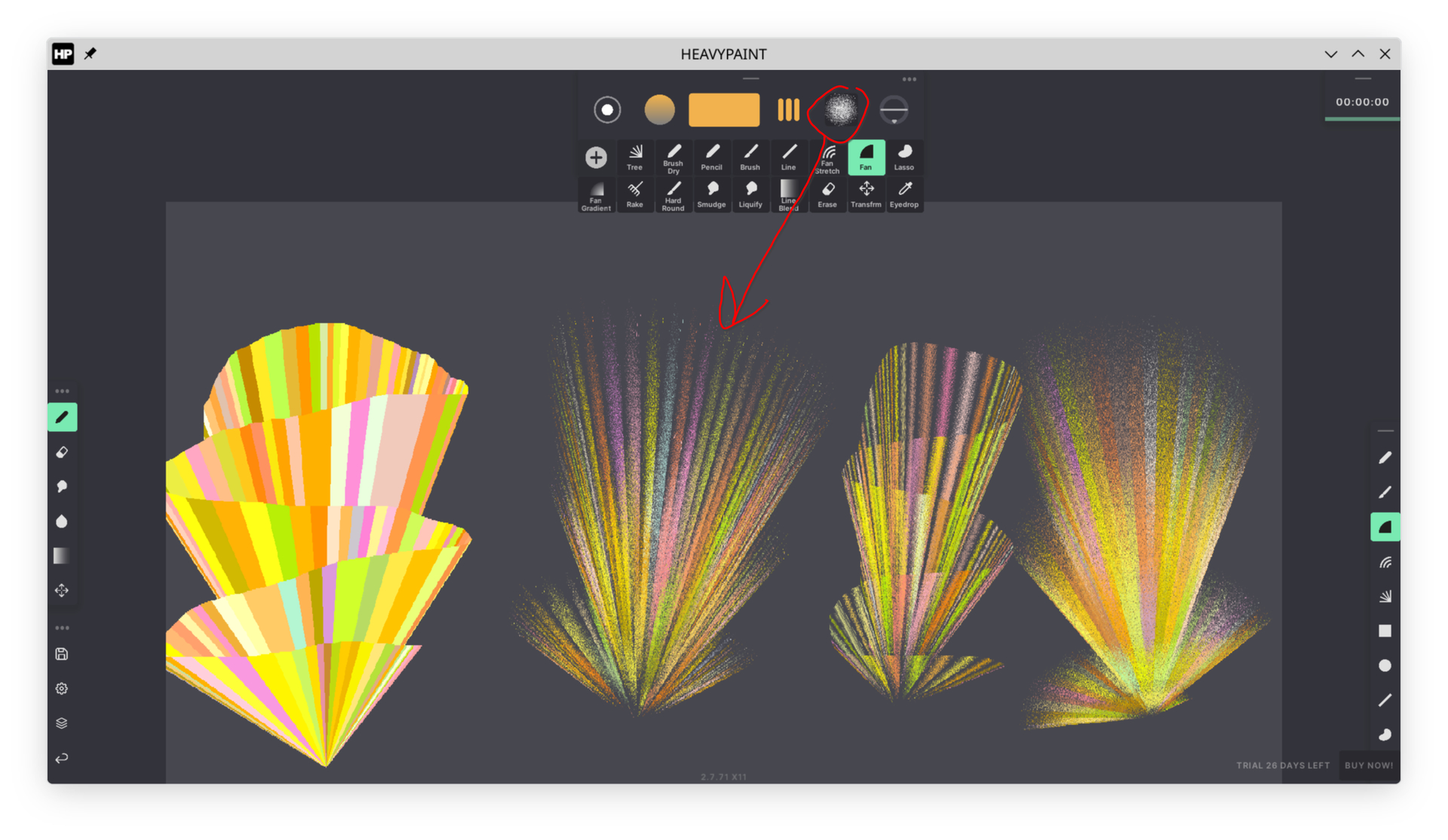
I also use it a lot for blocking in paintings, but in addition to that its very useful for shading. Let me explain. The fan is made up of triangles that stretch from the startpoint of the brushstroke. These triangles fill the shape when no texture is used. But if you use a texture with this brush, that texture gets mapped to each triangle individually. Speaking in 3d Terms, each triangle is mapped to the UV space by itself. In Heavypaint Classic you can change the UV mapping by dragging the texture selector (The new Heavypaint unfortunately only has sliders to do the same thing). Using a texture transforms the Fan brush in Heavypaint to a very awesome shading tool. Depending on how you map the texture, it will either have soft edges or hard ones on the u or v space.
Here I demonstrate how the effect can look. I enabled color jitter to better show the triangles its made up of. 1 is no texture. 2 is a noisy soft circle as a texture. 3 is the same texture stretched on V. 4 is the same texture stretched on U.
Adding textures like this also allows this tool to be used for a simple perspective effect. It is a very versatile tool. I know of no other tool in any painting software, that can do so much with one brushstroke. If you are careful, you can do: shape, color, perspective, hard AND soft edges and even a color gradient with reflected light. All in one stroke. Its also interesting, that you can control the size of the triangles by painting faster or slower. This allows for stronger or almost invisible “perspective” effect.
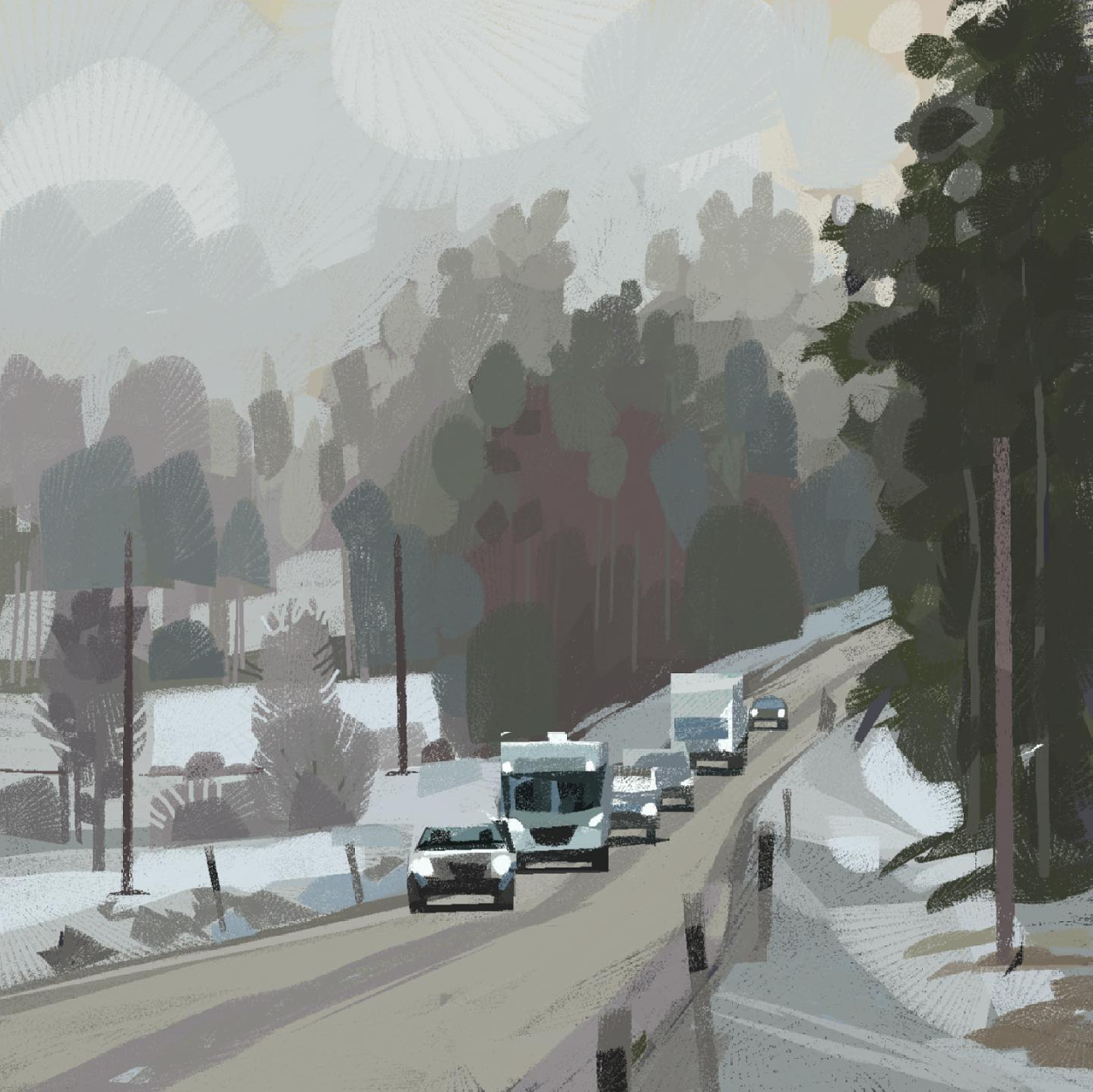
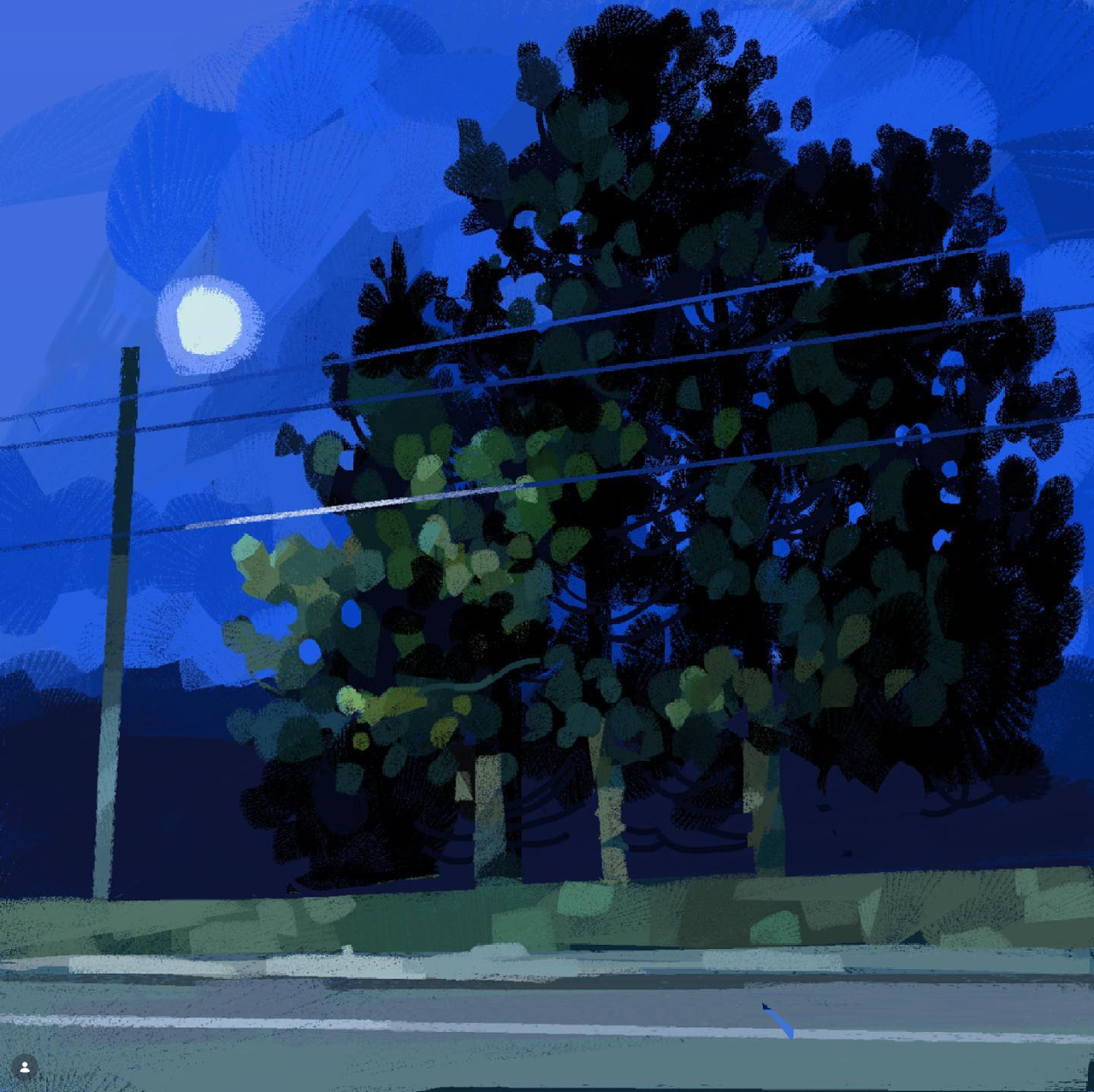
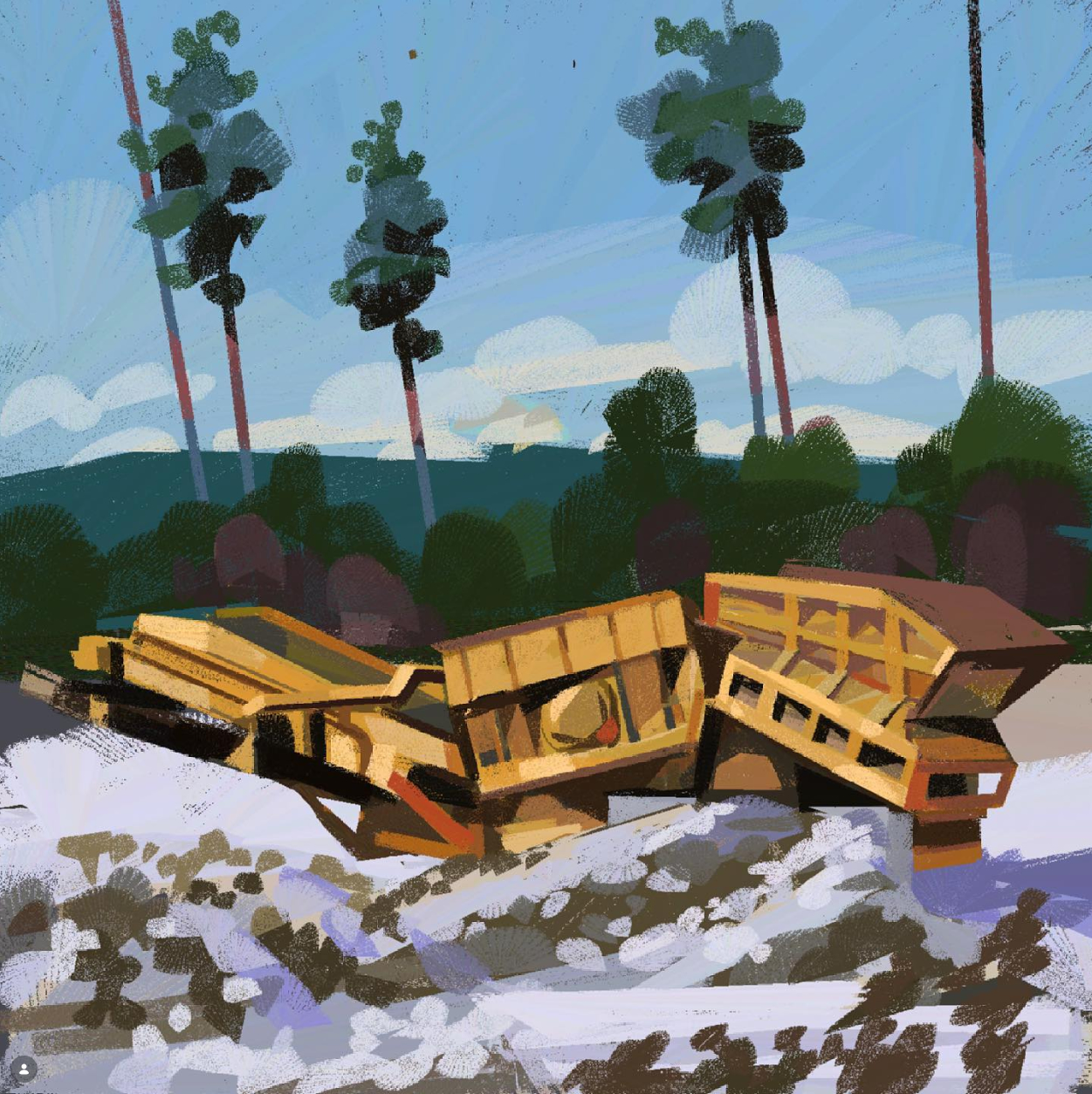
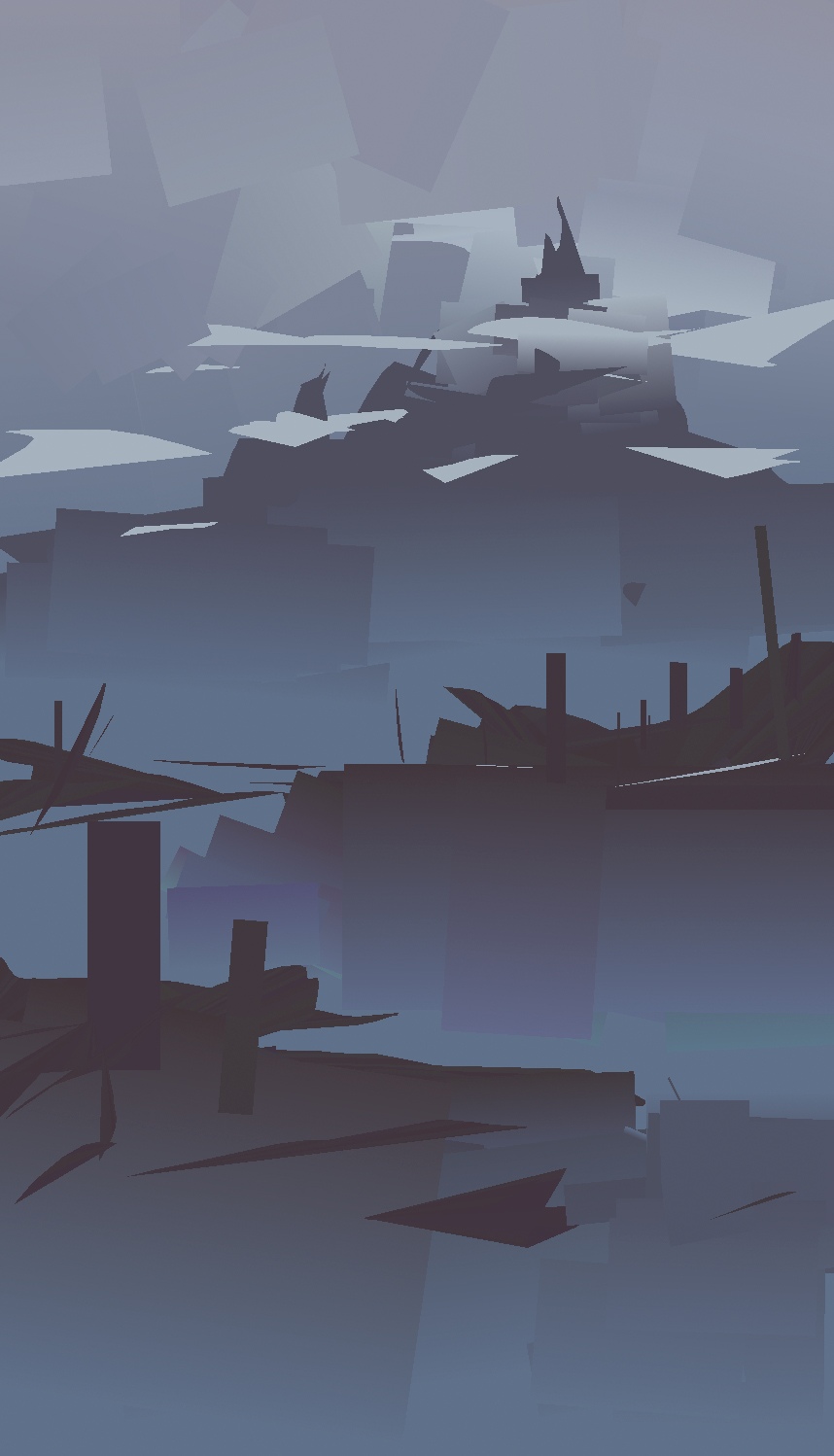
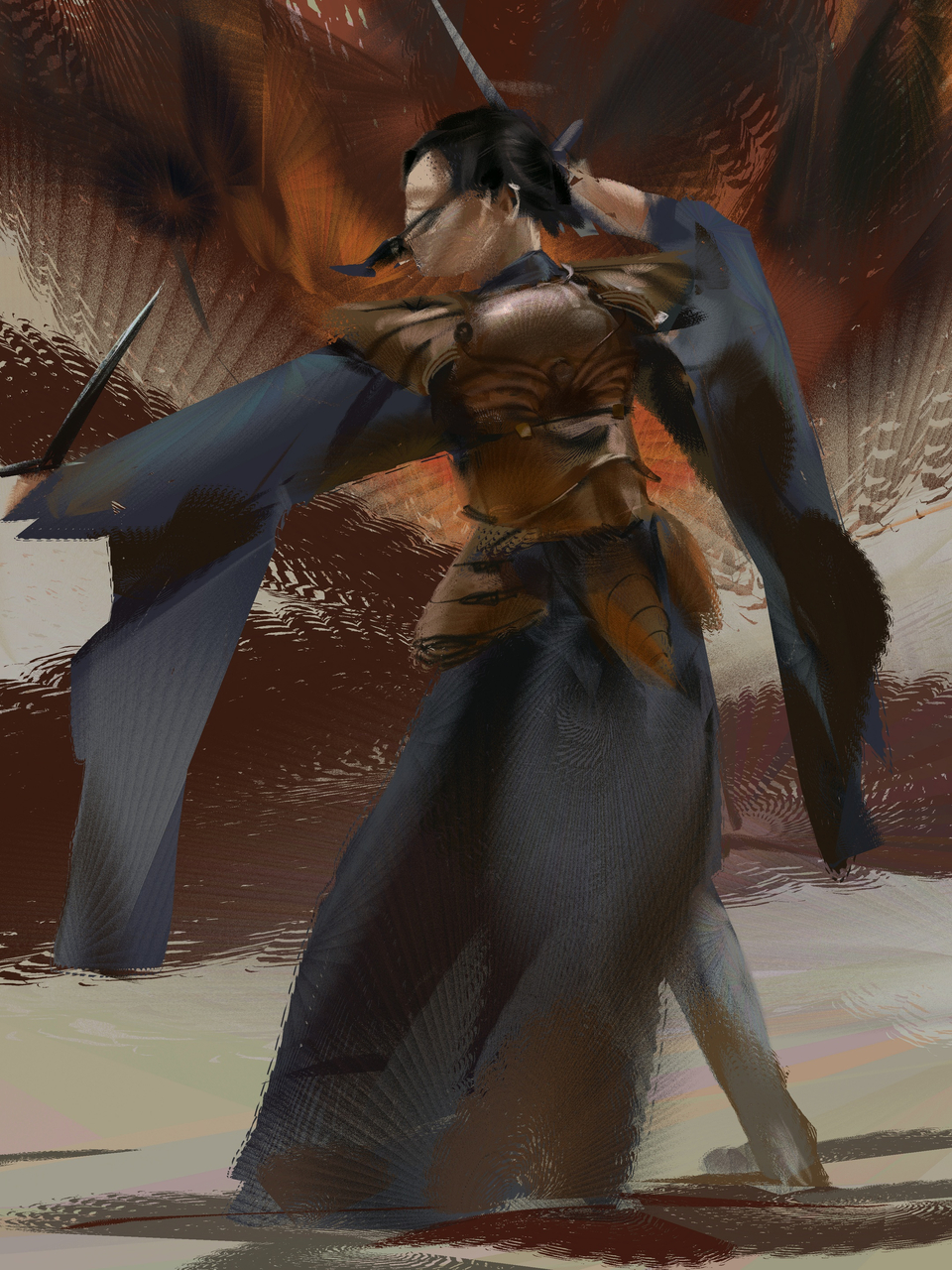
If you are interested in how I used this tool, here is a painting from my website, that is mostly painted with just this tool.
As a sidenote, it would be awesome to implement this tool as a vector tool too, and improve the vector painting capabilities of Krita in general. Remember, Heavypaint Classic is entirely vector based.
I looked at the shape brush engine documentation and there is a checkbox for “winding fill” that looks like it should at least cover the original request in this thread. But unfortunately this option does not work for me. It seems to have no effect. Is this a bug that needs to be reported?
Winding Fill
This gives you the option to use a ‘non-zero’ fill rules instead of the ‘even-odd’ fill rule, which means that where normally crossing into the shape created transparent areas, it now will not.
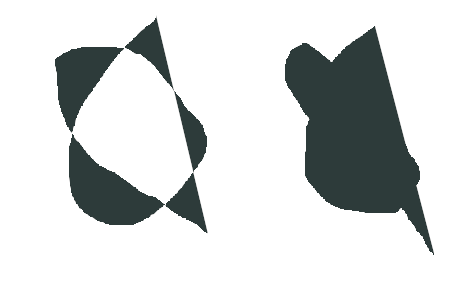
Looking at the code of this function, I think the option is likely working for you, but not in a way you’d expect. Try drawing a self intersecting line and continue it over the enclosed space.
Here on the right is with winding fill and on the left is without winding fill. The winding fill algorithm doesn’t store the lines connecting the origin point to the current curser position. That edge only appears temporarily, as the algorithm completes the loop. To preserve those edges, the implementation would need to be changed render individual triangles for each path segment, instead of rendering the entire path fresh with the new path extension.
Thanks for clearing that up. I tested it again and you are right, it does have an effect and I just misunderstood what it is supposed to do.
That means the feature requests in this thread are valid and not possible yet. Do you think these requests should be incorporated into the existing shape engine or does this sound like an entirely different brush engine?
I see no reason why the new functionality shouldn’t share the same brush engine in the system. As far as I can tell, the implementation just wouldn’t be trivial. Though, it’s worth noting that I’ve never made a contribution to the Krita code and was looking through the code to see how difficult it would be. Someone with more experience may find it trivial.
I’ll pop into the Krita IRC later and see if I can get some pointers for the fan brush, might be a nice start to familiarize myself more with the engines
Don’t expect much from me but I’ve been definitely thinking of HP-like brush behavior for a good while now, it’s a cool little program (I just have horrible experience running it ).
I haven’t examined other engines besides pixel/smudge, but I don’t think this would be totally off the cuff to implement. Will get back once I study a bit more!
This!!! I thought I was the only one, this is soooo needed, If we get fan brushes on krita llike that I’ll never look back, right now I alternate krita and Heavypaint because of that brush (and the Oil Soft one) they do everything I need, color variation, fast edge control, cool effects, and you can have so much control about it. We need this to happen.
Yeah! I used HeavyPaint for professional work before and I regreted it, I love it so much but it lacks stability and more complex features, which is what Krita excels at.
For the basic, other brushes, I’ll see if I can replicate the feel somewhat with just the smudge engine. Currently busy with irl, but the “advanced” fan still sits in the back of my mind :"))
I had a similar issue to yours but with Procreate though, lol. I missed having more options in my paintings. Still, like I said, I haven’t forgotten about this thread I’ve just been caught up in irl events.
Yeah, the ability to use other features of the ‘fan’ brush would be wonderful, I completely agree. I especially liked how Anders Nyberg used texture for quickly drawing trees and other shapes.
But as far as I remember, the rules for creating a thread say to specify one requested feature, so I decided to specify just the basic brush functionality. If at least that were implemented, it would already be wonderful.
I agree, the basics would already be great. But whoever wants to develop this feature should have the complete wishlist at the beginning. Just to plan ahead and avoid big refactors, should more of the Heavypaint features be implemented later.
On that note: In Heavypaint you can use pen pressure with this tool for opacity. It will draw each triangle according to the pen pressure.
 ).
).