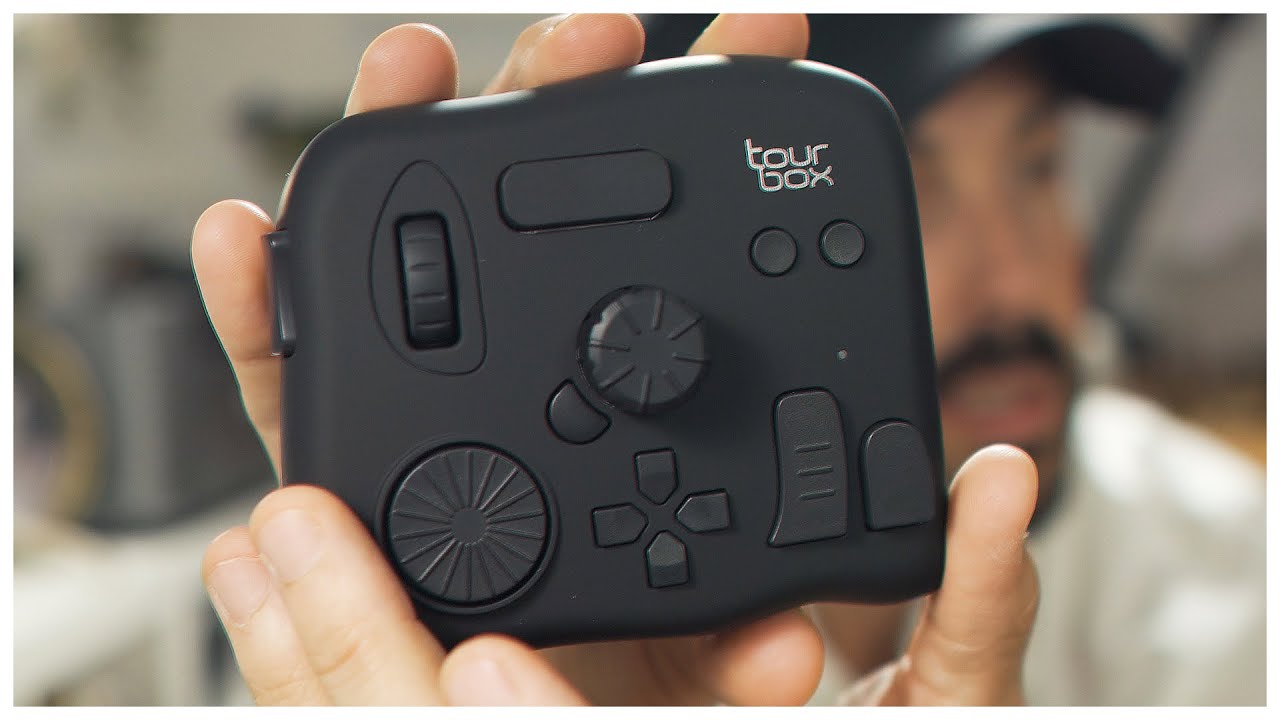
Remote such as this exist but I don’t think I will ever drop that much money on a controller.
I use a steam controller and the mapping is done via steam input. The configuration interface is a bit jarring but seems to be the most feature complete. I am left handed so everything goes to the right, but it shouldn’t be too difficult to adapt them to yours.
After much iteration I have landed on a configuration that I feel comfortable with.

- Brush size:
- Right pad, 2 key presses depending on clockwise or counter clock wise motion.
- Click resets zoom
- Right four buttons: self explanatory.
- Eraser Toggle: The default pen/eraser switch provided by tablet driver doesn’t work reliably so I mapped it to eraser via Ten Brush
- Undo has a long press that turbos the action.
In steam controller there is a thing called activator. Depending on how your press the button different key pressed is fired. Here a short press and long press is used. But there is also double press and triple press.
- Left stick: Self explanatory, one button is unused.
- Down is mapped to deselect.
- Left pad: mapped to 4 brushes via Ten Brushes
- Start button: mapped to Brush tool
- Right trigger: This is a steam controller specific feature. The controller has two stages. The first half is similar to your usual ps/xbox controller that outputs analog. Then if you press further there is a click.
- Soft pull: press the trigger slowly but not to click → Alt
- Hard pull: press the trigger very quickly down to click → Shift
- Soft pull to click → Alt + Shift.
- Together with eyedropper all three modifier key is covered. Shift can be used to scale brush size, Alt by itself doesn’t seems to do much.
- Right back grip: Ctrl in case I need to use with the trigger button but never did.
Mode Shift: In steam input every controller button/pad can be assigned an alternative action if pressed with a mode shift key. In my case the key is assigned to the right shoulder button.
- Right pad, mode shift:
- Zoom in and zoom out depending on swiping from left or right.
- Click resets canvas rotation.
There is plenty of buttons that can be mapped to additional actions via mode shift, but the steam controller’s shoulder button is really stiff and the contour of the controller is awkward, and hard to use one handed so I avoid that as much as possible, the experience would probably be better on a ps/xbox controller.
The controller does work via bluetooth but sometime I get repeat actions (like 12 undo in a row) which is unusable.
- Things still done with clicking:
- Layer management
- Some of the tools (freehand lasso, as I can’t assign a hotkey for that)
- Opacity control
- Color selection
There is other mapper software out there (joyshockmapper, sc-controller, antimicrox) that can be used without steam but I have not used them so no comment.
Lua Macros can map your second keyboard to additional macros. There is also autohotkey but I just don’t like writing script for that.
I think there is software that uses midi controller as a macro too.
So, what’s your macro setup?