Hello. I’m working on sharpening up an old woodcut image, but there’s text shadows from what I assume is the opposite page of the newspaper it was printed on. Any advice on how to get rid of those shadows so I can only get the image I want?
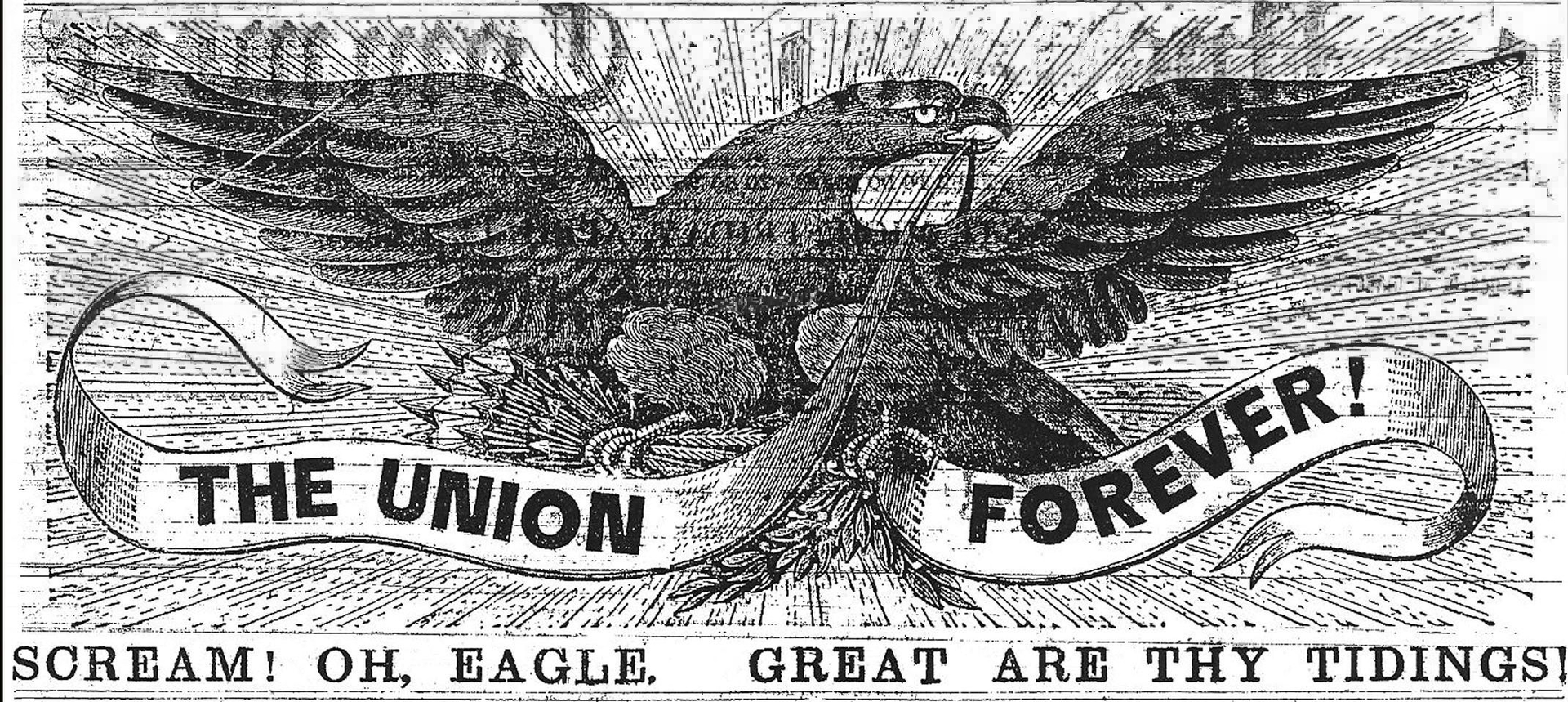
There isn’t really a way for the software to know which is the back or front side. You could try using the smart patch tool carefully ins small areas and hope for the best but I don’t see any quick or automatic way of removing it without damaging the actual image. Carefully restoring the image by painting over the offending part’s is probably the only good way, even though it is a tedious and long process. What I believe what happened (not that it really matters) is that the print of the page that was on top of it got some ink stuck to the paper. I have some old prints where this has become a problem too and it damaged some documents I have.
This topic was automatically closed 4 days after the last reply. New replies are no longer allowed.