5.2.11 Android
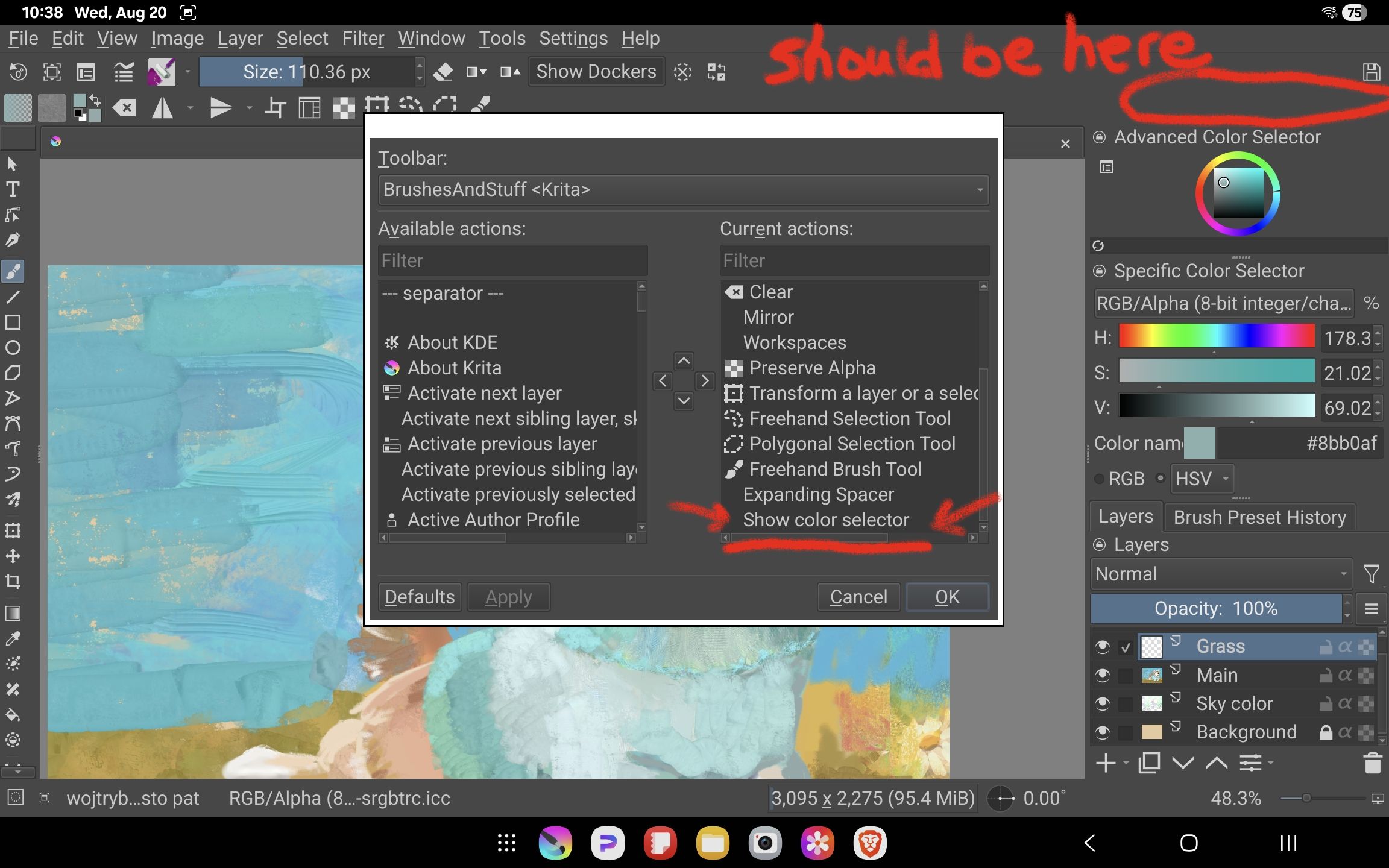
The 1st screenshot shows a newly-opened Krita session with the empty area of the toolbar circled (it’s at far right as there is an expanding spacer on this toolbar). In the Configure Toolbars dialog it shows that “Show color selector” is present in the Current Actions section.
To make the item display, I change it’s order in the Current Actions window using the arrow keys. After hitting Apply and seeing the item appear on the toolbar, I then move it back to its original position and hit OK. It then shows up where I want it and it works perfectly.
It’s not a big deal but I thought it worth reporting as the behaviour is consistent.
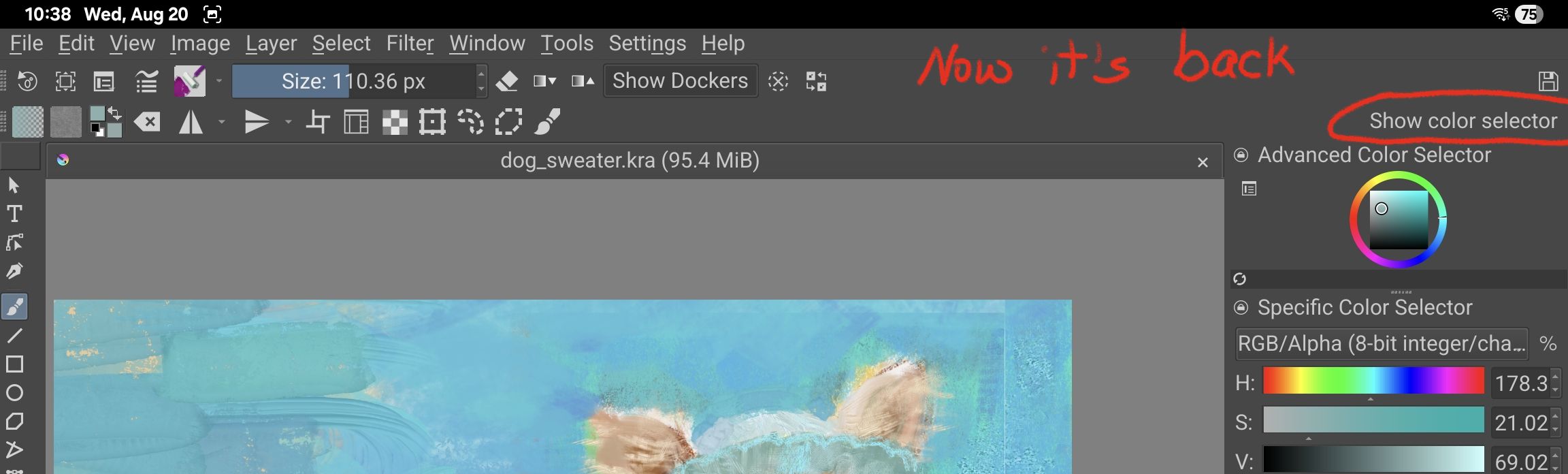
Second pic shows the toolbar after repositioning the entry, hitting Apply, then putting it back where I want it and hitting OK.
I did try removing the expanding spacer to see if that impacted things but there is no change to this behaviour (and the other toolbar has an expanding spacer in it but it never has any problems).
Other toolbar changes seem to stay exactly as I’ve set them from one session to another – it’s just this one item (show color selector) that seems to be a bit shy.