dawnload
to use:
extract it to ‘templates’ in resource folder or open the .kra file then using: File ‣ Create_Template_from_Image.

feel free to share what u create.. 
extract it to ‘templates’ in resource folder or open the .kra file then using: File ‣ Create_Template_from_Image.
feel free to share what u create..
Looks interesting, how does it work - roughly speaking for non-tech user like me - does it sort of displace pixels & generate (while not being “generative”) a few extra frames or what?
(On tablet now so can only try it on desktop later)
it abusing disolve blend, opacity, filter-layer, clone, then trigered by transform-mask over 4 frame (adding more frame doesnt really worth).
just draw in whatever layer under ‘_main_’ group (excluding ‘static’) and it will automatically animate (no need adding frame) what u draw when u play animation (maybe u can even see it animated the brush stroke when drawing or when clearing screen)
resizable for bigger/smaller canvas, optional setting can be tweaked in ‘wobble’ group.
it created on android btw..
Ah, I missed the kra file, thanks
Will check it’s options out more, seems fun (like Wiggly Paint) & a good “abuse” of Disolve blend
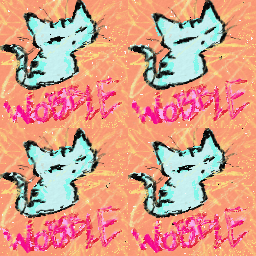
PS I can only get webp to save correctly animating directly from Krita, an tip for gif settings to avoid it saving just a still frame?