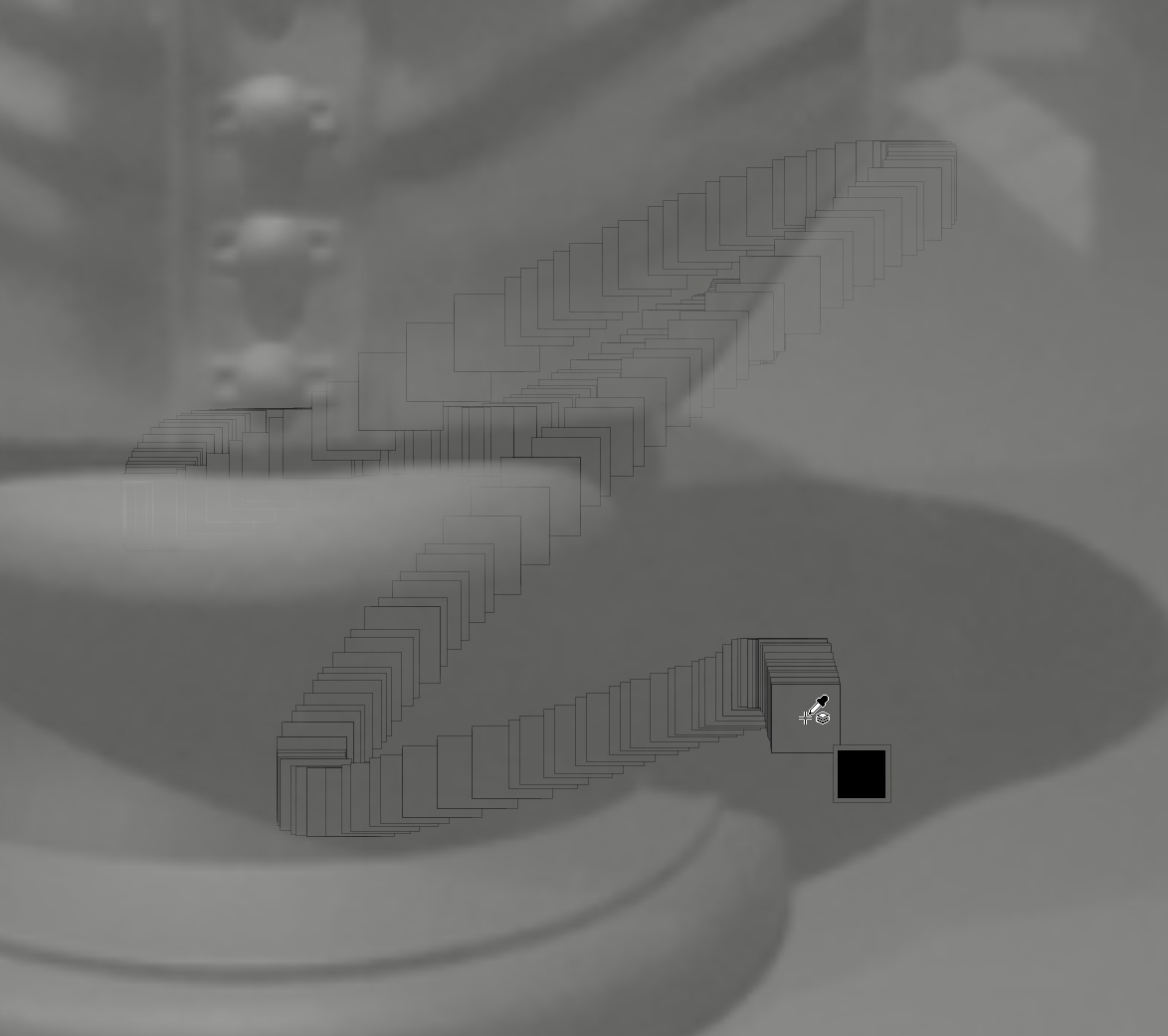
This is not my screen but same problem
Krita 5.1.3 on the PC.

I just started getting small squares around my brush cursor when using reference images. This only happens when using reference images. Does anyone know how to get rid of them?
yes this is a known issue. There is a bug report for this. I will search.
There was no problem yesterday
Until today
there was no update
There’s a bug report about it on 5.1.3 here: 461571 – (shy) transparent square trails when moving my brush over a reference image
There were two known reports on previous versions which were resolved. (4.4.7 for HiDPI screens, resolved in 5.1.3, and 5.1.0 for AMD GPUs, solved by a driver update)
There’s also a report on 5.1.1 which lacks info and may be a duplicate.
ok thank you
And what about it. How to fix?
 Hello @karemuvar and welcome back to the forum!
I’m sure you did forget that this forum has a search function? Didn’t you?
A search on today’s topics would bring up this to you:
Small squares around cursor when using a reference image
So, it is a known issue, and it is in the works.
But no problem, maybe @raghukamath merges the topics together?
Michelist
Add/Edit: So, ATM it is expected, but also it is unwanted.