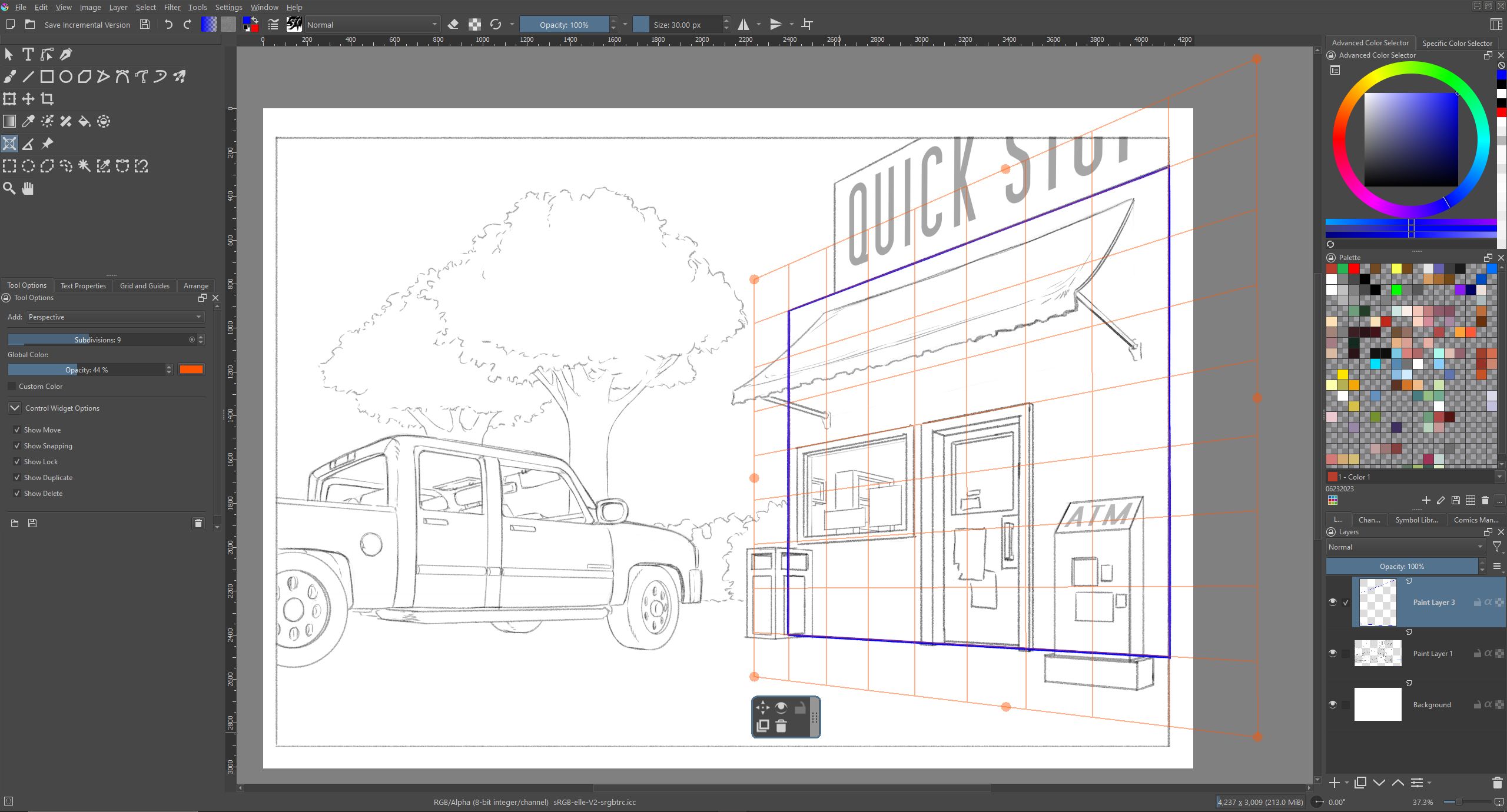
I used the Assistant Tool in Perspective mode to draw perspective grid in a limited space (unlike 2 Point perspective and Vanishing Point).
Then I switched to Line tool to draw lines following the grid, enabling Snap to Assistants. I wanted to draw the edges of the grid first.
The problem is that snapping seems to only work inside the grid (where the local perspective line appears in gray)
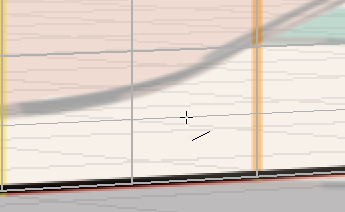
When the cursor is outside the grid by even 1px, no line is drawn and when moving the cursor, “Length: nan px” appears:
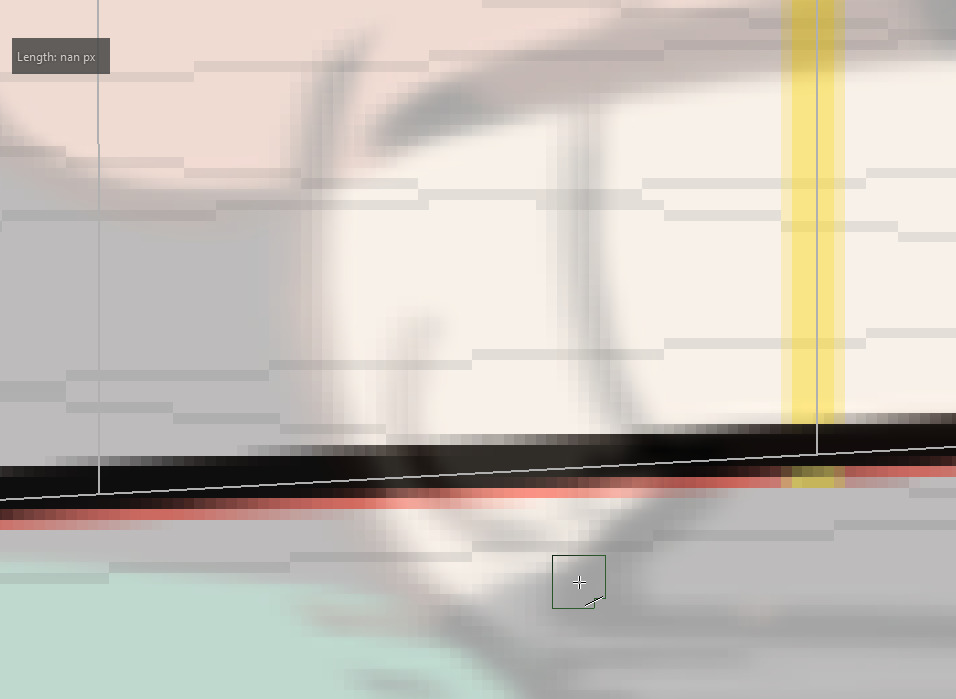
I understand that line perspective is considered unknown outside the grid, and that the other, unbounded assistant options should be preferred in this case, but since I wanted to draw the grid’s edges precisely, it is quite annoying as I must be very precise to draw the line exactly (or slightly inside) the grid but absolutely not outside.
It would be nice if the perspective outside the grid could be extrapolated at least when the cursor is very close to the edge, or alternatively snap to the edge.
Also, the “Length: nan px” message is odd, it looks like a bug.
Question: what do you recommend to draw the edges of a perspective grid? Should I use one of the other Assistant options? (but the grid is the easiest to use and understand to me - in fact I started using 2 Point perspective and still ended making a Perspective grid based on that, because of the nice delimitation in 8x8 cells)
Feature request: should I open a Feature request to support drawing lines very close to the grid’s edge? Do you think it would be more relevant to have an option to extend the grid lines indefinitely? (but in case of multiple grids, they will conflict at some point!)
Bug: should I report “Length: nan px” as a bug? Should it display a clearer error message?