[SOLVED] Can only use up to 49.5% of Tablet Pressure in Krita

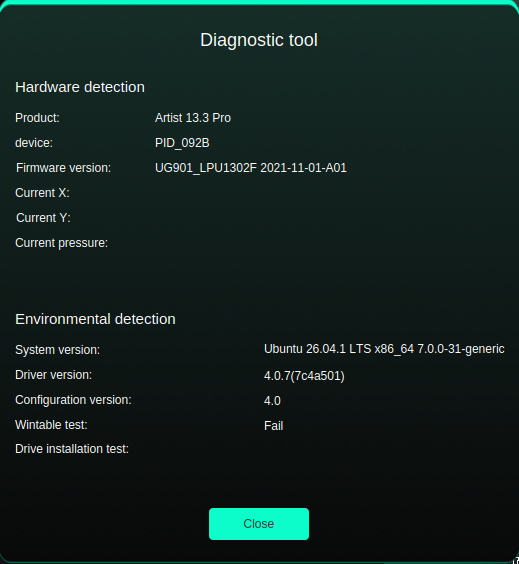
UPDATE: Solved it. Tablet driver was outdated. I was on 4.0.7 instead of 4.0.15. Whoopsie…

Type of device : Display Tablet
Brand and version of the device: XP Pen Artist 13.3 Pro
System: Linux Kubuntu 26.04 - Krita 5.3.4.1 on Steam (Although this issue persisted with the stand alone snap version)


Hello! New to the forums so apologies if I’m missing something crucial here haha.
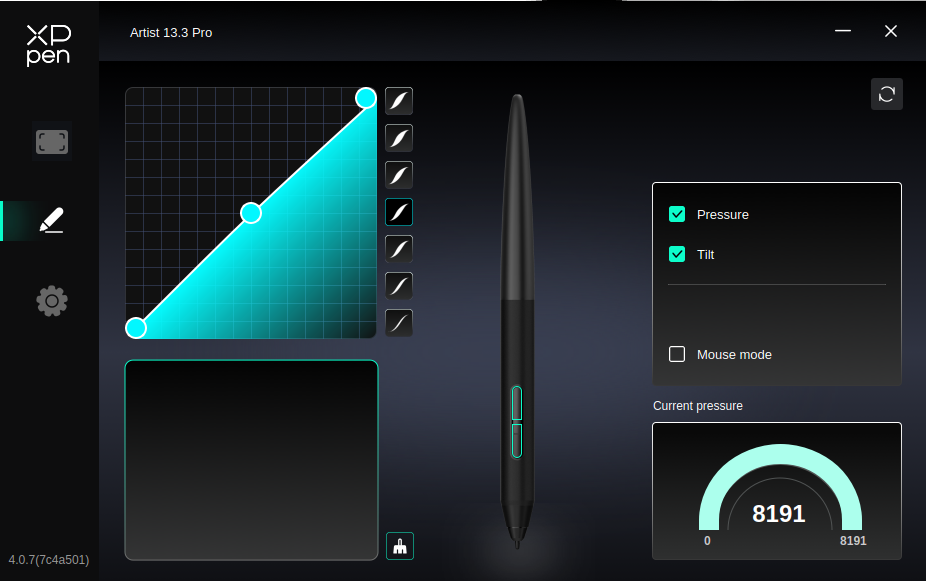
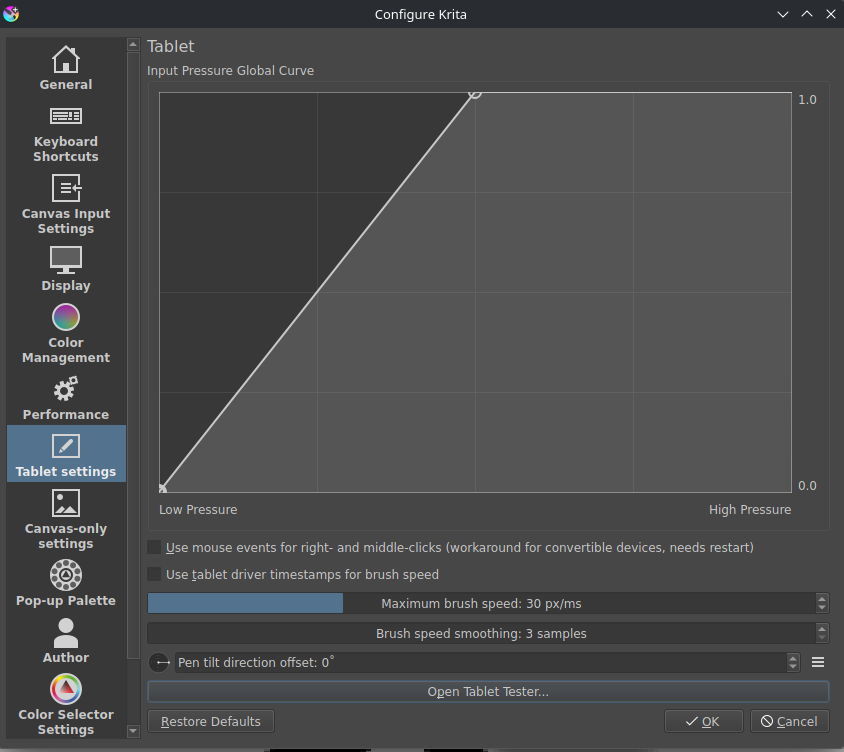
In Krita, no matter what, my Pen Pressure can only go to 49.5%, despite my XP Pen Tablet driver saying that it can detect the full pressure sensitivity on the screen tablet just fine. I’m able to somewhat mitigate this issue in the Tablet Settings by cutting the Input Pressure Global Curve in half but that’s not ideal to be honest since I’d only have access to half the pressure sensitivity. If anyone knows how to resolve this issue then I would greatly appreciate it!!!

Hi. I have not used an XP-Pen display on Linux myself, so this is only from the Krita manual.

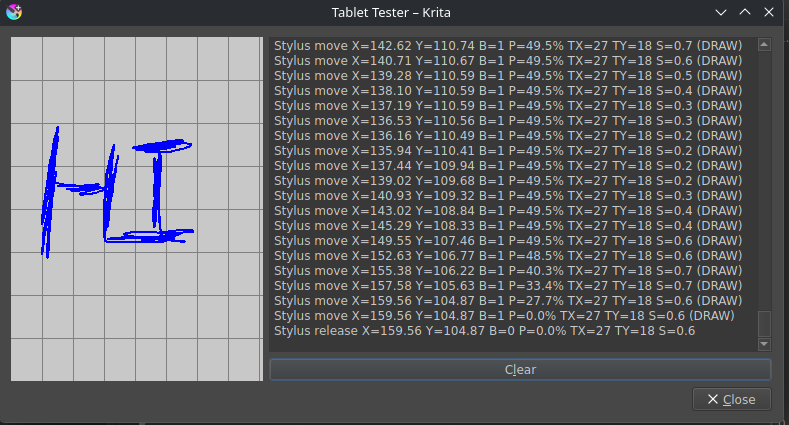
The manual describes a Tablet Tester in the tablet settings. It shows the raw events coming straight from the tablet, and the manual says it does not take into account changes you made in Krita, such as the Input Pressure Global Curve. The blue line is the tablet events, which include pressure. So you could draw a firm stroke in the Tablet Tester and look at what it reports. If the pressure stops at about half there too, the limit arrives from the driver or system side before Krita sees it. If it reaches the full range there, then the cause is more likely inside Krita’s settings.

I did not find anything in the manual about the XP-Pen driver on Linux, so I can’t say more about that part.

Official tablet drivers hates Linux, try OpenTabletDriver instead

I think that ‘hate’ is too strong a word. Maybe they are star crossed lovers :slight_smile:

Hello @OctaHeart (and @Rei_Kurosawa) and welcome to the forum :slight_smile:

The krita tablet tester record screenshot you posted certainly makes the problem clear.

I suggest that you try the offiicial appimage from: Download | Krita
Remember to give the appimage file Execution permission before running it.
That would be a quick and easy investigation to try first.

I notice that the Tilt TX and TY values are constant even through Tilt is enabled in your XP-Pen config/setup interface. Does the Tilt signal vary at all as you draw on the grid area and tilt the pen?

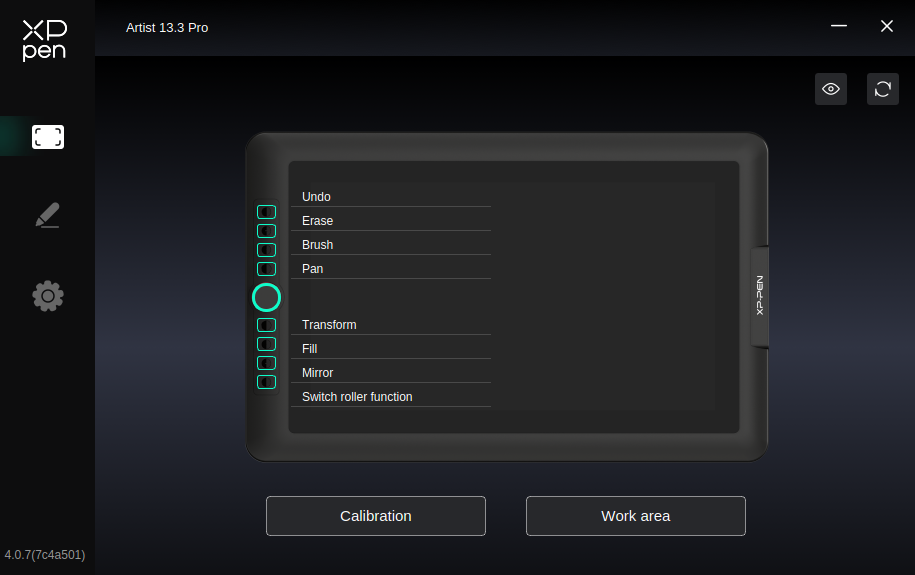
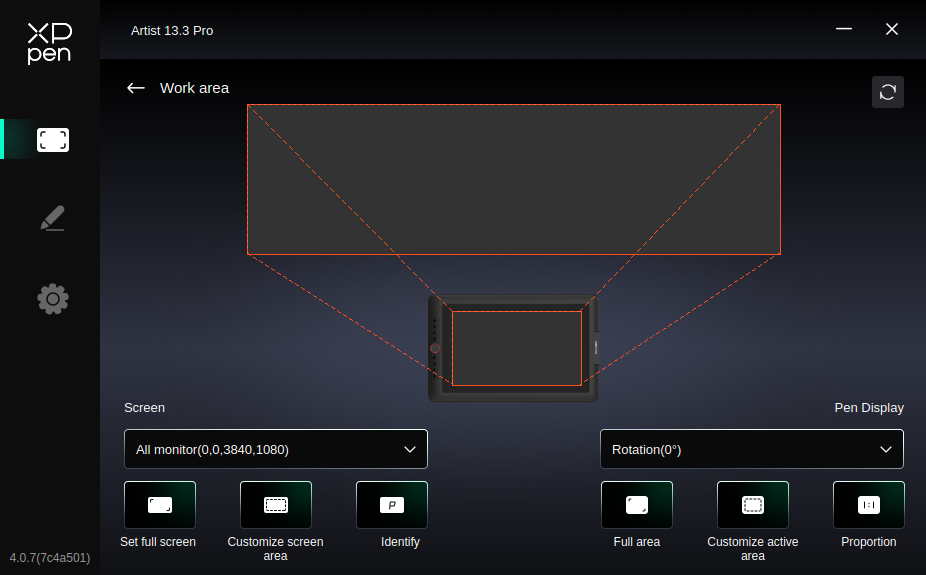
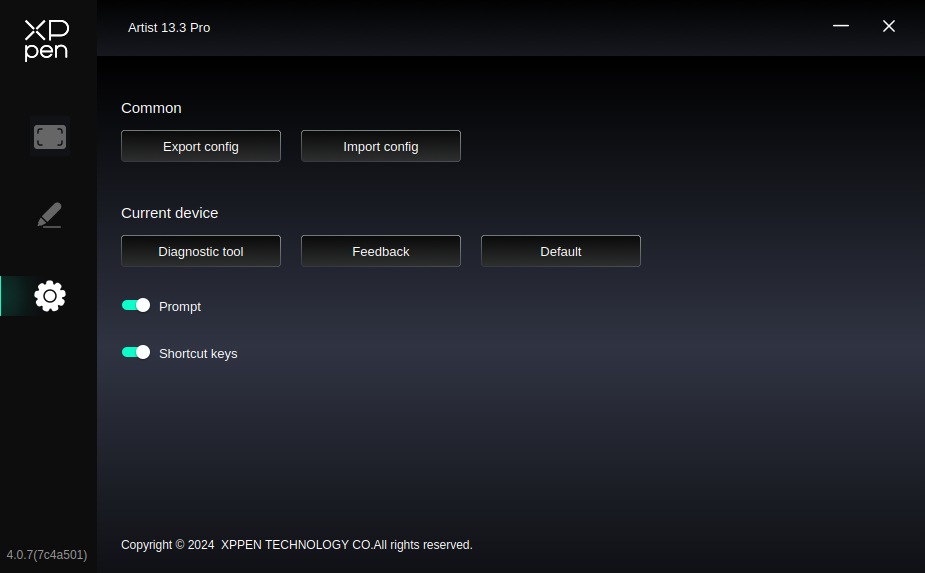
The small number of other settings in the stylus page of the XP-Pen interface all look ok but it would be useful if you can post screenshots of what I think are the ‘Tablet’ page and the ‘Settings’ page so please do that.

If your other settings give you the facility to create ‘profiles’ for different applications then you should create a profile for krita while krita is running and make sure that profile is automatically selected when krita is being used.

Your workaround with the pressure curve is easily done but it’s annoying that you have to do it of course.

You’d have full access to the pressure sensitivity range of the brush presets in krita.

You’d have half the available pressure resolution of your tablet. i.e. 4,000 levels of pressure instead of 8,000 levels of pressure.
However, I’m not sure that krita has an internal pressure signal value of that resolution.
Even if it did then even with ‘only’ 4,000 levels of pressure resolution at the input signal I don’t think you’d see any difference when it came to stroke opacity and thickness and any other pressure controlled property of a brush preset.

You will have only half the physical pressure range of the tablet itself available to you and that may feel strange or unsatisfactory compared to other tablets you may have used before. Also, you may prefer a ‘harder feel’ to the stylus-tablet-painting experience.

As an additional workaround, you could adjust the pressure curve characteristic in the XP-Pen interface so that it delivers the first half of its pressure signal range over the full range of physical pressure, if that’s possible, or at least more of its range of physical pressure. That might help a bit with the overall ‘feel’.

If you can’t find a satisfactory ‘fix’ by various means then trying the suggestion, by @Crimson_Crate above, of using the Open Tablet Driver may take care of the problem.
fair XD

The tablet tester does use the raw signal before any processing in Krita happens that means if it shows only 50 % then that’s all it gets reported by the operating system and the tablet driver and there’s no setting in Krita to change this.

Edit: I remember someone else having a similar problem but I doubt it will help here

Oh wow, wasn’t expecting this many replies! Going over everything, it does turn out that my pen is somehow only reporting half pressure to my operating system as well. For the tilt thing, it does update tilt and can vary from 60 degrees positive to negative in both the X and Y direction (as marked down by X and Y).

(Had to delete this image since I’m new and can only post 4 images in a single post but it was my system tablet tester thing also showing 49.499999% repeating for its pressure thing)

For the appimage version, I’m still getting the same results with its tablet tester but given that the issues does seem to lie at the OS level that’s not surprising tbh.

(Image of the same 49.95% thing in the .appimage version of Krita but I’m new and can only post 4 images at a time so pretend it’s here please)

For the XP-Pen interface thing, here are the “tablet” and “settings” pages. I know that the work area thing is really wide but for whatever reason it only lets me use half the width of a monitor if I don’t select “All monitors” for some odd reason. That might be related somehow? I do not know.

For OpenTabletDriver, I’ve been unable to get it to detect my tablet at all so I am hoping to get everything working here before I try and kick OpenTabletDriver again.

Sorry to double post but I figured out the issue-- my driver for my tablet wasn’t up to date. my tablet driver was on 4.0.7, when the most up to date is 4.0.15. I updated it to the current version and now both my OS and Krita are getting the full pressure. Sorry for missing the most obvious answer first… :sweat_smile:

In my defense I never saw a mention of XPPen’s tablet driver thing needing an update whenever I ran the sudo apt update and upgrade stuff in the konsole but you live and learn I guess.

truth be told, it has been a while since I last saw how XP-Pen drivers were working on Linux, glad to know they fixed that