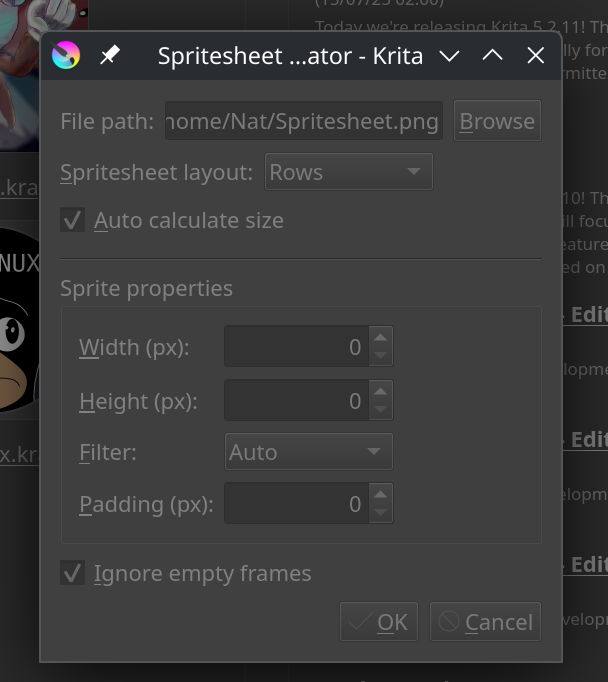
While working on a side project in Godot, I realized I needed to be able to export spritesheets from Krita. I started to use the go-to Krita spritesheet exporter plugin, but there were a few things that I wanted to improve on. At first I tried just opening a PR with the improvements, but it doesn’t seem like the repo is too actively maintained at the moment so the PR just sat for a few weeks with no movement. In the end, I decided to create my own spritesheet exporter plugin and figured I would share it here in case it’s useful for other people → GitHub - ShannonHG/krita-spritesheet-generator: A Krita plugin capable of exporting animations as spritesheets..
The main improvements are:
Empty frames can be ignored (this was my biggest issue with the other plugin)
The spritesheet is created without needing to write each frame to disk first
Spritesheet frames can be downscaled when exporting the spritesheet
Transparent padding can be added to frames in order to prevent frames bleeding into each other (this is an issue I was having in Godot)
(Also if anyone knows how to disable onion skinning for a layer through Python lemme know. I know that there’s an action to toggle onion skinning on and off, but simply doing that wouldn’t be enough. I’d need a way to specifically check if it’s enabled and disable it if so. This would prevent the need to manually disable onion skinning before exporting the spritesheet)
Thank you for this much needed plugin! When I tried this I get the message: AttributeError: ‘Document’ object has no attribute ‘setModified’. What can I do to fix this? Thank you!
Hi, thanks for trying the plugin! Could you tell me which version of Krita you’re using? It’s possible that you’re on an older version that may not support certain functions. If possible, you could try updating to the latest version to see if that fixes the issue.
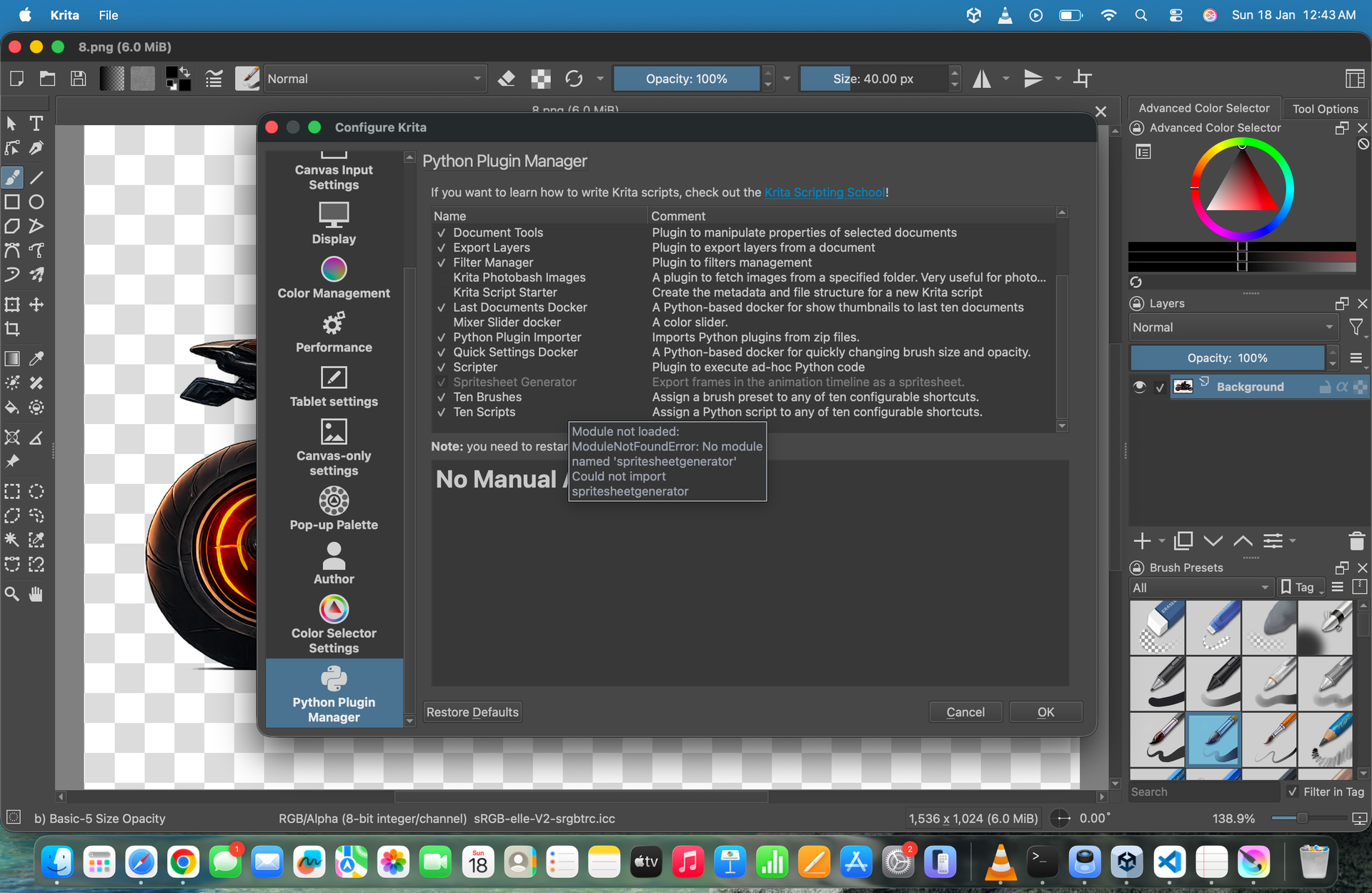
Hi, my response may not be very useful at this point since it’s so late (sorry I missed this message), but I’ll leave it anyway. The plugin is only usable when you have a document opened. It’s hard to tell, but from your screenshot it looks like you’re on the home screen of Krita instead of in a specific document. That’s likely the issue.
Hey @Sakthivelraj_B_E, did you copy both the spritesheetgenerator.desktop file AND the spritesheetgenerator folder into the pykrita folder? From my testing, this error would occur if the spritesheetgenerator folder is missing.
 Hello
Hello