Type of device* :
Brand and version of the device:
System** :
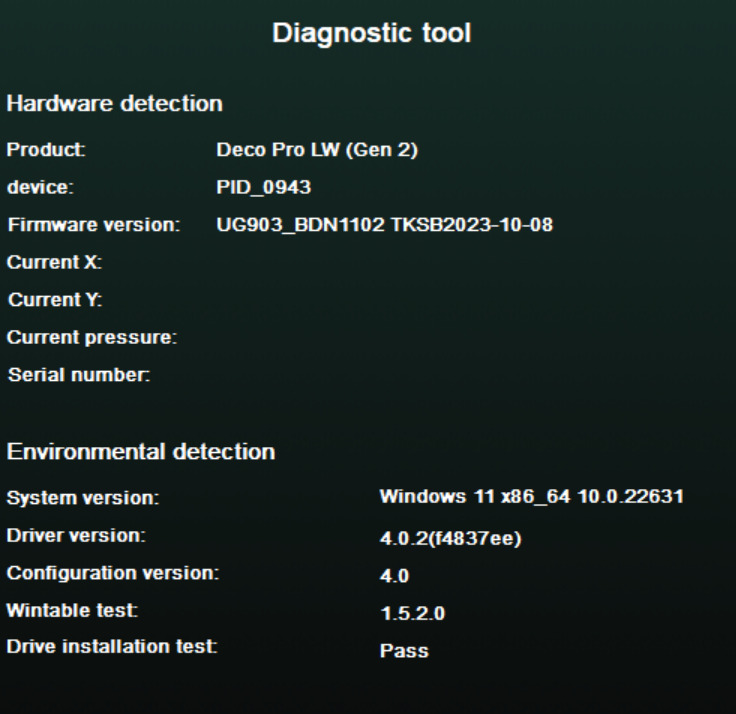
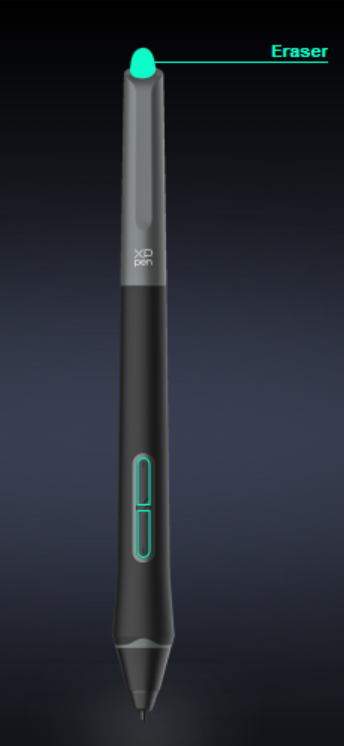
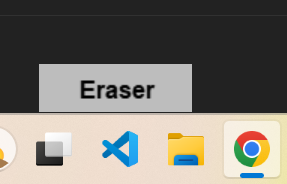
I have a pen with an eraser on one end. It used to work fine until I decided to try setting the eraser so that it doesn’t respond to pressure. And now when I flip the pen over, it doesn’t go into erase mode. Maybe it’s because I tried changing the settings in the xp-pen utility. But I think I’ve already reset it to its previous state and even updated the drivers, but it didn’t fix it.