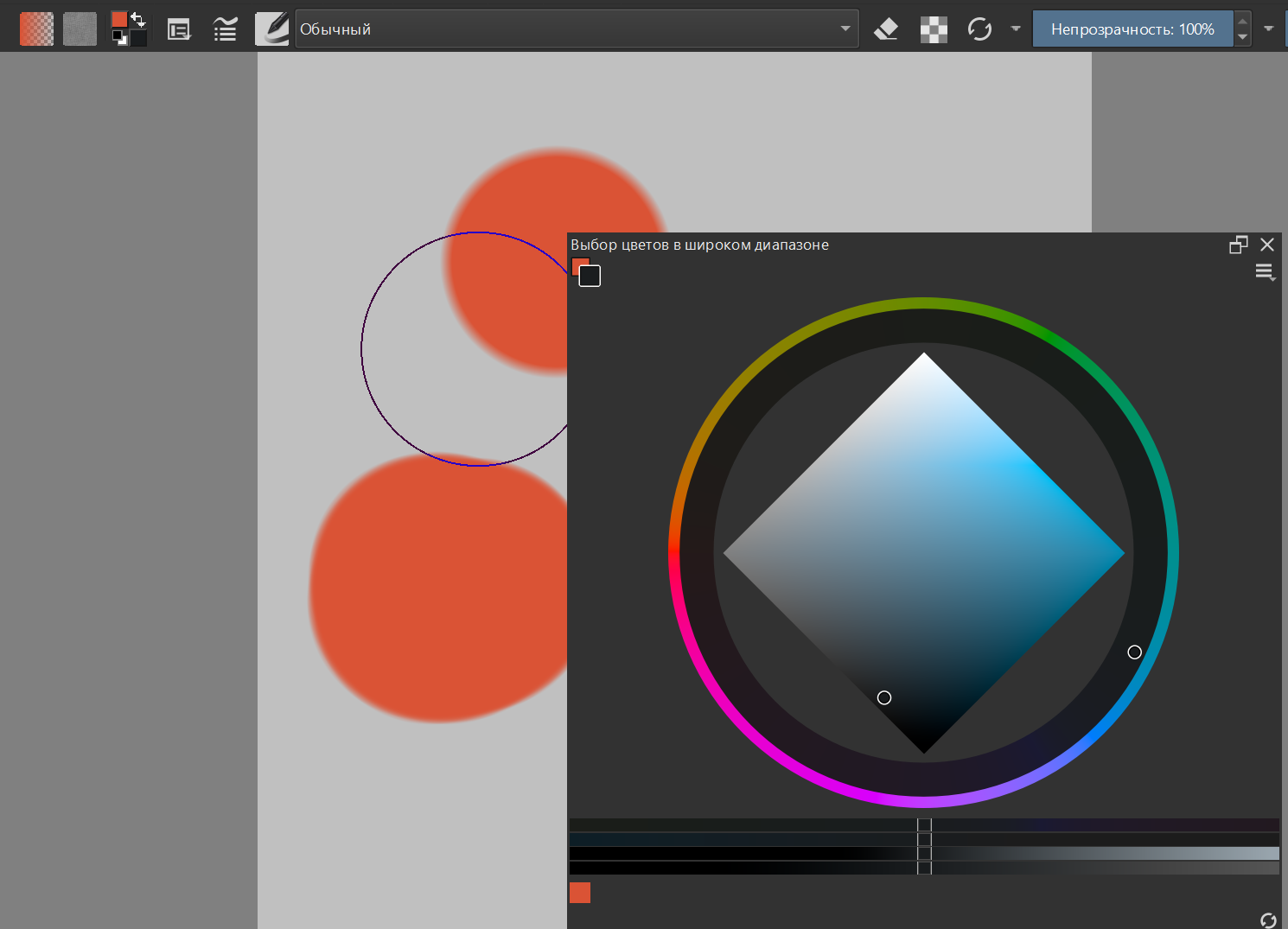
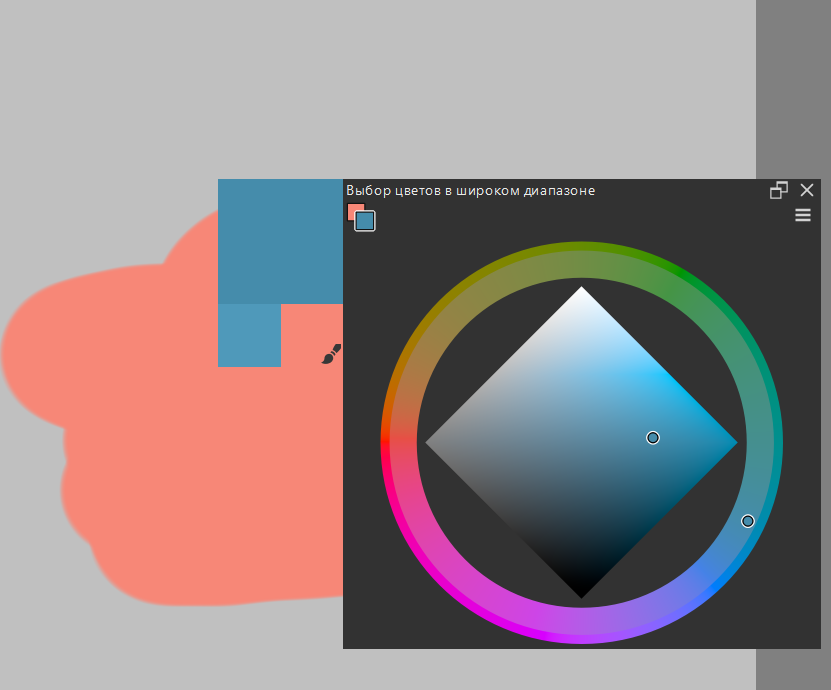
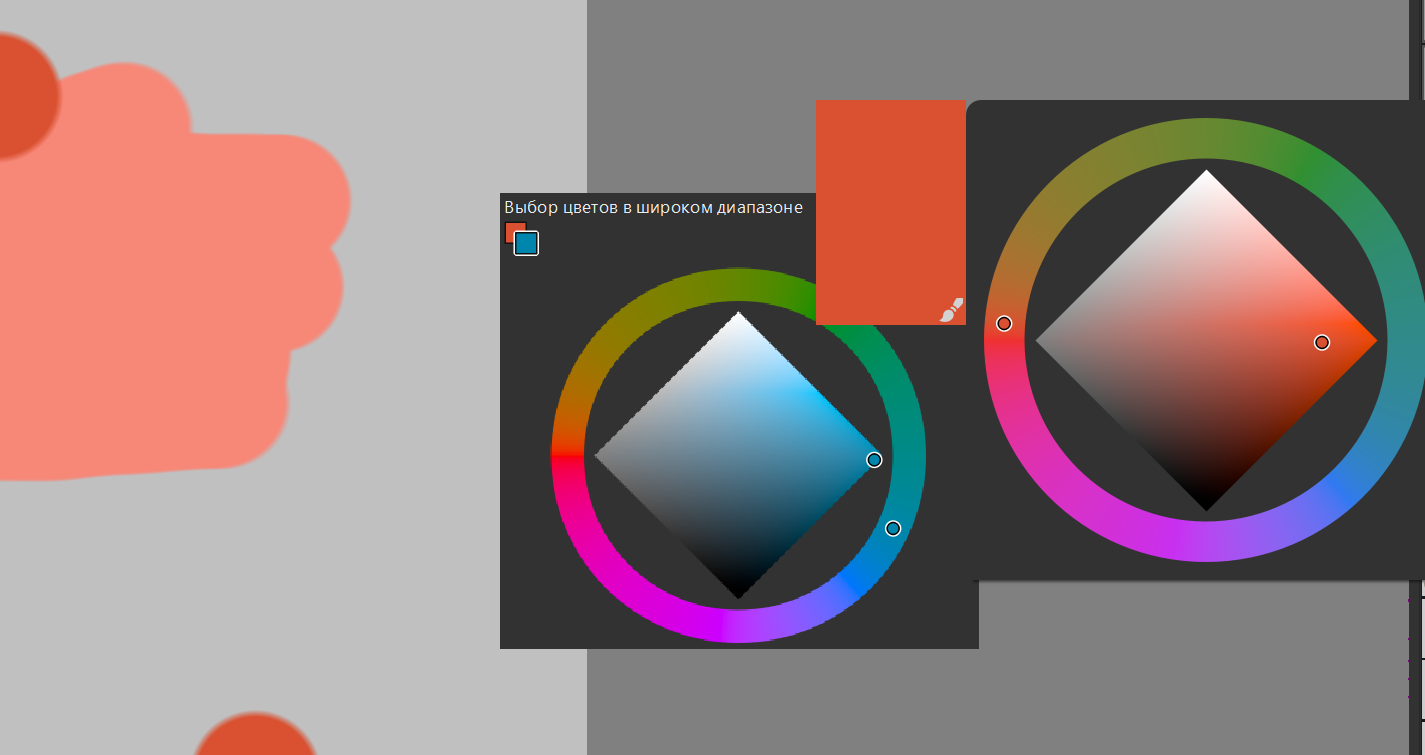
When you select a background color (two squares in the top left corner) on the docker “Wide Gamut Color Selector”, it doesn’t change the color,animation occurs but the color you select doesn’t change.
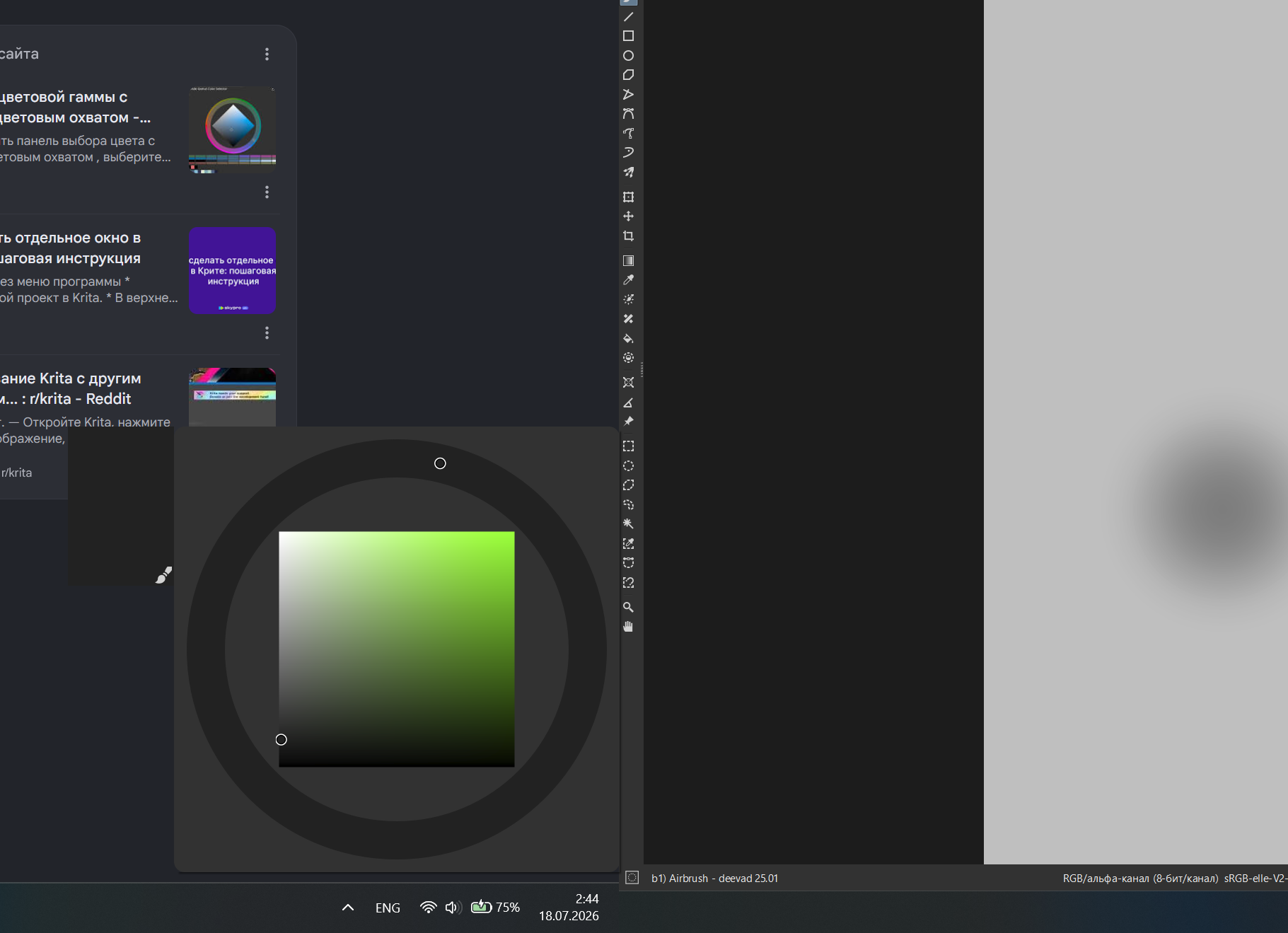
Also, the pop-up menu for this docker doesn’t recognize the krita position when there are multiple monitors, and changing the monitor to the main one only helps, although the old menu works perfectly.
It would also be nice to have the ability to hide all existing сolor sliders, because right now you can hide all but one. But this is not a critical issue.
It looks like this window is only locked on one screen. Although the old menu works well, so this is not an internal krita error, but a problem with the new menu
Then it’s just a bad ux design, blocking the ability to draw with the color you see on the color selector causes confusion
I don’t know what you mean. But docker remains unusable as long as the background color is selected. You can choose a color, but you can’t use it, which is misleading.