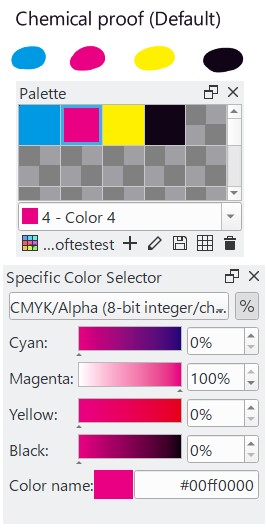
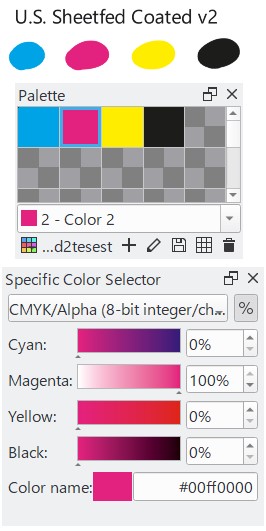
After I made a new swatch palette, Krita is shut down.
But next time I look at the palette I made are changed.
All colors are replaced by little different.
Palette 1 is I made.
Palette 2 is little differnt color.
Version: 5.1.5
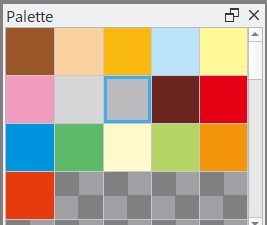
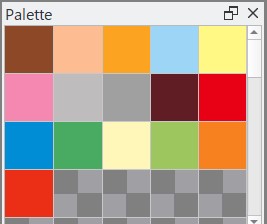
After I made a new swatch palette, Krita is shut down.
But next time I look at the palette I made are changed.
All colors are replaced by little different.
Palette 1 is I made.
Palette 2 is little differnt color.
Version: 5.1.5
Does your current project use a different color space? Krita only saves color palettes as sRGB values, if I remember correctly.
No, we’re storing the color space too. What I am interested in is whether the actual numbers involved change and what the color space is.
Color space
Model: CMYK
Profile: Japan Color 2001 Coated
“Japan Color 2001 Coated” is made by Adobe.
Does Krita accept “Japan Color 2001 Coated”?
I tried other several CMYK profiles, but I couln’t see them with same defect.
If it is a color profile, you can copy it from your Photoshop to Krita.
Michelist
I installed the color profile “Japan Color 2001 Coated”, the swatches of palette were changed to the correct color.
Thank you!
This topic was automatically closed 30 days after the last reply. New replies are no longer allowed.