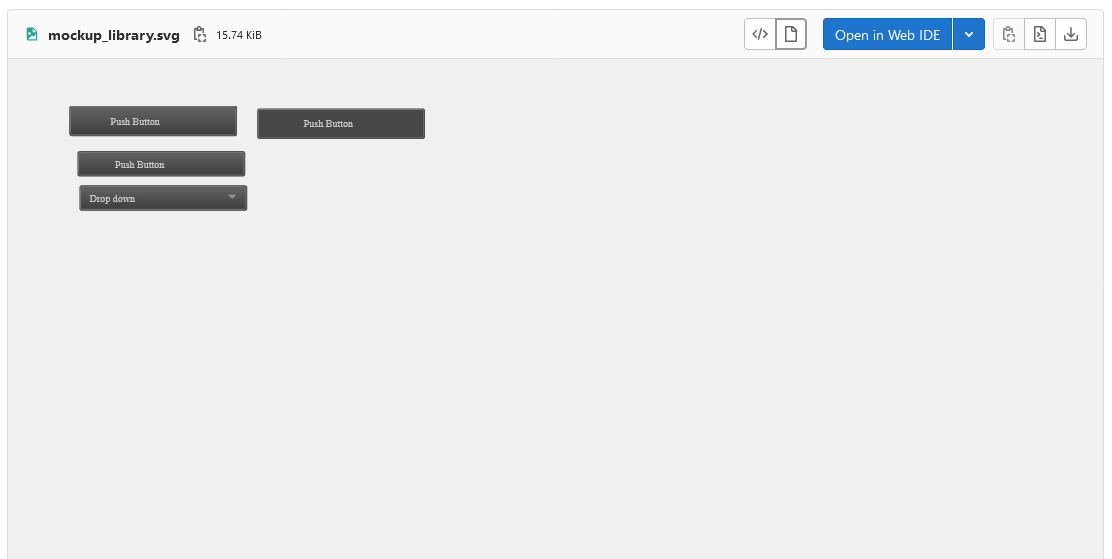
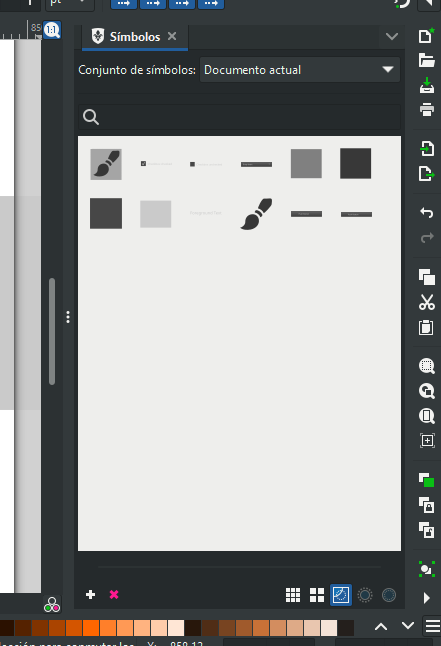
It would be really helpful for both developers and users wanting to participate in design process to have a symbols library with Krita’s buttons, dockers etc. easily available. I want to make it so it’s as easy to make mockups as it easy to drag a new comic bubble from the Pepper&Carrot comic library. (Go to Settings → Dockers → Vector Libraries if you don’t know what it is).
This thread is to coordinate the work on that. And to invite some more contributors
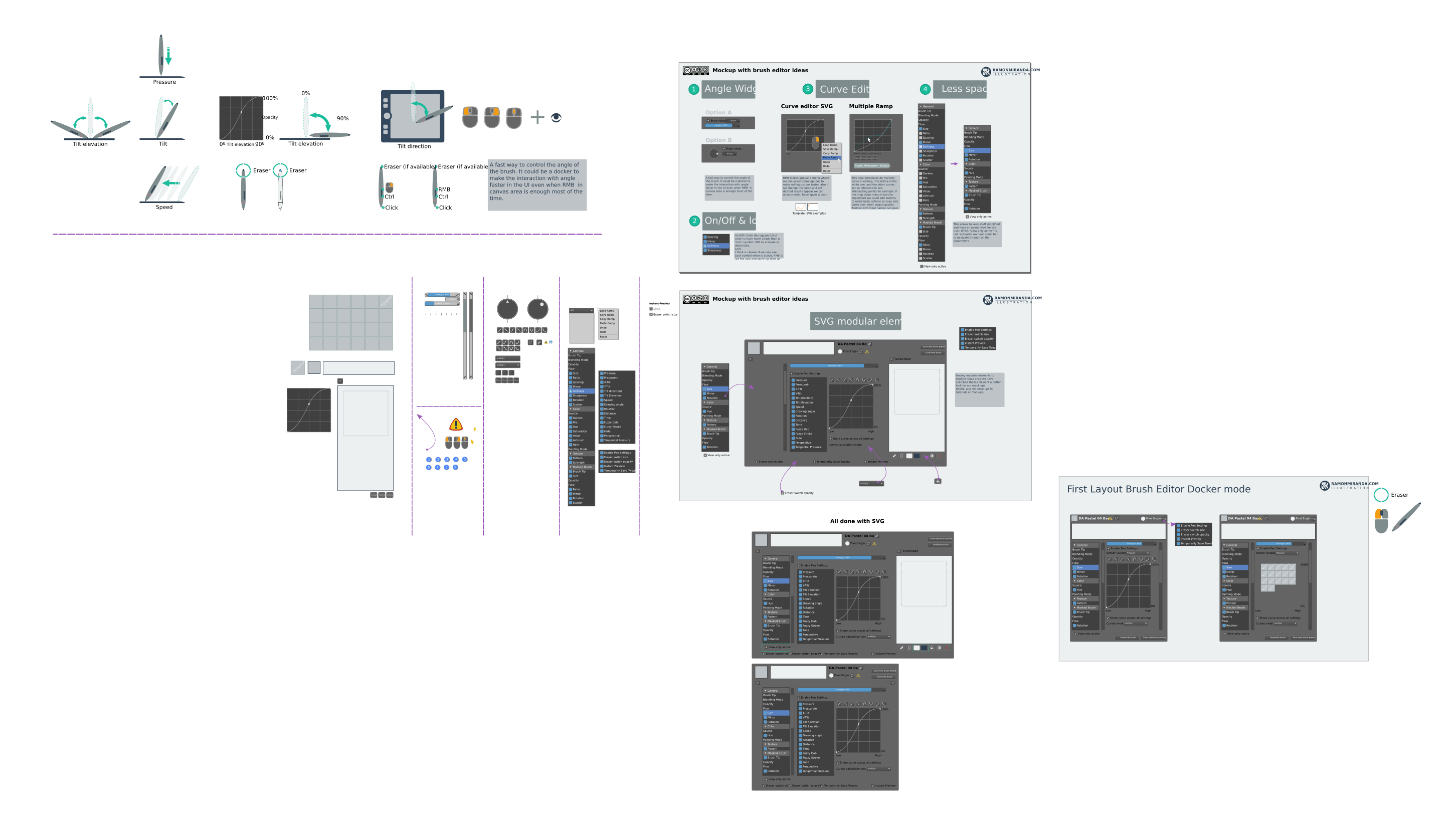
I’ve found the svg file Ramon gave me. It probably gonna take some time, see how big it is:
So I guess we need to make it part by part. And if we want to make it part by part, we’ll need a way to coordinate contribution. I was thinking of the standard google docs approach but then I thought, well, maybe it would be better to just create a new private repository on invent.kde.org and I’ll tell you how to contribute (no knowledge of coding or git needed), which is quite easy. That would help us with multiple people working on the same thing at once to not break the svg syntax. What do you think? (Link explaining how to contribute on that website: Krita Manual Contribution Guide — Krita Manual 5.0.0 documentation)
There will be also needed a list of all Krita’s GUI elements that are not covered by the Ramon’s svg file.
This will be a lot of work but if we do it bit by bit, it won’t be that overwhelming, I hope, and of course the more we do, the more useful it will get, so it’s not like we need to make everything for it to be useful.
Ahh yes. The icons can be borrowed from the Krita source code, so the task is the same: putting them in the library. Do you think the same library or a new one would be better? I guess we could have multiple ones: for widgets, symbols, user’s side icons (like the tablet, the pen, the tilt icon, the mouse buttons)?
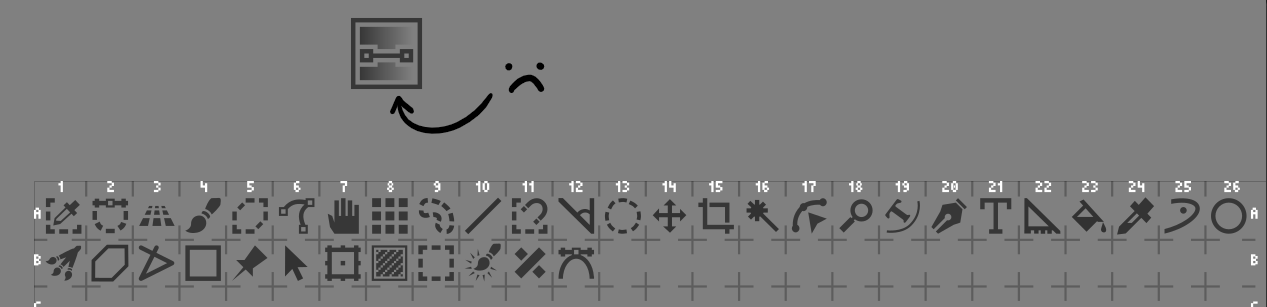
I’ve used the basic format of the Blender Icon table, and included the Toolbox Icons (arranged in Inkscape). Whether this becomes a separate Vector Library is up for debate.
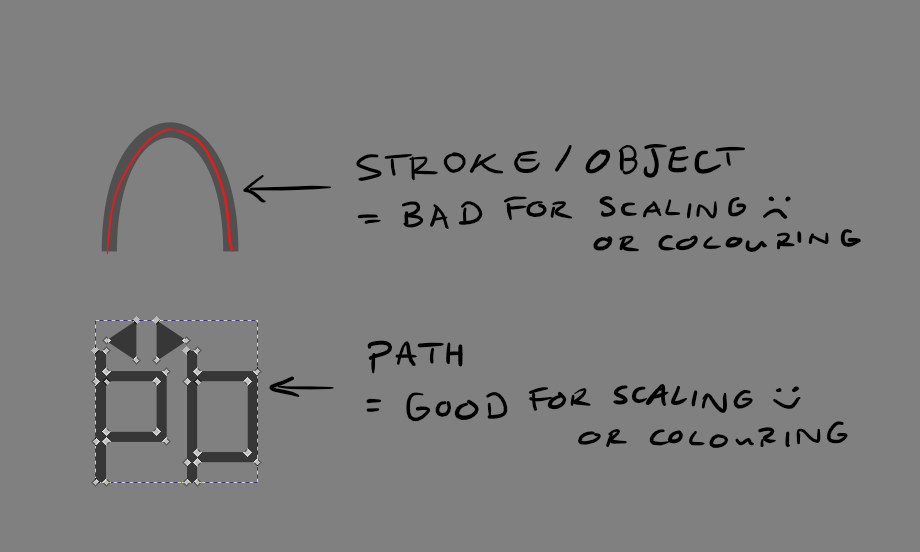
Many of the icons are either stroke, fill or combinations of both. While this won’t really matter for Vector Library format, I think this poses a problem for scaling and colouring the icons outside of that format. In Blender’s case, they converted their icons into paths, which allows icons to be scaled and coloured in batches without varying stroke widths etc. For the example above, I converted all the icons into paths, so they could be scaled relatively.
A question for this topic: would we like these symbols to be converted into paths? On one hand, the symbols are harder to edit with stroke width etc. On the other, more variation is allowed, for colouring and scaling icons.
Gradients in icons, like the first example, aren’t good for path objects. If the object is a path and has a gradient inside, then the whole object will be filled with the gradient. A workaround for this would be to have a blockier gradient, like how @EyeOdin suggested in Krita UI Icons - To be proposed - #15 by EyeOdin, shown below:
Aside from this, there would need to be categories made for which symbols go in which etc.
I’m happy to continue with the icon libraries for the time being, but these would also need categorisation.
I was cleaning up all of that actually. The ones I will be submitting will be all Path only.
There was only like 5 icons I didn’t “remake” due to that issue.
The stupid thing is actually it does not really matter on the long run that much. this because once it is imported into Qt the icon is rasterized automatically. you need to do a Force SVG import ( it is stupid hard to do too) and it only works on a couple of widgets. depends on the elements they used to create some buttons to have SVG scaling benefits.
I feel like it would be better if this library consisted only of icons and stuff that are currently in Krita…
And I don’t think Qt matters much either - this library is meant to be used for drawing the mockup inside Krita, not to be used for any programming. (For the programming purposes they are already there). Or at least that was my idea.
Like, to quickly mock up a new docker or a new widget or to show different versions of the new feature etc. to get feedback from the community or to propose a new feature to dev team for example.
To be honest I kinda thought of those icons as just drag&drop items that won’t be resized or customized, because why… cause most features don’t need new icons, and the need to resize means that maybe the dpi of the document was poorly chosen (although how to guess the proper dpi? ). When there is a new feature that does need a new icon, it’s usually one and needs to be done carefully to be later used in Krita - for example the magnetic selection tool had a few iterations before it turned out the way it is now.
So for the path vs stroke object, I’m kinda indifferent. I guess we could first put them as stroke objects and maybe later replaced as paths. But I’m not sure if that would be a good idea, it might just create more mess.
Question: is there a way to store text elements of a symbol in such a way that the text can be edited when the symbol is imported to a canvas again?
On the few occasions I have done UI mock-ups, one of the most frustrating part of it has always been getting text elements where they need to be. If I have to make a long list of checkboxes or sliders with a text field in/next to them the most tedious part is usually the text rather than the UI element itself.
I think so… I haven’t tried it yet, but I really hope it will be just a standard text element. And yes, checkboxes and buttons are something I want to have in this library.
Yea, I see what you mean. I guess it can’t hurt to have them as paths, as they can’t be disassembled in Krita Vector Libraries anyway. But there’s not too much for or against considering the goal of this topic.
I’m not sure if they would be able to be edited in Krita’s Vector Libraries, I haven’t imported text previously, but that would have to be tested.
foreground text (for now I cannot edit it, but if I ungroup the push buttons, I can grab the text from there).
I’m going to add radio buttons there, too.
I also created a palette. Note that this is using theme ‘Krita Dark’ and style ‘Fusion’, since that’s what I have default here and I think Windows has it as default too. I’m using a font ‘Ubuntu’ since that’s what I have here.
You can contribute by sharing stuff by any means possible, but the best way would be of course merge requests to the repository.
In terms of icons, I don’t know but I think they should be in a separate vector library than widgets anyway.
Yes, it doesn’t matter how it looks, what matters is in the symbol collection part which isn’t visible. I wasn’t a master of creating symbol libraries when I made it


 !
!
 ). When there is a new feature that does need a new icon, it’s usually one and needs to be done carefully to be later used in Krita - for example the magnetic selection tool had a few iterations before it turned out the way it is now.