Update:
- UI update
- New Features
- Bug Fixes
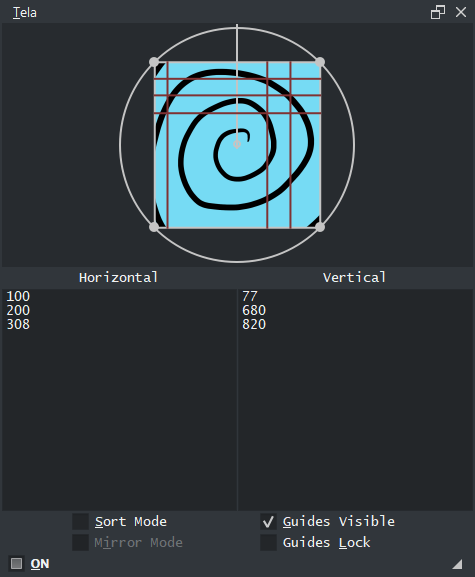
Slowly it becomes something more decent. The Ui was polished all over but not much difference. Most changes were done internally. I tried to fix bugs but with the new features it is possible I made even more.
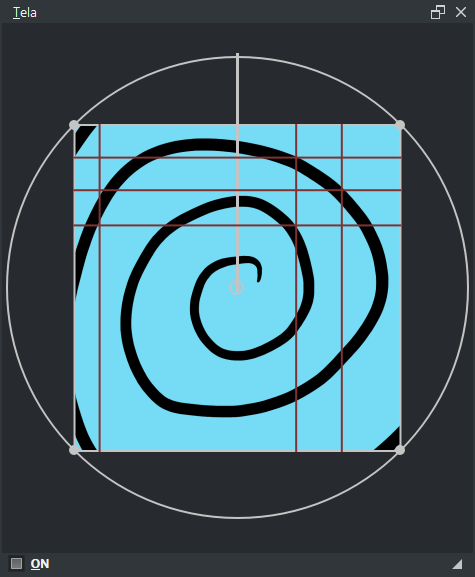
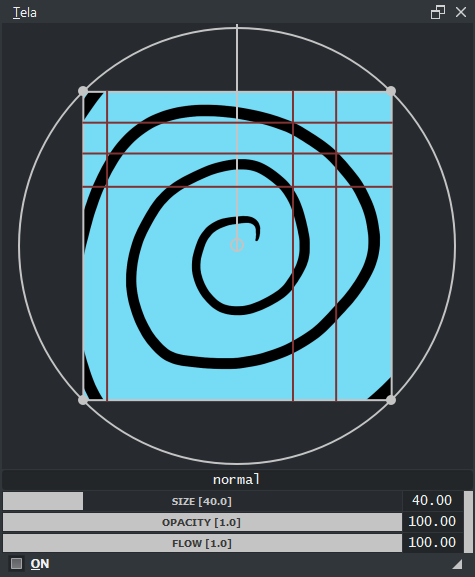
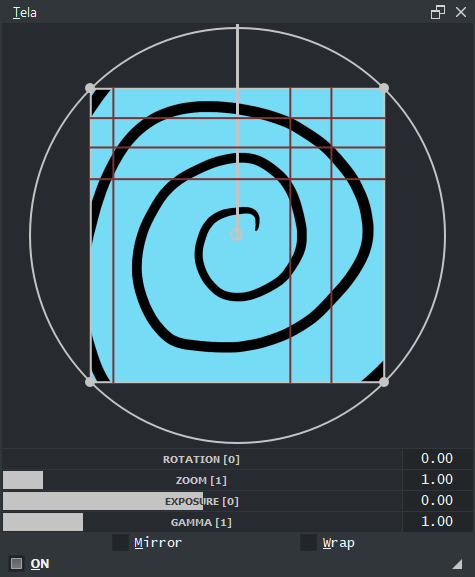
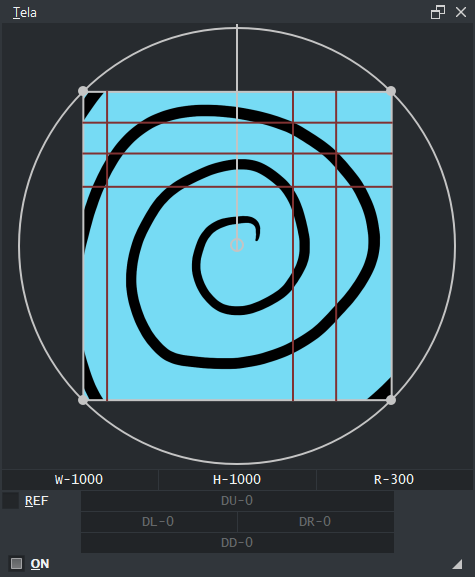
UI Cleanup:
If your used to Pigmento you will feel right at home with Tela now. Updated the manual also nothing much.
Features:
-
I have a bug report pending over the usage of QThread but even with it not working properly I managed to find myself into a new solution to display the Thumbnail of the Canvas that is much faster even with the handicap of the QThread. Even the crooked QThread rewrite gave boosted performance considering it does not go through so many signals now, that is usually an bottleneck. Regardless if the QThread issue gets fixed this will be faster hopefully. Because of this the Settings has the variable set for the update interval.
-
Added shortcuts for all sliders. Needs to be set as they are empty shortcuts out of the box as usual.
-
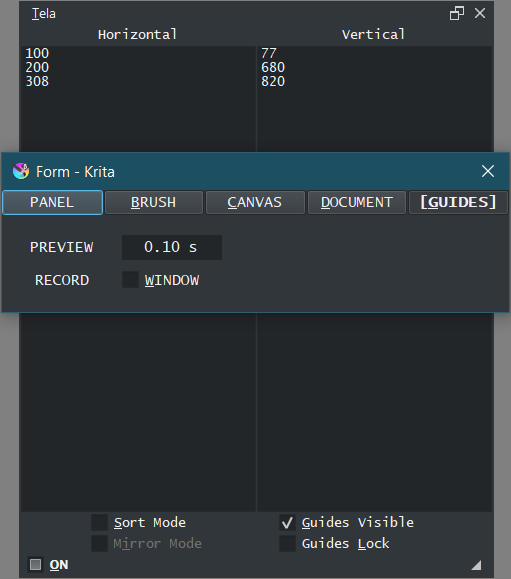
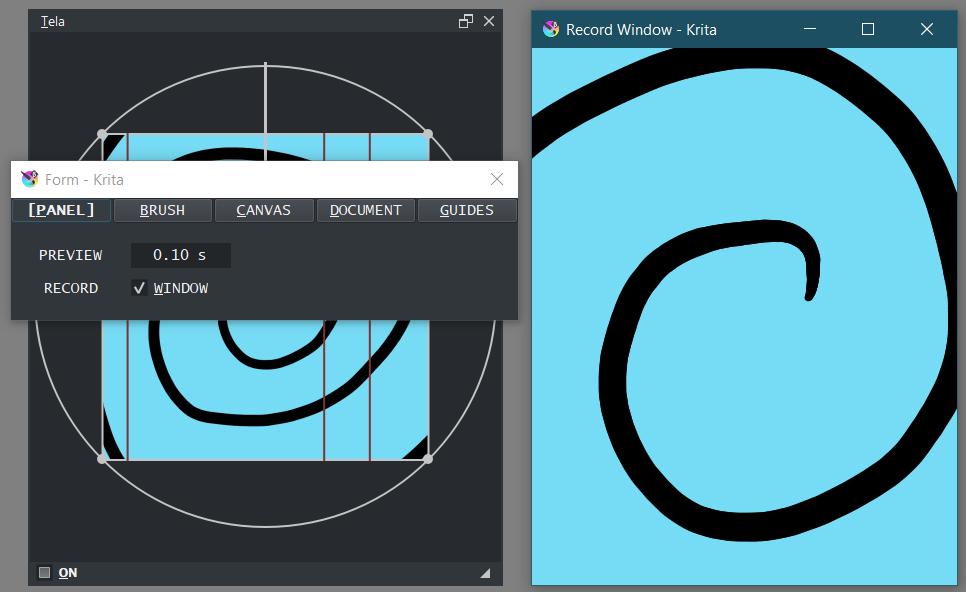
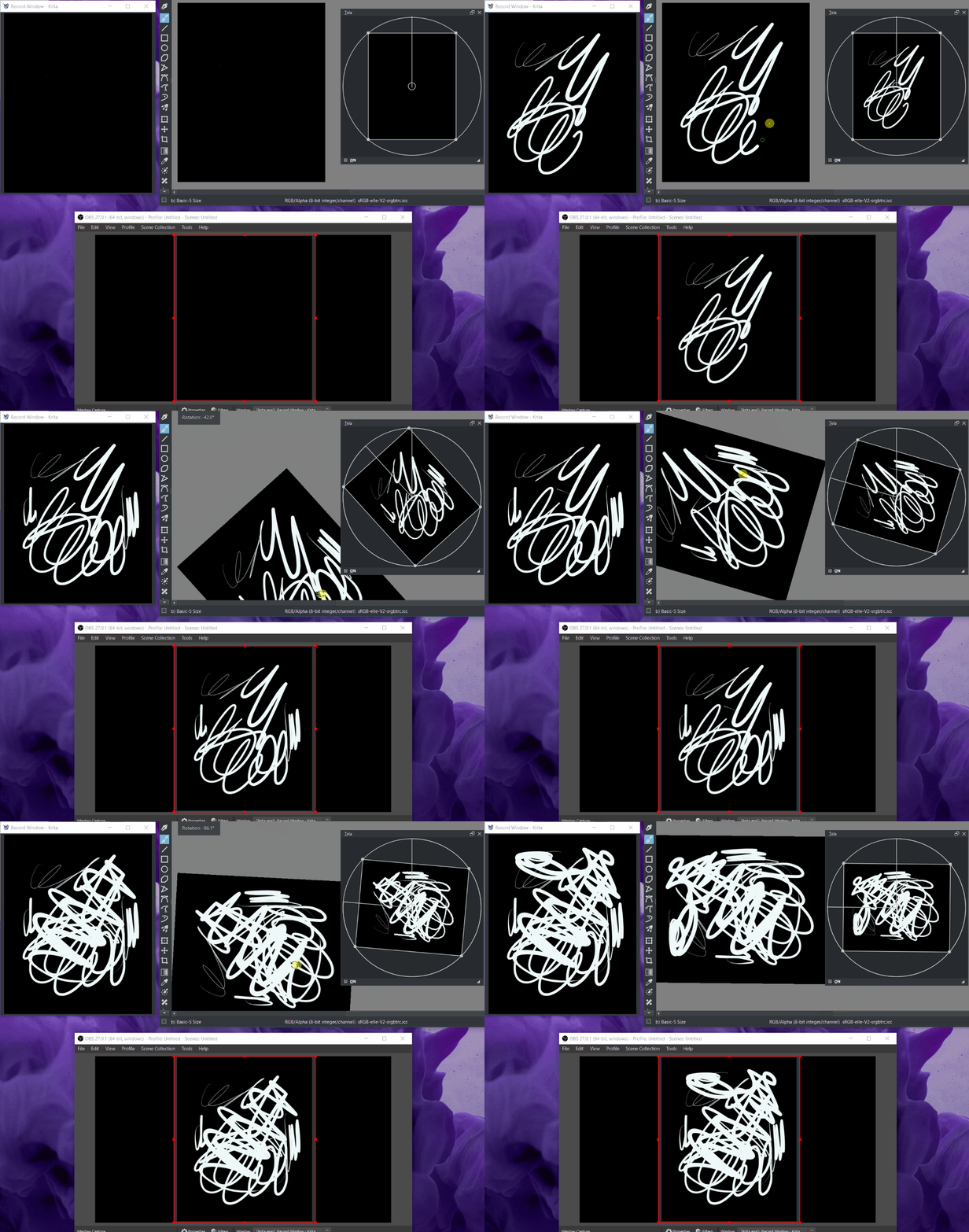
Created a Recorder window, might be with a odd bug here and there as it is a very odd setup for me codewise. In the Settings press “Record : Window” and it will open a window that updates with the Krita’s Canvas display. it does not lag more than when it displays the thumbnail by default because it can’t. With this recording window you can mark it as a target for OBS to record. If this works for everyone I find it debatable as most people always have some issue in performance with my plugins so calibrate the update rate of the record window with the Preview Interval as both are connected. However this allows OBS to record with no transformations of the canvas and updates close to real time. If the recording window is showing nothing especial just rescale the window a bit to update the display size. The document resolution is the output resolution. I might play with this in the future more.
Bug Fixes:
- opening 2 windows with Krita should not crash instantly Tela. I wanted to make Window registry here so each instance of Tela would only respond to that identifier, but the identifier seems to change over time with canvas changes or be identical on both windows for the options I saw available, needs some more work to get fully right.
- preview of a image surrounded by alpha will not be create an offset of the painted bounding box. so it is not required a full opaque background to display things correctly now.
- little to no lag when preview is on and even if there is lag it is adjustable from 0.1s up to 10 seconds. However this could be further optimized if there were more tools to read the user behavior. Python - User Activity Versus Inactivity Timer