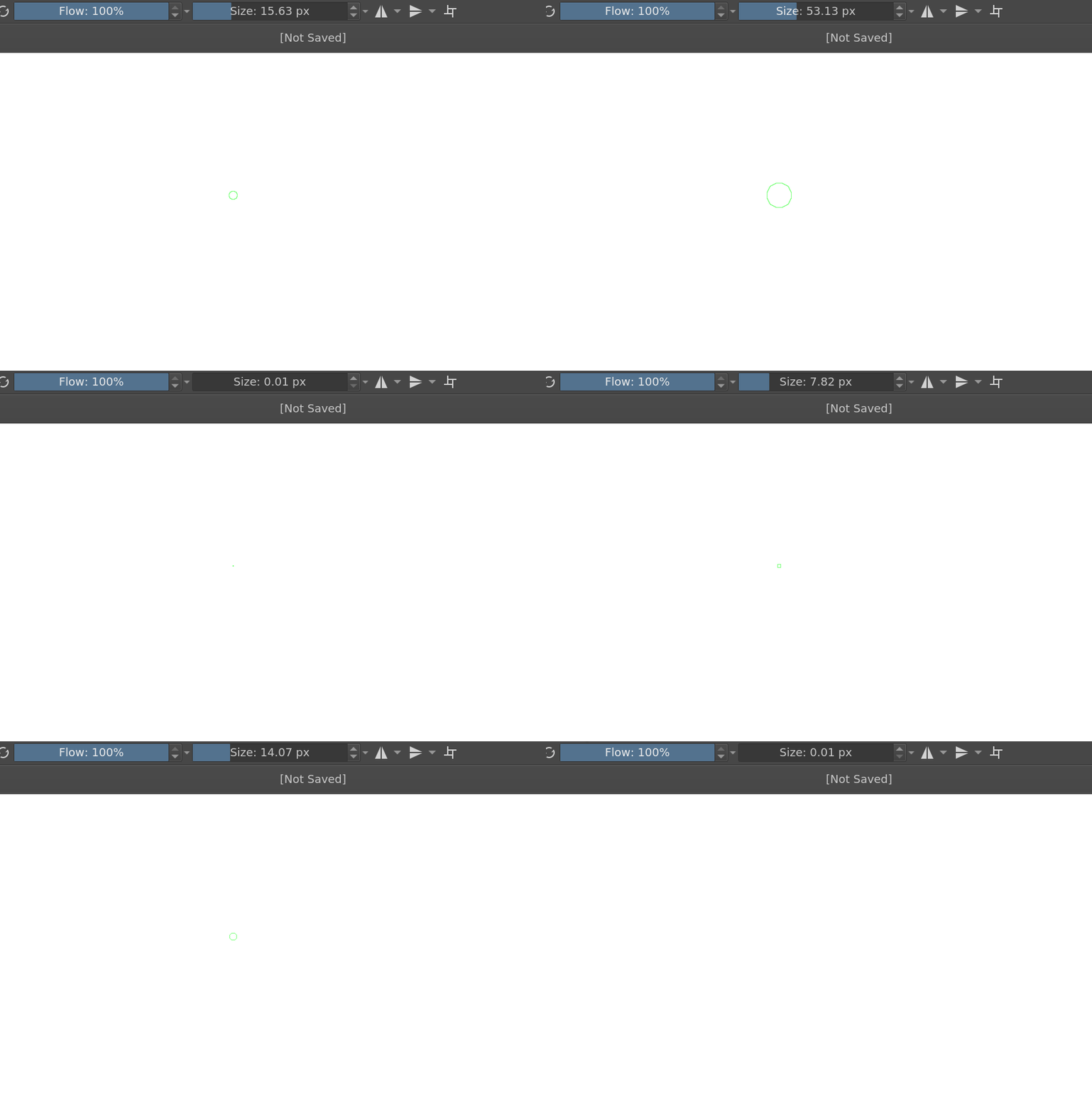
Testing needed: Non-linear brush drag resize response

I find the current response of the shift-drag brush resize a bit cumbersome, since it’s currently defined as a linear relation to the amount of pixels the user drags their cursor.

I think a logarithmic response of some sort would be nicer, and have come up with a possible solution. I’d love to get feedback on how drag resizing feels with my alterations. It’s currently fairly sensitive, and perhaps a bit aggressive on the larger end, but feels quite good to me.

WARNING: This appimage is a build based on the Krita 5 prealpha! Back up your user files -settings, brushes etc. - before you run it! There’s a good chance it will mess your stuff up, especially if you are using a 4.x version of Krita! I’ve only made a small change that shouldn’t badly break anything, but run at your own risk!

Appimage ( Linux only):

For those interested, what I’ve done is modify libs/ui/tool/kis_tool_freehand.cc :

const qreal sizeDiff = scaleCoeff * largerOffset * 0.01; //multiplied by 0.01

newSize = m_lastPaintOpSize * ( 1 + (sizeDiff / (sqrt(1 + sizeDiff * sizeDiff ) ) ) );

Basically I picked a sigmoid function off Wikipedia and figured out a multiplier for sizeDiff that brings the sensitivity to what I like.

8 Likes

Hmmm…Thanks…Shift-Drag…so much to learn … :slight_smile:

People have been asking for something like this for a while so thank you for doing it.

I notice there’s a lot of space available for fractional pixel sizes.
e.g. I can easily change from 1.55 pixels to 1.56 pixels which doesn’t seem useful compared to having more detailed control in the middle or upper part of the range.

However:

You made it for you, not me :slight_smile:

@AhabGreybeard I started looking into this because I wanted more control at the small end of the scale - maybe I overdid it a bit! The function can be tweaked, I’ll wait a while to see if I get more opinions and then try again.

I hope a generally pleasing solution can be found, but I kind of fear this might be something different people will want different things from, which will complicate things.

1 Like

It does make it easier to control small brush sizes now when holding shift and dragging the brush. With the current behavior it’s really hard

OLD
shiftdragold

NEW

shiftdragnew

1 Like

@fizzyflower Thank you for testing this!

Do you feel this is an improvement overall? How does the balance currently strike you - is it annoying to resize larger brushes now? Is the sensitivity overall OK, or is it too slow or fast to react?

1 Like

Tried it and I think your implementation is much better than the current Krita one

It doesn’t feel slower to me to resize larger brushes in the new version. And the reaction rate doesn’t feel much different

Thanks for testing, @Zoldyako , @fizzyflower , @AhabGreybeard !

I’ll need to take a look at the function I used here to see if I can formulate it into something a bit more understandable, and possibly tweak the response a little. Once I’ve had time to do that, I’ll see about making a proposal about this change. I’m sure we’ll need more people to weigh in on this to even consider putting it in Krita.

3 Likes

Which version of Krita is this in? I came here looking for a better way to adjust brush sizes but I’m on 5.1.5 and I still get steps of 0.01 0.79 1.57 2.35 3.13 as a minimum. I have to very carefully roll my finger to adjust anything below 10px.

(Sidebar: Is it possible to define shortcuts to set the size to specific fixed values?)

:slight_smile: Hello @simon, and welcome to the forum!

So far it is only in the AppImage provided by @hulmanen, that you could have downloaded from the initial post, if the file still were up, what it isn’t, but that has been provided three years ago, that is, in terms of software very old. If this concept has been developed further, I don’t know, I guess we have to wait and see what @hulmanen will answer.

Michelist

Just thinking about it, you don’t seem to know Krita well, or at least you don’t know the “Quick Settings Docker”, because that allows exactly that. And it can be modified too.
In Krita, open the menu ‘‘Settings’’ → ‘‘Dockers’’ and select ‘‘Quick Settings’’.

But you could modify and use the “Quick Settings Docker” to provide you with the steps you need there.
Using Windows, you can find the file to manipulate “quick_settings_docker.py” in Krita’s installation directories in the directory “c:\Program Files\Krita (x64)\share\krita\pykrita\quick_settings_docker\quick_settings_docker.py” where you can adjust the steps to your liking, a simple text-editor is needed, if you don’t fear to edit configuration files. “Just adjust” the part:

self.sizesList = [
            0.7, 1.0, 1.5, 2, 2.5, 3, 3.5, 4, 5, 6, 7, 8, 9, 10, 12, 14, 16,
            20, 25, 30, 35, 40, 50, 60, 70, 80, 100, 120, 160, 200, 250, 300,
            350, 400, 450, 500]

if it isn’t already granular enough for you.
Depending on your OS, you have to adapt the used path, but that should be feasible.

Michelist

1 Like