I’m on arch and krita 6.0.3, on krita 6.0.2 I would be able to open a krita file, copy a text/vector layer, and paste that on another krita file, then edit the text. On krita 6.0.3, that doesnt work. It appears to copy the vector layer successfully (vector layer icon on the layer, can’t paint on it), but I can’t edit the text with the text tool anymore.
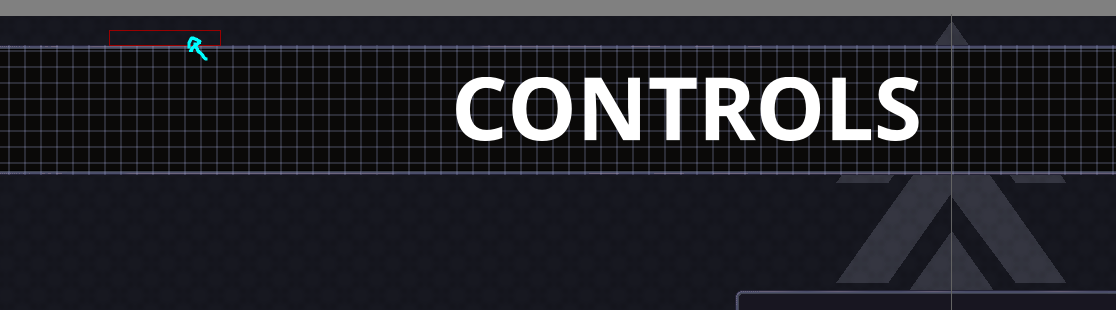
It appears the bounds of the copied text is wrong, the above text is copied from another file, the above screenshot shows where I need to hover in order to edit the text. Pressing Ctrl+T updates the text to its real bounds.
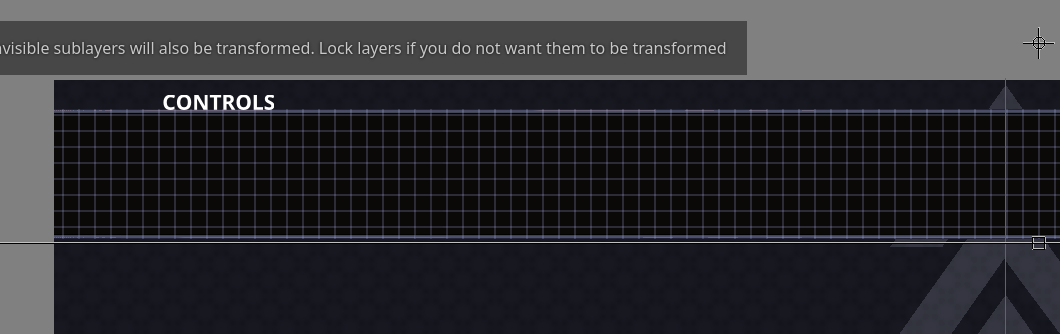
The problem was the resolution of each file, one had a resolution 300, the other one had a resolution of 75. The UX could be a bit better.