Hi. I’ve been keeping a close look to the Normal brush since 2016 in Krita.
I would like to make a lot of videos using it to showcase the use in Blender+Krita.
Currently, I’d like to know if there’s a way to combine the NORMAL BRUSH (strokes and normal direction color) with another brush (just color) and custom stroke.
Please help me, I’ve even searched in this Krita forum, but that information is non-existant in web or YT or this Krita forum. So I’m turning to the community for help.
Thanks!
Thank you. I’ll check it out.
My interest is particularly on the NORMAL brush, and (the option?) to combine it in a different layer, by brushing color.
Yes, controling the Normal map colors and brush is what I am interested in learning.
From there, I’d like to control 2 different (separated layers: 1) with Normal paint mode 2) with “Normal” XYZ colors blending mode.
So this is a two part setup:
RGBA NORMAL brush (with custom brush stroke)
+
Layer Blending modes set to “NORMAL” XYZ (I’ll refer to it like this so @sooz will follow along).
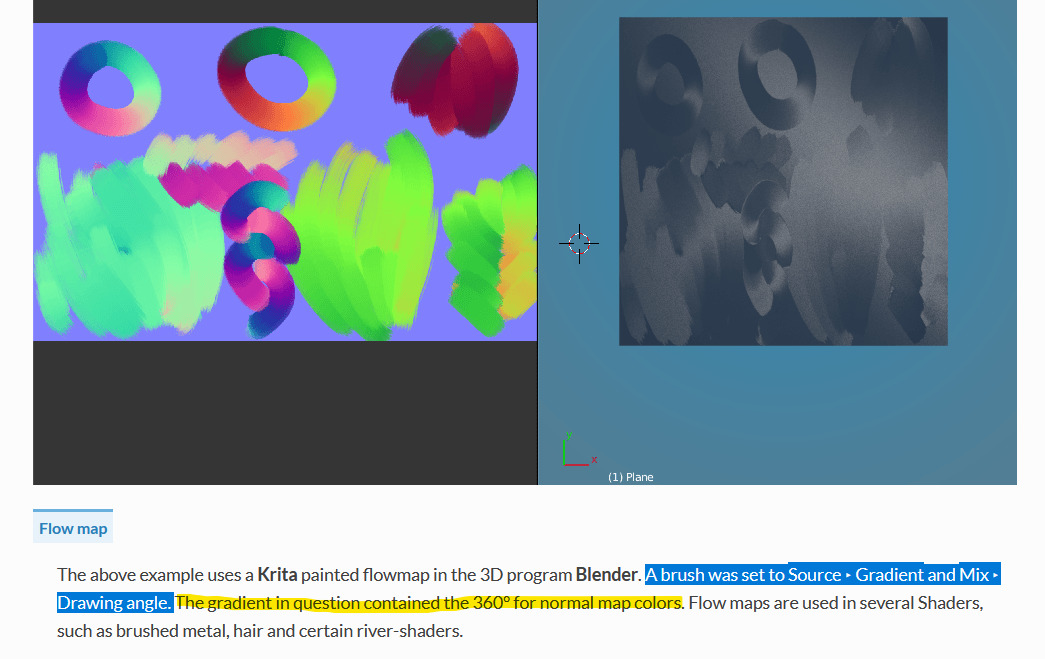
This part, I don’t understand. Where are those “360º for normal map colors” in Krita? is it a preset? a brush? a setting? Please help.
The part highlighted in Blue, I do understand. Please help me with the yellow highlighted part.
Thank you.
Ok, I found I need to set this to “gradient” (for any brush).
But then my question is: how do I add those 360º colors mentioned in the user manual help?
Is @wolthera around these forums here in Krita artists?
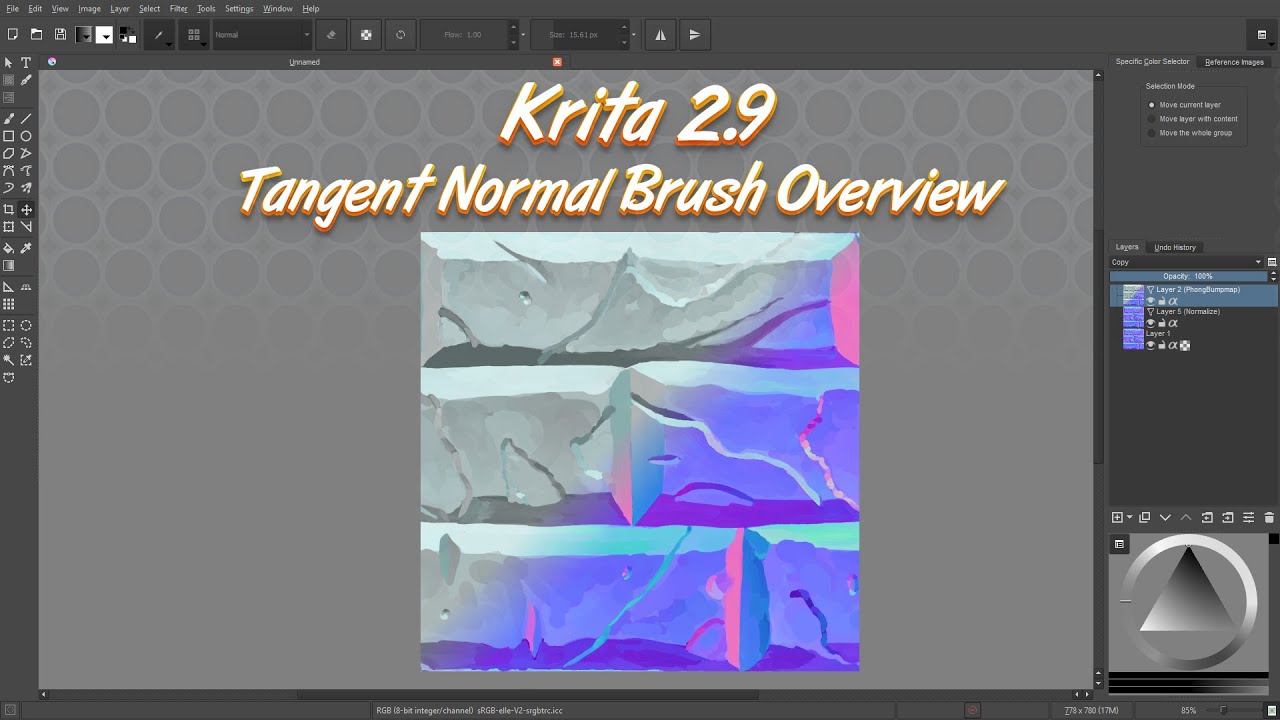
I watched this video (around 12 times since first published) to understand the Normal Brush settings.
I got some questions.
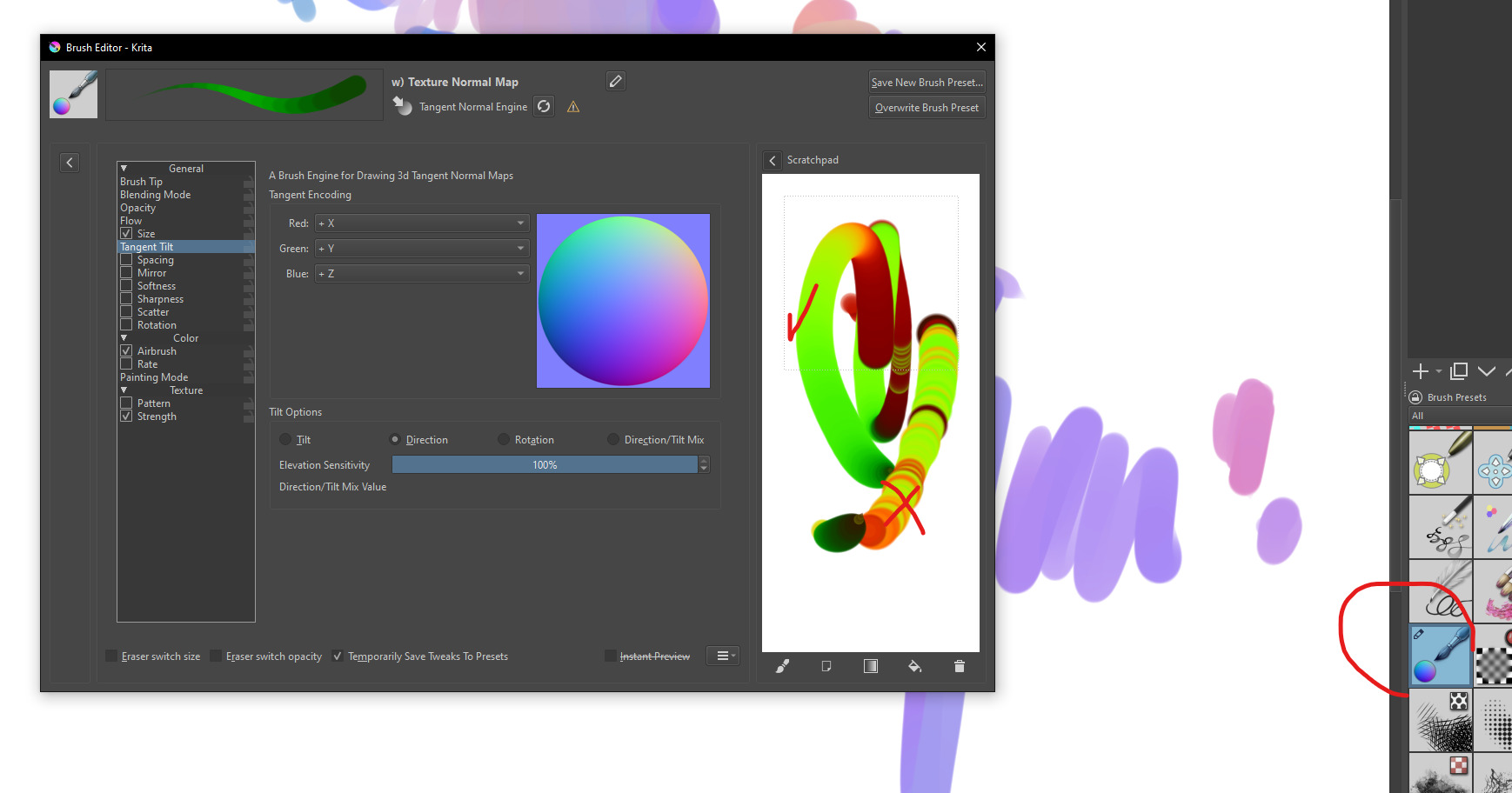
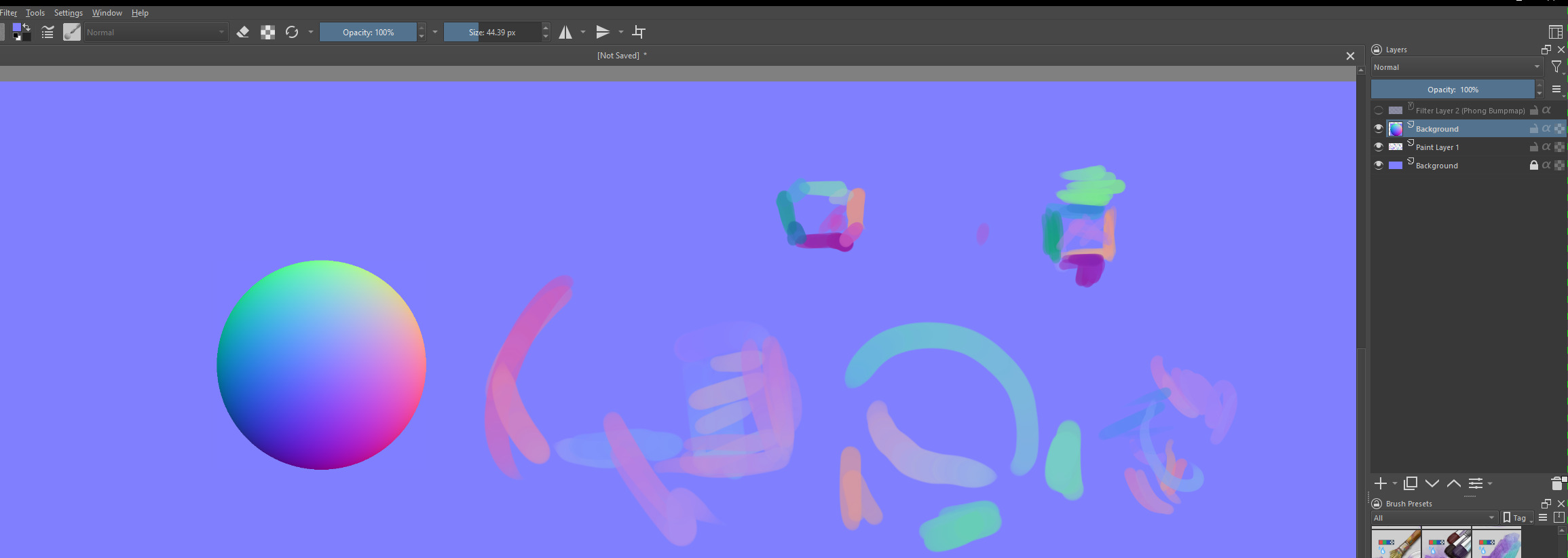
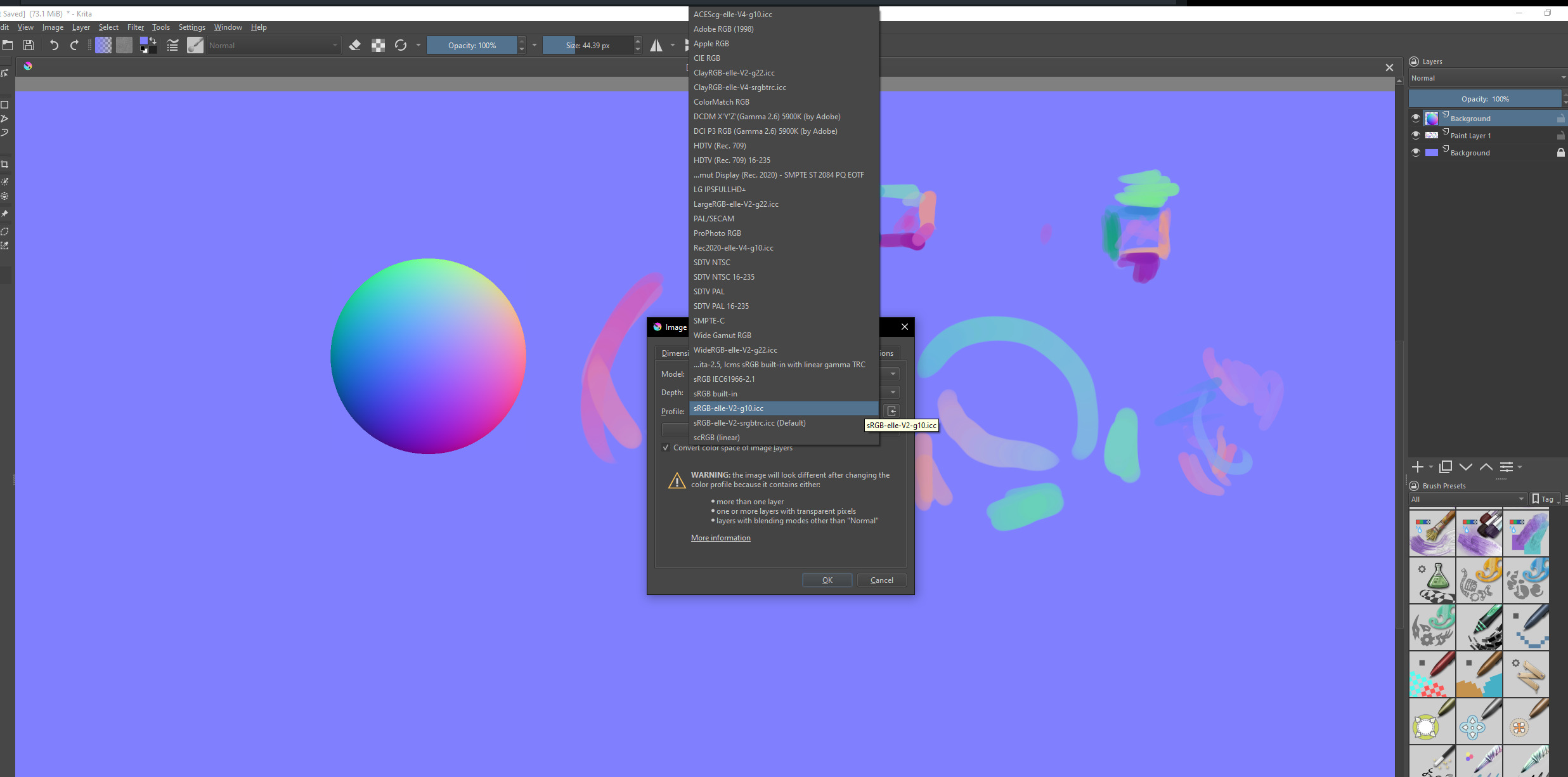
The first one is to know if I’m using the right color space in Krita? Since my strokes seem pale:
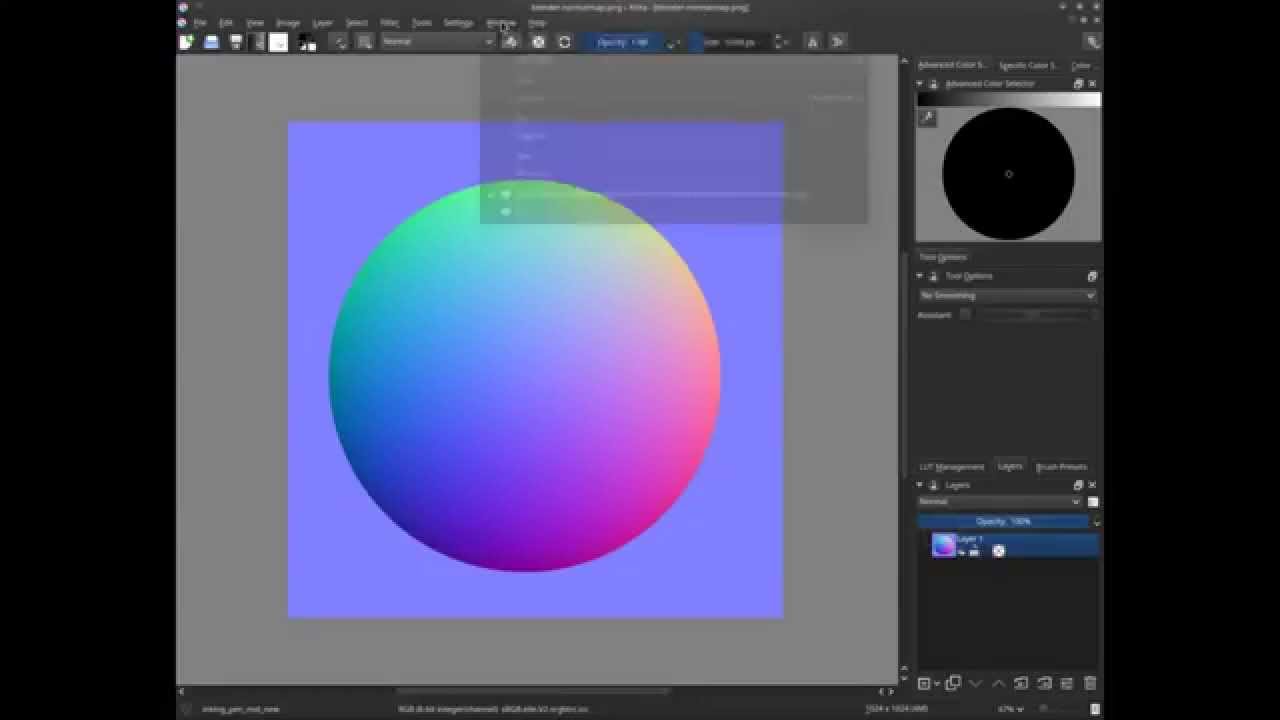
comparing it to a “regular” normal map colors (illustrated in the sphere):
I found a useful video about the normal map brush engine in Krita by GD Quest, mabye that is useful to you? I’m not sure otherwise. He explains there are different modes for the brush you can change in the settings and shows how to use it.