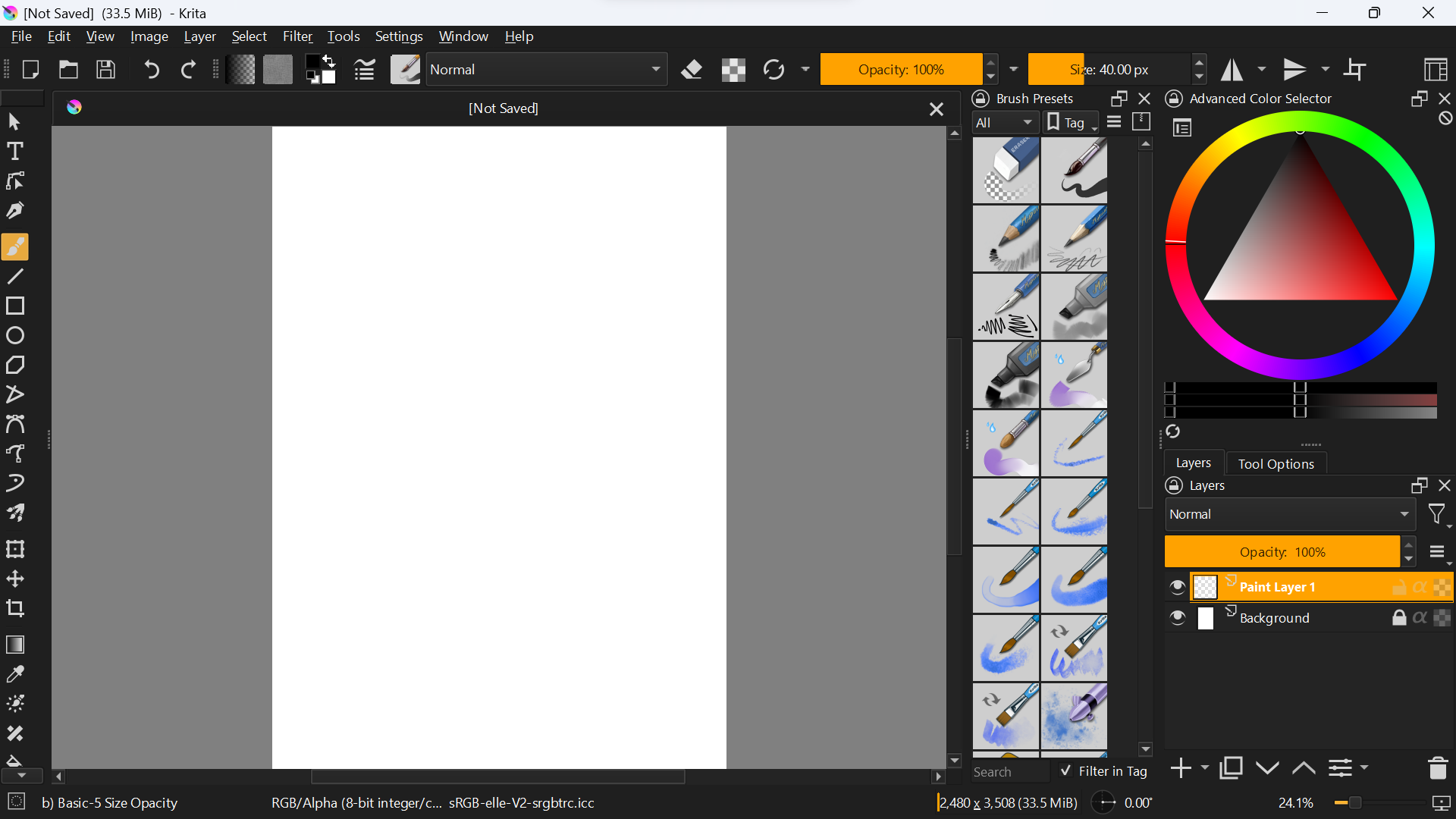
Every time I run the krita program, the interface is large, although I try again and again to make it smaller, but I did not find a solution, and this is how it looks when I run it
Note: (I was using it a while ago, but I had to delete it and download it again)
sooz
June 2, 2023, 5:54am
2
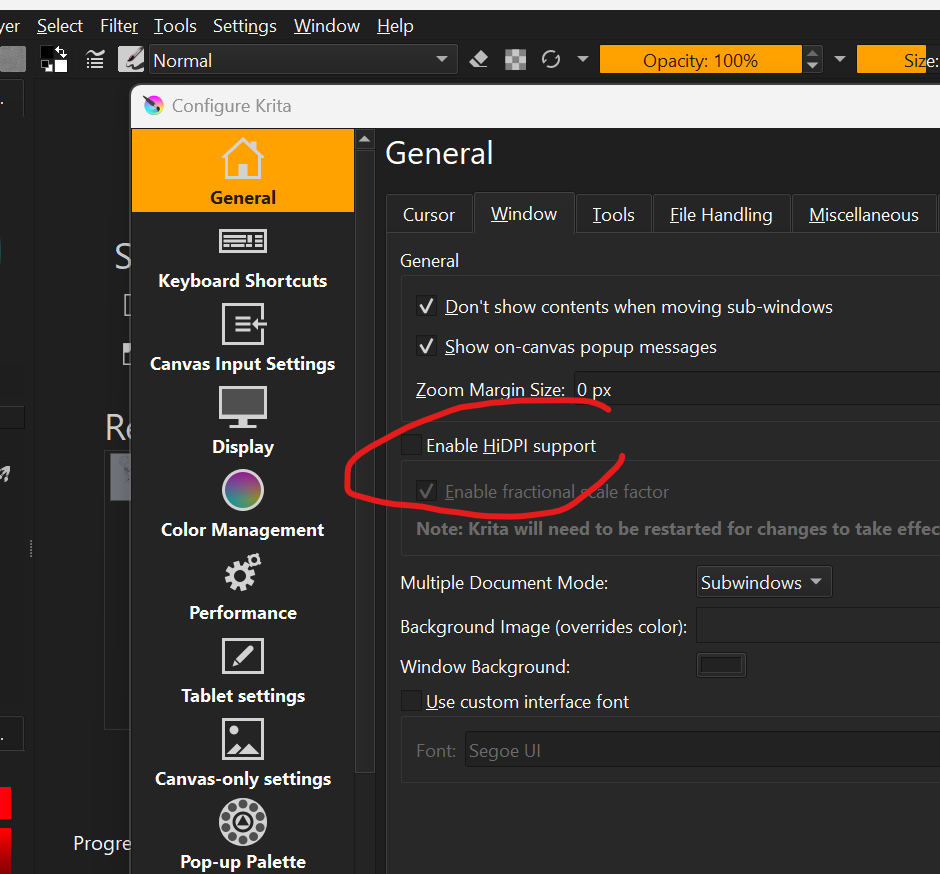
I wonder if there’s something in here that is helpful:
Yes it worked with me I don’t know why I didn’t see this when I was searching,
Fractional scalling is broken… Not sure how exactly but it breaks painting events and the coordinate system.
I’m not sure if you need help with this, but this is the button you should turn off
I am a hires monitor so I should use it. and what I am speaking about is a bug, but no way to really prove it on my side.