The “Close Gap” option in the “Fill Tool” makes “Stop Growing at the Darkest and/or More Opaque Pixels” ineffective.
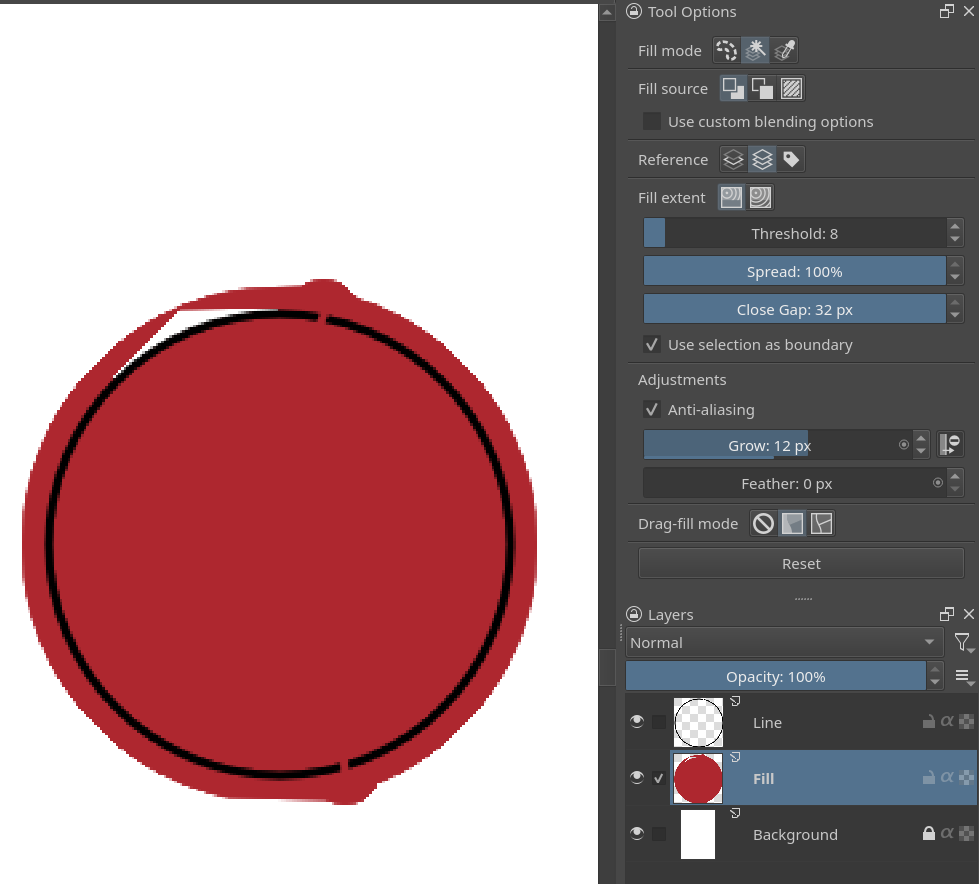
The above image is from Krita 5.3.1.
The grow effect is applied after the fill is done, it is somewhat a post effect, it only modifies the shape that results from the fill. So it tries to stop at the darkest pixels, but there are gaps, so it spills.
In summary, that effect is implemented to work on closed shapes. Although maybe it can be made to spill only where the gap is, like clip studio paint.
Thank you for your explanation.
If it can be done, I think overflowing only at the gap is better than the situation shown in the picture above.
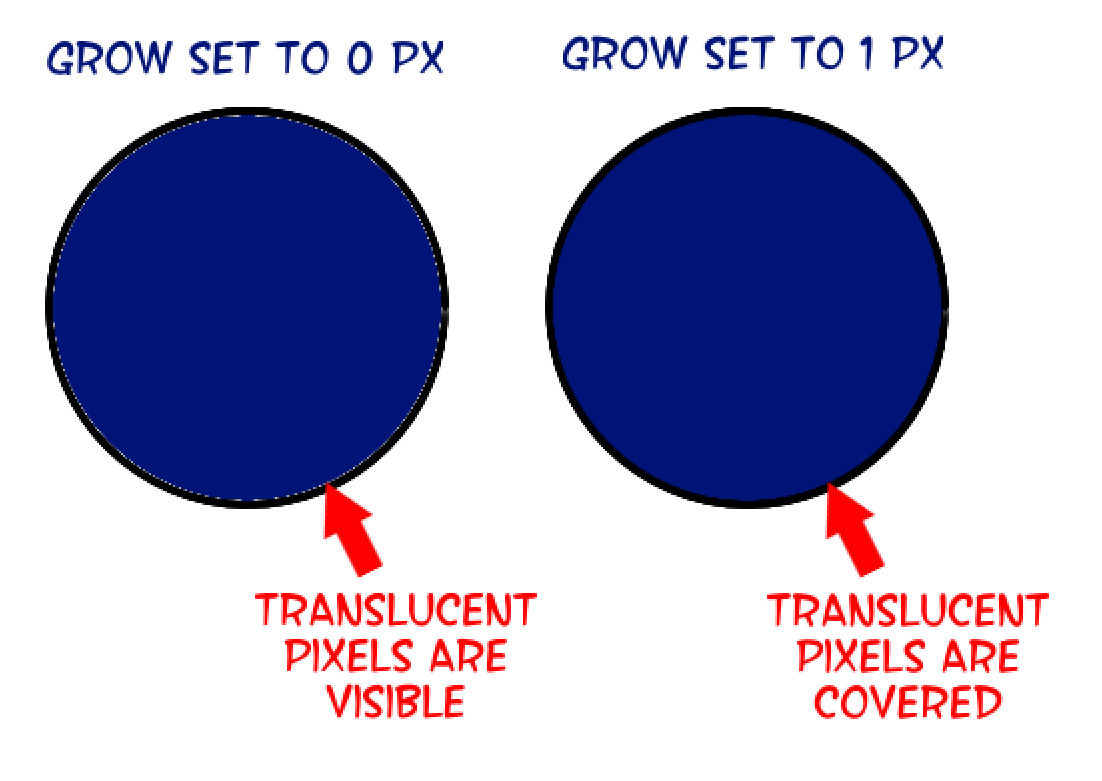
I think the grow effect is meant to help users fill past the lines edge on purpose (at least in part), so the fill will pass over the translucent pixels on the edge of their line art. Because the line can vary in size, and the texture erratic, we’re given the option to choose how far it should reach (or not reach, because the number can be negative).
Why would you have a grow of 12 px when your line is just a pixel or two?
Although that triangle at the top is buggy the rest of the shape is the expected behaviour. “Fill the shape and make it bigger by 12 px” is what you configured and is exactly what you got there.
I would imagine they’re trying for a “one size fits all" sort of configuration that doesn’t require changes when using varied line sizes.