As I’m learning drawing, digital drawing, and Krita, I don’t want to pick up bad habits.
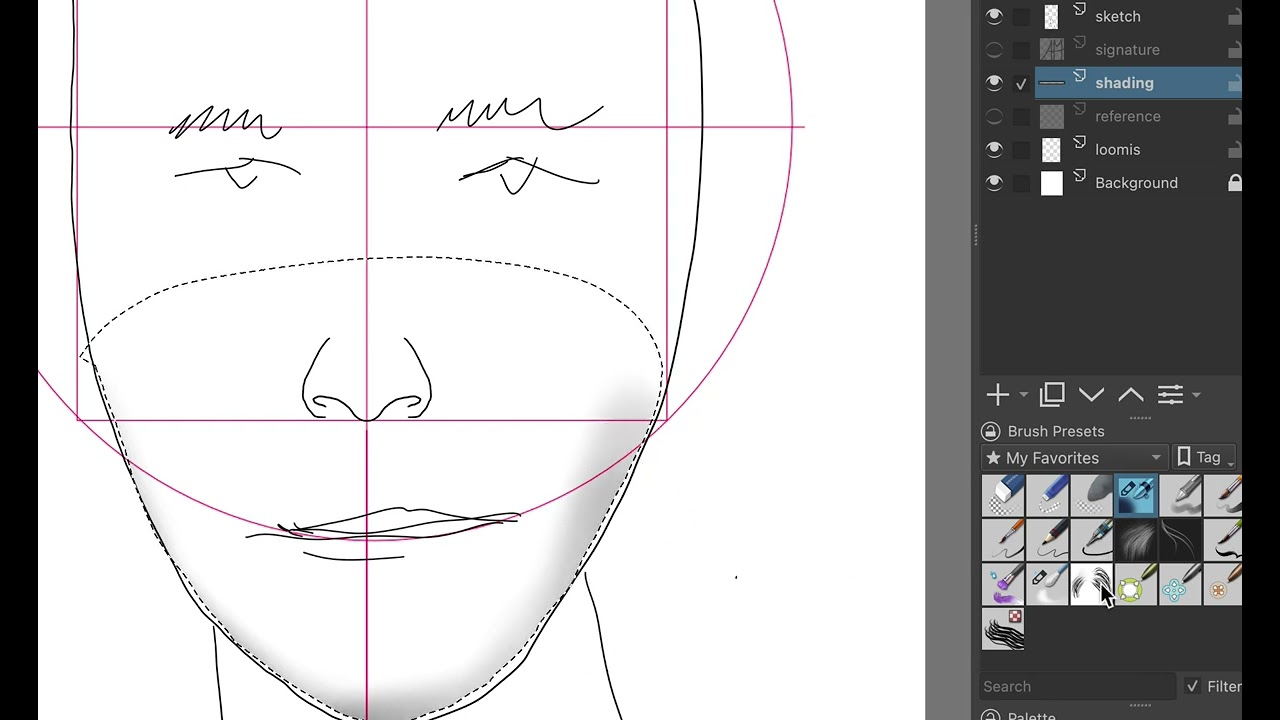
Here’s a quick video that shows how I usually draw/shade the edges of the face (and other features as well). Is this a reasonable way to do it? Are there better ways? Thanks!
I guess that’s a matter of opinion, workflow and practice. So instead of telling you how you should do it I can only tell you how I do it and why.
Personally I find it annoying tho first select the area that I want to shade, especially when you later want to fix something and your selection isn’t there anymore. Of course saving every selection in case you want to reuse it later, would be possible but would also clutter your layer stack quite a bit. It is probably quite hard to put shading down just with a few brush strokes or so, like I do it in the early stage, when you are not used to it, the airbrush makes it especially difficult because it is quite hard to control. I would not recommend using it in such an early stage. Precision is also not really important at that point, you can always clean up stuff later. I use variations of the charcoal rock-soft brush for almost everything until I get to the details.
Selections are okay but I rather prefer transparency masks and alpha inheritance (clipping, kinda of a reverse mask). I know selections are nice but they require an extra step you can often skip completely, depending on your workflow. For example when you already start with flat coloring this can double as a mask and with alpha inheritance you can easily shade on a new layer without having to worry of drawing outside of the object (for comics I do this because I usually have flat colored outlines finished before starting with shading), you can make this as detailed as you want, like having a layer for every body part but my advice is to keep things simple. Transparency masks are also great for the same thing and when you have a selection and add a new transparency mask (or any mask) the selection will automatically used to prefill the mask. With both tools you can easily adjust what is visible later in case you had some mistakes.
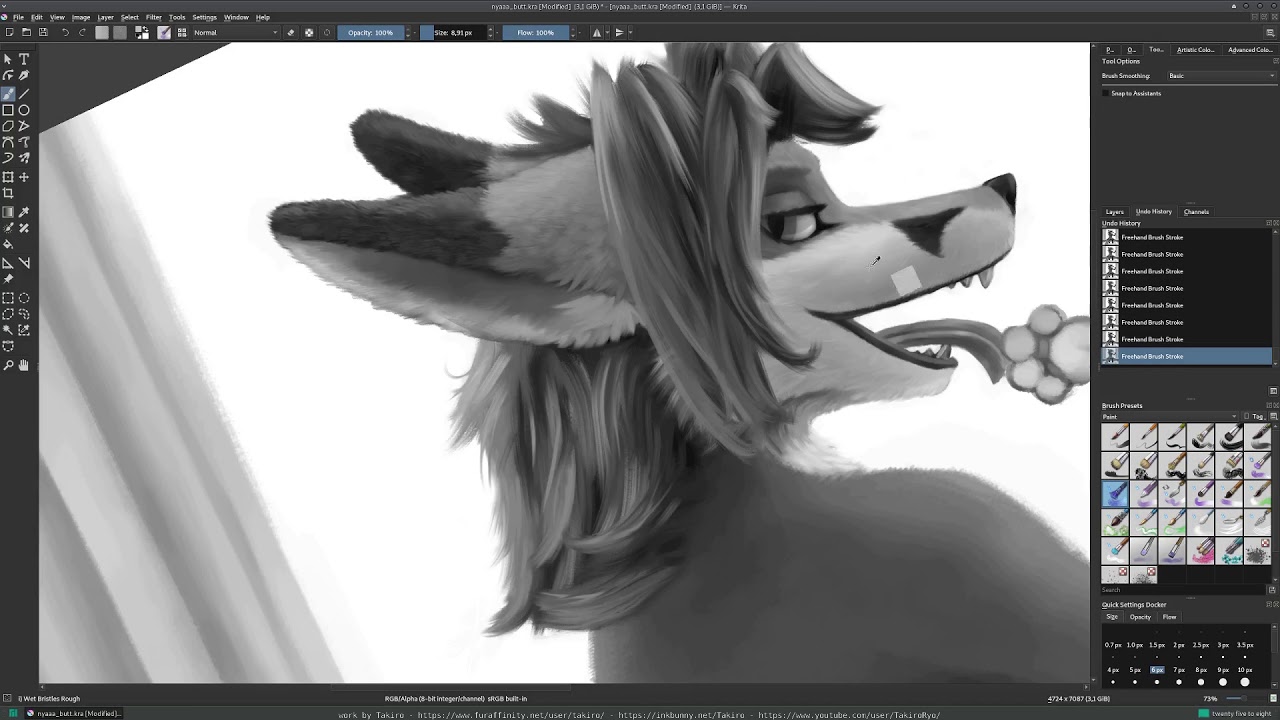
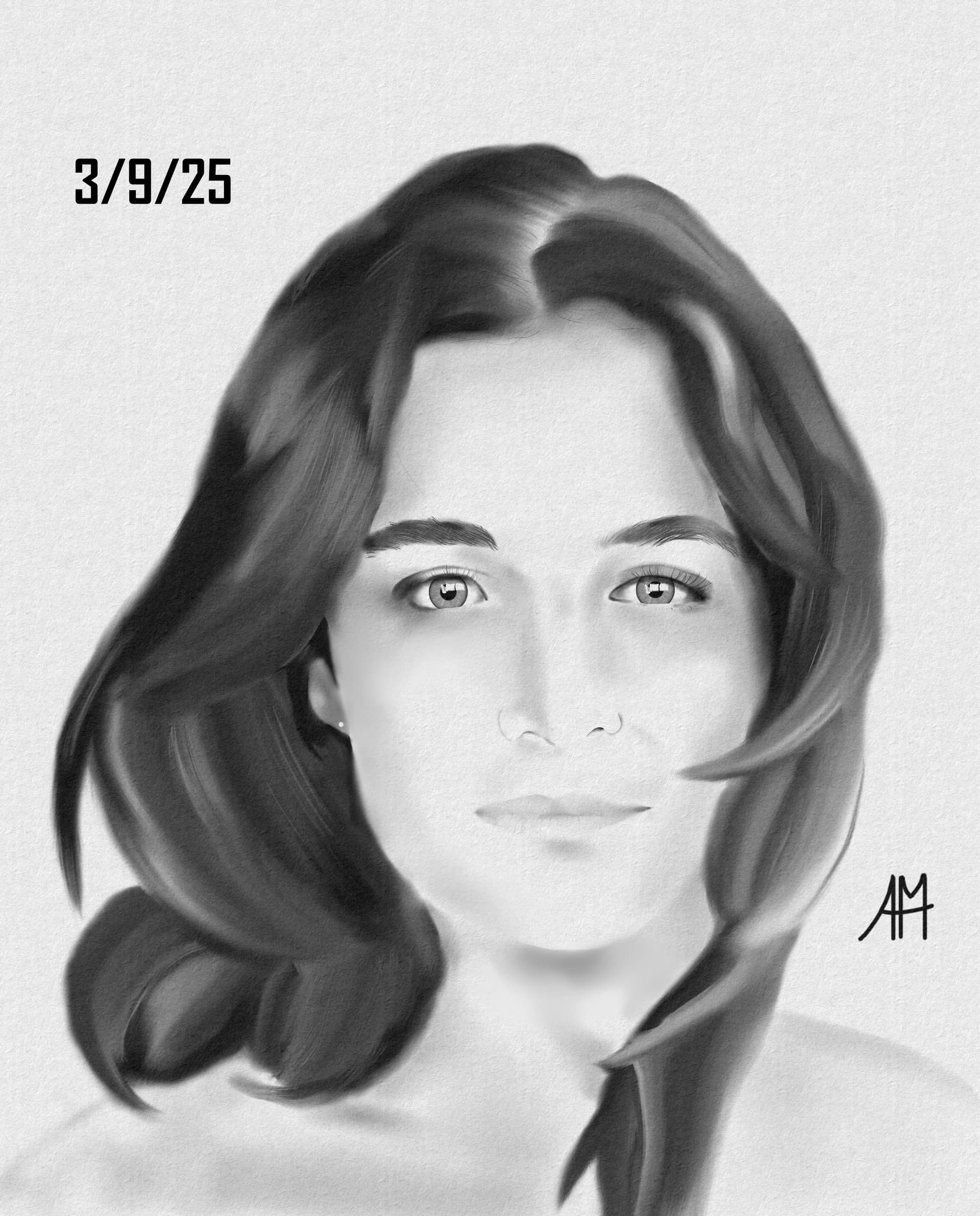
If you feel bold and want to go full painter but are not comfortable enough with putting the exact colors on the canvas, you can make a grayscale under-painting (like it is used in oil painting sometimes) and go right in with the full range of values. Don’t draw on white, make a gray flat color in mid gray and work your shading and lighting up from there. Then you also already have a flat color layer (just gray in this case but who cares) to use for alpha inheritance.
You can see an outdated and very horrible to watch recording I did many years ago here where I use some of the techniques
Unfortunately the video is terrible to watch because it is 20 hours or so crammed into 5 minutes. But you can clearly see how I start from a gray base, don’t bother with details too much and everything comes together just nicely by itself. And then I add color at the end. It’s not how I do it nowadays but it didn’t change all too much. I also only used 4 or 5 different brush presets for almost the whole artwork.
There are really many ways to tackle this. I bet someone else will post their completely different approach to shading.
But you probably also already see that there is not one single “one tool for all” solution, you can often combine many of them for one single artwork.
I agree with Takiro on that. There are certainly mainstream methods that most everyone will use, but we’ll all have our own nuanced approaches with them. Seeing as the approach is reliant on the target outcome, could you provide an example of art that would most resemble what you’re trying to achieve?
Hey. I can comment on the technical and artistic angle.
For artistic side, I think it’s better to start with large, blocky shapes, define the main planes of the face and the main shadows. Then you can soften the edges as needed. A very soft edge, like the one airbrush creates, implies a very curved surface, like a ball. But in the face, there will be more angled planes, at least on a coarse level of detail.
My favorite authority in painterly style is Marco Bucci If you haven’t watched any of his stuff, you could even start here, all his videos are so illuminating.
As for the technical side of things, making a lasso selection along the edge is tedious. You could instead use a contiguous selection tool (aka magic wand) and then mask out (subtract select with lasso) the parts that you don’t need.
Another powerful technique is laying down flat shapes (what was mentioned by Takiro), and painting on a layer above with alpha inheritance. This is very popular in more lineart focused and stylized stuff.
And yet another idea, you could shade on a new layer, then erase the parts you don’t need. This may be even more efficient (and flexible) than using a selection.
Sorry, all these explanations are probably a bit hard to follow. Probably better if I would share a video, but I wanted to leave a quick reply.
A small investment in How to Draw and How to Render by Scott Robertson will help anyone wishing to learn . He uses other digital software, but the techniques can be used in Krita.
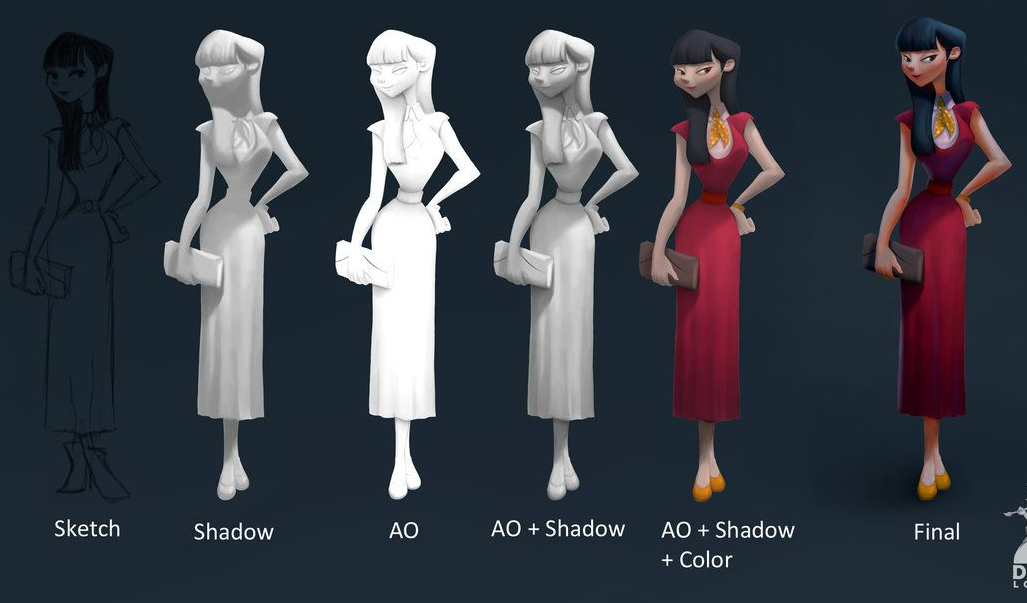
It’s a good technique but you have to know how to handle it. It’s painting, and more precisely *ambiants occlusion and volume. There is a whole process to follow so that your rendering is perfect!
Here is a quick tutorial by artist David lojava, who also uses the greyscale technique**.
*Ambiant occlusion: the shadow of occlusion, but what is it? Ambient occlusion or more particularly ambient occlusion (AO) is a shadow from direct or indirect light. To summarize, global illumination is a general light that illuminates a scene as a whole.
**Greyscale: paint in large value value that is then colored using a color layer or gradient map.
 If you haven’t watched any of his stuff, you could even