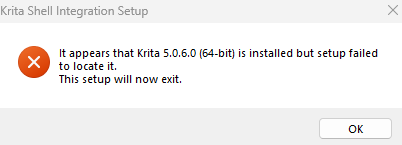
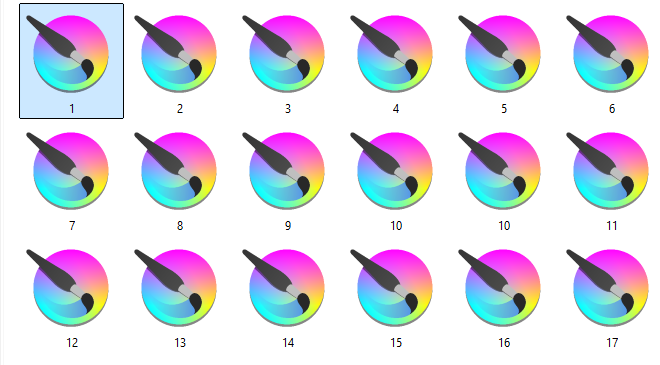
A while ago i made the grave mistake of moving the krita application to another driver, but then i quickly moved it back. Though, it seems it broke in some way and now I can’t see what each file is.
I had the same issue with Clip Studio Paint, but found out I just needed to fix the file associations within the program and it started working again.
Here are some things that aren’t the problem:
It’s not OneDrive
It’s not the Windows Explorer settings
It’s not the “Open file with”
This isn’t something I NEED fixing, since I moved over to csp, but it sure is annoying
Please help T^T
When you first install Krita, the user is asked if they want shell installed when Krita is installed. This is needed to show thumbnails. I’m wondering if “moving” Krita instead of installing it on the new drive is the problem.
You can first try to install the Krita Windows Shell Extension, found on Krita’s homepage Download | Krita, or use this direct download link instead of searching it on the homepage.
If that does not resolve your issue, then please report back.
That would be worth a try, but you should then go for the current version, which is Krita 5.2.13 and this is the direct download link.
If it will also not work, I can recommend you another way to see your Krita works using a Krita plugin, that will then do the trick instead of the sometimes buggy Windows Explorer.
Please remember to mark your help questions as solved when you get to a solution. I did this one for you. It prevents the rest of the membership from reading through a thread only to find that help is no longer needed.
 Hello
Hello