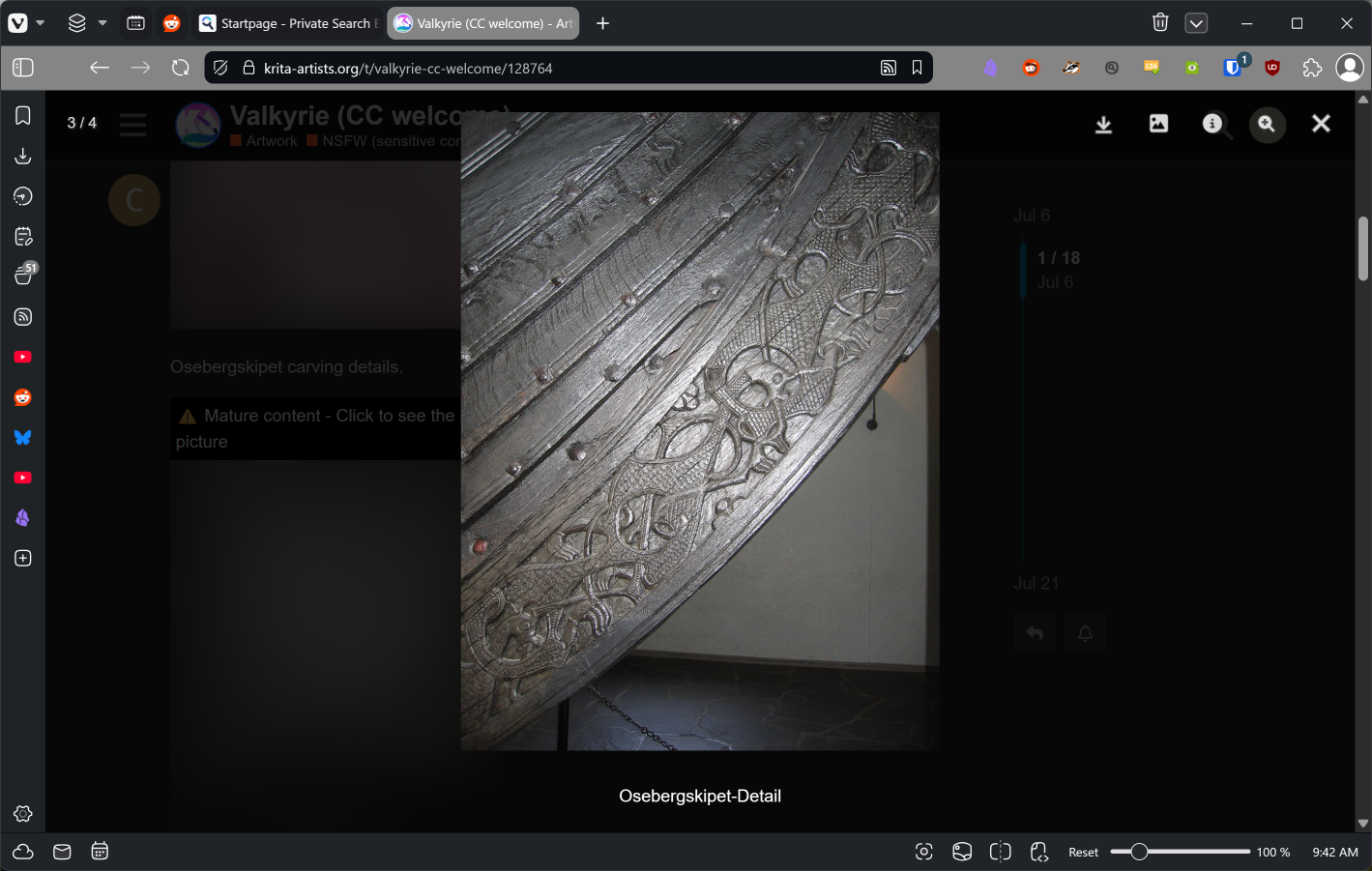
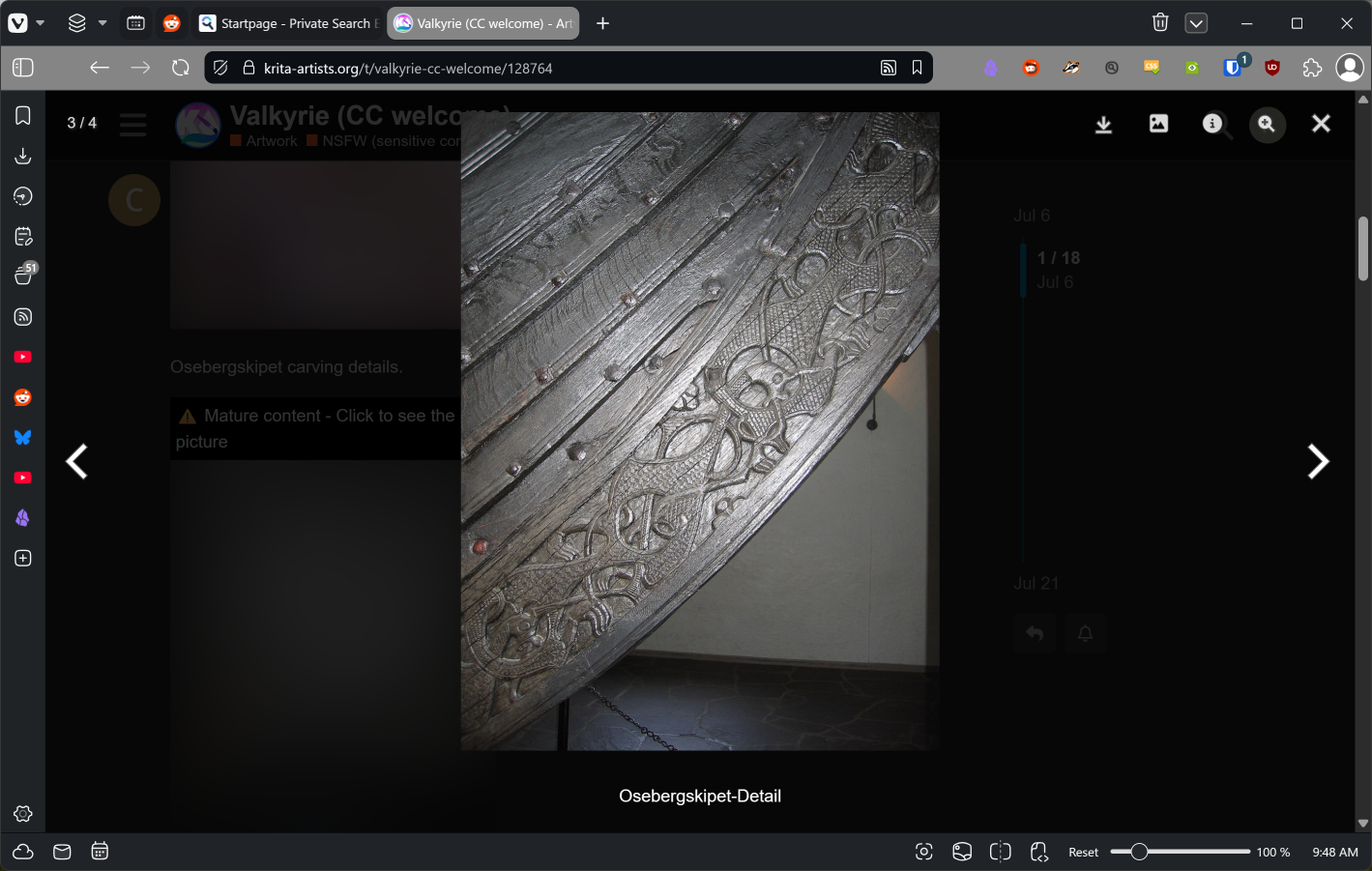
When viewing a post with multiple images, After you click the image you want to see, a new window opens and image appears. The “next or previous” arrows don’t show up on the right or left sides of the window. To get them to appear, you need to click on the area that the arrows should be. Clicking anywhere else takes you back to the original post.
Unfortunately there is nothing we can really do about this, it is an off the shelf forum software we basically use as is, and most of the time we can not really fix anything.
In my eyes this seems to be a browser specific error, because I can’t reproduce the described behavior with Firefox, Iron, LibreWolf, Opera, Edge using Windows 10 Pro as OS. And even r3dfox behaves as I would expect it.
Yes, I verified you are correct. Apparently Chrome and it’s derivatives (Vivaldi in this case) seem to suffer from this odd behavior. Thanks for the feedback.
Edit: I can also get the arrows to appear by just click-zoomng on the image. I will need to remember that!
 Hello
Hello 