You can Save the color palette in the document itself. This comes in handy if the current project requires some color palette which is specific to that project. To use this feature, create a new palette by clicking on the plus icon in the palette selection drop down in the palette docker
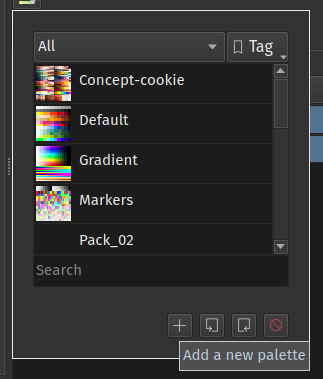
Then it will show you a dialog to create new palette, there you can choose to save this new palette in the current document.

This comes in handy when you have send the file to your colleague while collaborating in a project. If they make a change in the palette it will be saved in the document and you’ll see the new colors when you get the file back.